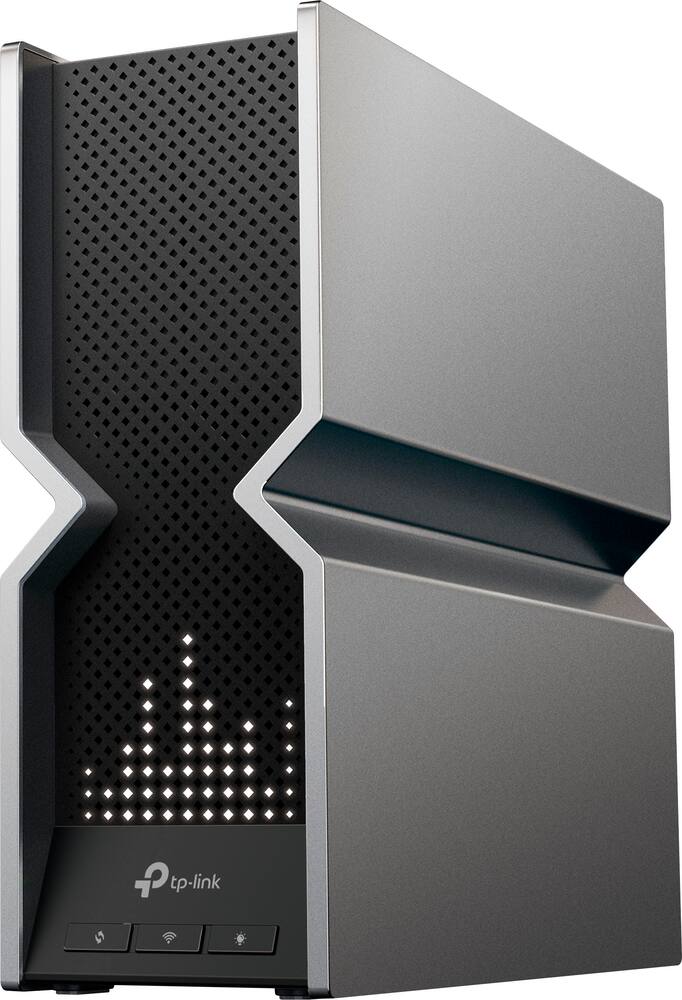
great router and great price - I originally had the smaller one whìch was great but this one has a wider coverage area. I'm able to get a signal down in my basement. Love the led in front
 20% off
TP-Link – Archer BE19000 Tri-Band Wi-Fi 7 Router – Black
SKU: 6537387
$39999
Was $499.99 Save $100.00
Other options in this range
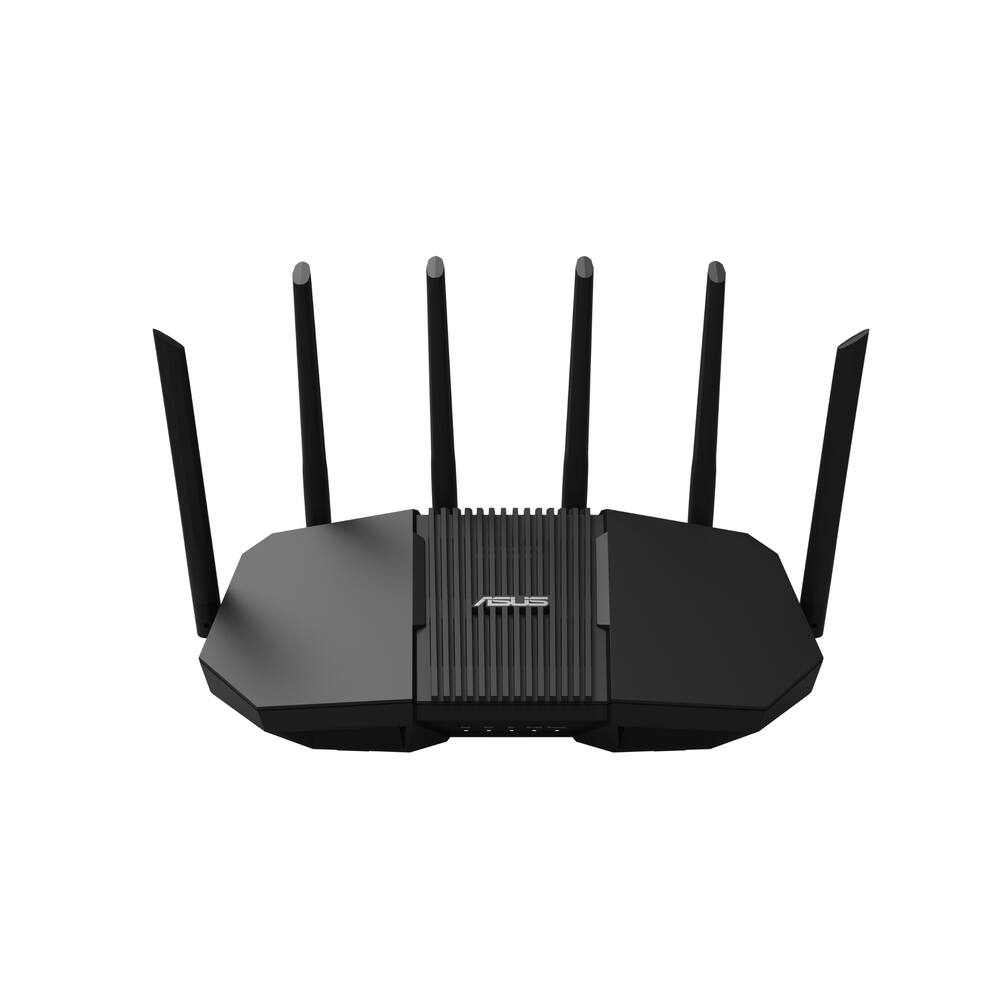 ASUS - RT-BE90U BE9400 Tri-Band Wi-Fi 7 Router - Black Original price was: $239.99.$191.99Current price is: $191.99.
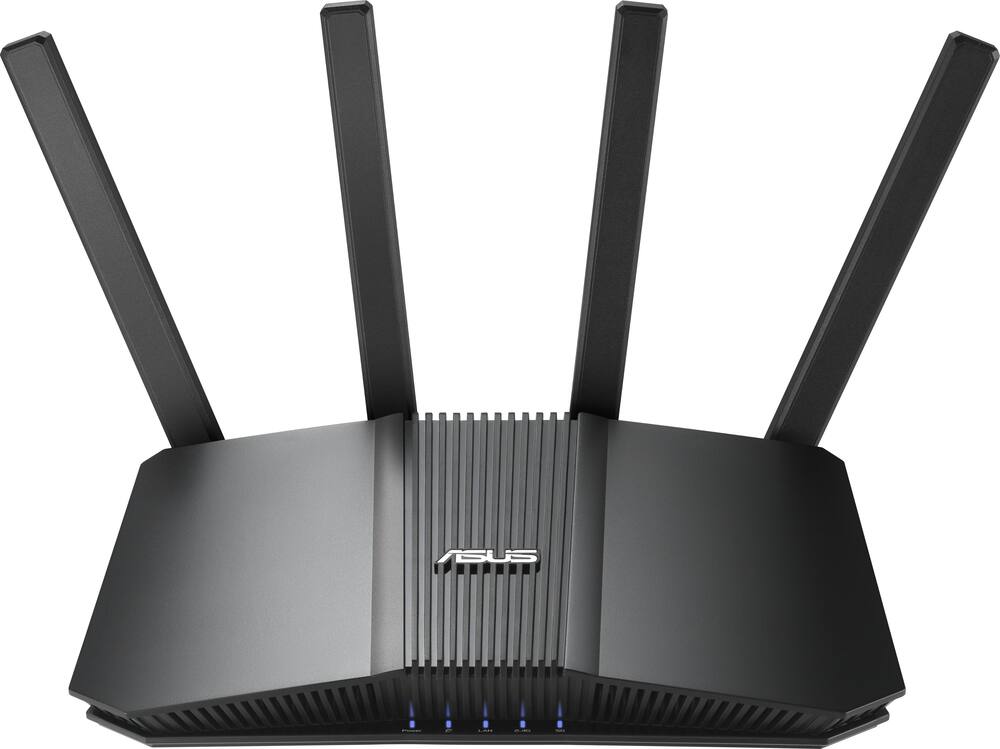 ASUS - RT-BE5000 Dual-Band Wi-Fi 7 Router - Black Original price was: $199.99.$159.99Current price is: $159.99.
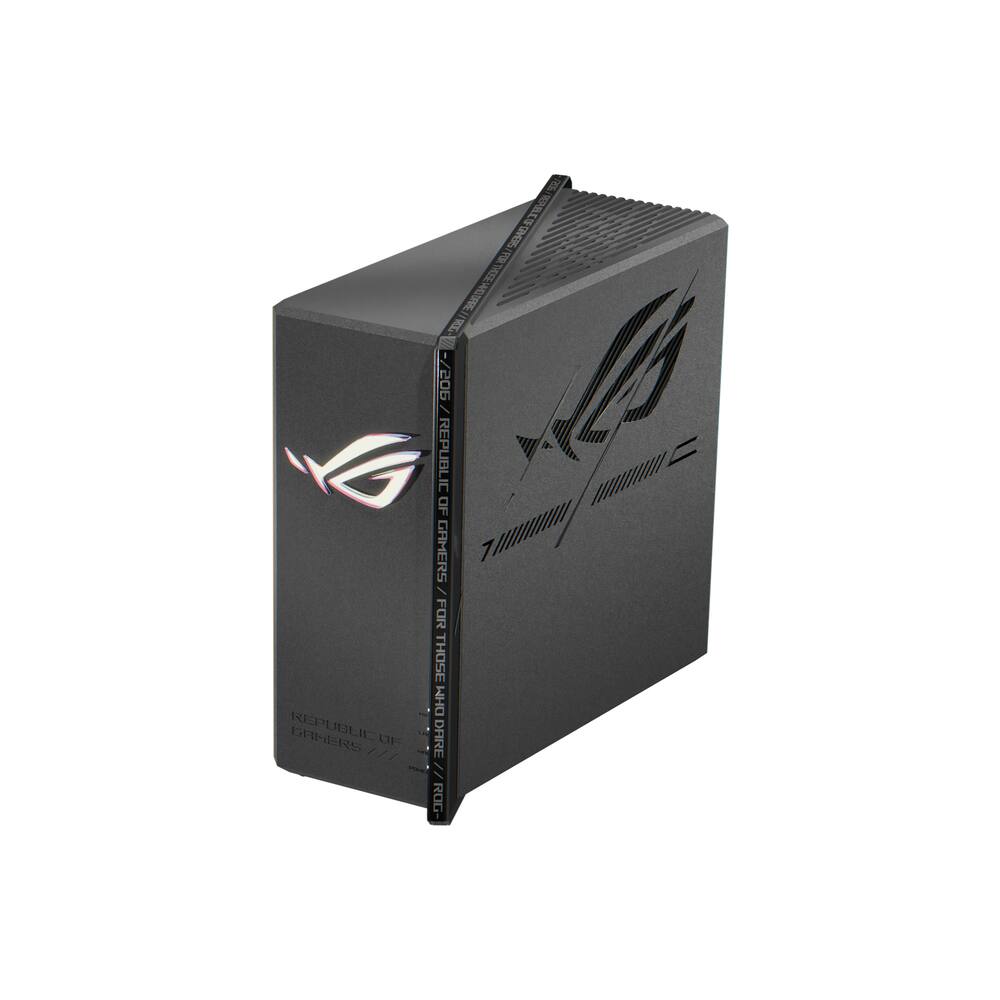 ASUS - ROG Strix GS-BE7200X Dual-Band Wi-Fi 7 Gaming Router - Black Original price was: $299.99.$239.99Current price is: $239.99.
Overview
- Redefining WiFi routers
With powerful WiFi 7 performance, lightning-fast wired connections, brand-new design, and LED screen. - Lightning-Fast 19 Gbps Tri-Band WiFi 7
Enables your devices to run at full speed. Enjoy fluent 4K/8K streaming, immersive AR/VR gaming, and unbelievably fast downloads. - Multi-Link Operation (MLO)
Increases throughput, reduces latency, and improves reliability for emerging applications. - Dual 10G ports
1× 10 Gbps Ethernet/Fiber Combo WAN/LAN port + 1× 10 Gbps WAN/LAN port + 4× 2.5 Gbps ports +1× USB ports ensure max flexibility and boosted throughput. - Maximized coverage
Proprietary WiFi optimization and 8× optimally positioned antennas along with Beamforming deliver more capacity, stronger and more reliable connections, and less interference. - EasyMesh-Compatible
Works with EasyMesh routers and range extenders to form seamless whole home Mesh WiFi, preventing drops and lag when moving between signals. - TP-Link HomeShield
Enhanced security defends against cyber threats. - Fun to Use
Conveniently manage everything with the Tether app . Visually display the time, weather, and playful graphics with the LED screen. - EastMesh² Compatible
Experience strong, stable, and seamless wireless connections throughout your home with EasyMesh²
Compare similar
| Feature |
VIEWING TP-Link - Archer BE19000 Tri-Band Wi-Fi 7 Router - Black
|
ASUS - RT-BE90U BE9400 Tri-Band Wi-Fi 7 Router - Black
|
LOWEST PRICE IN THIS TABLE ASUS - RT-BE5000 Dual-Band Wi-Fi 7 Router - Black
|
ASUS - ROG Strix GS-BE7200X Dual-Band Wi-Fi 7 Gaming Router - Black
|
|---|---|---|---|---|
| Price | $399.99 | $191.99 | $159.99 | $239.99 |
| This product | View details | View details | View details |
Specifications
Capacity & configuration
- Encryption Type
- WPA
- Firewall Type
- SPI
- Port Type(s)
- RJ-45
Dimensions & weight
- Product Name
- Archer BE19000 Tri-Band Wi-Fi 7 Router
- Product Height
- 10.33 inches
- Product Length
- 11.88 inches
- Product Width
- 3.77 inches
- Product Weight
- 4.85 pounds
Features
- Brand
- TP-Link
- Color
- Black
- Data Encryption
- Yes
- Security Features
- Wi-Fi Encryption, Parental Controls, QoS, Access Control, Guest Network Functionality, Dynamic DNS, VPN Pass-Through, DoS, SPI Firewall, IP Address Filter, MAC Address Filter, Domain Filter, IP and MAC Address Binding and HomeShield
- Parental Controls
- Yes
- Quality Of Service (QoS) Traffic Prioritization
- Yes
- Band Technology
- Tri
- Ethernet Standard
- 10/100/1000/2500/10000
- Number Of Connected Devices
- 100
- Number of Antennas
- 8
- Frequency Band
- 6.0 GHz
- Wireless Networking Standard
- Wi-Fi 7
- Wireless Standard
- BE
- Input/Output Technology
- MU-MIMO (Multi-user Multiple-Input Multiple Output)
- Number of 2.4Ghz Streams
- 4
- Number of 5.0Ghz Streams
- 4
- Number of 6.0Ghz Streams
- 4
- Wi-Fi Mesh System
- No
- Ethernet Switch
- Yes
- ENERGY STAR Certified
- No
- App Compatible
- Yes
- App Name
- TP-Link Tether
- Beamforming
- Yes
- Integrated Modem
- No
- Wireless
- Yes
- Number Of WAN Ports
- 2
- Number Of LAN Ports
- 4
- Wi-Fi Speed
- 19 gigabits per second
- Gigabit Ethernet Speed
- Yes
- System Requirements
- Win11/10 32bit/64bit, Internet Explorer 11+, Firefox 12.0+, Chrome 20.0+, Safari 4.0+, or other JavaScript-enabled browser, Subscription with an internet service provider (for internet access)
- Works With
- Amazon Alexa
- UPC
- 840030706974
Power & warranty
- Model Number
- Archer BE800
- Warranty - Parts
- 2 year limited
- Warranty - Labor
- 2 Year Limited Warranty
Warranty & protection
Included manufacturer warranty
See manufacturer documentation.
Register your product with the manufacturer within 30 days of delivery.
Warranty service
Manufacturer warranty claims are handled by the manufacturer. We are happy to help you find the right contact: (888) 419-6820.
Customer reviews
Write a reviewWorks great - Packaging and appearance was good. The app is not too bad as well for the TP-Link
Fast and reliable. - This router is awesome. Signal through entire home, both upstairs and downstairs. Even strong in my backyard.
Archer be19000 (800) router - Router works great was able to easy mesh my be9300 pro and be9300(550) to make a seamless network with no problems
Router - Purchased the BE19000, returned the BE15000. I needed more sq coverage. I have had jlno issue or connectivity problems with gameplay or streaming.
Reliable Router - So far I have not had any issues with Wi-Fi disconnects.
Amazing fast internet - This is an extraordinary router! Blazing fast! Easy to use! Made for a family that loves to stream! Fast delivery and it all came at a good price
Functionality Bait 'n Switch - Unit was great when we first got it. The only function I required was the ability to set a bedtime schedule for my kids, nothing crazy just the same bed time and wake up time - 7 days a week. Worked great until the trial premium security feature expired which I was unaware of was a premium feature?? Almost 400 dollars for a router that doesnt allow basic functions without paying a monthly fee???
Very fast and capable. - Very fast. I always have challenges setting up--that's probably just me.
Great Unit - I’m on Xfinity in Cape Coral, Fl. I had an Xfinity router/modem device and added 2 tp-link extenders. Everything worked fine then one day the extenders disappeared, and other signal issues. I swapped Xfinity device and it happened again. Swapped, and happened again, so bought surfboard modem and this router and couldn’t be happier. Seamless installation, and no hiccups. Rock Solid. If you do decide to use your own equipment, it’s important to ensure your Xfinity modem is returned to prevent conflicts.
Such a good router! - I really like this router. I've had it for almost a year and haven't had any problems so far. 1GB wireless download and 980 upload. I was skeptical before buying this, as people had concerns about dropped bits, unreliable connections, and slow speeds, but so far none were true.
Garbage of a router - Has to be the worst router in the family of routers EVER!!! It would simply drop connections even when making setting adjustments. It wouldn't stream consistently. Just the simplest sites or apps, it would chug on a 5gb fiber network. I will NEVER EVER buy another TP-Link product ever again. TRASH!!!!!!!!
Awesome in a box - Ised this router at two different locations with two different providers. It works seamlessly with my fiber internet service. The installation technician seen the router and said it would be useful for years to come. I haven’t even started using the router to its full potential. The led light settings are great. I highly recommend this router for anyone wanting to upgrade.
Terrible experience - I decided to upgrade to a wifi 7 router. Reviews for this were pretty good and the features appeared to be great. Now im constantly getting connectivity issues. Half my things need to keep getting reconnected. I went through all the settings that could be causing the issue and couldnt find whay could be the cause of these issues. Never had problems before, switching back to my netgear bc tplink is garbage
Much faster than my old router - I pay for 1gbps speeds and would only hit around 700/750 on average with speed tests. This was due to my old router not being fast enough to handle all the current connections and pull down the full 1gbps at the same time. I switched to this router and I'm exceeding my 1gbps connection by about 50mbps (so about 1050gbps speeds). Works great and is fast.
Wifi Range is lacking. - Everything on this is top notch, but the range. I have a 3 bed one story home. The router is as dead center of the home as possible and the farthest bed room has low wifi signal. I bought this cause I thought range wouldnt be an issue in a smaller home like mine.
Good early adopter for Wi-fi 7 - It’s a good router. There are some kinks that need to be worked out when it comes to EasyMesh and plenty of other things. Coming from ASUS, it doesn’t provide you nearly as much control over certain settings. Considering I got it on a deal and price matched, I’m happy. The main difficulty is waiting for more WiFi 7 clients pop on the scene to truly see what it can do.
Great router. I haven't had any issues since I purchased this. Definitely a good choice.
Won’t need another router for years to come. - Honestly, this is the best dang router. I had just upgraded my Internet speed and the router that my ISP gave me was definitely going to suffice, but my WiFi Speeds were terrible. I tried the 11000pro from TP link and while it was enough to handle having everyone over for the holidays, I was still getting sub par WiFi Speeds and signal wasn’t the greatest pay my front door. I thought to myself, do I really need such an expensive router? Well, Best Buy offered to price match with a competitor which helped me make the decision. I’ve had this router now for about two months and I still don’t know how I went this long without one. It’s Future proof and and signal strength is fantastic. I get strong signal at my neighbors house, which is across the street. Features are super easy to program and the interface is very user friendly. This makes for an all in all excellent user experience and I do not regret it for one sec. What’s not to love about strong WiFi signal and (4)-2.5gb ports and the additional 10gb port for future expansion. If you’re reading this sentence, Just buy it… 10/10
Avoid this overpriced garbage - Absolute garbage router. Continuously drops all connected devices. Won’t exceed 15mbps upload speed. Zero support from the manufacturer and a horrible app that really doesn’t offer anyway to configure the router.
Questions & answers
Ask a question
Email [email protected] or call (888) 419-6820 during business hours.
Add your review