Power / WiFi Drops - Power supply issue, will not stay .. Wireless Drops.
 20% off
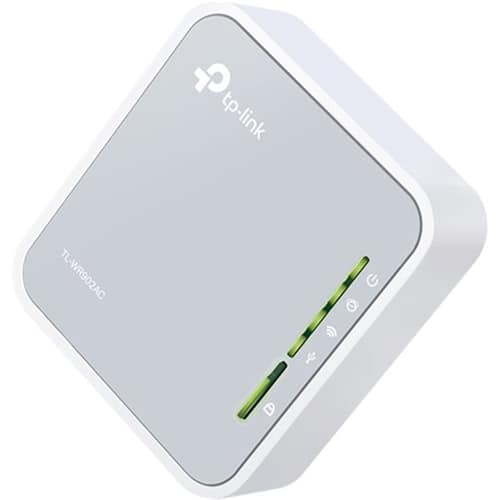
TP-Link – AC750 Dual-Band Wi-Fi Router – Silver/White
SKU: 5844810
$3199
Was $39.99 Save $8.00
Other options in this range
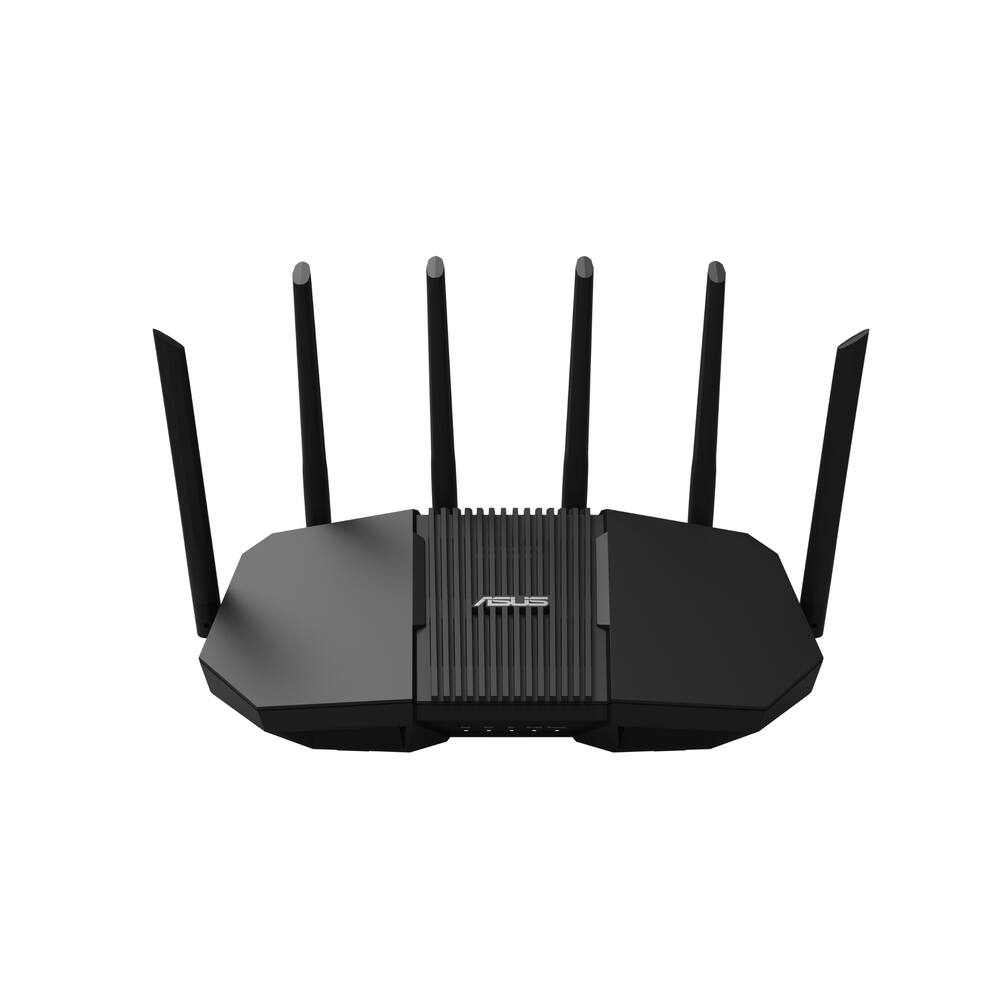 ASUS - RT-BE90U BE9400 Tri-Band Wi-Fi 7 Router - Black Original price was: $239.99.$191.99Current price is: $191.99.
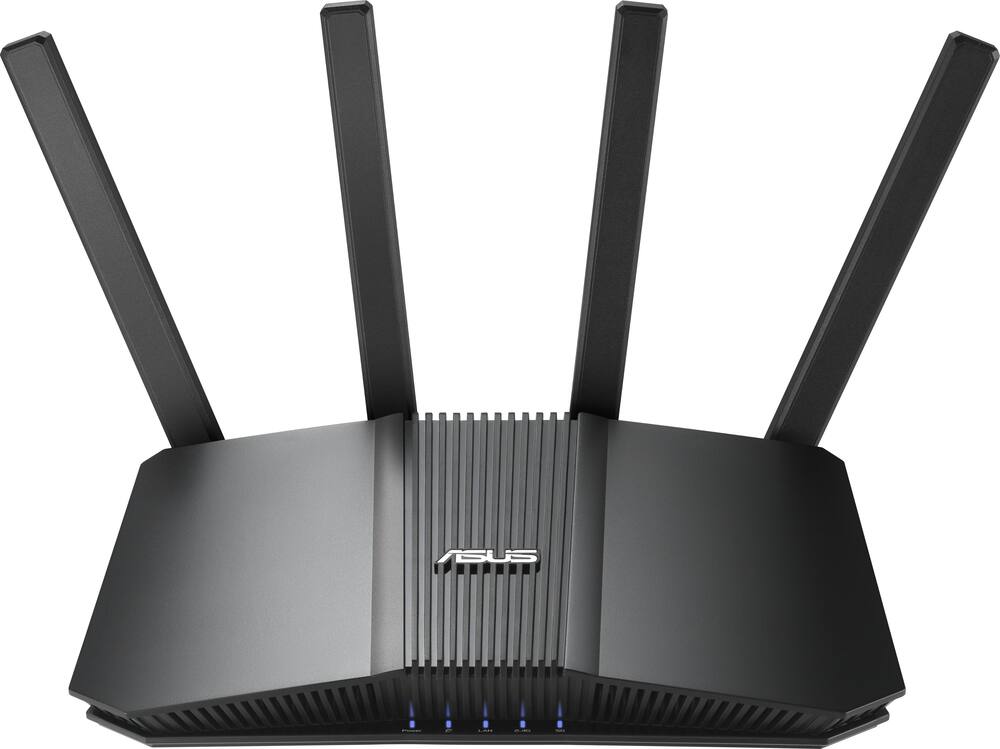 ASUS - RT-BE5000 Dual-Band Wi-Fi 7 Router - Black Original price was: $199.99.$159.99Current price is: $159.99.
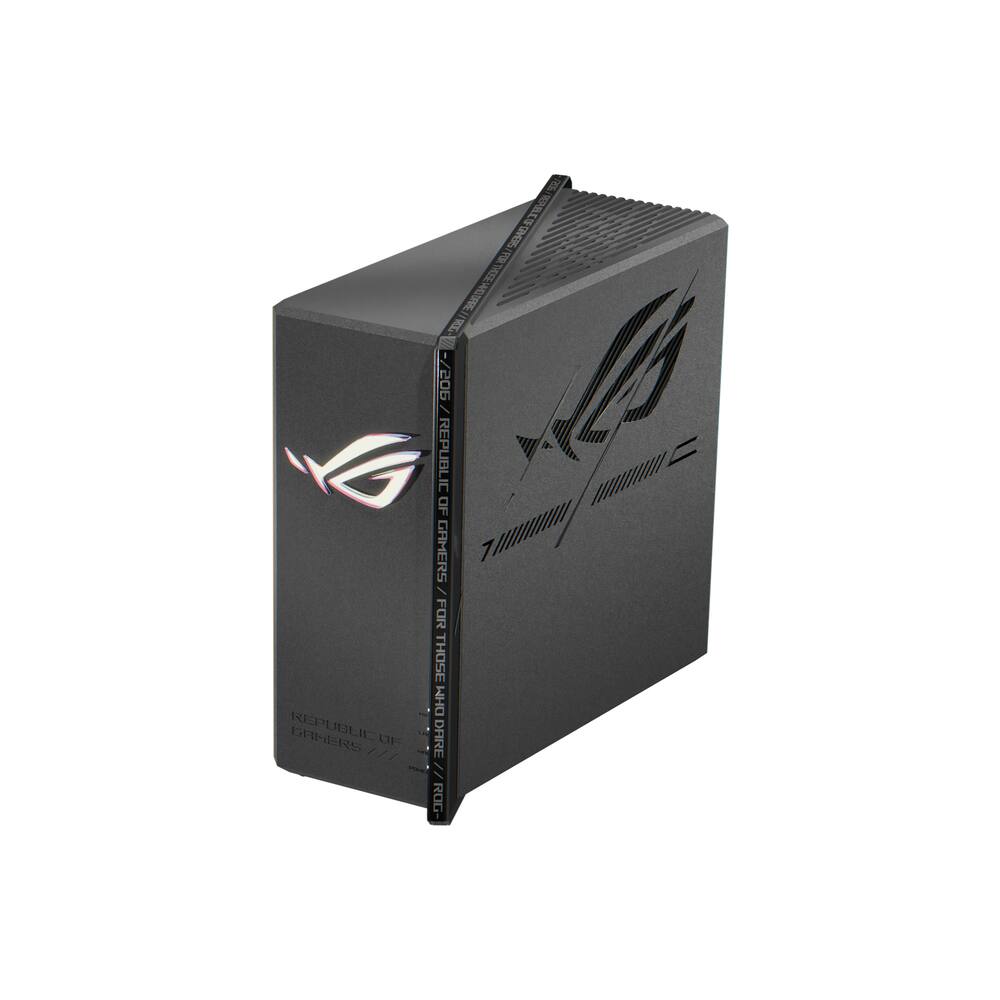 ASUS - ROG Strix GS-BE7200X Dual-Band Wi-Fi 7 Gaming Router - Black Original price was: $299.99.$239.99Current price is: $239.99.
Overview
- Compatible with 802.11ac
Backward compatible with 802.11a/b/g/n networks, so you can easily upgrade. - Up to 733 Mbps data transfer speed
For fast, efficient operation. - Multiple modes
Include support of access point, hotspot, client adapter, router, repeater and bridge modes for connectivity in any situation. - Multifunctional USB port for file sharing and charging
This travel router comes with a built-in USB 2.0 sharing port. Connect a USB storage to share access to files, download movies and back up recent photos. Connect your smartphone and the router doubles as a 5V/1A charging station. - Complies with a variety of standards
Including FCC and RoHS. - Auto detecting and auto sensing
To simplify device connectivity. - DoS attack prevention
Helps block intruders from accessing sensitive information. - Encryption
Includes WEP, WPA-Personal and WPA-Enterprise to keep your network secure. - Compact design
Fits into your pocket, purse, or bag for easy access to a personal Wi-Fi network wherever you have a connection to Internet. - System requirements
UNIX, Apple MacOS, Linux and Microsoft Windows XP/Vista/7/8/8.1/10.
Compare similar
| Feature |
VIEWING TP-Link - AC750 Dual-Band Wi-Fi Router - Silver/White
|
ASUS - RT-BE90U BE9400 Tri-Band Wi-Fi 7 Router - Black
|
ASUS - RT-BE5000 Dual-Band Wi-Fi 7 Router - Black
|
ASUS - ROG Strix GS-BE7200X Dual-Band Wi-Fi 7 Gaming Router - Black
|
|---|---|---|---|---|
| Price | $31.99 | $191.99 | $159.99 | $239.99 |
| This product | View details | View details | View details |
Specifications
Capacity & configuration
- Encryption Type
- WEP
- Firewall Type
- SPI
- Port Type(s)
- RJ-45
Dimensions & weight
- Product Name
- AC750 Dual-Band Wi-Fi Router
- Product Height
- 0.9 inches
- Product Length
- 2.6 inches
- Product Width
- 2.9 inches
- Product Weight
- 0.14 pounds
Features
- Brand
- TP-Link
- Color
- Silver/White
- Data Encryption
- Yes
- Security Features
- DoS, SPI Firewall, IP Address Filter/Domain Filter, IP and MAC Address Binding
- Parental Controls
- Yes
- Band Technology
- Dual
- Ethernet Standard
- 10/100
- Number of Antennas
- 0
- Frequency Band
- 2.4 GHz
- Wireless Networking Standard
- Wi-Fi 5
- Wireless Standard
- AC
- Number of 2.4Ghz Streams
- 1
- Number of 5.0Ghz Streams
- 1
- Wi-Fi Mesh System
- No
- Routing Protocol
- Static IP routing
- Transport Protocol
- PPTP, L2TP, PPPoE
- ENERGY STAR Certified
- No
- App Compatible
- No
- App Name
- no
- Beamforming
- No
- Integrated Modem
- Yes
- Auto Connect
- Yes
- Auto Detecting
- Yes
- Wireless
- Yes
- Number Of WAN Ports
- 1
- Number Of LAN Ports
- 1
- Wired Speed
- 100 megabits per second
- Wi-Fi Speed
- 750 gigabits per second
- Gigabit Ethernet Speed
- Yes
- Auto Speed Sensing
- Yes
- System Requirements
- Windows 10/8.1/8/7/Vista/XP, Mac OS or Linux-based operating system
- Bluetooth Enabled
- No
- UPC
- 845973095666
Power & warranty
- Model Number
- TL-WR902AC
- Warranty - Parts
- 1 year
- Warranty - Labor
- Not available
Warranty & protection
Included manufacturer warranty
See manufacturer documentation.
Register your product with the manufacturer within 30 days of delivery.
Warranty service
Manufacturer warranty claims are handled by the manufacturer. We are happy to help you find the right contact: (888) 419-6820.
Customer reviews
Write a reviewNo Connection - It wouldn't connect to anything. The direction were not easy to follow.
Powerful Little Box - Just what I needed, Easy connection to WiFi and out to Smart TV. No more dropped WiFi Signals while watching my shows!
Perfect for travel - Easy to setup, I only use this for one function,but it does it well.
Compact Travel Router works as Car Media Server - I bought this travel router for a very specific use case. I would use this in places with no WiFi to serve out media from a connected hard drive. I tried to do this with a Raspberry Pi set up as a WiFi hotspot and a media server. The WiFi negotiation with my kids Kindle Fire was terrible, while my Pixel 3 phone was fine. When I saw this on sale for cheaper than a Raspberry Pi + power + case + memory card, I decided to take a chance. I bought this router, in particular, because it supports 802.11ac speeds and has a USB port that I can plug in my 4TB portable hard drive. Set up was very quick. Use the included USB-A to Micro-USB and the wall adapter to supply power to the router and plug in a portable hard drive into the USB port. I connected my laptop to the TP-Link's SSID using the supplied password (the default one is printed in small font on the bottom of the router or in larger font on a card included in the box). I directed my browser to the router's URL or address and logged in. I was able to walk through the setup of the wireless very easily. I also changed the default admin password after a little searching through the menu system. Set up of the USB connection took me a few tries. Unfortunately, there were no good instructions for this that came with the Router. I created a share name, then created a user account with read-only access to the media. On the Kindle Fire, I installed ES File Explorer and VLC Media Player and it works very nicely. It isn't a very polished system, but it works well enough for my kids to be able to use it. Now, each of my kids can stream a different video while we take long car trips.
tp-lonk - I bought this item to use with my I pad but I cant figure it out.
Not good - It wasn't what I expected and it didn't compare to no hotspot I tried it on.
It is ok. - I like everything about it but did not work for what I need it. It does not work with optimum WiFi hotspot
Very easy to use. - It is very versátil and easy to use it's got ample compatibility with many devices.
Did not work for me - I tried every possible scenario to set up the device and even contacted customer support a number of times to no avail.
Didn't operate as expected. - The band wifi router did not meet its wifi capacity.
Just as advertised, easiest router ever and more! - This is eactly what I needed, it's totally plug and play and configured easily through their companion app. Just a solid tiny router, but you don't even need to plug it in to use it as a repeater, it can even work as a wireless card. I'm on acres point mode and it gives you a 2.4 g and 5g channel of which you can rename both and run them simultaneously? What a great deal!!
Returned - Couldn't get it to work, had to return to retailer
Works as advertised! - I bought this router to use with a wifi hotspot; For that, it works flawlessly. It was a little overpriced though and for that, I took off a star.
Great Little Travel Router - Tether app is EZ - I got this little Travel Router to play around with both at my apartment as a range extender, but also for myself or any of my family members to use when traveling. I can say, that for me setup is extremely easy, but I have setup wireless networks many a time in the past. However, for anyone who can follow instructions, everything you will need to get up and running is in the box. The wifi names and pw’s are on a card in the box, as well as the administrator info so that you can change the network names and pw’s is also on that card in the box. If all else fails, and you accidentally mess something up, forget the admin login or the wifi login, there is a reset button on the device for you to reset it back to factory settings which are the same credentials on that card that shipped with the device. As a router(connected to internet source with ethernet) the device is recognized in the TP-Link Tether application, so rather then opening a browser for admin controls, you can do a lot of things right in the app. However, the app does NOT have the full capabilities as logging in on a browser, but it does have functionality to be able to see how many devices are connected to your wifi, change the wifi name, change the pw to your wifi, and change the admin login to the device itself. Its nice that this can be done in the app, as most people with little to no experience setting up a router will find it easier in the app then in a browser. Hotspot mode is a fantastic feature for this little pocket router, it allows you to grab any wifi signal and create your own network from that wifi. That being said, setting this up needs to be done in a web browser, the Tether app does NOT recognize this device to control it within the app when it is in Hotspot mode. It will see the device if youre connected to it in the Tether app, but will not give you any control over the device. That being said, this is a very nice feature, as it enables you to go anywhere and create your own secured network. You can walk into a starbucks, plug this into a outlet for power, throw it on Hotspot/WISP mode and make your own network to do work on from your computer or phone. Client mode works similarly to Hotspot mode in the fact that it grabs a wireless signal to create a private network, however for client mode you connect YOUR device(Laptop) via ethernet to the travel router and it creates a network from the wifi its grabbing. You can also plug in a USB-A 3G/4G modem and great a private wifi from that, or use this device as a mini portable NAS(kind of...in very limited function)in the fact that it allows you to share files and media through your browser, or allows multiple devices to access the media on a thumb drive when that drive is plugged into the USB-A port. It also allows you to charge your phone from the USB-A port. All in all, I highly recommend this device to any and everyone who finds themselves traveling even occasionally. You can certainly find a use for this device in your home when not traveling(range extender/access point/client), and also know you have piece of mind when you are traveling that you can connect to your own private network. My suggestion would be to do a dry run, and set this up and use it at home before you travel. Connect the devices that you will be traveling with to it at least once, so that when you do travel, the only thing you have to worry about is connecting it to its source(wifi or ethernet) and your devices will connect to it automatically. Dont wait until youre already traveling to have to take the time to learn and configure this device.
Not simple plug and play - I tried to use this at a hotel. Plugged into Ethernet connection but couldn’t get it setup. Maybe someone who understands networking better would not have this problem. It is very compact. Great size for traveling.
Compact and reliable - Compact router with multiple options. Very satisfied overall. You can use with an existing LAN to create a WAN or you can you use a public network to create a private network.
Nice product - I really liked this router. This router can be used as an access point, bridge and a repeater.
Works well. Good for the price. - Good price. Works well. Easy to set up. Great for hotel set up.
Great travel router - Works great for hotels and public wifi areas. Allowed us to create our own wireless network off of our hotel's network and that gave us more stable connections. We had about 10 devices hooked up with no problems.
Questions & answers
Ask a question
Email [email protected] or call (888) 419-6820 during business hours.
Add your review