Pretty convenient - It’s very nice and compact. Would recommend you guys to get it if you’re trying to draw, not professionally
 20% off
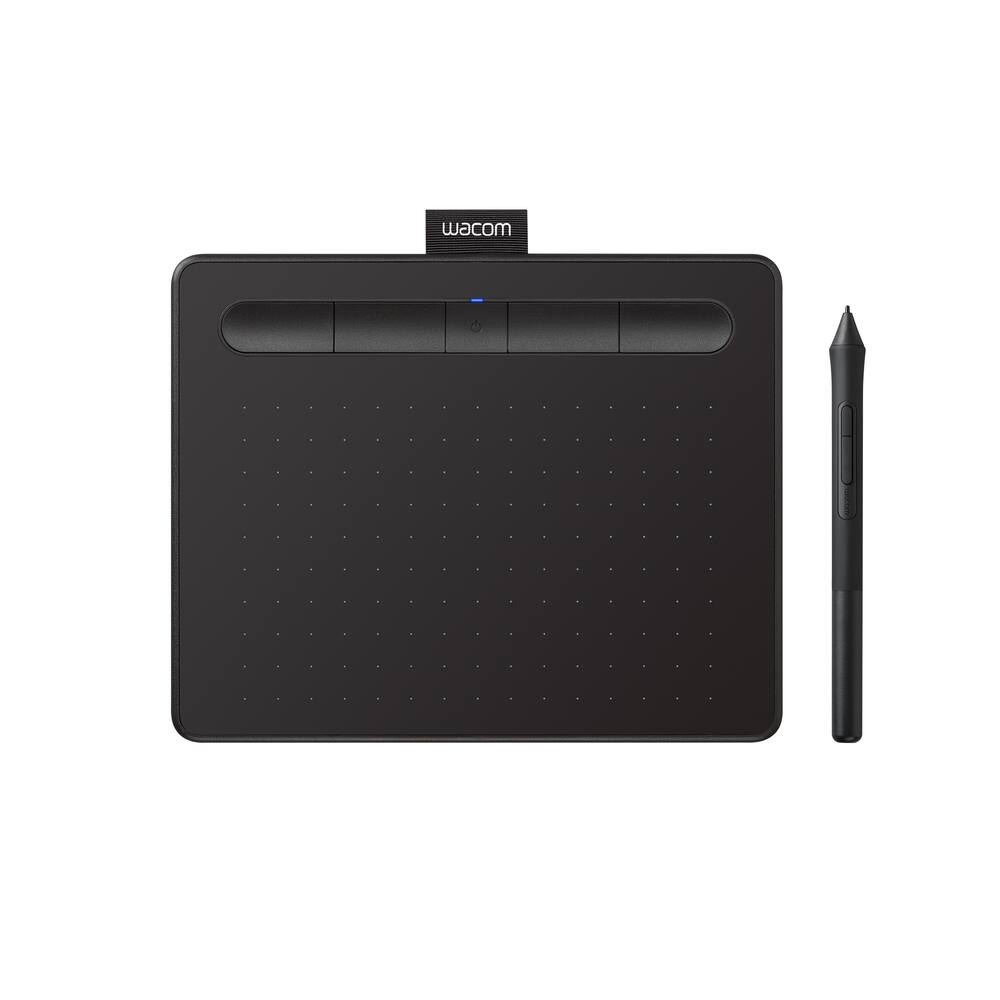
Wacom – Intuos Small Bluetooth Graphics Drawing Tablet, Includes Training & Software; Works w/ Chromebook Mac Android & Windows – Black
SKU: 6196634
$6396
Was $79.95 Save $15.99
Other options in this range
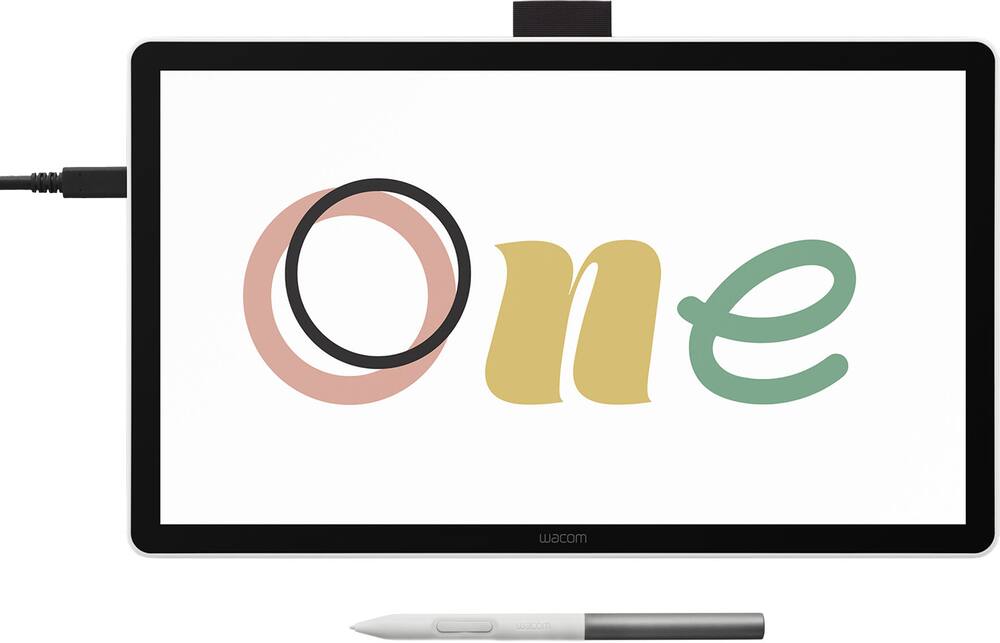 Wacom - One 14 (2025) Pen Display Drawing Tablet - White Original price was: $299.95.$239.96Current price is: $239.96.
 Wacom - MovinkPad 11, Android Mobile Drawing Tablet, 11.45" with Battery-Free Slim Pro Pen 3, 8GB RAM/128 GB Storage - Silver Original price was: $499.95.$399.96Current price is: $399.96.
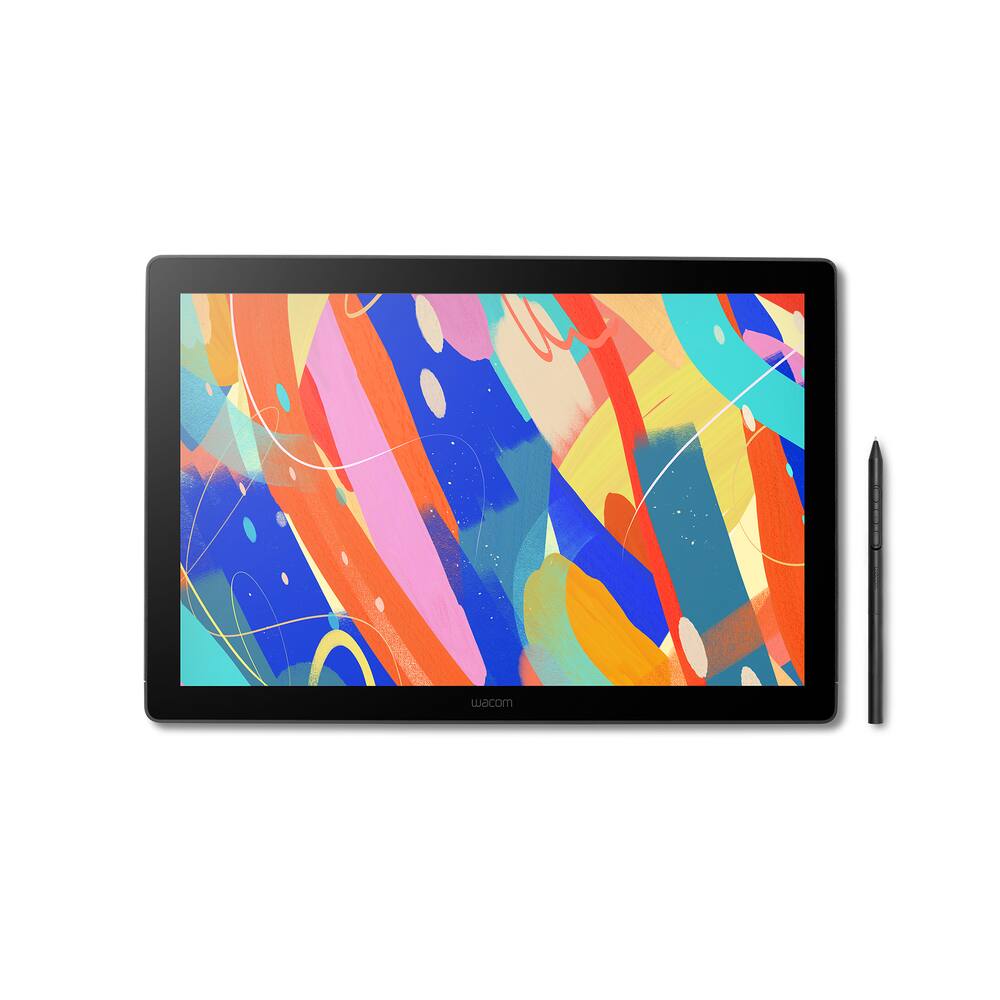 Wacom - Cintiq 16 Drawing Tablet - Black Original price was: $699.95.$559.96Current price is: $559.96.
Overview
- COMPLETE CREATIVE STARTER KIT:
Register your Intuos tablet and gain access to some of the best creative software and online training. - NATURAL, PRECISE DRAWING EXPERIENCE:
Battery-free pressure-sensitive Wacom EMR technology delivers accurate control with no charging or batteries needed – just pick up the pen and draw with instant response and true-to-life precision. - PERFECT FOR BEGINNERS & EDUCATION:
Easy setup gets you drawing in minutes on Windows, Mac, or Chromebook; ideal for drawing, sketching, photo editing, note-taking, document annotation, and classroom use. - COMPACT & COMFORTABLE:
Lightweight design with a paper-like drawing surface and four customizable ExpressKeys for instant access to your favorite shortcuts; small active area perfect for limited desk space while maintaining full creative control. - RELIABLE PERFORMANCE:
Wacom’s proven reliability works seamlessly with your computer – no driver headaches, mysterious disconnects, or frustrating “why isn’t this working?” moments common with cheaper alternatives. - READY FOR YOUR FAVORITE SOFTWARE:
Works seamlessly with all major creative applications such as Photoshop, Krita, Affinity, Sketchbook, as well as OneNote or Canvas for notes, presentations, annotation and markup.
Compare similar
Specifications
Capacity & configuration
- Total Storage Capacity
- 0 gigabytes
- Battery Capacity
- 1265 milliampere hours
Dimensions & weight
- Product Name
- Intuos Small Bluetooth Graphics Drawing Tablet, Includes Training & Software; Works w/ Chromebook Mac Android & Windows
- Product Height
- 0.35 inches
- Product Width
- 7.87 inches
- Product Depth
- 6.3 inches
- Product Weight
- 8.8 ounces
Features
- Brand
- Wacom
- Color
- Black
- Screen Size
- 0 inches
- Stylus Input
- Active (Electromagnetic Resonance)
- Graphic Resolution
- 2540 lines per inch
- Active Area
- 6.0 x 3.7 in.
- Operating System Compatibility
- Mac OS
- System Requirements
- Windows 7 or later, Mac OS X 10.11 or later; Chromebook (devices running the latest Chrome OS), and Android smartphones/ tablets (OS version 6.0 or later); Easy plug-in via USB-A/Bluetooth: some devices require USB-C or OTG adapters; internet access
- Wireless Connectivity
- Bluetooth
- Interface(s)
- USB-A
- Charging Interface(s)
- USB-A
- Battery Life (up to)
- 15 hours
- Battery Chemistry
- Lithium-ion
- Pressure Levels
- 4096
- Number of Shortcut Keys
- 4
- Stylus Included
- Yes
- Stylus Stand Included
- Yes
- Year of Release
- 2018
- UPC
- 753218986870
Power & warranty
- Model Number
- CTL4100WLK0
- Stylus Model Included
- Wacom 4K Pen
- Warranty - Parts
- 1 year
- Warranty - Labor
- 1 year
- Model Family
- Wacom Intuos
Warranty & protection
Included manufacturer warranty
See manufacturer documentation.
Register your product with the manufacturer within 30 days of delivery.
Warranty service
Manufacturer warranty claims are handled by the manufacturer. We are happy to help you find the right contact: (888) 419-6820.
Customer reviews
Write a reviewPrecise retouching without the wrist strain - After ten years of retouching, I wanted something more precise than a mouse for masking, dodge and burn, and cleanup work. The Intuos Small does that well. The pen feels natural, the pressure response is smooth, and the battery-free pen means one less thing to charge. Bluetooth pairing with my Mac was quick, and the compact size leaves plenty of room next to my keyboard. It’s small enough to travel with, and it’s a clear upgrade for anyone doing detailed edits. I’d recommend it.
Works well - Functionally it works well consitantly exactly as described. Personally moving to tab s10 ultra paired with my gaming laptop through the Superdisplay app w/ClipStudio wound up being my personally preferable digital art solution.
Works as expected - It works and it is serviceable. The nibs wear out faster than I expected them too and they don’t provide much documentation on what you need to purchase to replace them. It took my a few tries to get the right ones.
Good product; it works very well for designing. - Wacom is a very good brand of design tablets; they are high-quality and work well for creating graphics.
WRITING TABLET - WENT AND PICKED THIS TABLET UP FOR MY 3D PRINTING WOKS GREAT
Nice easy to use drawing pad - I use this on my laptop with Bambu studio. Makes coloring models easier.
Great product - Once installed everything connected well. Used for Zoom meetings and drawing/writing on the whiteboard
Good starting point - The tablet is really easy to set up and allows the user to start using it right away. The price is good for starting point and get the feel if you want to spend more and upgrade.
Best bluetooth tablet - As I change my workstation on my desk, I had a problem with a huge tablet for traveling. So I changed with this tablet, working with bluetooth and no worries about the lines.
Great!!! - Allows me to not pay attention in class and draw what I want!
Gaming faster - Very very easy to use little set up very smooth surface
BT latency - If you care about latency (who doesn't), just get the wired one. It's unmanageable wirelessly, I probably used it once and the rest has been wired because latency is terrible and they will tell you that it's probably your BT chip or amount of devices connected.
Great little drawing tablet - This is the second one I’ve bought, this one for my daughter. It’s such a simple drawing pad to use and very affordable. Indispensable for those times when you really need a digital pencil but can’t or don’t want to draw directly on a screen.
Cool item - Wonderful gift for my daughter she loves to draw and this fit perfect for her
Great Buy - Easy to connect to bluetooth, incredibly responsive to the pen, excellent battery life. I couldn’t ask for more.
Perfect item for the price - Love! Makes Editing photos much better! Would recommend!
Drawing pad - I was lied to that it would work with my tablet through Bluetooth. It does not work and has to be plugged in in order to work. I am not happy with the product.
Great - Just as described. Excellent tool to have to support new hobbies or interests. My teen loved his Christmas present.
Decent draw pad for price - Works well. Takes some getting used to drawing on one thing and writing showing on computer
Questions & answers
Ask a question
Email [email protected] or call (888) 419-6820 during business hours.
Add your review