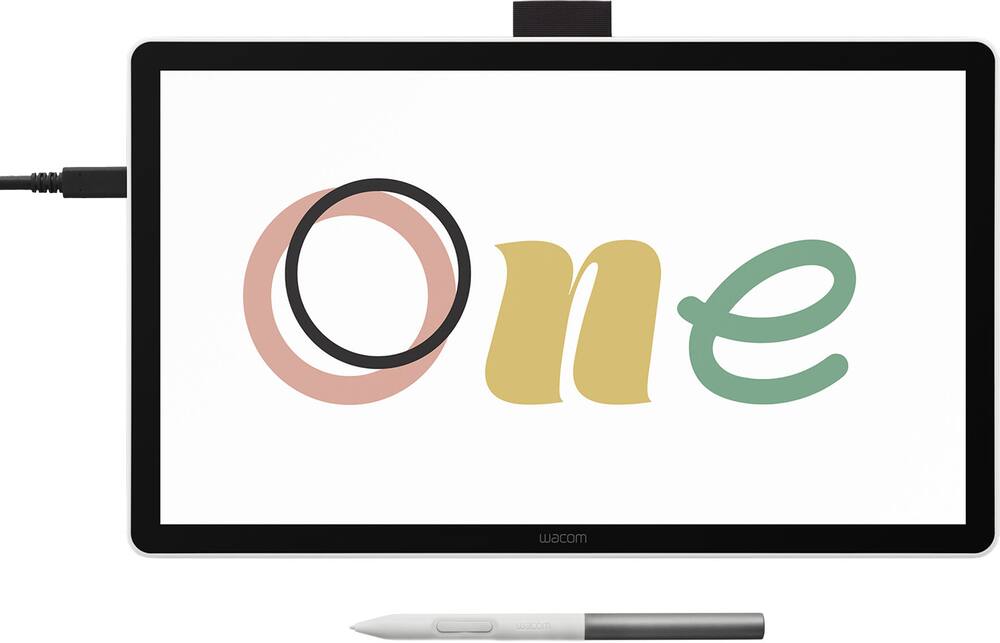
Perfect for whiteboarding over meetings - It just works! Better than whiteboarding on an iPad or other type of drawing device; it works like an additional monitor so it’s really easy to share the screen
 20% off
Wacom – One 14 (2025) Pen Display Drawing Tablet – White
SKU: 6643866
$23996
Was $299.95 Save $59.99
Other options in this range
 Wacom - MovinkPad 11, Android Mobile Drawing Tablet, 11.45" with Battery-Free Slim Pro Pen 3, 8GB RAM/128 GB Storage - Silver Original price was: $499.95.$399.96Current price is: $399.96.
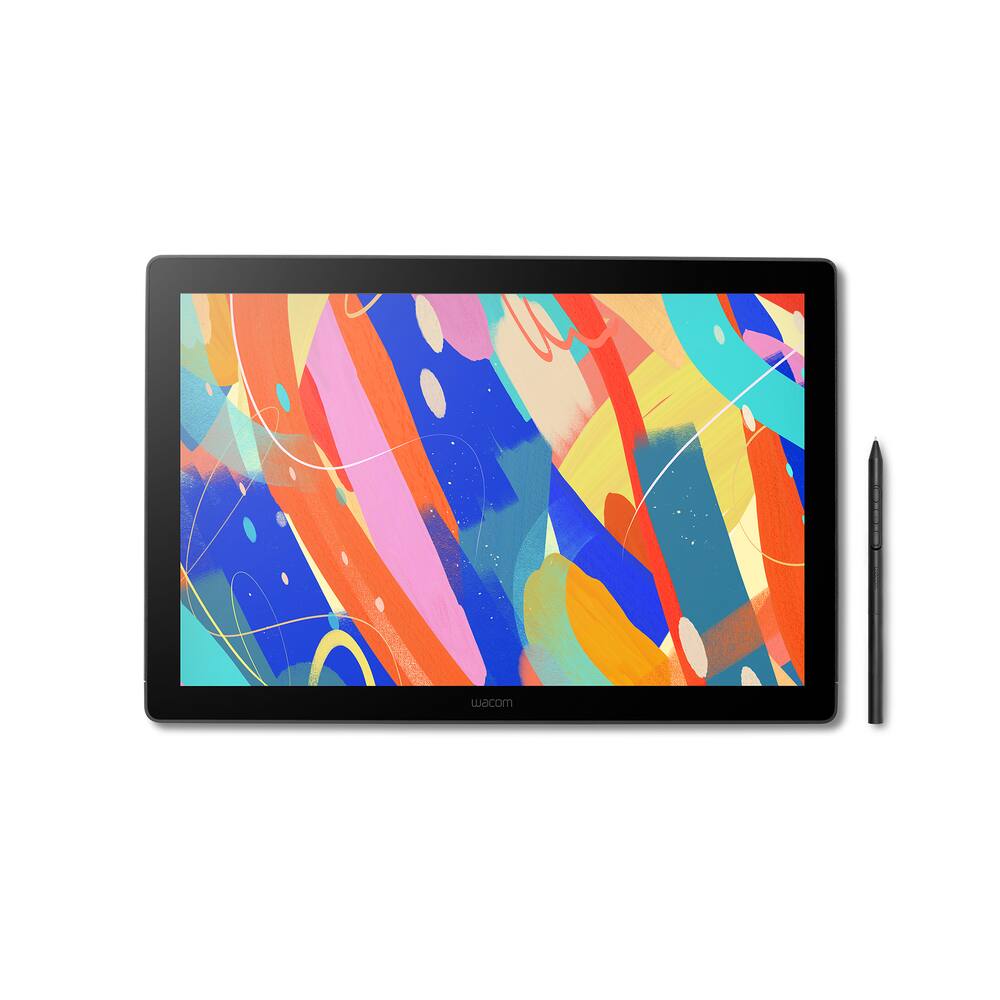 Wacom - Cintiq 16 Drawing Tablet - Black Original price was: $699.95.$559.96Current price is: $559.96.
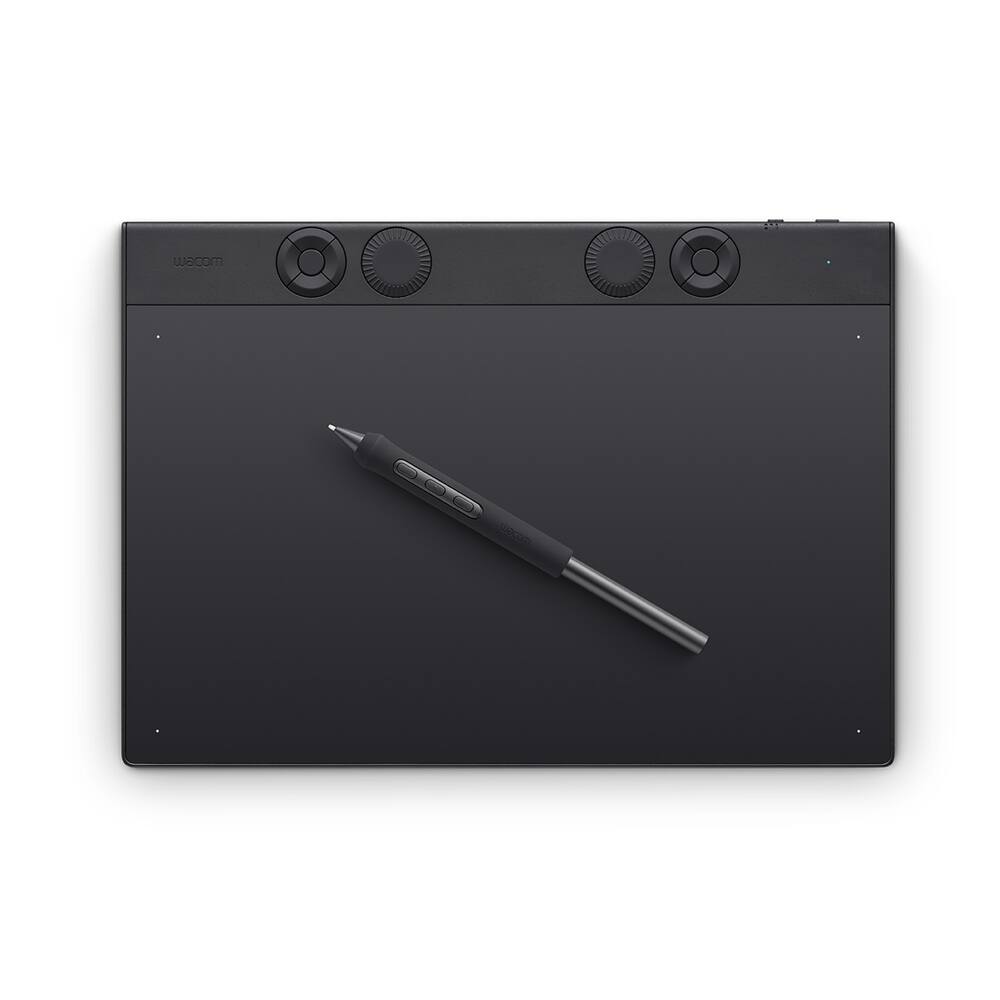 Wacom - Intuos Pro Medium Bluetooth Professional Graphic Drawing Tablet (2025) - Black Original price was: $379.95.$303.96Current price is: $303.96.
Overview
- BIGGER CANVAS, BETTER DETAIL:
Redesigned with more drawing area, the laminated 14″ crisp IPS Full HD display offers generous space with 98% sRGB color accuracy and a paper-like texture that won’t glare or smudge – keeping you in your creative zone longer. - PRECISE, NATURAL FEEL:
Draw with the control that made Wacom a favorite; the battery-free pen never needs charging and captures everything from light lines to bold strokes with Wacom’s responsive pressure sensitivity. - COMPLETE CREATIVE STARTER KIT:
Includes trials of Clip Studio Paint Pro, Magma, Concepts & Foxit software, and Skillshare training courses – your jumpstart to creating beautiful art right away. - RELIABLE PERFORMANCE:
Wacom’s proven reliability works seamlessly with your computer – no driver headaches, mysterious disconnects, or frustrating “why isn’t this working?” moments common with cheaper alternatives. - COMPATIBILITY:
PC (Windows 10 or later), Mac (OS 13 or later), Chromebook; Easy plug-in via single USB-C: devices requiring HDMI require additional converter, cable and power adapter kit (sold separately).
Compare similar
Specifications
Capacity & configuration
- Display Type
- LCD
- Screen Type
- IPS
- Total Storage Capacity
- 0 gigabytes
Dimensions & weight
- Product Name
- One 14 (2025) Pen Display Drawing Tablet
- Product Height
- 0.4 inches
- Product Width
- 13.2 inches
- Product Depth
- 7.9 inches
- Product Weight
- 26.5 ounces
Features
- Brand
- Wacom
- Color
- White
- Screen Size
- 14 inches
- Screen Resolution
- 1920 x 1080
- Stylus Input
- Active (Electromagnetic Resonance)
- Active Area
- 12.2 x 6.9 in
- Aspect Ratio
- 16:9
- Operating System Compatibility
- Windows
- System Requirements
- USB-C port with DisplayPort™ Alt Mode*, internet access to download driver. To achieve the maximum resolution and refresh rate on Wacom One 14, the host PC ports need to support 1920 x 1080@60Hz. *Thunderbolt 3 or later is also supported.
- Interface(s)
- USB-C
- Charging Interface(s)
- USB-C
- Battery Chemistry
- Not battery powered
- Stylus Included
- Yes
- Year of Release
- 2025
- UPC
- 753218983732
Power & warranty
- Model Number
- DTC141W0
- Stylus Model Included
- Wacom One Pen
- Warranty - Parts
- 1 year
- Warranty - Labor
- 1 year
- Model Family
- Wacom One
Warranty & protection
Included manufacturer warranty
See manufacturer documentation.
Register your product with the manufacturer within 30 days of delivery.
Warranty service
Manufacturer warranty claims are handled by the manufacturer. We are happy to help you find the right contact: (888) 419-6820.
Customer reviews
Write a reviewlittle price, big capabilities - I've had a Wacom Graphyre tablet for decades, it's still fabulously functional, which is why I went looking for another Wacom. THIS one, the Wacom One 14, has advantages over my old one: you draw directly ON the tablet (the other was, hand over here, eyes up there on your computer screen., that works, but not as good as the 14 in the hand/eye coordination department.) The Wacom One claims to be for beginners, and it will work for you beginners, but it also has enough capability for professionals (me: art school, illustrator, murals, classes, for 50 years). I use it with Photoshop 7, and it's fabulous. The screen is big enough to be comfortable, and I can zoom in to do details (a Photoshop thing). The feel of pen to screen is designed well; not like skating on ice. There are multiple ways to connect it to a laptop or desktop, and it worked with my old and rehabbed tech. Tablet and pen are battery free (NONE!!!) ...they work off your computer... and if my last Wacom (still working!) is an example, this should last for eons.
Wacom One14 is Great. - It works with a lot of programs for art work. It has a nice screen size and blocks hand touching. It has to be hooked up to your device to use it, but I think that's alright because I don't mind doing that. Overall I think it's a great drawing tablet.
I like this product - The pen has good sensitivity and feels close to a physical pen. The only downside is that it requires a usb c thunderbolt port.
Graphics are good - The product is easy to use but needs to be connected to computer
Not as expected - The resolution is not as I expected. I wish it has a better resolution.
Tablet - Purchased this as a chriatmas gift for my nephew. He is enjoying every minute of it.
Buy it with adapter!!! - My son loves this tablet for his animation that he uses on Blender. Only gave it three stars due to the fact that I had to purchase the Wacom adapter for him to use it. Wish the site would've had this as an add on promo as I purchased as a Christmas gift and my son could not use it without adapter. Waited a few more days after purchasing from Amazon. He was using a basic Huion tablet without a screen but after doing research on this one decided to buy and glad I did. They are currently sending this model out to animation students in college so it is industry standard. If you buy it trust me, purchase the adapter is around $70. My son has a custom build pc with pretty great specs on a 2k machine but current usb-c could not power and display this tablet without adapter.
Great drawing tablet for a student/beginner - Excellent product for what it is. A screened drawing tablet for a student/beginner of the digital media craft. Purchased this as a Christmas gift for my daughter. We were not able to use it on her machine right away because it did not have the USB-c display port connection. We ended up buying the Wacom converter kit. Got it a couple days later and found out it didn't come with power adapter. I was able to find a charger that had the proper Wattage and she was able to get started and has created a few things with it already.
Questions & answers
Ask a question
Email [email protected] or call (888) 419-6820 during business hours.
Add your review