Love it - A bit of a learning curve but loving it! Delivery was fast.
 20% off
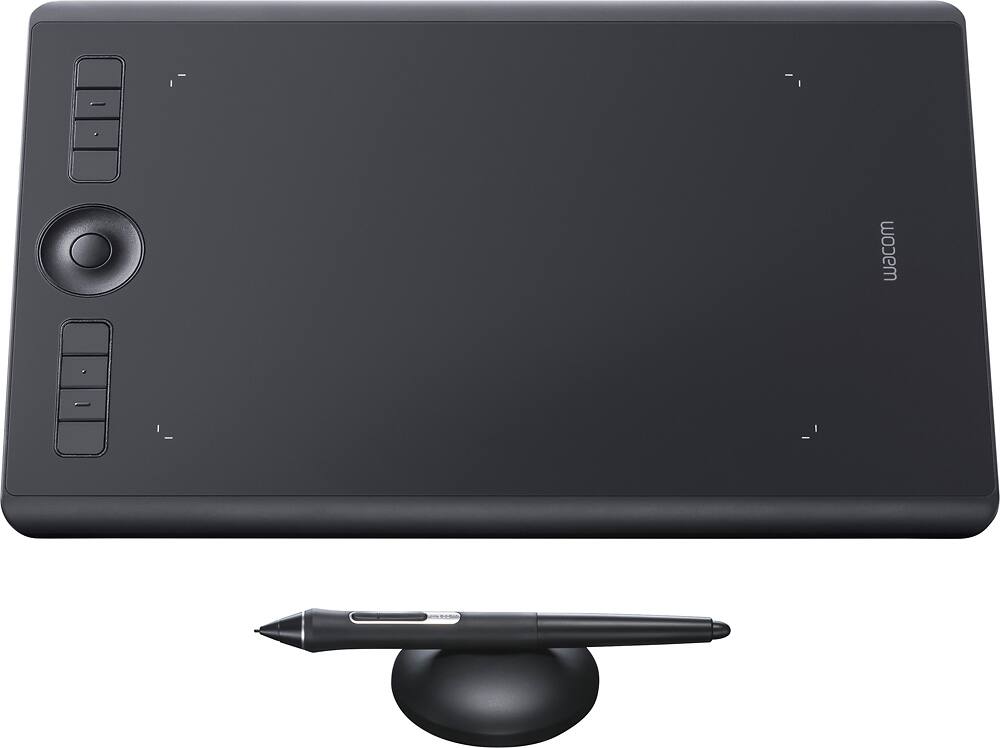
Wacom – Intuos Pro Pen Drawing Tablet (Medium) – Black
SKU: 5708931
$30399
Was $379.99 Save $76.00
Other options in this range
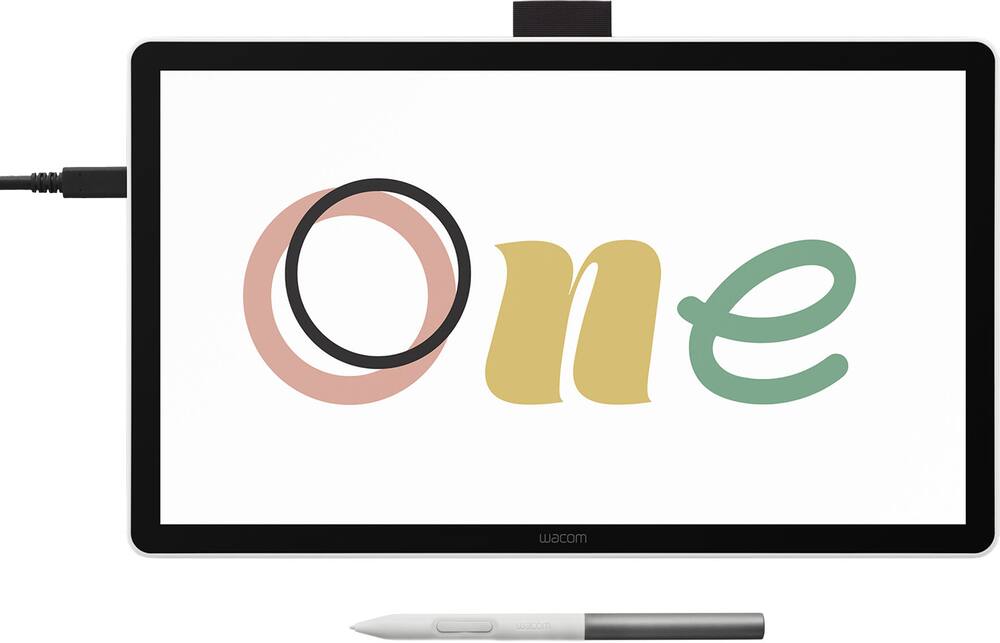 Wacom - One 14 (2025) Pen Display Drawing Tablet - White Original price was: $299.95.$239.96Current price is: $239.96.
 Wacom - MovinkPad 11, Android Mobile Drawing Tablet, 11.45" with Battery-Free Slim Pro Pen 3, 8GB RAM/128 GB Storage - Silver Original price was: $499.95.$399.96Current price is: $399.96.
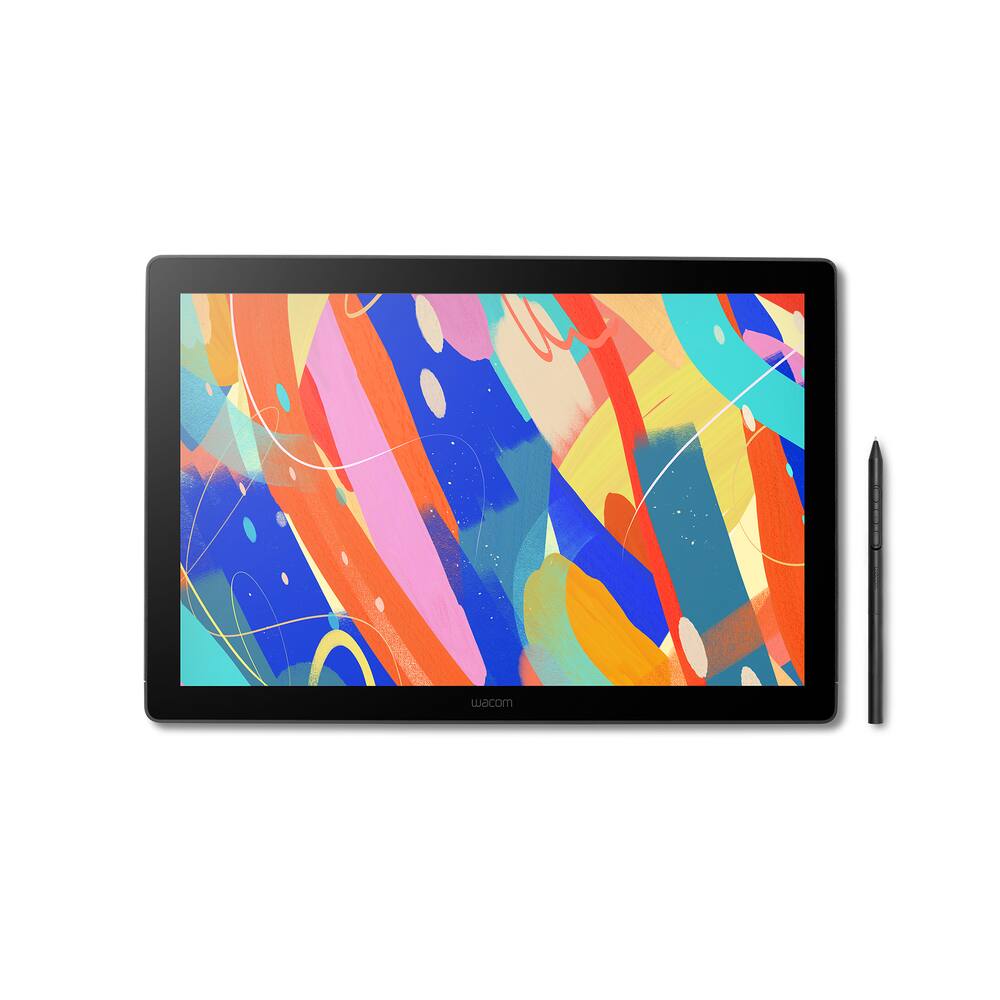 Wacom - Cintiq 16 Drawing Tablet - Black Original price was: $699.95.$559.96Current price is: $559.96.
Overview
- Medium size pen tablet
Provides an ample workspace for large brushstrokes and use with multiple displays, and yet it still fits conveniently into most laptop bags. - Battery-free, pressure-sensitive pen
Features 8192 levels of pressure sensitivity, +/- 60 degrees tilt-response and virtually lag-free tracking. Includes interchangeable pen tips and a beautiful new Pen Stand. - Multi-touch gesture support
Delivers a more fluid, more enjoyable experience as you create. - Customizable ExpressKeys and Touch Ring
Gives you quick access to your favorite software shortcuts. - Bluetooth connectivity
Allows cord-free use for flexible placement options. USB interface enables easy wired connection to your PC or Mac via the included 6.6′ USB cable. - Super-slim tablet design
Smaller, more compact footprint and premium materials. - Bonus software pack
Register your Intuos Pro and receive 3-months of Capture One and 3-months/250GB of MASV file transfer; offer available for customers located in the Americas.
Compare similar
| Feature |
VIEWING Wacom - Intuos Pro Pen Drawing Tablet (Medium) - Black
|
LOWEST PRICE IN THIS TABLE Wacom - One 14 (2025) Pen Display Drawing Tablet - White
|
Wacom - MovinkPad 11, Android Mobile Drawing Tablet, 11.45" with Battery-Free Slim Pro Pen 3, 8GB RAM/128 GB Storage - Silver
|
Wacom - Cintiq 16 Drawing Tablet - Black
|
|---|---|---|---|---|
| Price | $303.99 | $239.96 | $399.96 | $559.96 |
| This product | View details | View details | View details |
Specifications
Capacity & configuration
- Total Storage Capacity
- 0 gigabytes
- Battery Capacity
- 1200 milliampere hours
Dimensions & weight
- Product Name
- Intuos Pro Pen Drawing Tablet (Medium)
- Product Height
- 0.31 inches
- Product Width
- 8.54 inches
- Product Depth
- 13.18 inches
- Product Weight
- 24.6 ounces
Features
- Brand
- Wacom
- Color
- Black
- Screen Size
- 0 inches
- Stylus Input
- Active (Electromagnetic Resonance)
- Graphic Resolution
- 5080 lines per inch
- Active Area
- 8.7 x 5.8 in.
- Operating System Compatibility
- Mac OS
- System Requirements
- Windows 7 or later, Mac OS X 10.12 or later; USB port/Bluetooth; internet access
- Wireless Connectivity
- Bluetooth
- Interface(s)
- USB-C
- Charging Interface(s)
- USB-C
- Battery Life (up to)
- 10 hours
- Battery Chemistry
- Lithium-ion
- Pressure Levels
- 8192
- Number of Shortcut Keys
- 8
- Tilt Angle (Maximum)
- 60 degrees
- Stylus Included
- Yes
- Stylus Stand Included
- Yes
- Year of Release
- 2016
- UPC
- 753218988270
Power & warranty
- Model Number
- PTH660
- Stylus Model Included
- Wacom Pro Pen 2
- Warranty - Parts
- 2 years
- Warranty - Labor
- 2 years
Warranty & protection
Included manufacturer warranty
See manufacturer documentation.
Register your product with the manufacturer within 30 days of delivery.
Warranty service
Manufacturer warranty claims are handled by the manufacturer. We are happy to help you find the right contact: (888) 419-6820.
Customer reviews
Write a reviewArtist Must Have!! - This is probably the best thing to have if your a digital artist although it does getting used to looking at the screen in front of you instead of looking down to draw. The feel of the stylus with the felt nibs feels exactly like a pencil and soo does the eraser once you calibrate everything to your liking. Definitely a must have as an artist beginner or pro!
Works fine - I ended up returning this item. It worked fine just wssnt what i was looking for. Doesnt have a built in screen
Wacom - Drawing on this tablet is such a breeze! The lines come out just the way you want them and your artwork always looks clean. The pen is amazing, I really love using the pressure gradient
Love this - This tablet makes editing a breeze. I love it. It is wireless too which makes it a great tool for my business.
Excellent Drawing Pad! - The last drawing tablet I bought was the basic Wacom Intuos Small back in 2016 and I've tried other cheaper tables. The Intuos Pro feels sturdy, responsive, and includes a pen with an "eraser" side. Bluetooth functionality is convenient but it works better wired; thankfully the USB-C cord it comes with is plenty long for desktop setups and comes out at a 90° angle. The size of the tablet (Medium) is perfect for my personal setup, it is about as big as a mid-sized keyboard. I am incredibly satisfied with my purchase and if you are a professional artist who will use this everyday, you will appreciate the premium feel and quality over cheaper tablets. If you are just starting out with digital art and drawing tablets but want a quality product you can go for the basic Intuos.
Great product, especially for the price. - These are great for the professional drawer, everything works excellent with photoshop or illustrator.
Wacom intuos pro Medium review - Great product! Make me life more easy when it come to draw, a lot of quality, a minimalistic design. I get one last 3 years and I don't have any issue with it. I recommend it.
Great for graphic designers - Great product but too complicated for my level of expertise
Use the Wacom - I stated with the mini Wacom in 2018 and have been with the brand ever sense. Definitely great for editing. I primarily use this for retouching and it has been a photo saver. It give me so much control in the edit bay. My friends say it’s great for graphic design and 3D modeling. I suggest you try it out if you fall on these creative worlds.
Always a pleasure editing photos/ - I honestly can't imagine editing photos without the Intros Pro. I upgraded from a Wacom I had from 10 years ago, which I admit still worked after all of these years but was getting buggy. Perfect size (medium), I carry it to work when working on site, or use it at home.
It's great - This tablet works amazingly well. It doesn't have a screen, but once you get used to it, you'll be fine
Recommended!!! - Very usefull tablet. Easy setup, Compatibility with any software.
Disappointed - I’ve had this for about half a year and it already started to mess up. The touch screen option is messed up so I am unable to switch it off so I can draw properly. The device also randomly disconnects even when I replaced the wire. Lastly the sensitivity will randomly shut off so it my lines are rough and jagged. It takes about 30 minutes each time I use my tablet to make it function properly again. The last Wacom tablet I had lasted 5 years so having this one give up on me not even after a full year is disheartening.
AWESOME!!!!!!!! - SOOOOO AWESOME! It works way better than I could ever dream. So glad I bought this awesome tablet.
Perfect - A love my tablet is very quickly to work. I use for photoshop.
I’ll only buy a tablet for Wacom - I’ve been using Wacom tablets for year and recently updated for a new workstation. Personally I would not buy a tablet other than Wacom. Dependability and ease of use are what I count on and they deliver every time
Not for multitasking - I was in a need of a tablet and after reading and watching lots of reviews I decided to go for it, but it wasn't the right for me, this tablet is the really slow compared to an smartphone and you won't be able to multi-task with it. If your things is just reading or watching videos go ahead, but for multitasking it won't work.
Totally did not live up to the hype in my opinion. - Died after 4 years. Not what I was expecting. Wacom was unwilling to assist with the cost.
Love it - I've been wanting one for years because i had one years amd years ago in class. I finally pulled yhe trigger and putchased my own and i am so happy. Its as great as i remember it.
Questions & answers
Ask a question
Email [email protected] or call (888) 419-6820 during business hours.
Add your review