Graphics Drawing Tablet - Ease to use, perfect size, the performance is awesome
 20% off
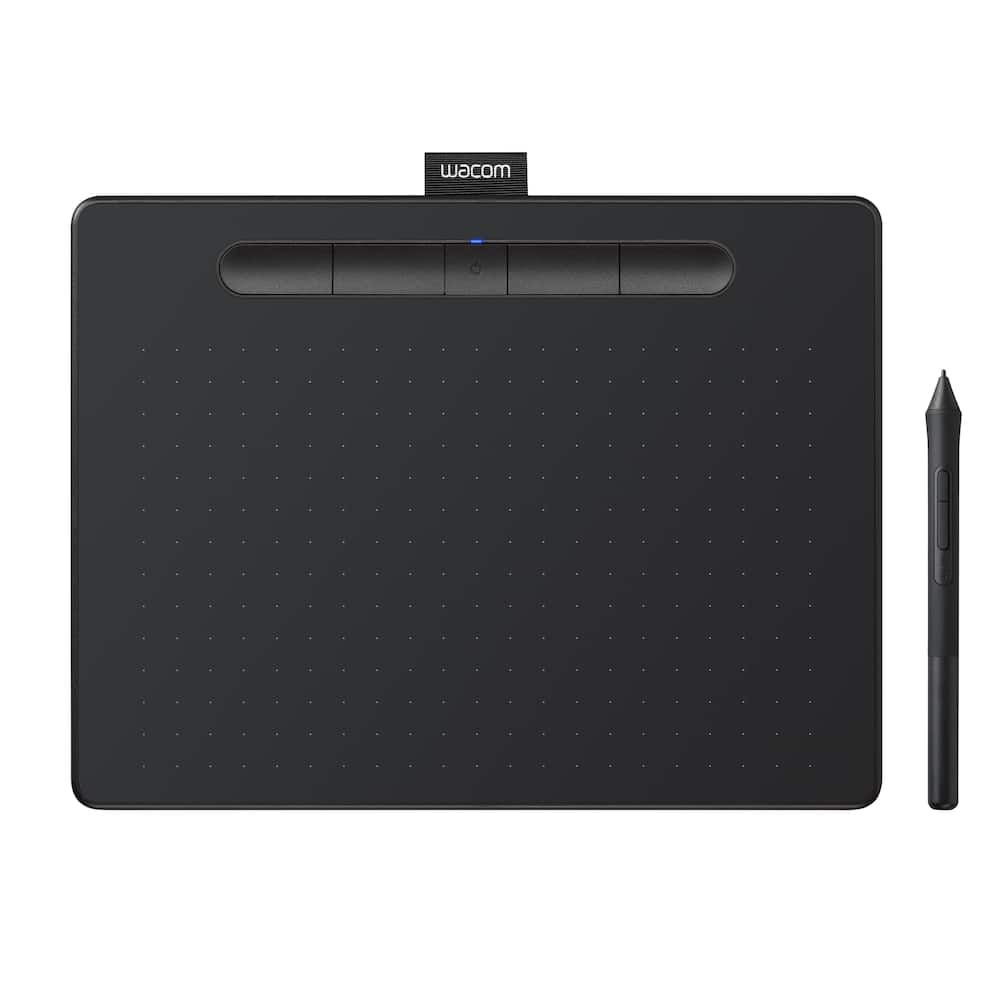
Wacom – Intuos Medium Bluetooth Graphics Drawing Tablet, Includes Training & Software; Works w/ Chromebook Mac Android & Windows – Black
SKU: 6196632
$10396
Was $129.95 Save $25.99
Other options in this range
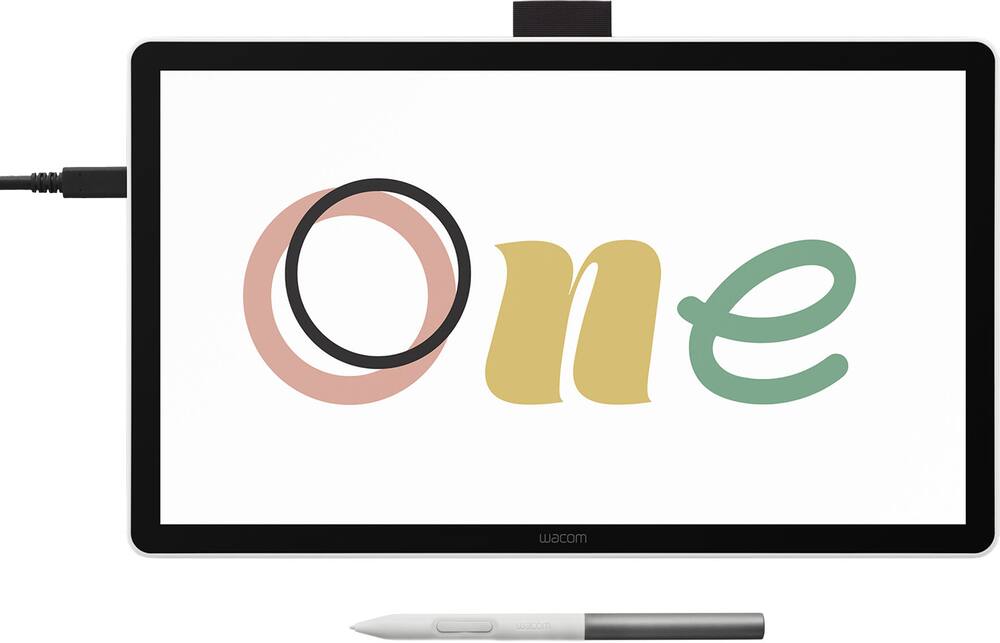 Wacom - One 14 (2025) Pen Display Drawing Tablet - White Original price was: $299.95.$239.96Current price is: $239.96.
 Wacom - MovinkPad 11, Android Mobile Drawing Tablet, 11.45" with Battery-Free Slim Pro Pen 3, 8GB RAM/128 GB Storage - Silver Original price was: $499.95.$399.96Current price is: $399.96.
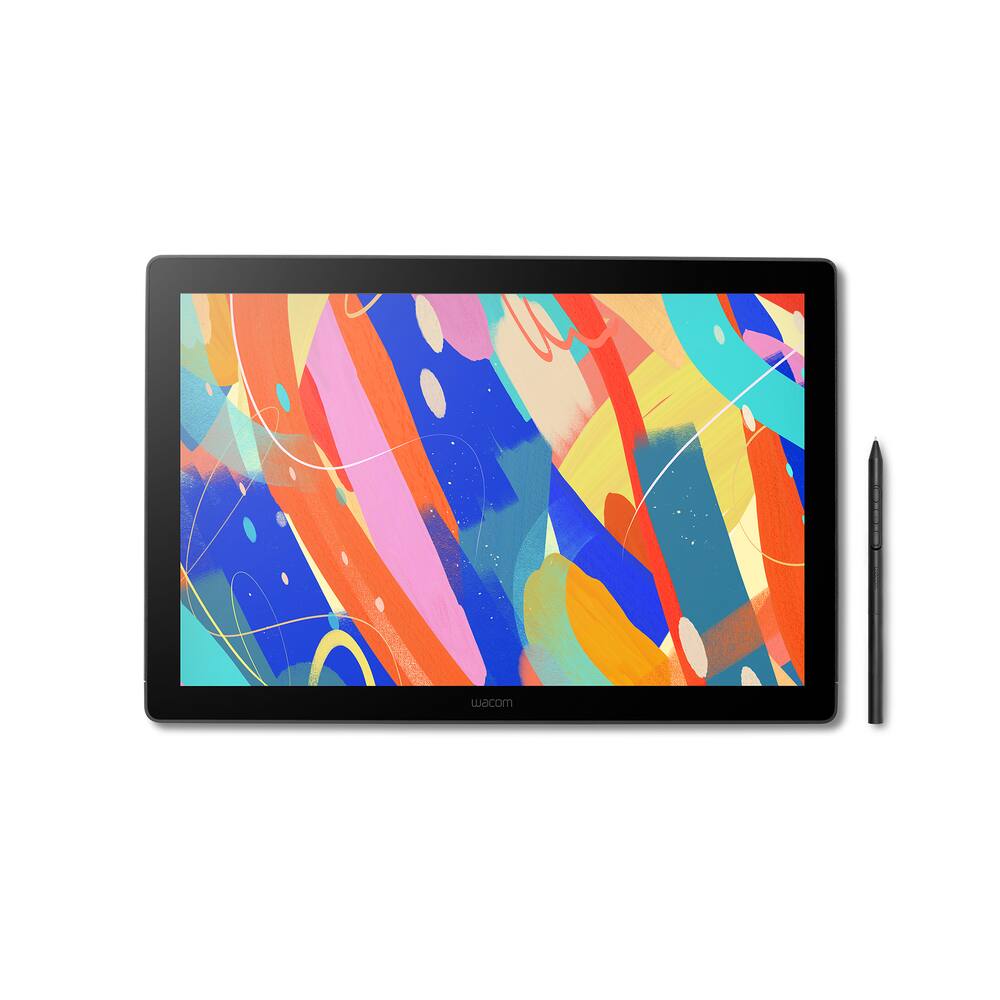 Wacom - Cintiq 16 Drawing Tablet - Black Original price was: $699.95.$559.96Current price is: $559.96.
Overview
- COMPLETE CREATIVE STARTER KIT:
Register your Intuos tablet and gain access to some of the best creative software and online training. - NATURAL, PRECISE DRAWING EXPERIENCE:
Battery-free pressure-sensitive Wacom EMR technology delivers accurate control with no charging or batteries needed – just pick up the pen and draw with instant response and true-to-life precision. - PERFECT FOR BEGINNERS & EDUCATION:
Easy setup gets you drawing in minutes on Windows, Mac, or Chromebook; ideal for drawing, sketching, photo editing, note-taking, document annotation, and classroom use. - COMPACT & COMFORTABLE:
Lightweight design with a paper-like drawing surface and four customizable ExpressKeys for instant access to your favorite shortcuts; small active area perfect for limited desk space while maintaining full creative control. - RELIABLE PERFORMANCE:
Wacom’s proven reliability works seamlessly with your computer – no driver headaches, mysterious disconnects, or frustrating “why isn’t this working?” moments common with cheaper alternatives. - READY FOR YOUR FAVORITE SOFTWARE:
Works seamlessly with all major creative applications such as Photoshop, Krita, Affinity, Sketchbook, as well as OneNote or Canvas for notes, presentations, annotation and markup.
Compare similar
Specifications
Capacity & configuration
- Total Storage Capacity
- 0 gigabytes
- Battery Capacity
- 1265 milliampere hours
Dimensions & weight
- Product Name
- Intuos Medium Bluetooth Graphics Drawing Tablet, Includes Training & Software; Works w/ Chromebook Mac Android & Windows
- Product Height
- 19.8 inches
- Product Width
- 26.4 inches
- Product Depth
- 7.8 inches
- Product Weight
- 14.5 ounces
Features
- Brand
- Wacom
- Color
- Black
- Screen Size
- 0 inches
- Stylus Input
- Active (Electromagnetic Resonance)
- Graphic Resolution
- 2540 lines per inch
- Active Area
- 8.5 x 5.3
- Operating System Compatibility
- Mac OS
- System Requirements
- Windows 7 or later, Mac OS X 10.11 or later; Chromebook (devices running the latest Chrome OS), and Android smartphones/ tablets (OS version 6.0 or later); Easy plug-in via USB-A/Bluetooth: some devices require USB-C or OTG adapters; internet access
- Wireless Connectivity
- Bluetooth
- Interface(s)
- USB-A
- Charging Interface(s)
- USB-A
- Battery Life (up to)
- 15 hours
- Battery Chemistry
- Lithium-ion
- Pressure Levels
- 4096
- Number of Shortcut Keys
- 4
- Stylus Included
- Yes
- Stylus Stand Included
- Yes
- Year of Release
- 2018
- UPC
- 753218986832
Power & warranty
- Model Number
- CTL6100WLK0
- Stylus Model Included
- Wacom 4K Pen
- Warranty - Parts
- 1 year
- Warranty - Labor
- 1 year
- Model Family
- Wacom Intuos
Warranty & protection
Included manufacturer warranty
See manufacturer documentation.
Register your product with the manufacturer within 30 days of delivery.
Warranty service
Manufacturer warranty claims are handled by the manufacturer. We are happy to help you find the right contact: (888) 419-6820.
Customer reviews
Write a reviewVery good traction quality - It works very well when I draw there isn’t much lag between the pad and the laptop and keeps it very steady.
Amazing Sensitivity - I use this drawing tablet for Clip Studio Paint and its response to the touch of the stylus is amazing!
Wacom tablet - It’s cool good item and it works how I wanted it to work
Nice product - Nice tablet for drawing. Best in the business. Even better than an iPad for this purpose.
A great tool for students - I recommend it hundred per cent is easy to use and very high quality
A bit intimidating, but cool - This is definitely meant for a specific group of artists, but it works well for the price. Just do some research on what your type should be.
Perfect product - Easy to use, pain free on the hand when working on the computer for long periods of time, fast acting, durable, sleek
Loved it! - This is the first time I've purchased a drawing tablet and did not disappoint. It was easy to set up as well without any hassle. Thanks to the kind lady who helped me with my purchase at the store :D
Works great - Easy to setup, doesn't take up too much space at all, and works as expected!
Perfect for digital design - Didn't want to splurge on a new tablet so I got this. It's a perfect compromise and works very nicely into my digital design hobby.
Great product for online teachers - I use this tablet to teach online math classes. It is very easy to set up and use, at a reasonable price.
Great, wish it was a bit bigger - Love this! Great for artists that want to be more accurate and precise with their art. Wish it was a little bit bigger.
Great product - This tablet is great for drawing or for replacement of mouse. Easy to use and setup. There is a learning curve, but once you get use to its sensitivity it works as expected.
Wacom Electronic Drawing Tablet Purchase Review - Love these Wacom tablets. We go way back, ever since I learned how to use them in high school for Photoshop. Can't recommend these enough. Best Buy has everything you need!
Wacom - Works fine and easy to install. Great birthday gift
Nice :3 - It's great! The one I had since 6 years ago broke, so I got a new one, and its exactly the same! Extremely sturdy and I love the feel.
Good price, but privacy concerns - The device is a decent price and seems to have quite a bit of functionality, which is very nice. Also, it has the ability to use wirelessly through Bluetooth. There’s an office tracker installed with the drivers. It causes a leg on your computer because it’s now tracking everything you do. For that reason, I can’t give this above two stars.
Drawing Pad - My daughter is very satisfied and loves this product!
Good buy - Item works perfectly. For student use / basic computer job.
Questions & answers
Ask a question
Email [email protected] or call (888) 419-6820 during business hours.
Add your review