Best modem - This modem exceeded my expectations. I've had zero drops and I have Xfinity as my internet provider.
 20% off
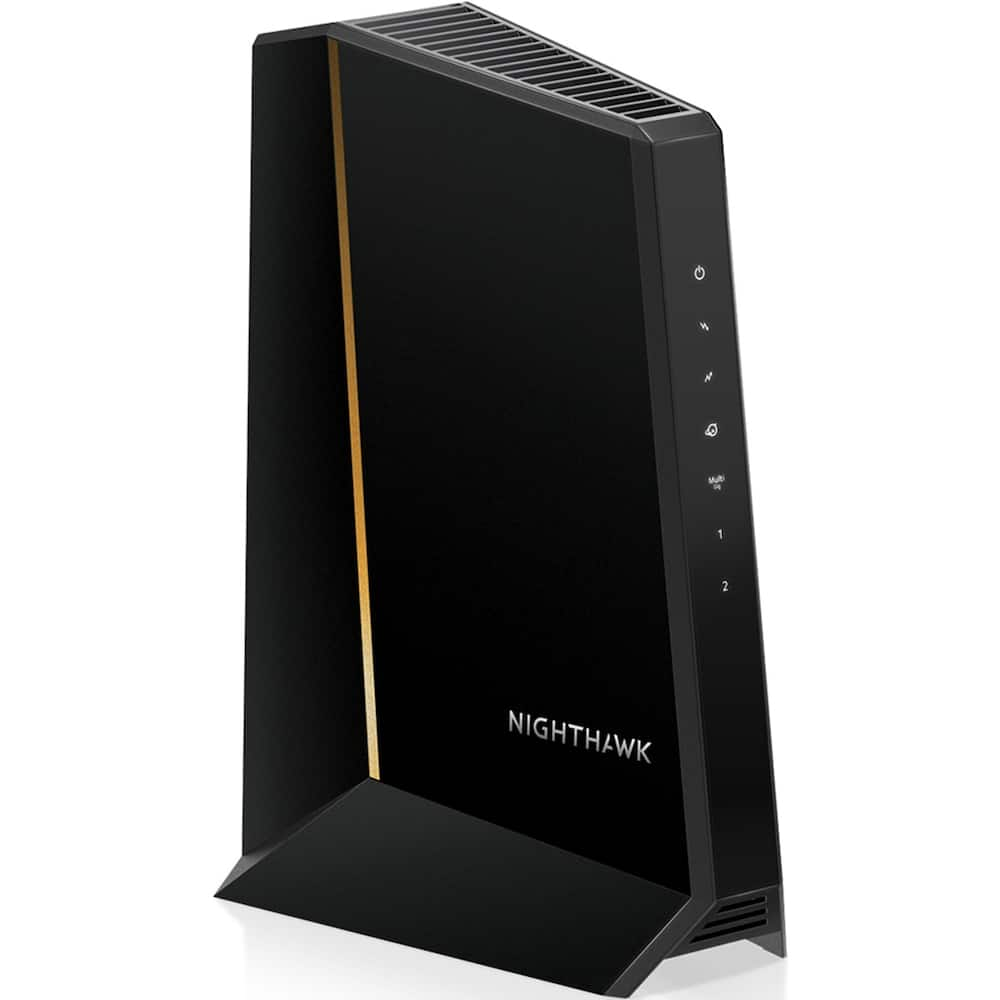
NETGEAR – Nighthawk DOCSIS 3.1 Cable Modem CM3000, 2.5 Gbps, Guided Set Up, 2.5G + 2× 1 Gig Ports, Xfinity/Spectrum/Cox – Black
SKU: 6577808
$23999
Was $299.99 Save $60.00
Other options in this range
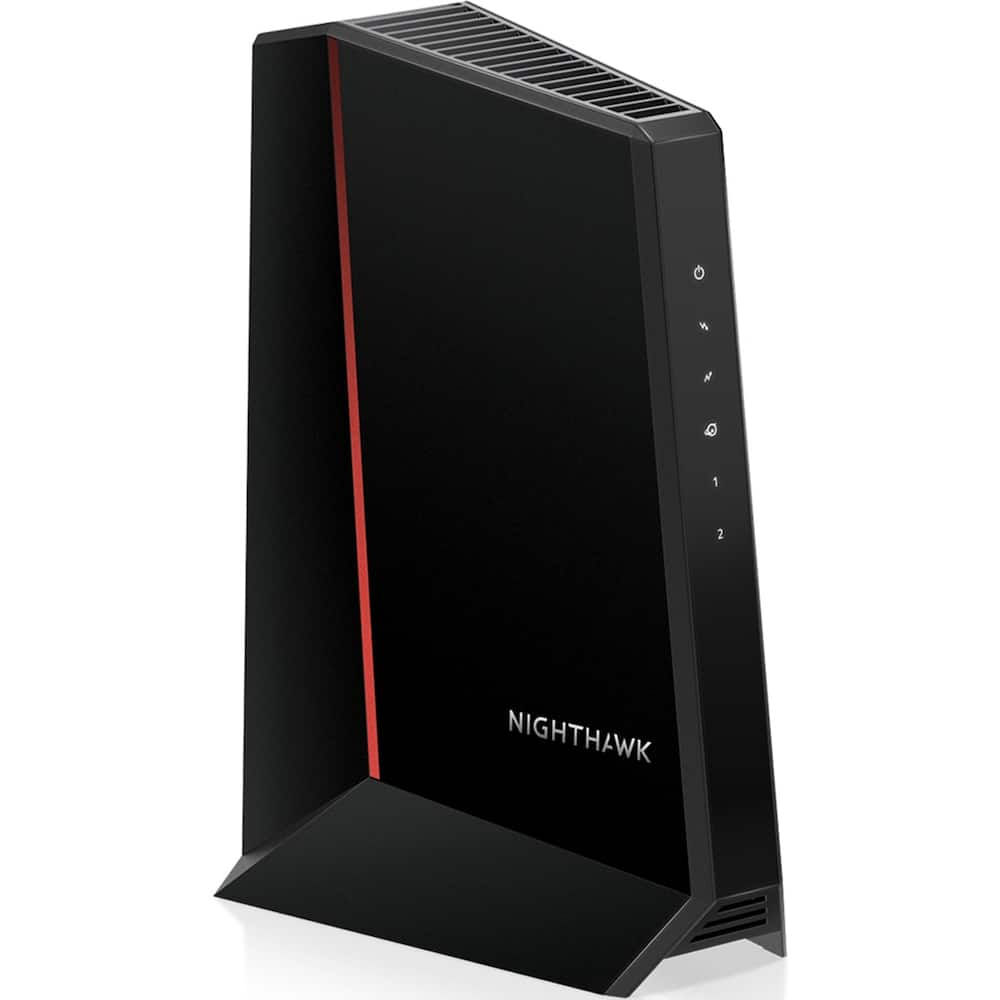 NETGEAR - Nighthawk DOCSIS 3.1 Cable Modem CM2500, 2 Gbps, Multi-Gig, Guided Set Up, 2 Gigabit Ports, Xfinity/Spectrum/Cox - Black Original price was: $249.99.$199.99Current price is: $199.99.
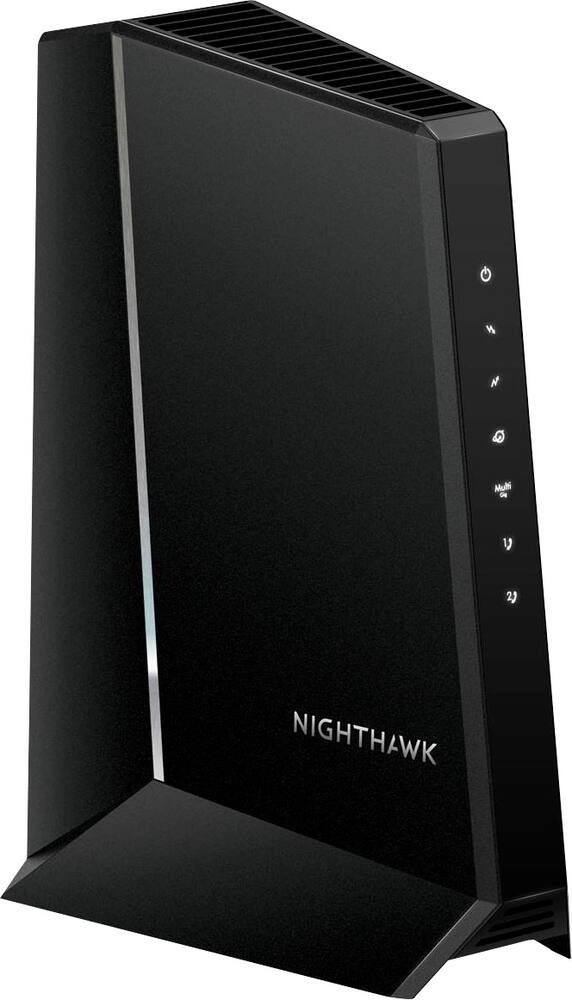 NETGEAR - Nighthawk 32 x 8 DOCSIS 3.1 Voice Cable Modem - Black Original price was: $349.99.$279.99Current price is: $279.99.
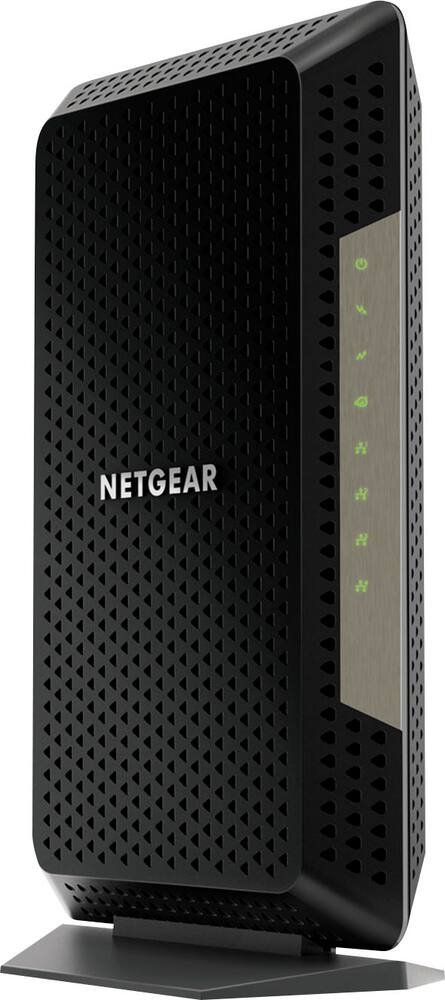 NETGEAR - Nighthawk 32 x 8 DOCSIS 3.1 Cable Modem - Black Original price was: $249.99.$199.99Current price is: $199.99.
Overview
- MAXIMIZE YOUR CABLE INTERNET: A dedicated DOCSIS 3.1 cable modem lets you pair any WiFi router or mesh system you choose, so you can build the home network you want and upgrade your WiFi anytime without replacing your modem.
- APPROVED FOR YOUR PROVIDER AND PLAN: Works with Xfinity, Spectrum, Cox, and most US cable providers on internet plans up to 2 Gbps. Not compatible with Verizon, AT&T, CenturyLink, DirecTV, DISH, or bundled voice plans. ISP activation required after setup.
- GET THE FULL SPEED OF YOUR PLAN: DOCSIS 3.1 supports plans up to 2.5 Gbps download and 1 Gbps upload, so sending large files and live streaming move nearly as fast as downloading. Actual speeds vary by plan and provider.
- FUTURE-PROOF YOUR HOME NETWORK: The 2.5 Gig Ethernet port connects your router for the fastest speeds in your area. Combine the two 1 Gig ports on a compatible router for speeds up to 2 Gbps. Ready for today’s multi-gig plans and tomorrow’s upgrades.
- SET UP AND MANAGE YOUR MODEM WITH THE NIGHTHAWK APP: Download the free Nighthawk app on iOS or Android for guided setup. Check modem status, run speed tests, and manage firmware updates from anywhere. Active internet required.
- RELIABLE PERFORMANCE: DOCSIS 3.1 Active Queue Management prevents slowdowns during peak-hour congestion, keeping speeds steady when the whole family is online. FCC certified for use in the United States.
Compare similar
Specifications
Capacity & configuration
- Modem Type
- High speed
Dimensions & weight
- Product Name
- NETGEAR Nighthawk DOCSIS 3.1 Cable Modem CM3000, 2.5 Gbps, Guided Set Up, 2.5G + 2× 1 Gig Ports, Xfinity/Spectrum/Cox
- Product Height
- 6.8 inches
- Product Length
- 3.7 inches
- Product Width
- 8.2 inches
- Product Weight
- 1.09 pounds
Features
- Brand
- NETGEAR
- Color
- Black
- Internet Service Provider (ISP) Compatibility
- Cox Communications
- DOCSIS Certification
- 3.1
- Downstream Data Speed
- 2500 megabits per second
- Upstream Data Speed
- 1000 megabits per second
- Number of LAN Ports
- 3
- DOCSIS Compliant
- Yes
- Wired Speed
- 2500 megabits per second
- Gigabit Ethernet Speed
- Yes
- UPC
- 606449157185
Power & warranty
- Model Number
- CM3000-100NAS
- Warranty - Parts
- 1 year
- Warranty - Labor
- 90 Days
Warranty & protection
Included manufacturer warranty
See manufacturer documentation.
Register your product with the manufacturer within 30 days of delivery.
Warranty service
Manufacturer warranty claims are handled by the manufacturer. We are happy to help you find the right contact: (888) 419-6820.
Customer reviews
Write a reviewThe best! - Super high speeds, uploading download, never an issue with glitches. Great online and phone support.!
Didn’t help - Tried to fix my Internet speeds. Didn’t work. Had to switch providers. Equipment no longer compatible with new provider. Can’t return item, past the 14 day window. Now I’m out all this money for useless equipment. Don’t buy.
Solid modem, saved me in a pinch - Setup was quick and simple. Helped me diagnose issues with my home netweok.
Great purchase - I will let it be know that, along with this item I had also purchased the NETGEAR - Nighthawk WiFi 7 Router RS700S. Prior to these two devices, I was lucky to receive download speeds of 24 Mbps/upload speeds of 5-6 Mbps even while paying for Internet speeds that should have registered at 450/25. But due to issues with my last router, I was no longer able to connect to the 5 GHz WiFi and 2.4 Ghz WiFi had began to become sporadic. After this setup of both devices, I was now reading download speeds 275-400 Mbps and upload speeds of 47-63 Mbps at 5 GHz. It should also be known that the older devices were bought around 2020 and these two around September 15, 2026 as well as letting it be known that I do currently have 6-7 devices connected to my WiFi. I’ve always felt positive about Netgear products.
Top of the line for a reason - Can't describe the best any better than the best. Best Buy had it in stock and priced right too.
New WiFi/modem - I use Comcast and use my own WiFi and Modem. This was a quick setup and so far works great.
Netgear modem works great! - Works great! I was having so many issues with my Xfinity Gateway, Within the first two months of having it I had it replaced twice. I decided to buy my own modem and separate gaming router and since then I've had absolutely no issues and my Internet performance has greatly improved. Very easy to set up also.
Product Performs as Advertised - Product delivers speed as advertised. Speed is consistent with relevance to internet provider.
easy to setup - this modem has helped me get all the internet speed promoted by my service provider it has optimized my online gaming experience even more when cloud gaming on xbox
Very Good Cable Modem for Xfinity - Great modem, easy setup, great speed and design. Had the internet up and running within 15 minutes
Does not work with Cox - I spent 60 days and 7 cox technicians later it has been determined modem does not work and does not registers all downsteam channel, it keeps blinking on both upload and download. Worse part is that it was recommended as Cox certified and Cox says nope it does not work. Cox put back my 6 years old 1200 model and so far it seems to work.
Not compatible with Cox Internet Service - This product was marked as being compatible with Cox Internet Services. However, during setup I was informed by Cox that it is not compatible.
I replaced my rented modem. - I have been building a homelab for a year or so and have been getting my own infratructure without renting and it gives me the speed I need for all my machines. Video games download at about 400-600 mbps.
Better than service provider model. - Was tired of the monthly fee for the device provided by the ISP. Would have ended up paying for 3 of these over time since time of purchase. Paired this with an Orbi, great combination.
Cable modem setup - Got the correct app straight away setup was easy. Any problems I had with Internet service was my ISP problem not the device which was selected to be compatible with their systems.
Not Compatible with COX - Bought two of these, one did not even connect (returned) because cox said it was bad, the other connected but will drop every minute. Firmware was updated, multiple power cycles and check of connections and multiple calls with tech support from cox and Netgear and nothing. Both would blame each other. Had a technician come to my home check all coax lines because they thought it was that, so I was out money on that and no success. I ended up returning it. this is a joke of equipment with COX setup.
Great modem, but check your signal levels too - When I first swapped my old Motorola MB8600 for the NETGEAR CM3000, it wasn't about getting a faster port - I was chasing an intermittent connectivity problem and wanted a second, newer modem to help rule out whether the modem itself was at fault. The connectivity problem didn't go away with the swap, which turned out to be useful: it meant the issue was upstream on the provider's side, not either modem. I ended up keeping the CM3000 anyway, for an unrelated reason - its 2.5 GbE port let me actually use my ISP's higher-speed tier instead of being capped at the old modem's 1 GbE ceiling. The CM3000's own signal and event logs are what made the case with my ISP, and they're worth knowing about if you buy one. Its diagnostics page flags downstream power as "poor" outside a fairly conservative -10 to +10 dBmV range. During the worst of it, most of my downstream channels were solidly running 13-14 dBmV, with error counts climbing into the tens of thousands per day and repeated T3 ranging timeouts in the event log - well past that "poor" threshold, and in my case a genuine problem, not just an overly cautious warning. Turned out the real issue was on the provider's side. Xfinity had replaced my entire line - interior and exterior - and removed all the splitters since none were needed anymore, but that removal took out some built-in attenuation, and combined with RF ingress already on the line, it pushed downstream power too high. Once my ISP added a 6dB attenuator and changed the tap connection, downstream power across my channels came down to a much more normal range, and the uncorrectable errors dropped to zero. Bottom line: the CM3000 itself was never the problem, and it's been running great since the line issue got fixed - fast, stable, and finally putting that 2.5 GbE port to real use. If you see a similar "poor" flag on yours, don't panic over being a couple dB outside "recommended" by itself - mine still typically runs around 11 dBmV with zero errors, comfortably past that "recommended" cutoff but perfectly healthy - but if your numbers are running as high as mine were during the bad stretch, paired with climbing error counts, that's a real signal worth pushing your ISP on.
Works well just on the pricey side - A power surge from a storm fried my modem and this was the only available modem in stock at my local Best Buy. It was rather expensive there in comparison to other sites, but being an emergency it is what it is. There were some initial issues getting the system back up, working with a Deco Mesh system, but that was more of a Comcast issue with multiple screw ups. It is now working well and speeds seem quite good.
Why aren’t all modems like this? - I appreciate that it has so many lights to indicate the various factors of an internet connection. So tired of the single-light units out there that have you wondering what’s going on in there!
Questions & answers
Ask a question
Email [email protected] or call (888) 419-6820 during business hours.
Add your review