Printer is very efficient - Excellent and would highly recommend others to purchase
 20% off
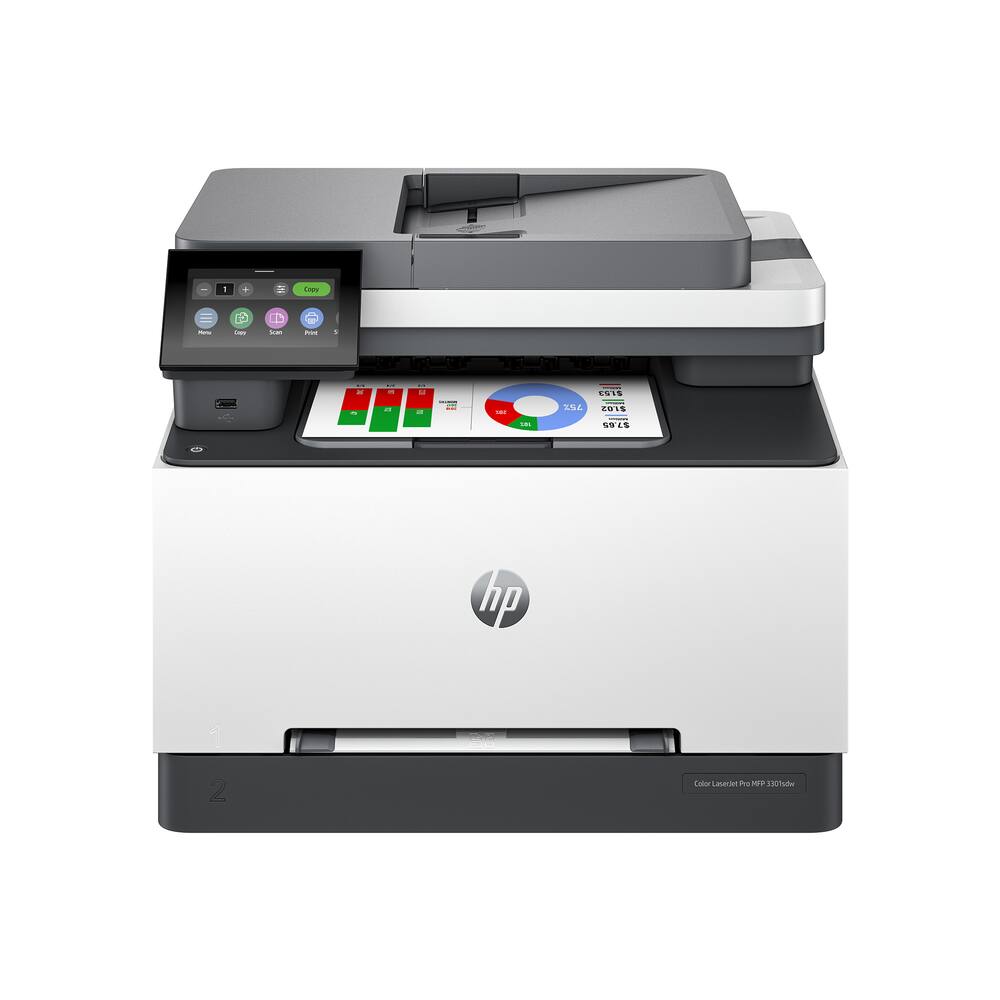
HP – LaserJet Pro MFP 3301sdw Wireless AI-Enabled Color All-in-One Laser Printer – White
SKU: 6582284
$43120
Was $539.00 Save $107.80
Other options in this range
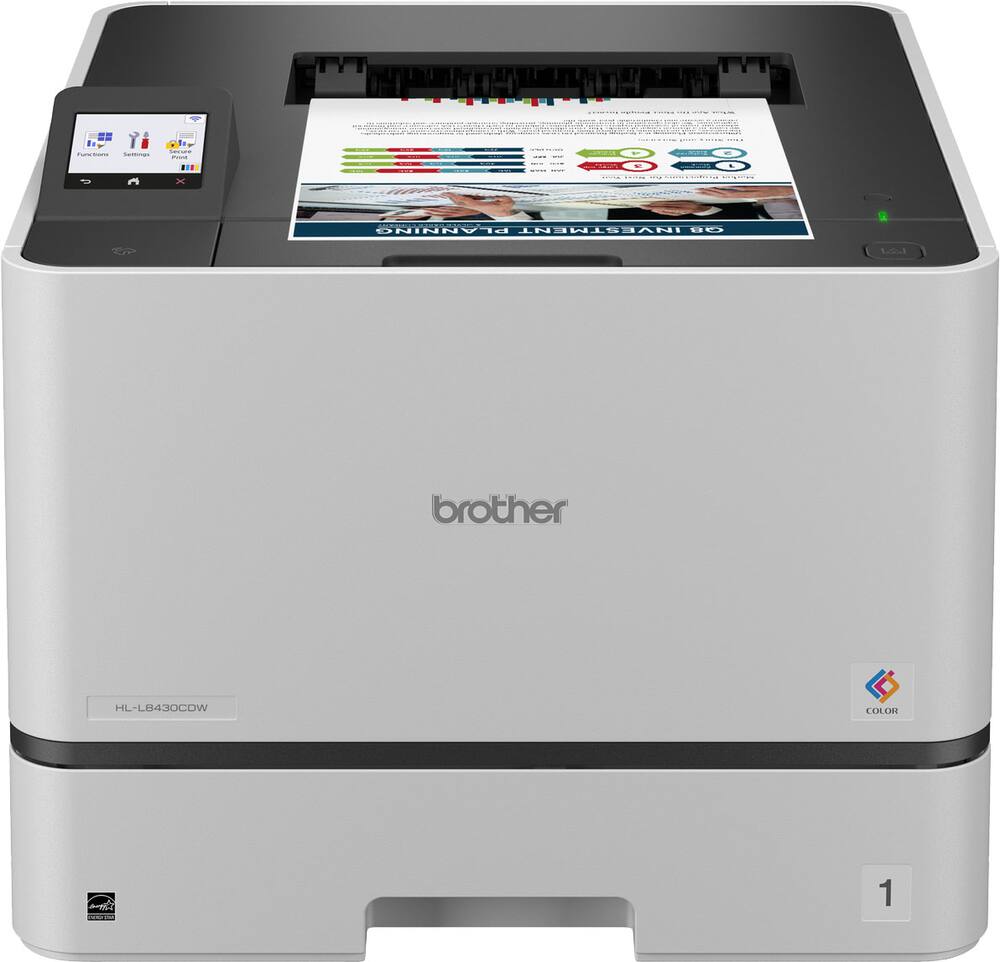 Brother - HL-L8430CDW Business Color Laser Printer with Low-Cost Printing and Wireless Networking - White Original price was: $489.99.$391.99Current price is: $391.99.
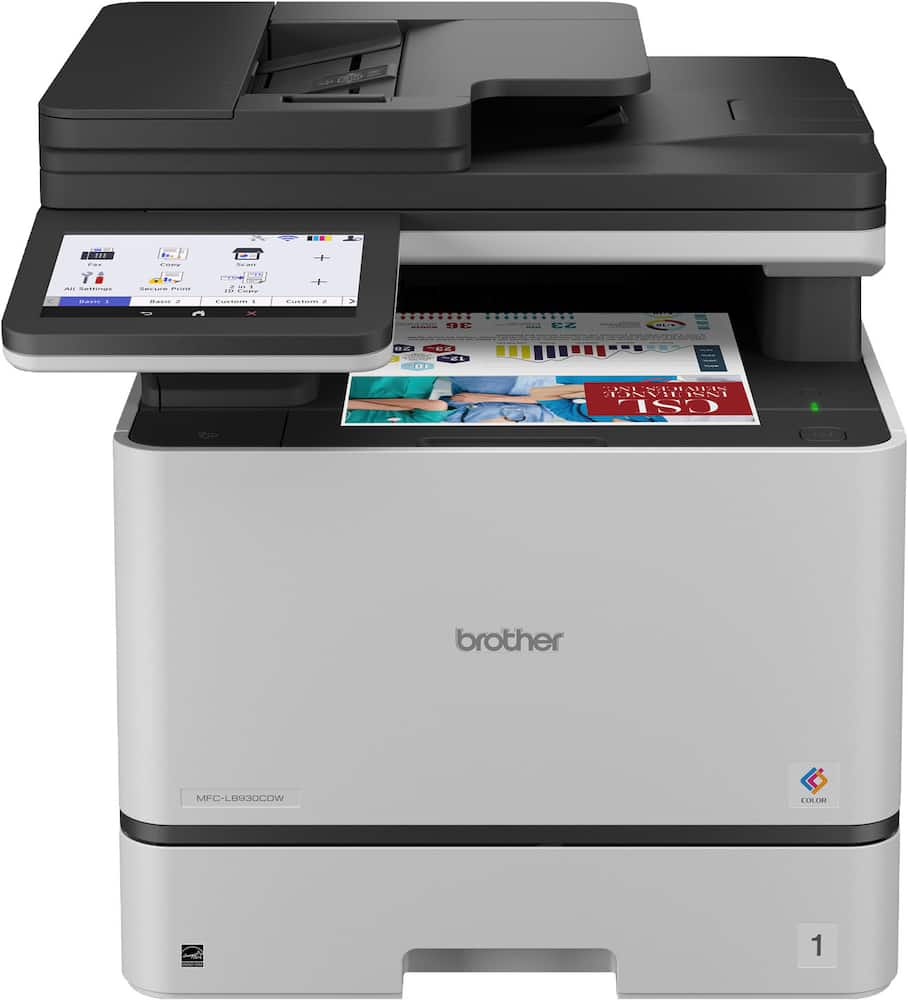 Brother - MFC-L8930CDW Color Laser All-in-One Printer with Duplex Print, Scan, Copy and Low-Cost Printing - White Original price was: $699.99.$559.99Current price is: $559.99.
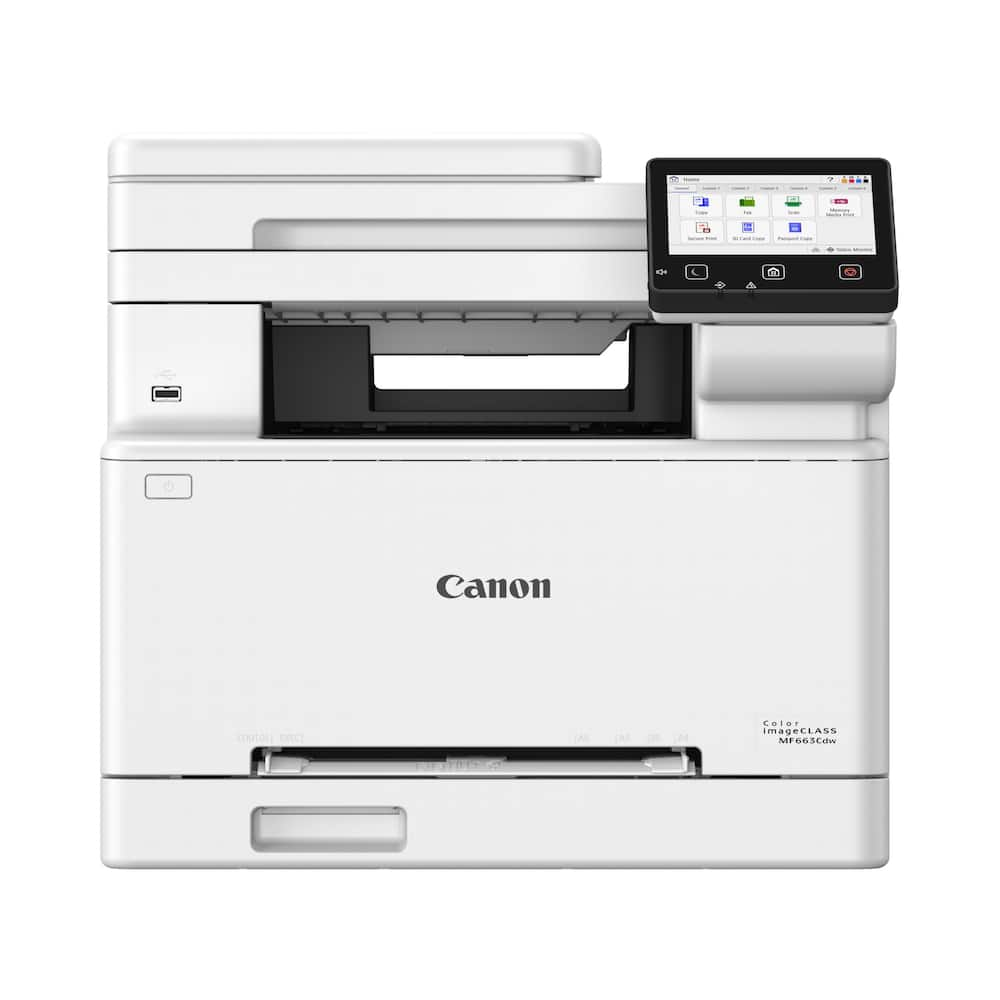 Canon - imageCLASS MF663Cdw Wireless Duplex Color Laser All-In-One Printer with 50-Sheet ADF - White Original price was: $479.99.$383.99Current price is: $383.99.
Overview
- Perfect for office
Perfect for office teams creating professional-quality color documents and reports. Auto 2-sided printing, color scanner, scan to USB or email and auto document feeder for fast scan/copy. This MFP can print on A4. Perfect for up to 10 people. - Simplify scan to email
Save time when scanning documents to email. HP AI automatically generates smart subject lines, file names, and actionable summaries to streamline your workflow. - Reliable connectivity
Intelligent wireless connectivity looks for the best connection to stay online and ready to print. Also includes Ethernet and USB connectivity. - Blazing fast color
Up to 26 color pages per minute, with sharp details and incredible color. - Protects your data
Includes HP Wolf Pro Security with customizable settings so your printer and information are always secure. Use Original HP LaserJet 218A or 218X Toner Cartridges designed for security you can trust. - Easy to set up
Simple set up with or without HP App—get started fast with easy setup that guides you, step by step; compatible with Windows 11; Windows 10; macOS 12 Monterey; macOS 11 Big Sur; Linux; macOS 13 Ventura; Android; iOS - HP app
Print, scan, copy, or fax right from your smartphone with the easiest-to-use print app.
Compare similar
Specifications
Capacity & configuration
- Printer Type
- All In One
- Automatic Document Feeder Capacity
- 50 sheets
- Scanner Type
- Flatbed
- Tray Capacity
- 250
- Output Tray Capacity
- 100
Dimensions & weight
- Product Name
- LaserJet Pro MFP 3301sdw Wireless AI-Enabled Color All-in-One Laser Printer
- Product Height
- 13.44 inches
- Product Width
- 16.46 inches
- Product Depth
- 16.5 inches
- Product Weight
- 37.7 pounds
- Maximum Document Width
- 8.5 inches
- Media Weight (Minimum)
- 16 grams per square meter
- Media Weight (Maximum)
- 43 grams per square meter
Features
- Brand
- HP
- Color
- White
- Networking
- Wireless
- ENERGY STAR Certified
- Yes
- Automatic Document Feeder
- Yes
- Photo Printing
- No
- Wired Connectivity
- Ethernet
- Wireless Connectivity
- Wi-Fi
- AI Document Editing Features
- Image and text optimization
- EPEAT Registered
- Yes
- EPEAT Level
- Silver
- Touch Screen
- Yes
- Compatible Cartridges
- HP 218
- Copier Resolution (Black)
- Up to 600 x 600
- Automatic Two-Sided Printing
- Yes
- Duplex Scan Function
- No
- Duty Cycle
- Up to 40,000
- Ink Cartridges Required
- 1 x Black
- Ink Cartridges Included
- 1 x Black
- Integrated Fax
- No
- ISO Color Print Speed
- 26 pages per minute
- Maximum Document Length
- 14 inches
- Maximum Number Of Copies
- 999
- Monochromatic/Color
- Color
- Paper Feeder
- Bottom loader
- Paper Handling
- Input: up to 250 sheets; Output: up to 100 sheets; ADF: 50 sheets
- Approximate Page Yield (Black)
- 600
- Approximate Page Yield (Color)
- 500
- Printer Resolution (Black)
- Up to 600 x 600
- Printer Resolution (Color)
- Up to 600 x 600
- Scanner Resolution
- Up to 1200 x 1200
- Supported Paper Sizes
- Letter; Legal; Executive; Oficio 8.5 x 13; 4 x 6 in; 5 x 8 in; Envelope #10; Envelope Monarch
- First Page Out Time
- 11 seconds
- Display Screen
- Yes
- Display Screen Size
- 4.3 inches
- Minimum System Requirements
- PC: Microsoft Windows 11, 10: 32-bit or 64-bit, 2 GB available hard diskspace, Internet connection; Mac: Apple macOS 12.0 Monterey; macOS 13.0Ventura; macOS v14 Sonoma; 2GB HD; Internet required
- UPC
- 196786388248
Power & warranty
- Model Number
- M3301sdw/499Q3F#BGJ
- Warranty - Parts
- 1 year
- Warranty - Labor
- 1 year
Warranty & protection
Included manufacturer warranty
See manufacturer documentation.
Register your product with the manufacturer within 30 days of delivery.
Warranty service
Manufacturer warranty claims are handled by the manufacturer. We are happy to help you find the right contact: (888) 419-6820.
Customer reviews
Write a reviewHP Lazer printer - Product is good so far the finer cartridges are expensive
HP-LaserJet Pro - Love it! Prints nicely. Prints from my phone. Personal use.
Great printer - This printer rocks. Not only does it print double sided in color but it scans, too. It's always ready when I need it. Does not do double sided scanning though. Setup was easy. Just plugged in the Ethernet cable and started printing.
Product is very easy to set-up and start using. - Product is easy to set-up for the whole family to use and print item's from mobile devices. We purchased the item due to my daughter having to print lots of slides for her online college classes. The product has worked perfect for the item's that our family has to print so far.
Printer - It works really well, fast and prints well. No issues so far.
HP Printer - This printer is very easy to set up. It produces very high-quality prints and is very fast.
Great Printer - We had an HP laser printer that was 14 years old & it was time to replace it. Glad we stuck with HP & this printer was easy to set up & is a nice upgrade to what we had.
Stellar Performance - The HP Color LaserJet MFP 3301 is an excellent laser printer for home and small-business use. The printer is easy to set up, and it performs well. I recommend this printer to anyone who needs laser jet capability.
Okay printer - Print quality is okay. Have had quite a few issues in the first year. HP was good about providing a replacement after I went through their absolutely maddening customer service. I would highly reccomend getting the service plan through BestBuy
Perfect addition to our front desk operations! - We set up the HP LaserJet at our front desk, and it’s been a great fit for our daily workflow. Quick document turnarounds keep guest check-ins moving smoothly, and the color laser output is vibrant and professional for printing forms, notices, and flyers. The compact footprint fits neatly on the desk without taking up too much room, and scanning/copying patient or client documents is fast and straightforward. Wireless connection has been rock solid across all our workstations. Highly recommended for any busy reception area!
Laser Printer - Works great!!! My son recommended it to me. Keep up the great work you guys do!
HP-LaserJet Pro MFP3301sdw Wireless AI-Enabled. - Quality print. AI enabled not always friendly or easy to follow instructions.
Great printer - It's big but it works great. You need to download some software from HP to use the scanner.
Just what I was looking for!! - This printer was so easy to hook up and install. Print quality is fantastic. I did have a question and product support was exceptional!
Great Printer - This printer works well. Good color, and easy to follow instructions. You can also scan to it and from it.
Great color printer, copier, scanner - This printer is excellent. Prints quickly, and two-sided if needed. Scans and copies very quickly and efficiently. Has a manual paper feeder if you want to feed 8.5x14 paper. Controls are easy to use, wireless printing works flawlessly.
Fast and reliable printer with great color quality. Setup was easy, and the wireless connection works well. I also like having printing, scanning, and copying all in one machine. Overall, a great printer for home or small office use.
Not worth the money! - First, although the initial cost of the printer is not too expensive; but the cost plus the ink upkeep will cost you a fortune. Plus, I read of the connective issues to the computer; but I figured I could figure it out. WRONG! I have purchased an HP all-in-one scanners for the last 20 years and NEVER HAD AS MUCH PROBLEMS WITH THE PROGRAM TO SCAN AS I DO WITH THIS ONE! HORRIBLE! If you are lucky to get it to work, great. If not, it is so frustrating!
Does not print: ERROR 0x800705b4 or F0.01.04.07 - The Best Buy chat agent told me to contact the printer manufacturer (HP) as it has been more than 15 days since I bought it. So I posted the problem on the HP tech support online and while HP asked me about the system (Windows 11 and fully updated), drivers, network (Wifi and connection is strong), app, etc., HP NEVER OFFERED A SOLUTION. I did several rounds of: Turning off printer and laptop. Unplugging printer, counting to 30 and plugging printer back in. Restarting printer and laptop. Uninstalling printer from Windows and HP Smart. Restarting printer and laptop. Stopping the printer spool. Restarting the printer spool. Reinstall HP Smart app and installing printers. STILL ONE OR THE OTHER ERROR MESSAGE Turning off printer and laptop. Unplugging printer, counting to 30 and plugging printer back in. Restarting printer and laptop. Uninstalling printer from Windows and HP Smart. Restarting printer and laptop (yet again). Stopping the printer spool. Restarting the printer spool. Reinstall HP app (not HP Smart app) and installing printers. STILL ONE OR THE OTHER ERROR MESSAGE I was unable to print four lousy pages this past week and lost out on significant income as a result. I am furious at both Best Buy and HP for selling me this piece of garbage AND NO ONE FROM EITHER HP OR BEST BUY PROVIDING TECHNICAL SUPPORT.
Questions & answers
Ask a question
Email [email protected] or call (888) 419-6820 during business hours.
Add your review