Great Printing! - I love the printing and ink usage for this printer. Where it seems to lack, is in connectivity on my network. I don't use it but a few times a week, and have to turn it off and back on for it to reconnect to the network. Aside from this, I love this printer!
 20% off
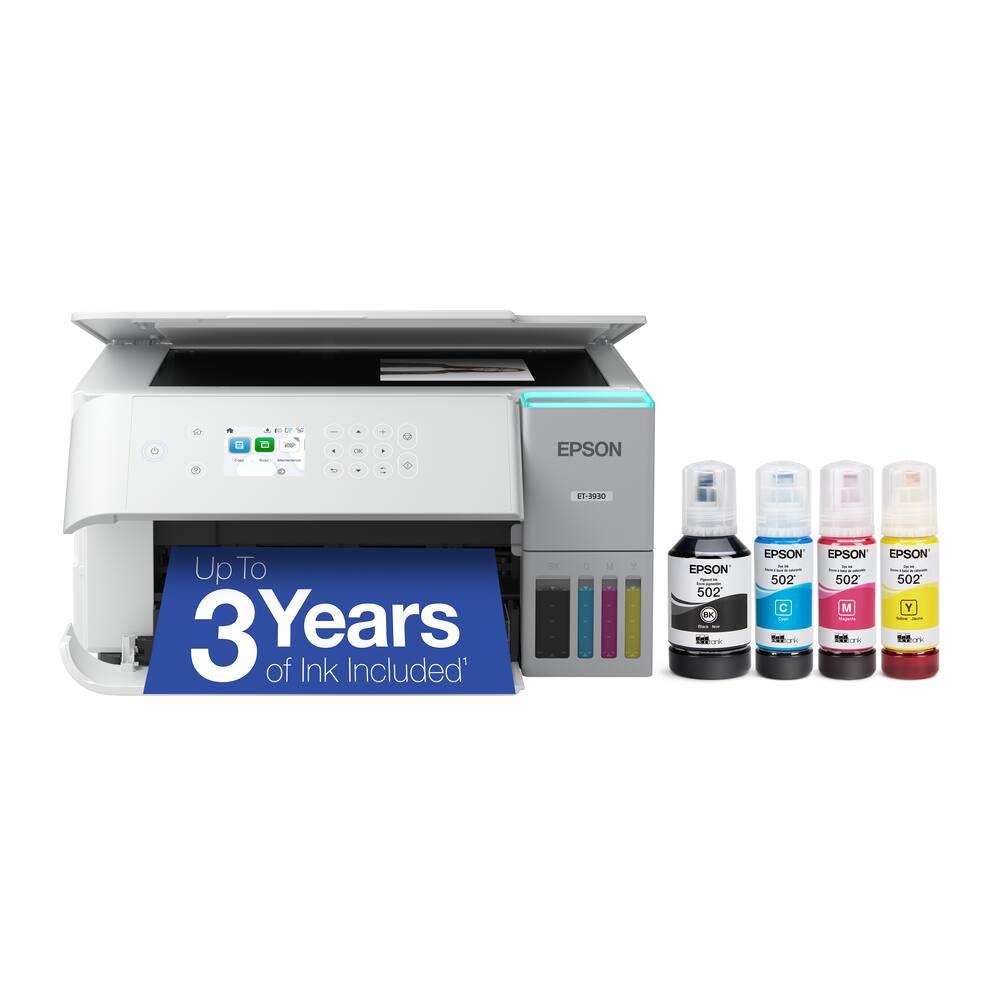
Epson – EcoTank ET-3930 Wireless All-in-One Color Supertank Inkjet Printer – White
SKU: 6630480
$31199
Was $389.99 Save $78.00
Other options in this range
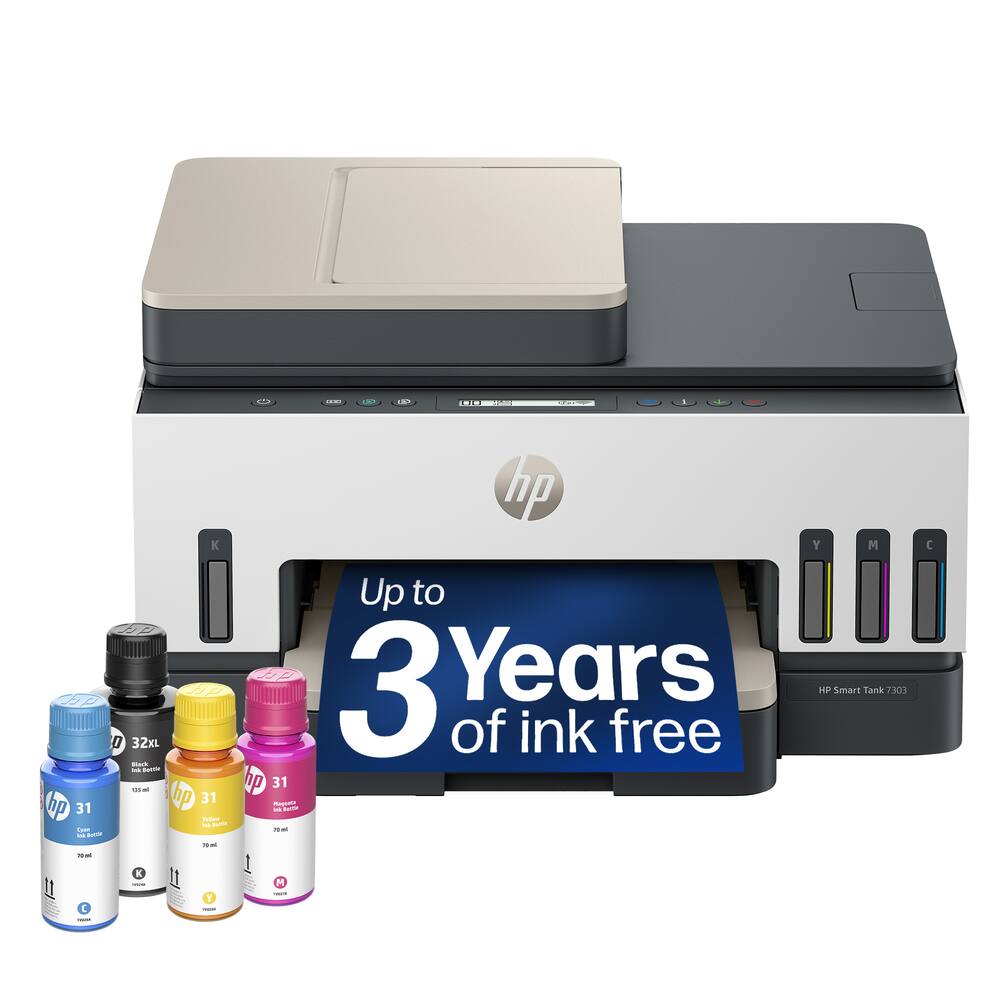 HP - Smart Tank 7303 Wireless All-in-One AI-Enabled Cartridge-Free Supertank Inkjet Printer with 3 Years of Ink Included¹ - White Original price was: $449.99.$359.99Current price is: $359.99.
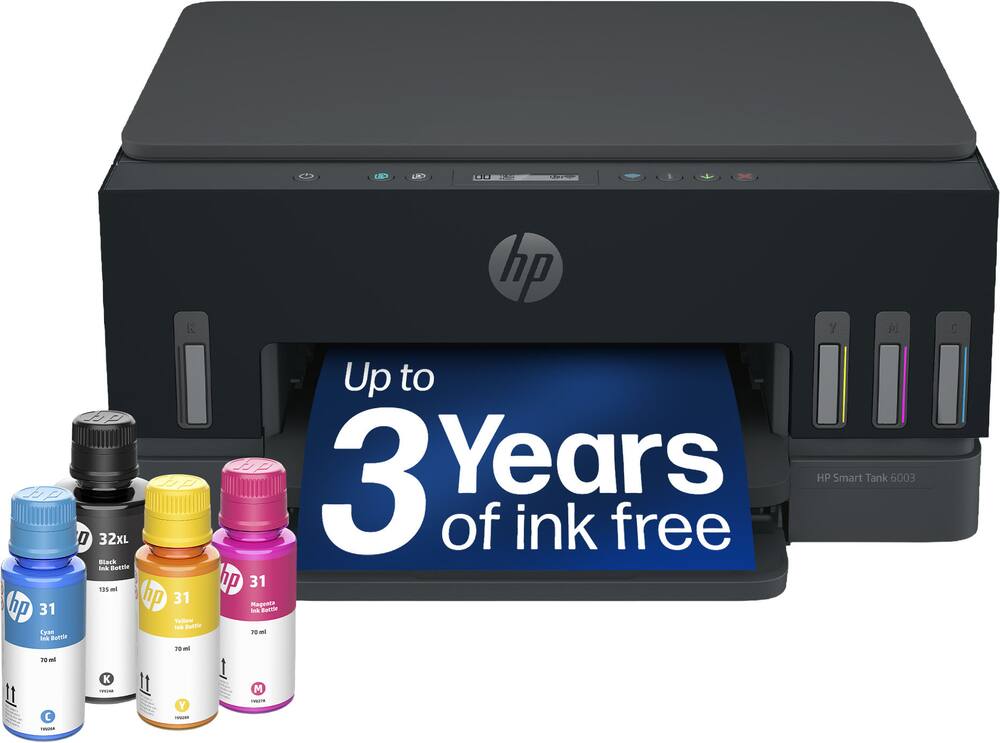 HP - Smart Tank 6003 Wireless All-in-One AI-Enabled Cartridge-Free Supertank Inkjet Printer with 3 Years of Ink Included¹ - Basalt Original price was: $369.99.$295.99Current price is: $295.99.
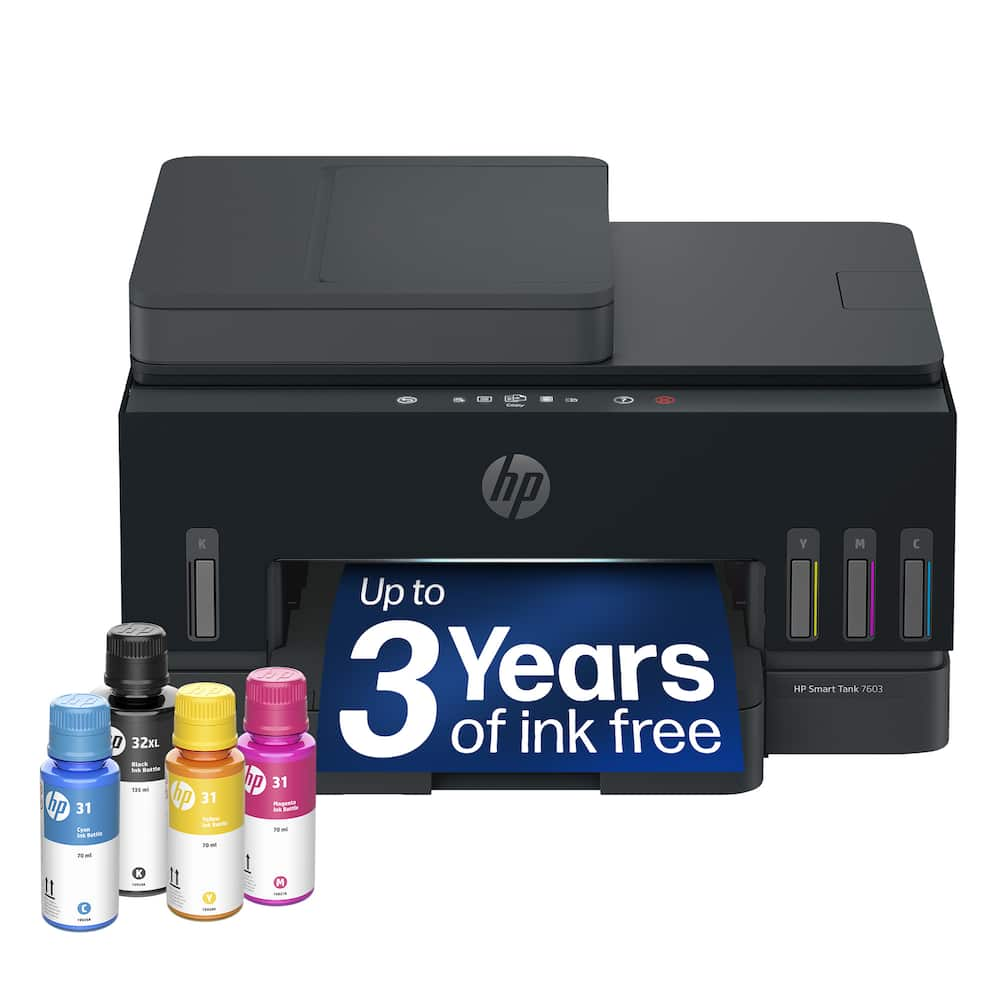 HP - Smart Tank 7603 Wireless All-in-One AI-Enabled Cartridge-Free Supertank Inkjet Printer w/ Fax and 3 Yrs of Ink Included¹ - Basalt Original price was: $469.99.$375.99Current price is: $375.99.
Overview
- Incredible Value
Each replacement ink bottle set is equivalent to about 90 individual cartridges (7). - Up to 3 Years of Ink Included in the Box (2)
Comes with enough ink to print up to 6,600 pages black/5,500 color (8) for worry-free printing and fewer out-of-ink frustrations. - Simple Ink Refilling
Supersized ink tanks and uniquely keyed EcoFit bottles make refilling ink simple—no mess, no stress and no ink bottle mix-ups. - The #1 Best-Selling Supertank Printer (5)
Epson invented EcoTank to revolutionize the way people print; we’ve sold 100 million EcoTanks worldwide (6) and this is our 7th generation of cartridge-free printers. - Advanced, Productive Features
Fast 18 black/9 color ISO ppm print speeds with zero warmup time, a high-capacity 250-sheet paper tray, auto duplex printing and a 2.4″ color display for easy navigation. - Stunning Print Quality
High 4800 x 1200 print resolution for exceptional photos and text; enjoy amazing image quality on a wide range of media. - Wireless Mobile Printing (4)
Print and scan from the convenience of your smart device with enhanced mobile printing from the Epson Smart Panel app (3); supports Apple AirPrint. - Engineered for Reliability
Epson PrecisionCore Heat-Free technology delivers a unique permanent printhead designed to last the life of the printer, plus professional-grade reliability with duty cycle twice as robust as its predecessor. - Zero Cartridge Waste
Join the club with the millions of EcoTank owners who’ve already helped to reduce millions of pounds (9) of plastic from going into landfills. - Use Genuine Epson Ink
For optimal print quality and performance. Non-genuine ink could cause damage not covered by the printer’s limited warranty.
Compare similar
Specifications
Capacity & configuration
- Printer Type
- Printer
- Tray Capacity
- 250
- Scanner Type
- Flatbed
- Ink Bags/Bottles Required
- 1 x Black
- Ink Bags/Bottles Included
- 1 x Black
- Output Tray Capacity
- 30
Dimensions & weight
- Product Name
- Epson EcoTank ET-3930 Wireless All-in-One Color Supertank Inkjet Printer
- Product Height
- 7.4 inches
- Product Width
- 14.8 inches
- Product Depth
- 13.7 inches
- Product Weight
- 12.6 pounds
- Automatic Reduction/Enlargement
- Yes
Features
- Brand
- Epson
- Color
- White
- Networking
- Wireless
- ENERGY STAR Certified
- Yes
- Automatic Document Feeder
- No
- Photo Printing
- Yes
- Wide Format Printing
- No
- Wide Format Scanning
- No
- Monochromatic/Color
- Color
- Wired Connectivity
- USB-B
- Wireless Connectivity
- Wi-Fi
- Automatic Two-Sided Printing
- Yes
- Duty Cycle
- Up to 10,000
- Compatible Cartridges
- Epson T502
- Ink Cartridges Required
- None
- Ink Cartridges Included
- None
- Supported Paper Sizes
- 3.5" x 5", 4" x 6", 5" x 7", 8" x 10", 8.5" x 11", 8.5" x 14"
- Paper Feeder
- Cassette tray
- Maximum Number Of Copies
- 99
- ISO Color Print Speed
- 9 pages per minute
- Printer Resolution (Black)
- Up to 4800 x 1200
- Printer Resolution (Color)
- Up to 4800 x 1200
- Approximate Page Yield (Black)
- 6600
- Approximate Page Yield (Color)
- 5500
- Scanner Resolution
- Up to 1200 x 2400
- Touch Screen
- No
- Display Screen
- Yes
- Display Screen Size
- 2.4 inches
- UPC
- 198390000929
Power & warranty
- Model Number
- C11CL42201
- Warranty - Parts
- 1 year limited
- Warranty - Labor
- 1 year limited
Warranty & protection
Included manufacturer warranty
See manufacturer documentation.
Register your product with the manufacturer within 30 days of delivery.
Warranty service
Manufacturer warranty claims are handled by the manufacturer. We are happy to help you find the right contact: (888) 419-6820.
Customer reviews
Write a reviewExcellent Printer with Great Features - I'm very happy with this Epson EcoTank printer. The print quality is excellent, and the refillable ink tanks are a great way to save money compared to traditional ink cartridges. It has useful features for everyday printing, scanning, and copying. Overall, it's a great printer for home or office use, and I would recommend it to anyone looking for a reliable printer.
Disappointed - This is the 2nd printer in less than 2 years, and having problems 3months after bringing it home. Doesn't recognize my network password and when it does connect to the network it won't print. If it does start to print, it stops and starts, and takes hours to complete a 10 page document. I don't need the printer but a few times a month and get frustrated that it's not available when I do. Like the large ink supply, but again useless when it's not working.
Epson EcoTank printer - I ended up not keeping this printer but an associate of mine had a need for it. I thought the product quality was very good and so was the in-store service. I didn't do appropriate research before my purchase so I found the printer couldn't handle all my needs. I upgraded to the next level printer which gave me 2 printer trays, the ability to print double sided and other bells and whistles that help me with my work efficiency.
I hate printers - This thing works reliably in Linux. I like how you can refill the resivours with liquid. The scanner makes good images. It's really fast! The prints come out clean, looks good. Great for home office if you work from home.
Easy - nice unit - Easy to install, easy to use, prints fantastic, i would highly recommend.
Epson - Eco Tank Inkjet Printer is phenomenal! - I had been using a different type of printer (different brand) and a few different ongoing issue that I was dealing with. Sometimes the paper would jam up inside. Also the one cord I had to put into the backside didn't seem to fit in well, and it would actually wiggle. And then the printer wouldn't work at all. It finally came back on. But this was very frustrating, because I had just bought that printer about a month and half ago. So I took it back to Best Buy and looked at other printers. A friend of mine had suggested I look into Epson printers and I looked at these. And I decided to buy this Epson-EcoTank ET- 3930 Wireless All-in-One Color Supertank Injet Printer. It definitely fits what I need and works perfectly! It definitely has been worth the investment.
Wonderful - Had it for half a year now. Great for homeschooling, people say it can dry out if you don't use it often. But I have not had any troubles after not printing for weeks in the summer. Highly recommend, and the quality on photoprints is great! Also haven't had to refill it. Money saver for sure!
Review of Epson-Eco Tank ET-3930 - This printer is awesome. It is so easy to operate. It seems to know what I need and how to do it before I do. Had a paper jam. Opened the back and there it was. Simple. I would highly recommend this printer to anyone.
Printer - Very fast and effective. Easy to set up and prints quality images.
Best Printer - Works amazing very easy set up. Best printer Ive ever had. 10/10 highly recommend!
Great - This is by far the best printer ive used. My wife has printed almost daily and we have yet to refill the tanks on the first fill
Great Printer - Bought for my sister for her personal office space, we've had no problems with it. super easy to set up and use.
Great little tank all in one printer! - This little tank all in one printer has been great for us! We carefully followed the installation instructions and the hook up went smooth and easy. Since then, we have printed, copied (even doublesided) and scanned with no issues. Really looking forward to not having to buy ink cartridges anymore. I do recommend this printer.
Good printer, but screen buttons don't work - I give this printer 3 stars because it prints well from my computer and the ink is very affordable, allowing many coies without high cost. However, the small display screen does not work, so I cannot copy a document I have in hand nor scan. I give the third star because I hope the seller will help fix this problem when I report it.
Epson printer - Easy to set up and use. Also like the ink refills.
Double sided print issues - This printer is a solid machine with the exception of the automatic double sided print feature. If you’re only double side printing on a rare occasion I’m sure this printer measures up to the task, however my wife printed home school curriculum and attempted to save paper by double side printing. Out of approximately 1100 pages, this printer had a paper jam literally (we counted) 73 times. The automatic double sided print feature was the only reason we chose this model and we feel that Epson could put a lot more effort into fixing this flaw and they would have an excellent printer. Other than the paper jams during double sided printing, this printer is excellent.
EPSON 3930 Ink Injection printer - A noticeable money saver with regards to ink consumption. No more costly cartridges. It's too good to be true. There could be more clarity on copies, and it would be more convenient if there were a feeding tray.
Worth the price - This printer replaced an HP4500. The cost and usage of the cartridges was getting ridiculous. The Epson, for the price, was worth it. Faster, double the paper capacity, and cost of ink sure beats the HP. Print quality is excellent. The only negative is that setup was tedious.
Epson printer - Hard to Learn how to operate. Did not see explanation book in box detailing how to operate. I don’t know what all buttons are for
Questions & answers
Ask a question
Email [email protected] or call (888) 419-6820 during business hours.
Add your review