HP Trash Tank 7303 - Better off putting your money in the trash. First one w a s constantly hard faulting, needing to be unplugged for a few minutes and plugged back in to reset. Returned that one after a month for a new one (same make and model). My second brand new one of these still gets the same faults, but much less frequently. However, I can only print anything about half the time. It constantly throws errors uo on my computer, and it cuts out mid printing. Pages out of order when printing anything extensive. Hp software is the slowest and most likely to crash software available. Garbage.
 20% off
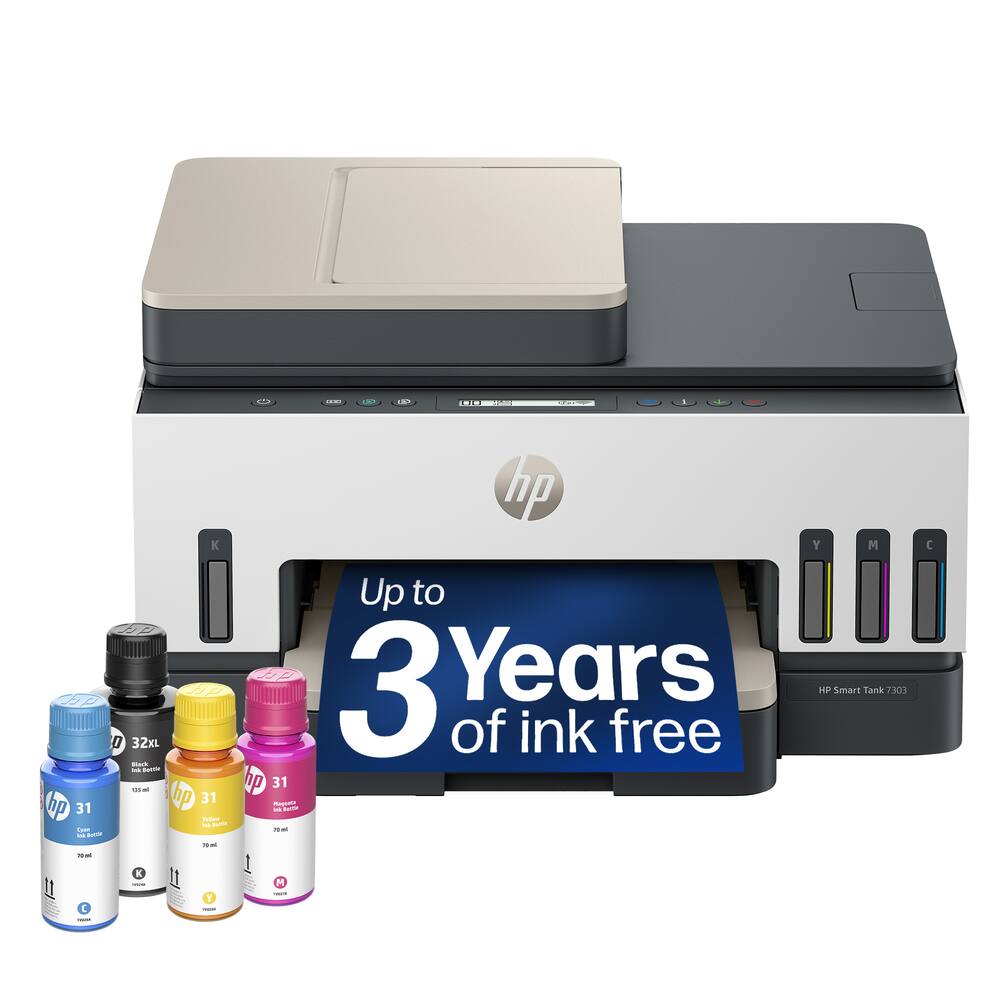
HP – Smart Tank 7303 Wireless All-in-One AI-Enabled Cartridge-Free Supertank Inkjet Printer with 3 Years of Ink Included¹ – White
SKU: 6678560
$35999
Was $449.99 Save $90.00
Other options in this range
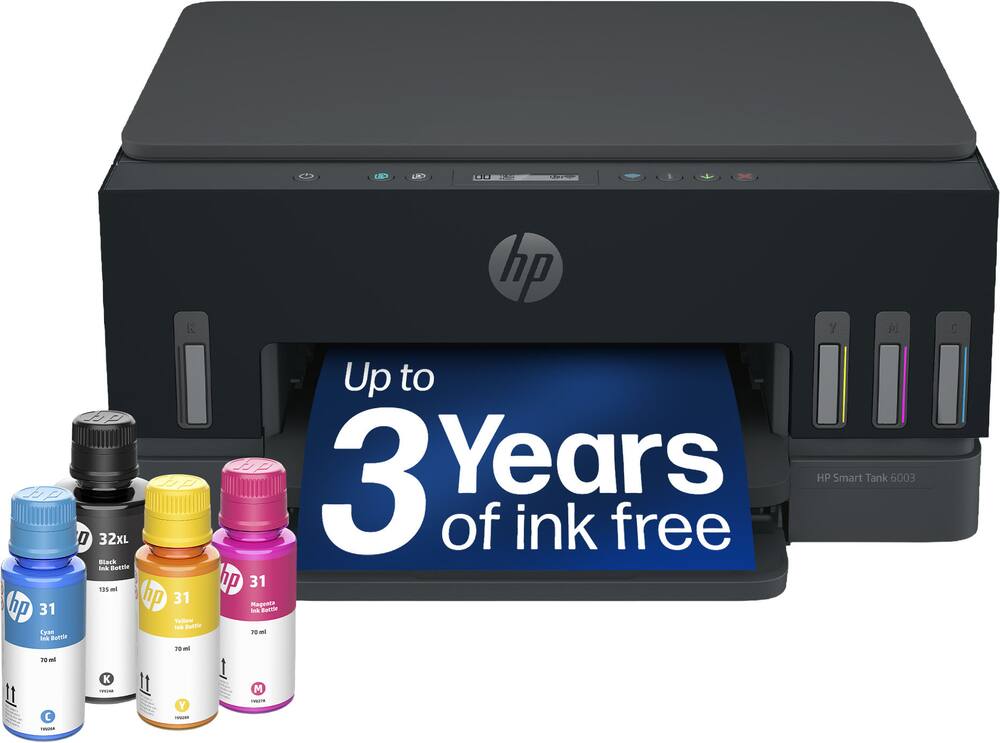 HP - Smart Tank 6003 Wireless All-in-One AI-Enabled Cartridge-Free Supertank Inkjet Printer with 3 Years of Ink Included¹ - Basalt Original price was: $369.99.$295.99Current price is: $295.99.
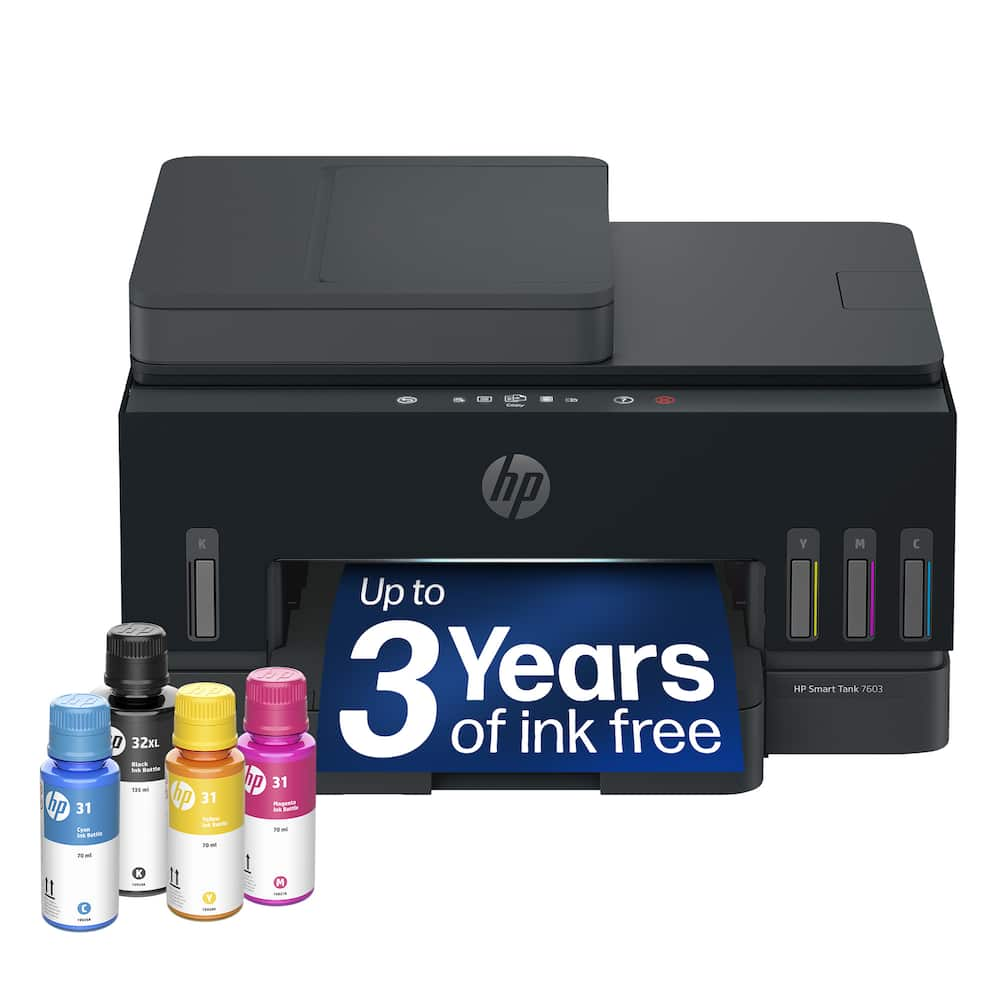 HP - Smart Tank 7603 Wireless All-in-One AI-Enabled Cartridge-Free Supertank Inkjet Printer w/ Fax and 3 Yrs of Ink Included¹ - Basalt Original price was: $469.99.$375.99Current price is: $375.99.
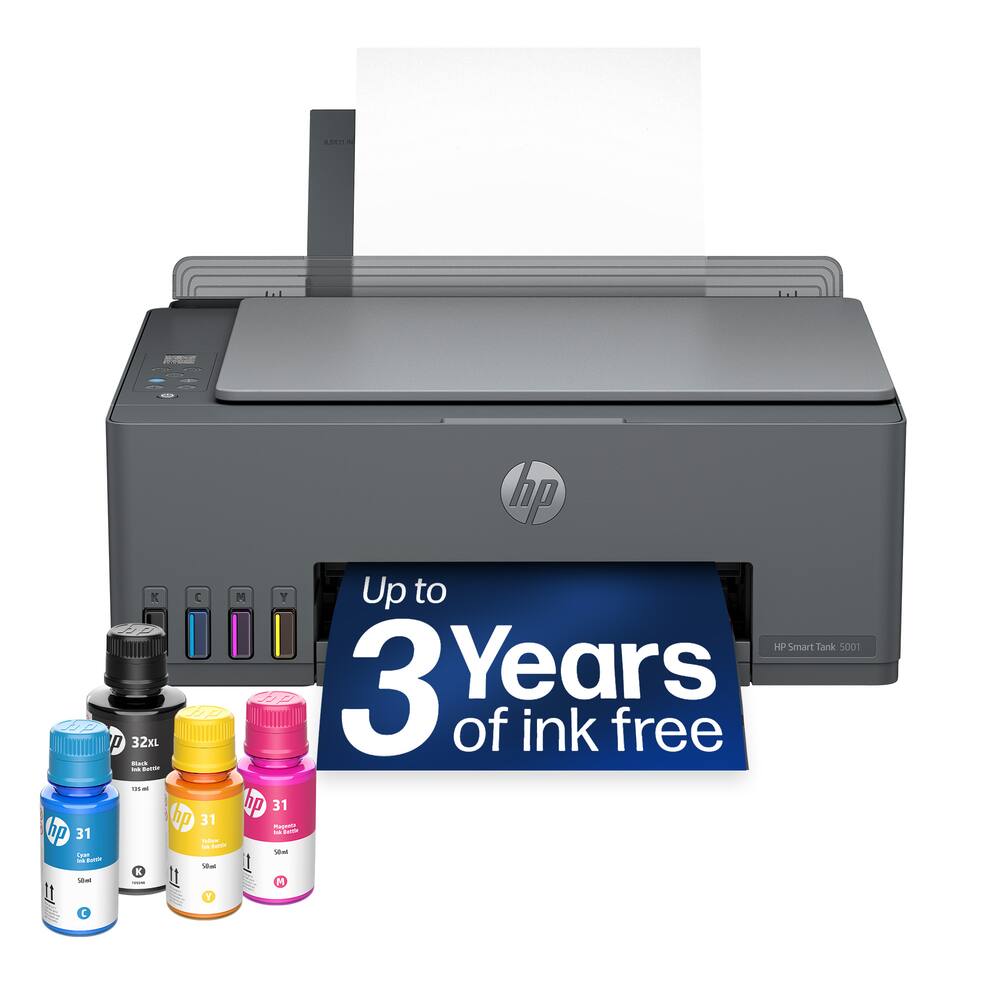 HP - Smart Tank 5001 Wireless All-in-One AI-Enabled Cartridge-Free Supertank Inkjet Printer with 3 Years of Ink Included¹ - Basalt Original price was: $189.99.$151.99Current price is: $151.99.
Overview
- The last printer you’ll ever need
Set it up once and print with confidence; no complicated maintenance, just easy, reliable printing you can count on - Ink for years, not months
Up to 3 years of ink included¹; get thousands of pages of cartridge-free printing—more pages, less hassle - Optimize print formatting with HP AI³
Print web pages and emails with precision—no wasted pages or awkward layouts; HP AI easily removes unwanted content, so your prints are just the way you want - Innovation you can trust
Cartridge-free printing that keeps you printing longer with fewer interruptions, powered by the trusted HP innovation you rely on today - Mess-free refill
Replenish ink with HP’s easy-access, mess-free refill system; simply plug the ink bottles into this cartridge-free ink tank and let them drain—no squeezing, no spilling - Best print quality, period
Sharper text, richer colors—only with HP Smart Tank⁵ - Key features
Print, copy and scan, auto document feeder, plus borderless prints, mobile and wireless printing - Fully loaded with savings
Best for low-cost, high-volume printing—3 years of Original HP Ink included¹; get up to 8,000 color pages or 6,000 black pages right out of the box⁴.
Compare similar
Specifications
Capacity & configuration
- Printer Type
- All In One
- Tray Capacity
- 250
- Scanner Type
- Flatbed
- Ink Bags/Bottles Required
- 1 x Black
- Ink Bags/Bottles Included
- 1 x Black
- Automatic Document Feeder Capacity
- 35 sheets
- Output Tray Capacity
- 100
- Compatible Media Types
- Plain Paper, HP Photo Papers, HP Matte Brochure or Professional Paper, HP Matte Presentation Paper, HP Glossy Brochure or Professional Paper, Other Photo Inkjet Papers, Other Matte Inkjet Papers, Glossy Inkjet Papers, Plain Paper
Dimensions & weight
- Product Name
- Smart Tank 7303 Wireless All-in-One AI-Enabled Cartridge-Free Supertank Inkjet Printer with 3 Years of Ink Included¹
- Product Height
- 9.46 inches
- Product Width
- 16.83 inches
- Product Depth
- 14.33 inches
- Product Weight
- 16.98 pounds
Features
- Brand
- HP
- Color
- White
- Networking
- Wired
- ENERGY STAR Certified
- Yes
- Automatic Document Feeder
- Yes
- Photo Printing
- Yes
- Wide Format Printing
- No
- Wide Format Scanning
- No
- Monochromatic/Color
- Color
- Wired Connectivity
- USB-B
- Wireless Connectivity
- Wi-Fi
- Automatic Two-Sided Printing
- Yes
- Duplex Scan Function
- No
- Integrated Fax
- No
- Duty Cycle
- Up to 5,000
- Compatible Cartridges
- HP 32
- Ink Subscription Service Available
- No
- Ink Cartridges Required
- None
- Ink Cartridges Included
- None
- Memory Card Slot
- No
- Supported Paper Sizes
- Letter; Legal; Government Legal; Executive; Statement; 4 x 6 in; 5 x 7 in; 8 x 10 in; L; Photo 2L; Envelope( #10, Monarch, 5.5 bar); Card (4 x 6 in, 5 x 8 in)
- Paper Feeder
- Cassette tray
- Maximum Number Of Copies
- 99
- Paper Handling
- 250-sheet input tray; 100-sheet output tray
- ISO Color Print Speed
- 9 pages per minute
- Printer Resolution (Black)
- Up to 1200 x 1200
- Printer Resolution (Color)
- Up to 4800 x 1200
- Approximate Page Yield (Black)
- 6000
- Approximate Page Yield (Color)
- 8000
- Copier Resolution (Black)
- Up to 600 x 600
- Copier Resolution (Color)
- Up to 600 x 600
- Scanner Resolution
- Up to 1200 x 1200
- Touch Screen
- No
- Display Screen
- Yes
- Display Screen Size
- 2 inches
- UPC
- 199896228046
Power & warranty
- Model Number
- 9B5D0A#B1H
- Warranty - Parts
- 1 year
- Warranty - Labor
- 1 year
Warranty & protection
Included manufacturer warranty
See manufacturer documentation.
Register your product with the manufacturer within 30 days of delivery.
Warranty service
Manufacturer warranty claims are handled by the manufacturer. We are happy to help you find the right contact: (888) 419-6820.
Customer reviews
Write a reviewLove it! - I am far from tech savvy, but was able to get this up and running quickly. I love the more affordable ink option. Time will tell how long the ink lasts. Do far, so good.
Quality is great - Excellent product with clear printing photos and easy to set up.
HP smart tank 7303 wireless all in one printer - easy to install. Prints well and quickly. Scanning is very easy.
Great printer - I love this printer/scanner/ copier. It was very easy to set up, easy to print from the phone. Good colors. All you may need for home use.
Good printer - This printer works very well for me. Great print quality.
Loud printing, plain paer as photo aper wrinkles - The ink was the major point. Automatic document flipping and printing and scanning was the other features. Replacing a 6973 ink jet thay the blue nozzle was clogged and not functional
Worth the investment - The ink for this printer last a very long . Would highly recommend
Great for homeschooling and business! - This printer has been put to USE since we've got it. Printing curriculum, invoices and candle labels... There's never a dull day. I'm excited for the smart tank capabilities. This thing prints the fine print on my labels with no problems, very happy with this purchase so far!
Great printer - I've only had the printer for two week, but it's been great. The photo prints look great and I love that ink is easy and cheap to use
HP Smart Tank 7303 - Installation a bit difficult print heads wouldn't out out until you put in the ink. Then uploading the firmware so that the printer connects. After all this is done, the HP printer works GREAT .
Great Desk top Printer - Small footprint, Bottled ink not cartridges, great photo quality at high print quality. Well worth the price.
Very happy with this Printer! - I have been using this HP Smart Tank 7303 All-in-One Printer for the last 2 weeks and it's honestly exceeded my expectations. It has been one of the easiest and user-friendly printer I have used at home. I mainly used it to print important documents, regular scanning, making copies, and printing family photos and it handled all tasks with ease. The setup was much easier than I expected and filling the ink tanks was simple because the bottles were made to fit perfectly. The process was clean and effortless. Another step was to connect the printer to my home network which took only a few minutes and once it was connected everyone could print from their phones or devices without needing cables. Not to mention the quality of the prints that are picture perfect. The black text comes out looking sharp and easy to read even on normal paper. Color prints are bright and look clean without fading. I, myself, printed a couple photos and they came out looking nice and pleasant. They are perfect for family photos, albums, school projects, or crafts. One thing I liked was the automatic double sided printing. I don't print lots of documents but not having to flip through the pages manually saves both time and effort. The paper tray holds plenty of papers so I don't need to constantly refill it. The scanning is made simple as I can scan multiple pages using the automatic document feeder and it works smoothly without getting stuck. The scanned files come out looking clear and easy to read. Making the copies is straightforward as well. Another great feature of this printer is how quiet it is. It also prints fast so I'm never left waiting for long. My favorite part is the ink tank system. After two weeks of regular use, the ink levels have pretty much stayed the same. If you print often for work, school, or home this saves a lot of money compared to replacing the traditional ink cartridges all the time. I like that it works with all kinds of paper sizes. Printing the standard documents or envelopes works great as well as the greeting cards and borderless photos without the need to change too many settings. Just a couple of things to note is that the display screen is basic so I had to rely on a laptop or phone for most settings. Second, this is slightly larger than a compact printer so more space is needed on the desk. Overall, after using this printer, I am very happy with it. It prints clear, sharp, and easy to read documents. The ink tanks give peace of mind because of how long it lasts and printing is relatively fast. If you're looking for a dependable printer with great quality then I think this an excellent choice with a great value.
Good typical AIO printer, but with new ink format - HP printers have been my primary for the past 30 years. Maybe only 1 or 2 were another brand, and those had issues. This HP Smart Tank 7303 AIO Printer is just what I would hope and have come to expect from HP. Very interesting and different type of ink than I’ve ever had. And to be honest, I like it. The included set of bottles claims it can last 3 years, but we’ll see. To me, they were simple to fill and if they prove to result in just as good of quality prints over time, this is a winner. Connecting to my home network was simple and I’ve printed just fine to both my Mac and Windows PC. Initial prints in both just black and white and some medium size color prints looked excellent. Scanning and copying, initiated from both the printer as well as each of those computers were without issue and results were clear and sharp. Since most of my other HP printers have lasted 10-17 years, I’m hoping this 7303 also follows suit.
Ok Printer - Skip If you Do A Lot Of Color Prints - The HP Smart Tank 7303 is HP's direct answer to the cartridge-free supertank market, targeted at households or home offices that print constantly. It is heavily positioned as an economical alternative to traditional ink systems, arriving with an advertising claim of up to three years of ink included right out of the box. In terms of size, it sits nicely in a standard mid-level footprint, making it a far more manageable addition to a living room nook or small desk than wide-format alternatives. Setup introduces a different routine due to the nature of a supertank system. Instead of dropping in sealed plastic cartridges, you fill the built-in reservoirs using HP's mess-free ink bottles. The design works well, allowing you to just flip the bottles upside down into the keyed slots where they drain automatically without needing to squeeze or risk spilling ink on your hands. Unlike other HP options featuring sprawling touchscreens, navigation here relies on a smaller display with smart-guided buttons. While it is functional, it feels like a slight step backward if you are used to the expansive menus of more premium office lines. Performance is steady, though it leans more toward everyday pacing than heavy-duty business speeds. Clocking in at 15 pages per minute for black and 9 pages per minute for color, print jobs kick off with minimal network delay. The print quality is crisp for daily paperwork and school assignments. Color graphics are vibrant, but because this is standard thermal inkjet technology, heavy color sheets take a bit longer to process. That said, in my testing, the pages were still damp after printing with some seeming to curl the paper a bit. Paper handling is where the machine claws back some serious utility. It features a solid 250-sheet primary paper tray, which is a massive upgrade over the laughably small trays found on budget home printers. You won't find yourself constantly refilling the paper right when you need to finish an important document. The 35-page automatic document feeder works reliably for multi-page scanning and copying tasks via the flatbed glass. In summary, the HP Smart Tank 7303 makes a strong case for itself if your main goal is escaping the high cost of replacement cartridges while keeping a 250-sheet paper tray. The sheer volume of included ink and dependable day-to-day paper handling make it a highly practical workhorse for a busy household.
Hot commodity - When someone is looking to update their old outdated printer, one of the main things to consider is the future planning of ink prices. HP helps eliminate that burden with allowing you to purchase ink bottles that are super easy to refill. This has always been on my mind as of late because it seems ridiculous to have to buy expensive ink cartridges after a few months even if you do not use your printer. As for this specific printer - The HP Smart tank 7303 is a good overall printer and scanner for those looking to print thousands of pages a month. HP recommends sticking to 400-800 pages of printing per month and a maximum of 5,000 pages in a given monthly cycle. The ink bottles themselves have a longevity of: HP 32XL 135-ml Black bottle (~6000 pages), HP 31 70-ml Cyan bottle (~8000 pages), HP 31 70-ml Magenta bottle (~8000 pages), HP 31 70-ml Yellow bottle (~8000 pages). Print speed is decent at 15ppm for black and 9ppm for color pages. Scanning at 1200dpi is always good. You can also copy and print up to 99 pages. As for setup, it took me a little bit to get the app to locate this device. I don't think the LCD on the printer is helpful much with providing useful information during setup. The printer button themselves seem standard but useless if you just use the app which seems easier to utilize.
Great Tank Printer - I received the HP Smart Tank 7303 All-in-One Printer. Seems to be well made and durable. The HP Smart Tank 7303 has a high-capacity, cartridge-free printing system that combines essential office functions with reliable wireless performance. Designed for efficient, long-term use, the printer includes an ink supply sufficient for up to three years, helping to lower overall printing costs for both home and office environments. The printer has high quality output and speed for daily tasks, for both professional and personal projects. It produces high-quality visuals and graphics from your computer, automatic document feeder functionality allows you to scan and copy multi-page documents up to 8.5 x 14 inches with ease. The paper feed can hold up to 250 sheets of A4 or 50 sheets of photo paper. You can also have labels, cards or envelopes that are easy to load and align. The printer provides multiple wired and wireless paths to accommodate different setups and user needs. With a built-in Ethernet port allows for stable, high-speed wired network connections in office environments. Wireless printing options include dual-band Wi-Fi and Wi-Fi Direct, plus support for mobile platforms like Apple AirPrint, A USB-A port access enables convenient direct printing from flash drives, offering an alternative to standard computer-based printing, has Mobile Printing with a Built-in Wi-Fi 5 provides flexible wireless access for various devices. Using Ink tank printers seems to be a more economical way of printing at home, it reducing waste generated by replacing ink cartridges every month and being cheaper than buying new cartridges. The HP documentation says the ink provided with a new printer should be enough for 2-3 years before you need to refill those tanks, depending on usage. This is great!, those ink tanks are visible, so you can glance at the printer and see how much ink is available.
impressed with the ink tanks - i have been using the hp smart tank 7303 for a couple weeks now and honestly im wondering why i didnt switch to an ink tank printer sooner. i was getting tired of buying expensive cartridges all the time, so the refillable tanks were the main reason i picked this one. filling the ink tanks was actually easier then i expected and way less messy then i thought it would be. setup was pretty simple. i had it connected to my wifi in maybe 15 minutes and was printing from my laptop and phone right after that. i mostly print work documents, shipping labels, and random stuff around the house, and everything has come out looking really sharp. color prints look surprisingly nice too. its also fast enough that im not sitting there waiting forever for a few pages to finish. one thing i really like is the automatic document feeder. i had to scan a stack of paperwork the other day and it saved me so much time compared to feeding one page at a time. automatic double sided printing is another feature i didnt think i would care about that much, but now i use it all the time. little things like that just make everyday printing easier. the hp smart app has worked pretty well for me too. ive printed from my phone a bunch of times and havent really had any connection issues. the printer reconnects to wifi on its own and just seems to work when i need it. thats honestly all i want from a printer because my old one always seemed to have some new problem every week. overall im really happy with it. the print quality is great, the refillable ink tanks should save a lot of money over time, and it handles printing, scanning, and copying without any headaches. if you print alot at home or have a small office, i think this is definitely worth checking out.
Beefy ink tanks should last a while… - Inkjet printers can be frustrating because cartridges dry out quickly, are expensive, and create a mess. The HP Smart Tank 7303 seems like a better solution. Hardware and Setup - HP printers have a traditional look similar to those of most HP home printers. The design doesn’t stray far. It won't win any awards, but it's simple and attractive enough, I guess. Surprisingly, there is no large color LCD on this printer. There is just a thin strip-style screen for basic information and functionality like Wi-Fi status, quick copying (color and B&W buttons), etc. You'll really want to use the HP mobile app to get the most out of your printer versus using the on-board controls. Then again, thinking back to my past printers, I never really did use the on-board controls either. The setup was relatively straightforward: power on your printer, download (if you didn't already have it) the HP printer app, then follow the on-screen instructions to add a new printer. If you're familiar with HP printers, it's pretty much the same as it's been for years. Smart Tank - Unlike regular inkjet printers, this uses reservoirs to store ink volumes (from which you can clearly see the levels from the front of the printer). Filling each is as simple as popping a bottle down into the corresponding reservoir and letting it drain into it. Much less wasteful than inkjet cartridges. There are two printer heads that you still need to install, so make sure you do that. Oh, and when you do, remember to remove both the film and plastic before inserting them into the carriages. Performance - When it comes to printing, it's a great everyday printer. It's not going to blow your socks off in terms of speed or anything, but it gets the job done well for what you would expect from a home printer or even a small home office. Print quality is fine for almost all your printing needs. Even printing photos will look pretty darn good for most use cases; even displaying in a picture frame. Sure, it's not a photo printer, and you have to remember that, but again, it does a great job, especially given its large print tank. It remains unclear how long the ink will actually last. HP claims it can last up to three years. Who knows with actual usage, but I suspect it will last a very long time with my needs, as I only need a few pages here and there for recipes, forms, and whatnot. Full duplex printing capabilities is a huge plus, which not only saves paper, but is a great feature to have. The flatbed scanner and document feeder tray are great for scanning individual items or a tray full of papers. You can also use it to make copies directly from the printer itself. Pretty straightforward. Overall - Having used the 7303 printer for a little over a week now, I am pretty excited about how well it will fit in my household. The large ink tanks will certainly last a long time and serve a better purpose over traditional inkjet or subscription-style printers. The only downside is that the printer is larger to accommodate for the ink reservoirs. If you need a practical home printer that has good print quality, auto-duplex print capabilities, flatbed and document scanning, without the hassle of replacing cartridges too often, then this might just be the one for you.
Great product as always from HP. - I have been a big fan of HP Smart-tank printers over the years. They are consistent performers and are great for the home or home-office. This is my third smart-tank printer and it is genuinely as good as it's predecessors. It replaces a 5100 and honestly, I am even more impressed by this one. Like all HP printers, set-up is a breeze. Like a genuine Breeze. If you are not that tech savvy and want to have a printer that is just simply easy to set-up initially and operate, this is the one. Just use the app and everything gets taken care of by itself. You can directly print from any device in your home as long as they are connected to the same wifi as the printer. The genuine selling point is the 3 years worth of ink supply. That is more than enough and by the time you would need more ink, you probably would have moved on from the printer itself. Of course, this implies more of a home use rather than a consistent heavy use in the office. The transparent ink tanks make it easy to monitor ink levels at a glance, and the spill-resistant refill bottles appear thoughtfully designed to minimize mess. Print quality was another area where the HP Smart Tank 7303 leaves a positive impression. Black text appear crisp and well defined, making business documents easy to read. Color graphics look vibrant enough for presentations, newsletters, and classroom materials, while photographs display respectable detail and accurate colors for a general-purpose printer. Although dedicated photo printers can undoubtedly produce superior photographic prints, I feel that the Smart Tank strikes an excellent balance between document printing and occasional photo printing without trying to specialize in either. Print speed proved to be perfectly adequate for everyday use. Documents emerged quickly enough that I rarely found myself waiting impatiently, although I would hesitate to describe the printer as particularly fast. During larger print jobs, it became clear that the HP Smart Tank 7303 prioritizes consistent quality over outright speed. For a home office or a (very) small business environment, I think this represents a sensible compromise, but users with extremely high-volume printing demands might prefer a faster laser printer. In addition to Wi-Fi, the inclusion of Ethernet and USB connections means that the printer can easily adapt to different working environments. Whether shared across multiple users in a small office or connected directly to a single workstation, it seems capable of fitting into a variety of setups without difficulty. Despite the many positives, I also encountered a few aspects that left me wanting more. The control panel, for example, is functional but undeniably basic. The two-line LCD display provides the information needed to navigate menus and perform maintenance tasks, but it lacks the convenience and responsiveness of the larger color touchscreens found on more expensive office printers. While I never considered this a serious flaw, I occasionally found myself wishing that certain settings could be adjusted more intuitively directly from the printer itself. Overall, this undoubtedly a brilliant option for the home.
Questions & answers
Ask a question
Email [email protected] or call (888) 419-6820 during business hours.
Add your review