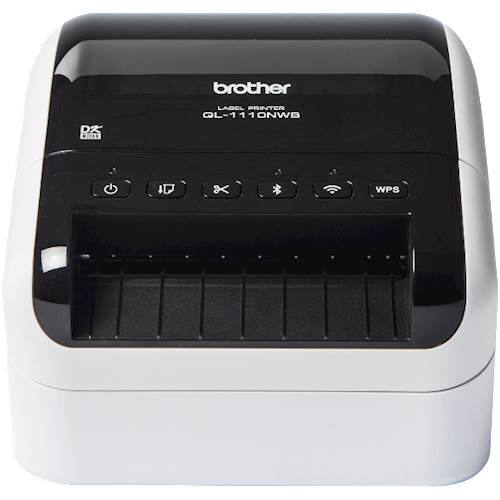
Brother - QL-1110NWB Wide Format, Professional Thermal Label Printer with Multiple Connectivity options - White/Black
$267.99
Was $334.99
Save $67.00 Free shipping
 20% off
SKU: 6494259
$17200
Was $215.00 Save $43.00
Other options in this range
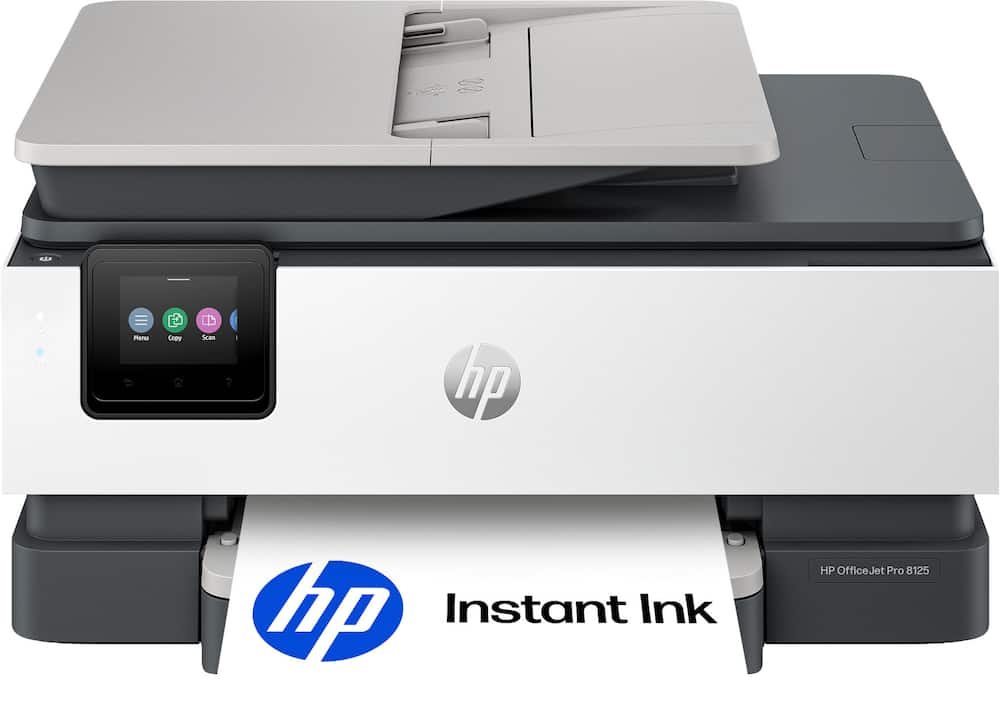 HP - OfficeJet Pro 8125 Wireless All-in-One Inkjet Printer, Scanner, Copier, AI-Enabled with 3 Months of Instant Ink - Cement Original price was: $179.99.$143.99Current price is: $143.99.
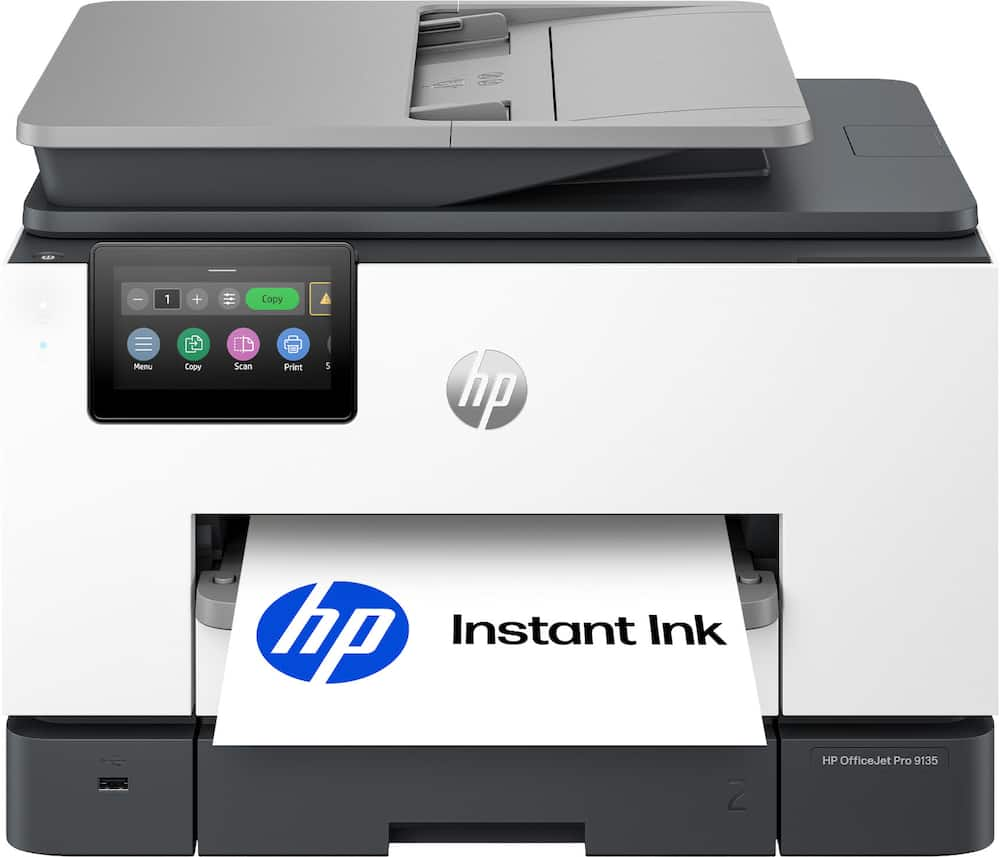 HP - OfficeJet Pro 9135 Wireless All-in-One Inkjet Printer, Scanner, Copier, AI-Enabled with 3 Months of Instant Ink - Cement Original price was: $429.99.$343.99Current price is: $343.99.
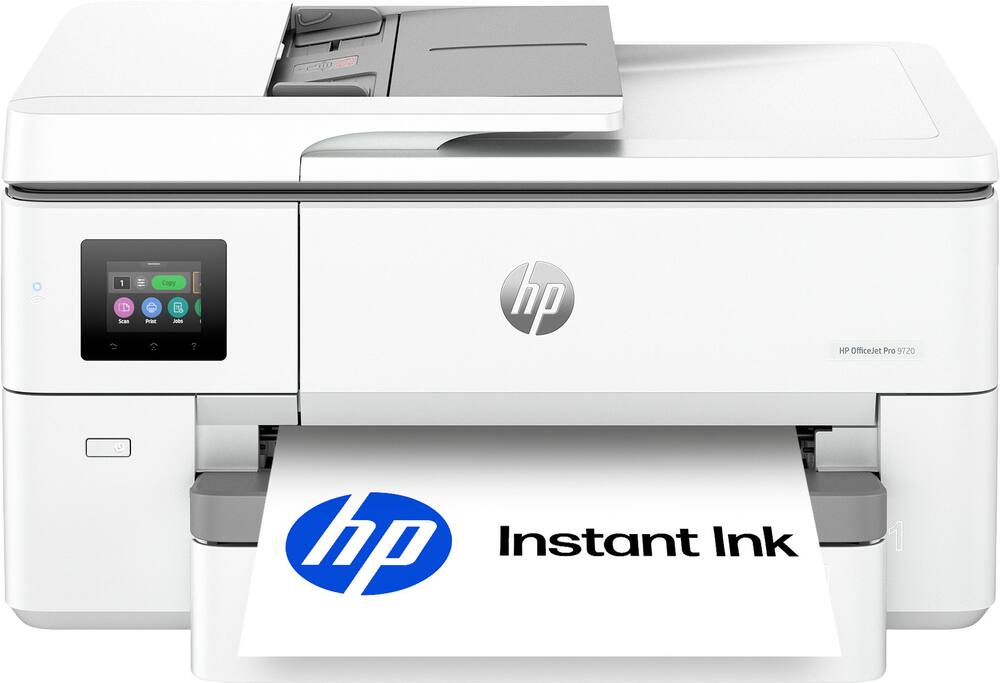 HP - OfficeJet Pro 9720 Wireless Wide Format All-in-One Inkjet Printer, Scanner, Copier, AI-Enabled with 3 Mos of Instant Ink - Cement Original price was: $349.99.$279.99Current price is: $279.99.
See manufacturer documentation.
Register your product with the manufacturer within 30 days of delivery.
Manufacturer warranty claims are handled by the manufacturer. We are happy to help you find the right contact: (888) 419-6820.
Free shipping
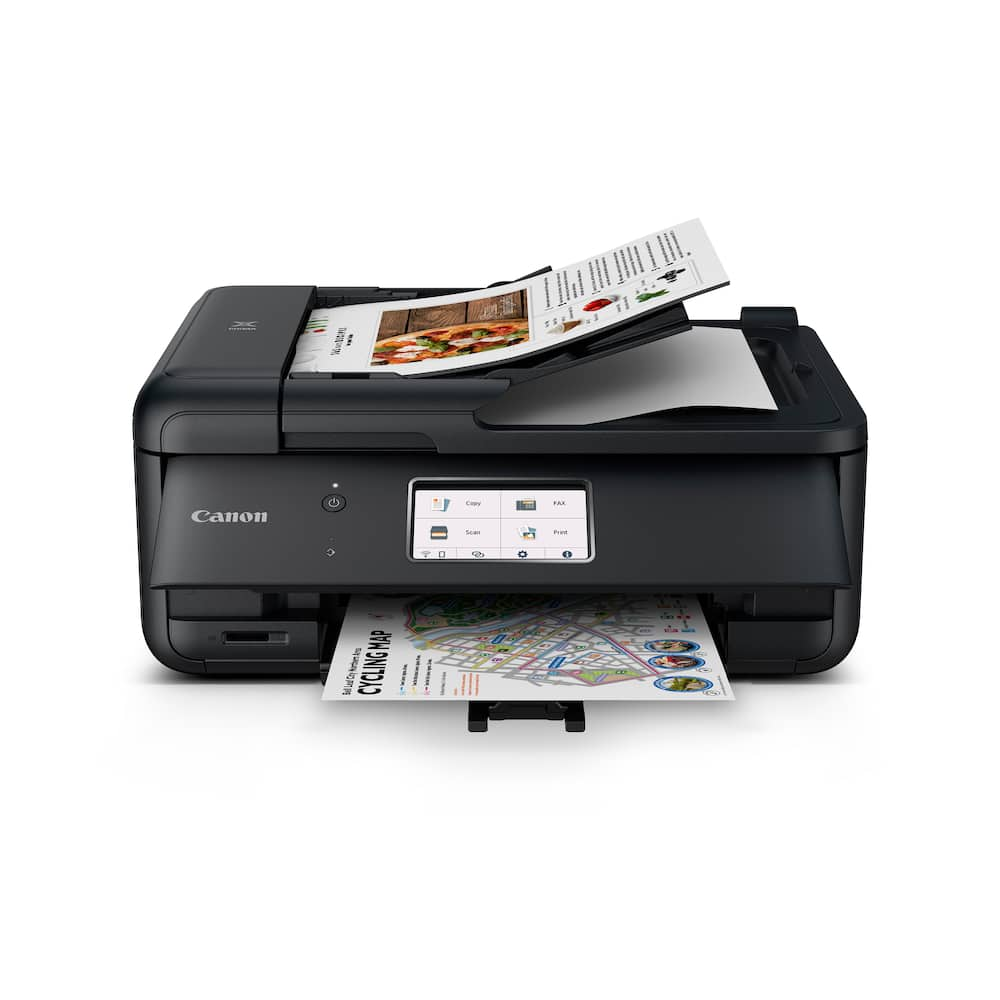
Unreliable and replaced - I bought this in April of 2026 to use in my home office. It is difficult to force it to connect and stay connected to the wifi network, but I've always been able to work around that one way or another. Actual print product is a different story. It worked fine on that front for about 3 months. When I first had to change print cartridges, it began having problems printing. Changing cartridges, cleaning print heads, running diagnostics and maintenance programs all took time and put ink on my hands but did nothing to make it work more regularly. Sometimes it'll print black ink, but it will usually only do that for a couple of pages before you have to start the cycle all over. It's going to the trash and being replaced with a tank inkjet printer from another manufacturer with a decent reliability rating. No more Canon for me.
Great home printer - Perfect size for home use. Not too bad to set up for non tech person & is super quiet! Most importantly no stupid ink prescription program necessary like HP has! So far we love it!
printer works great! - I needed a printer to help me with tasks for my personal use, to open up my business and homework. for my church projects that I need printing. So far I am using it almost daily, but it doesn't make noise when printing. I can send the documents to print from my cell phone which was a must have for me. I use it together with chatgbt to print the documents it creates for me. So this is a really must have for me. I am satisfied I bought this.
GOOD LUCK!!! - The machine works well when using it -- If you can undrstand the instruction manual - Which sucks!!! There are transitions from one part to the next which are completely unclear!
Don't Buy It - We had a GREAT Pixma, but since Canon holds the drivers hostage, when you switch laptops you cannot get the driver again if they have stopped providing the driver. Sadly, we were FORCED to buy this Pixma. It is made of cheap brittle plastic, feels like it will break after a few uses. It does not auto-engage. Meaning, you have to go open the panel, turn it on, for every single use. It is very slow. So angry because my good Canon Pixma is FINE I just needed the driver they refused to provide. What a scam. It is a shame that Canon has joined into the forced obsolescence and that the new tech they provide is sub-par. Switch brands...do NOT buy this Pixma.
Happy, not happy I bought it. - It took me a while to connect to my printer. I don't know if it was on my side or the fact that the printer just didn't want to pick up my laptop. The parts are kind of flimsy. But now that it's up and running besides flimsiness, I would definitely buy it again. I love the fact that it's easy to collate. Made my job a lot easier.
Product is great! Product is great! Product is great!
Plastic Ink Sucker - It's plastic puzzle box, which makes cracking noises ever time you make a necessary functional movement. Instruction manual needed for the basic 5 steps needed to turn on and print.
PIXMA TR8620a Printer - This was a replacement for a very okd Epson printer. It was recommended to me by a software engineer for it's versatility and multiple capabilities. I also wanted a cartridge-based printer. The setup was straightforward but I hit a few bumps in the road as I added various wireless devices; different certificates, timeouts, etc. but eventually all were added and functioning. It produces high quality prints. My only issue so far is the need to turn on the printer and open the front before printing, This is inconvenient when at a distance (I have mobility issues). Otherwise, a good buy so far.
Canon Printers have been both reliable & efficient - This is my 5th Canon Pixma printer for use at home and my small business. That should speak my confidence to reliability and efficiency.
Canon TR8600 series printer - This printer wastes too much paper. Even with a one or half a page document it pulls an extra sheet of paper with nonsence lines first, before it prints what you really want to be printed. It’s time consuming plus a waste of paper. I am now putting back the extra sheet of papers with the nonsensical lines for reuse. I am not happy with this printer. I wish that I could exchange it or return it.
Canon - PIXMA TR8620a Wireless All-In-One Inkjet - I’ve been very impressed with the Canon PIXMA TR8620a. The setup was quick and straightforward, and connecting it to my Wi-Fi was hassle-free. The print quality is outstanding—text comes out crisp and sharp, while photos have vibrant colors and excellent detail. I also appreciate how versatile this printer is. Being able to print, scan, copy, and fax from one compact machine makes it perfect for a home office or everyday household use. The automatic document feeder, duplex printing, and easy-to-use touchscreen save time and make everyday tasks much more convenient. Wireless printing from my phone and laptop has worked flawlessly, and the printer runs quietly compared to others I’ve owned. Overall, the Canon PIXMA TR8620a delivers excellent performance, reliable features, and great print quality. I would definitely recommend it to anyone looking for a dependable all-in-one printer that offers great value for the price.
Canon TR8620a - Easy to set up and use. Easy WiFi set up also. Do not care for all the Canon access in order to use this printer. Invades your privacy on just daily use that Canon doesn't need, to much tracking.
Printer has separate color and black ink tanks - I bought this Brother TR8620a printer because I have another home office that already has a Brother TR5622 printer that uses the same ink cartriges so it makes ink purchases and inventory easier. They both do nice double sided printing, can do black only printing which is most of what I use for printing reports where I dont want to have the graphics in color. The only issue I have with it is that it will not print when one of the colors runs out or dries up. Since I do not use color very often, the ink cartridges dry up and then t will not even print with just the black. Annoying because then I have to buy another ink cartridge even though I dont need that color for printing.
PIXMA TR8620a - An Excellent Printer & Scanner - This is an amazing workhorse of a printer/scanner. This one is the second we've had in six years. The first was worked hard every day - almost as much as a business printer would be used. It performed excellently and reliably until we finally wore it out. We were happy to find that the Canon TR8600 series was still alive and well, so we bought another because of our experience with the first one. The printing is crisp and quick. The scanning is easy and intuitive. I particularly like the automatic document feeder for scanning.
worth the money and easy to usr - Purchased this printer after the Canon one we had for almost eight years stopped working. Fairly easy set up and easy to use.
My Printer - Works great - good copies & color. Prints quickly very clear
Not what I expected - It prints well....however, the paper trays are very thin plastic and to access the paper in the bottom feed, one must take off a cover and put it back on. One also has to pull out a paper extender for the printed material. My other Canon was soooo much better constructed. 8 hope this one lasts as long as my other Canon did.
Quik and Easy To Set Up - Needed a quick replacement for an older model of this printer. Set up was quick and easy. The printer this one replaced is just like it, just older and I believe has a print head failure. Love the features and compactness of this printer. The only thing I wished they had NOT changed was the plastic "flap" (lack of a better way to describe it) on the paper tray. It does not stay on, it's not connected. (See photos) In order to refill the paper tray you have to remove this "flap". It's not hard to do, just time consuming based upon the amount of time it does take to replace it correctly. The paper tray will not function with out it. Maybe Canon will see this, and enough reviews like this one, to make changes on a go forward. The Canon PIXMA TR8620a is a great printer. It does it all and is very user friendly. And it takes the same ink as its replacement did, what a bonus! Great price and does a great job! PS: I wanted to upload a photo or two but after spending 15 minutes, using two different browsers, I gave up. With each browser refresh I saw the "photo failed to upload" in red. No kidding? So, if the photo posted, yay! If not, I tried. Best Buys servers must have been in a bad mood this morning. And if the photo didn't post, can I still get an additional entry to the once a month drawing? Doesn't hurt to ask. Need a printer? Get one of these, they're great!
slide in paper tray - I like it so far....still waiting to see how long the ink lasts
Email [email protected] or call (888) 419-6820 during business hours.
Add your review