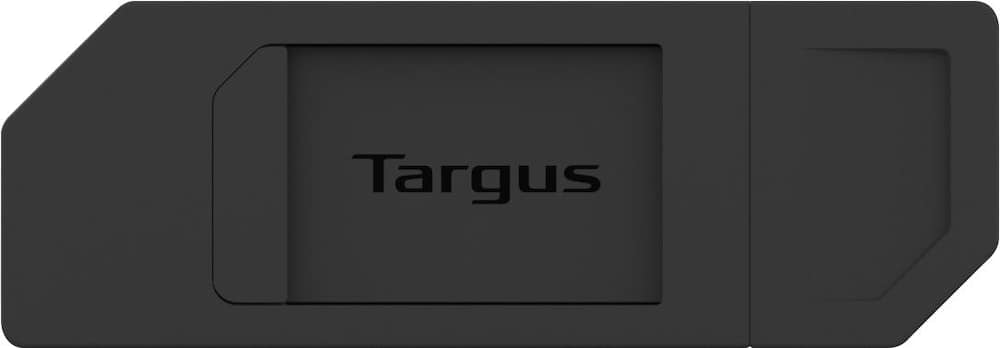
Targus - Spy Guard Webcam Cover (3-Pack) - Black
$9.19
Was $11.49
Save $2.30 Free shipping
 20% off
SKU: 6573622
$7999
Was $99.99 Save $20.00
Other options in this range
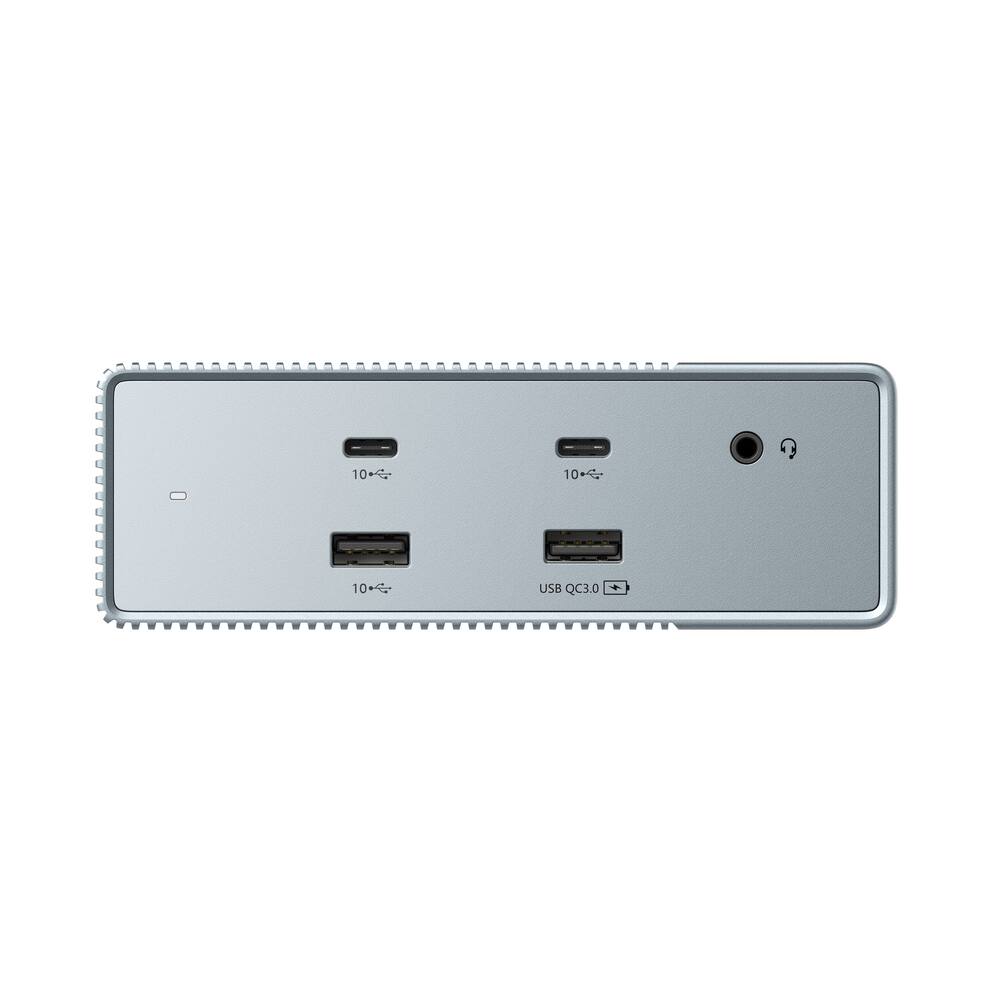 Targus - HyperDrive15-in-1 Universal USB-C Docking Station -Gen 2 - Gray Original price was: $99.99.$79.99Current price is: $79.99.
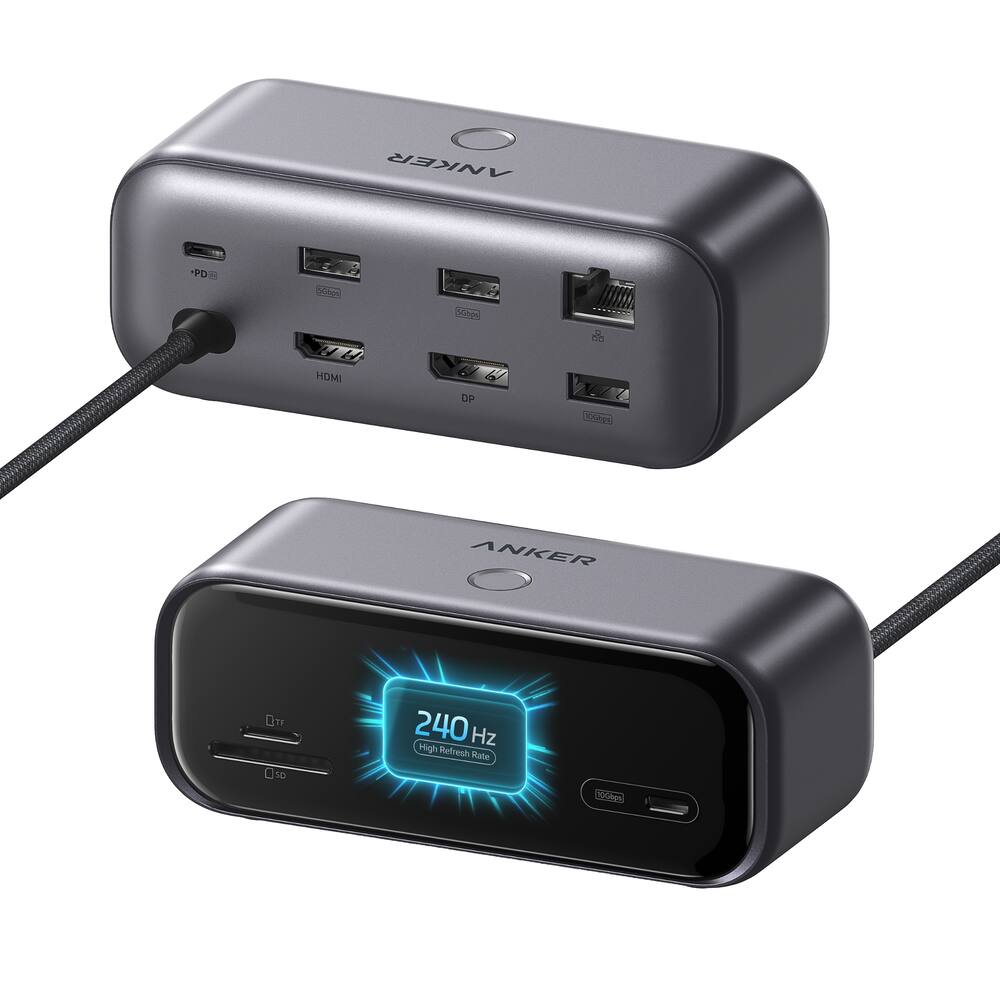 Anker - 10-in-1 USB-C Hub,Smart Display,1 HDMI, 1 DisplayPort - Black Original price was: $99.99.$79.99Current price is: $79.99.
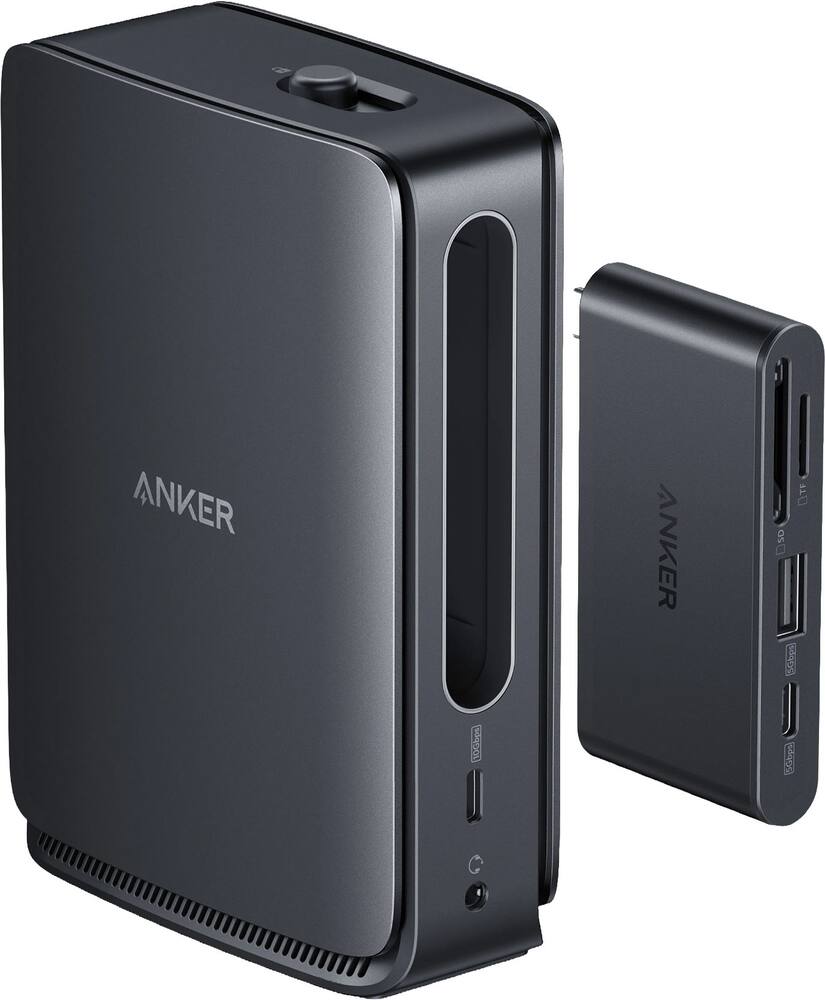 Anker - Nano Docking Station (13-in-1, Triple Display, Built-In Removable Hub) - Black Original price was: $149.99.$119.99Current price is: $119.99.
See manufacturer documentation.
Register your product with the manufacturer within 30 days of delivery.
Manufacturer warranty claims are handled by the manufacturer. We are happy to help you find the right contact: (888) 419-6820.
Free shipping
SD Broke - The sd card reader didnt even last a full year. I am not sure what happened or why but it has stopped reading cards which is why i bought this
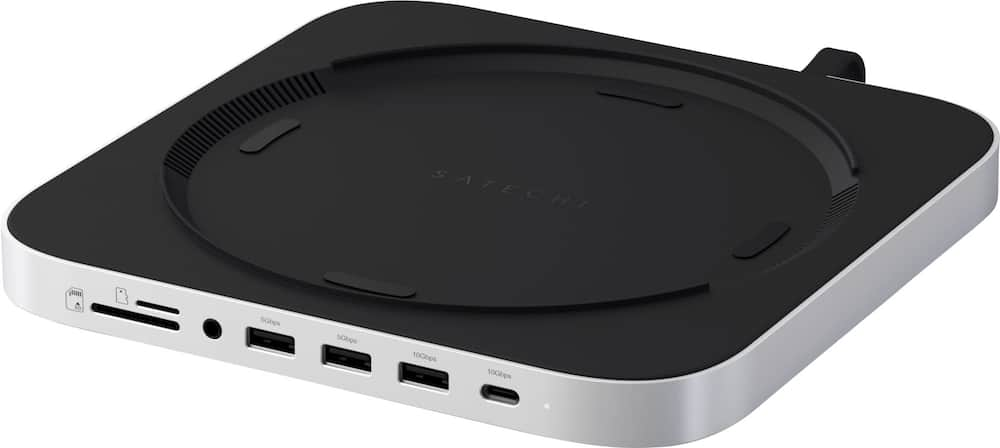
Great Stand and Hub for Mac Mini - ’m very happy with the Satechi Stand & Hub for my Mac Mini. It works great and gives me plenty of additional ports, which makes connecting my accessories much easier. It fits perfectly with my setup and has everything I need in one convenient hub. It has been reliable, easy to use, and is perfect for my needs. I would definitely recommend it to anyone with a Mac Mini or Mac Studio who wants more ports and a clean, organized setup.
goodbye to desk chaos - sleek, fits beautifully with the MacMini, and works wonderfully! This was a gift to my son, and allows multiple accessories for video production and music composition to work without having to plug in and switch between the different devices that he uses
Adds ports up front while hidden storage a bonus! - I love the face that it moves a USB C port up front while adding 3 more USB A ports as well as a Secure Digital and MicroSD card slot and an audio jack to the front. This makes plugging and unplugging drives so convenient and leaves the remaining ports in the back of my Mac Studio for more important things like extra monitors. The NVMe slot houses my main external storage and is plenty fast for video and audio editing. If you have a compatible device and are in need of extra ports this is definitely a must have addition.
Docking Station - Exactly what I wanted , extend ports on my Mini Mac
MacLover - This is everything I needed for my mini Mac setup!
Much needed for this computer - So far I’m not using this for the memory but just to have all the ports in the front. This is so much better than trying to plug things into the back of the cube. My setup does not make it easy to get to the back and of this thing. The ports having easy front access is great. Highly recommended.
Great Buy to Increase USB Ports - Works great, drives work perfectly, good customer service.
Worth the money - Goes great with the Mac mini. I like having the extra ports and an sd card reader. Installing the memory card was easier than I expected.
Time Machine backup at super fast speed - Working just as I wanted it too perfect fit with my space the added drive makes it so much easier to use Time Machine backup at super fast speeds
Convenient and works great - Works great with my Mac mini. Conveniently sits under it for more ports and storage at a fraction of apples storage prices.
Perfect accompaniment to Mac mini M2 - Absolutely excellent pairing with a Mac mini M2 Pro. I have one NVMe SSD inside the hub and the host system never loses the connection. All ports are easily accessible in front facing the user. It is really convenient to have the 3 extra USB-A ports. The separate ports for SD and microSD cards are very handy too.
Excellent purchase! - Excellent item and perfect fit for the m4 Mac mini
Apple product - Fits perfectly in work area. I would definitely recommend this product.
Satechi Stand & Hub for Mac Min - I purchased the Satechi Stand & Hub for Mac Mini/Studio with NVMe SSD Enclosure in Silver, and it has exceeded my expectations. I added an NVMe drive and am running macOS directly from it without any issues — fast, smooth, and completely reliable. The hub not only expands connectivity but also keeps everything organized in a clean, integrated design that matches the Mac Mini perfectly. It’s a fantastic way to add both speed and storage while keeping the setup compact and elegant. A great product that delivers exactly as promised.
Satechi - [Employee of bestbuy] This is a very nice device, it compliments the Mac Mini, and having the extra ports is well needed. Its a really cool device, that allows you to add SSD storage. I mean, you can't beat that.
Nothing - Works as it should haven’t really used it but it stores all my music seems to be pretty de
A very well thought and convenient Mac accessory - The Satechi hub can be used for Time Machine back ups and also a very convenient way to add storage that most Apple computers lack. The USB and SD card hub are welcomed conveniences considering you will not have to reach around the back to access expansion ports and headphone jacks anymore.
Great product works well - Seems like it built to seamlessly blend in sturdy useful
Possible WiFi Fix? Not sure yet. - I like this device for its looks under my M2 Pro Mac mini. Getting the unit to work with my setup and not kill WiFi speeds was a nightmare. One thing that was consistent (for me), is that the WiFi speeds were fine when the hub was not physically connected while Mac mini was sitting on the hub. So, while in search of a way to get an Ethernet dropped to the unit, I was rearranging my desk setup, I placed the Mac mini to the right corner of my desk, I wanted easier access to the backports on the Mac Mini, but still have the hub facing forward (rotating Mac mini clockwise 90 deg while looking at from the top), I needed an extension to get from the short USB-C on the hub to Mac mini rear ports. In this configuration, the WiFi speeds seem to be OK. Did rotating the two 90 degrees take a problematic area in the hub and move it away from the Mac mini’s antenna help? I only had about 48 hours to play with this configuration before going on a trip, but the WiFi didn’t degrade during that time. (I did this configuration rotation change in early SEP 2025. Will try to get back here to let you all know if that rotation is keeping the WiFi interference eliminated or not. Give it a try.) For the rest of the features, including the 4 TB NVMe that I put in it, I like it a lot.
Email [email protected] or call (888) 419-6820 during business hours.
Add your review