Great condition - fantastic price! - For me, "refurbished good" translated to like-new! I found no cosmetic flaws, and the performance of this tablet has been wonderful. Brilliant display, great for movies and reading too.
 20% off
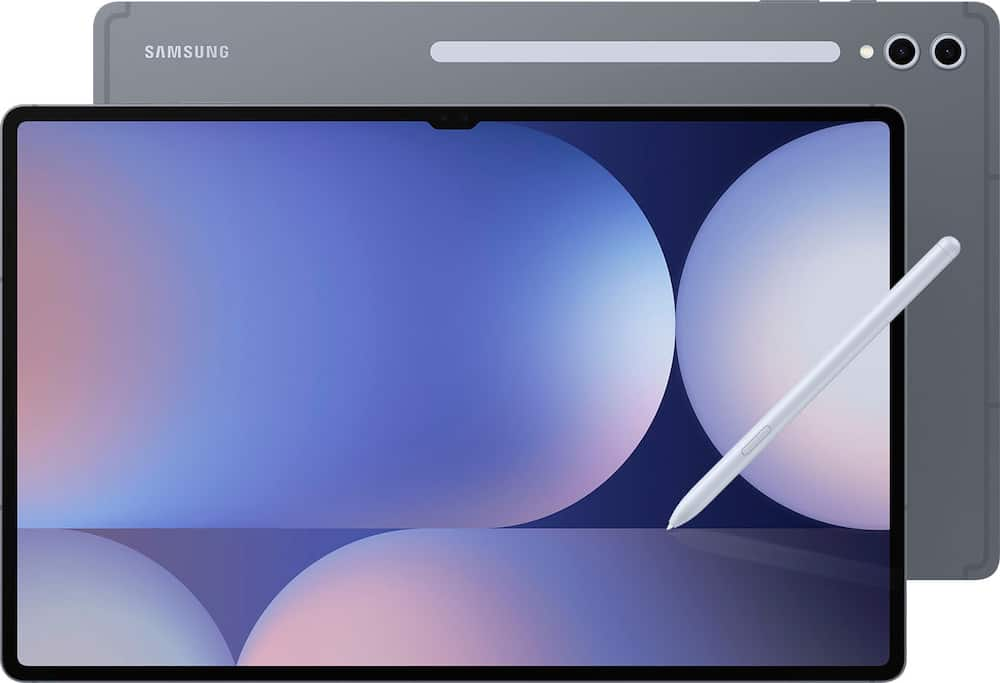
Samsung – Geek Squad Refurbished Good – Galaxy Tab S10 Ultra – 14.6″ 256GB – Wi-Fi – with S-Pen – Moonstone Gray
SKU: 6666065
$95999
Was $1,199.99 Save $240.00
Other options in this range
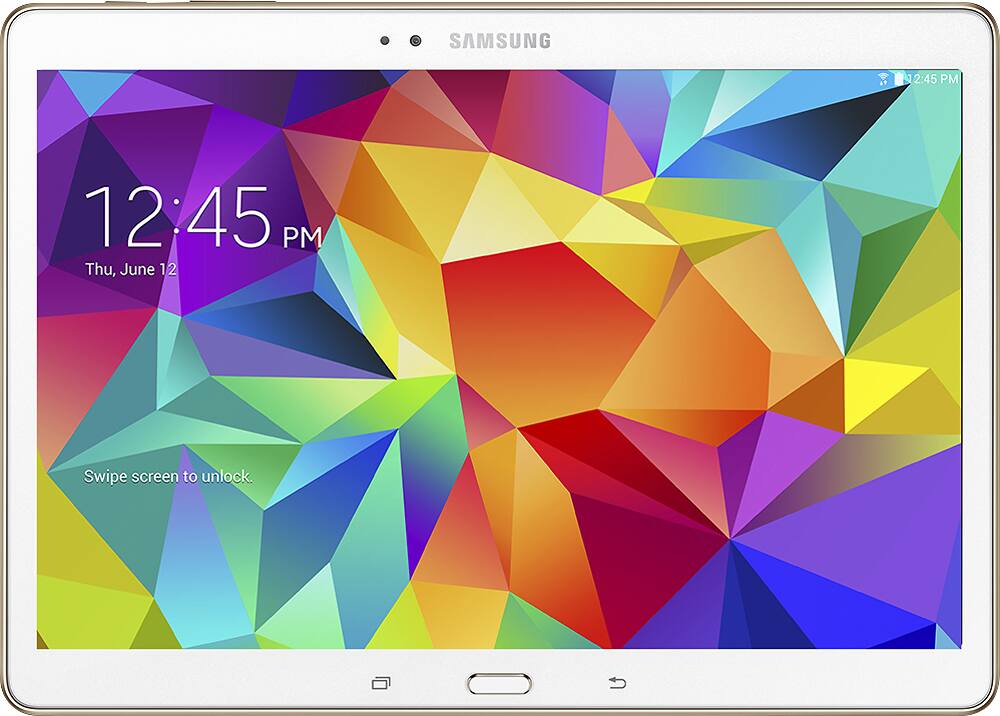 Samsung - Geek Squad Refurbished Good - Galaxy Tab S 10.5 - 16GB - Dazzling White Original price was: $499.99.$399.99Current price is: $399.99.
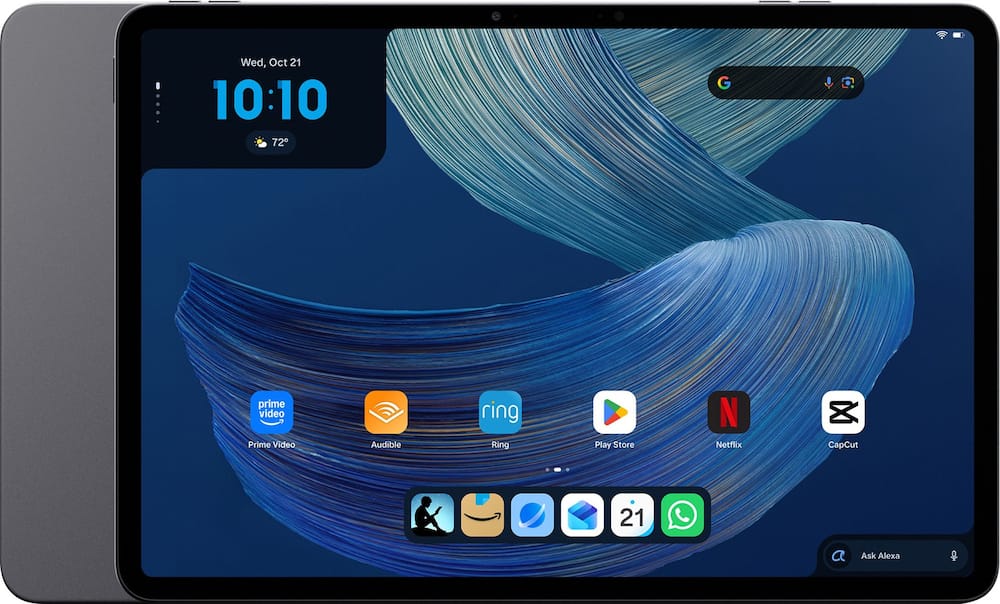 Amazon - Alexa Tablet 12 Pro (2026 release), 8GB RAM, 128GB, 12″ Stunning 2.8K Display, All-day Battery, Designed for Alexa+ - Graphite Original price was: $499.99.$399.99Current price is: $399.99.
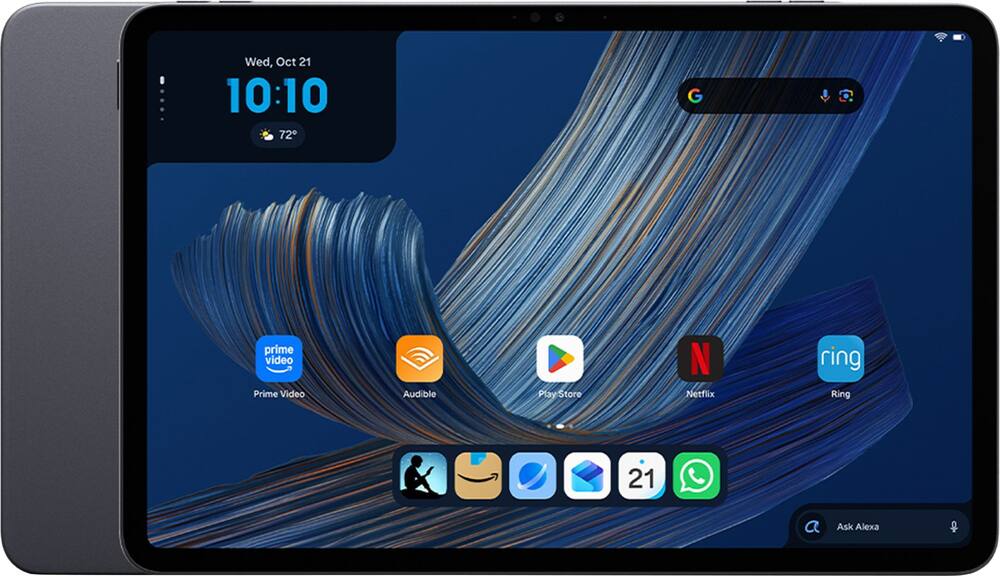 Amazon - Alexa Tablet 11 (2026 release), 8GB RAM, 64GB, 11″ Stunning 2.5K Display, All-day Battery, Designed for Alexa+ - Graphite Price range: $183.99 through $303.99
Overview
- Includes Quick Start Guide, S-Pen, USB-C Cable
- From doodle to dazzling
Bring your imagination to life using Sketch to Image¹ with Galaxy AI.² Simply doodle with your finger or use S Pen for added precision, and then select from five styles: watercolor, illustration, pencil sketch, pop art or 3D cartoon. - Tap “Generate” and voilà! Whether you’re illustrating a conceptual design or creating a digital sticker for fun, your sketch becomes a fully realized image, just like that. You can even use Sketch to Image to add a touch of personality to your favorite photos.
- Circle it, search it, find it. Just like that.
Search for anything you see on your Galaxy Tab S10 Ultra screen simply by circling it. From discovering where to buy those awesome shoes to getting a recipe based on a dish your friend just posted, find answers fast using Circle to search with Google.³ - Note Assist makes a long story short
Focus on capturing your notes and spend less time perfecting them. Note Assist⁴ will summarize and format them instantly with Galaxy AI.² All your notes are organized neatly so you can find what you need, just like that. - Transcript Assist takes notes for you
Be present in meetings and let Transcript Assist⁵ with Galaxy AI² do the hard work of taking notes for you. It creates fast and easy transcripts of recorded meetings, lectures and conversations and summarizes them instantly. Transcript Assist can even translate to other available languages, just like that. - Packed with power
Whether you’re working, creating or unwinding, do all the things you love with the latest powerful tablet processor. - A big screen for a big experience
Make every experience ultra amazing on a 14.6″ Dynamic AMOLED 2X screen our largest of the Galaxy Tab S10 Ultra. Enjoy intense colors, deep contrasts and unbelievable brilliance. Plus, the screen features reduced glare and Vision Booster that automatically adjusts brightness and contrast so you see every detail, even in sunlight. - Harness the power of AI with S Pen
Tap into the power of Galaxy AI² and take your creativity to the next level with the included S Pen. Take notes and Note Assist⁴ will create a summary. Or draw an image and tap the button on the side to activate Sketch to Image⁶ it turns your sketches into fully realized works of art, just like that. - Stands up to dust and water
Confidently take your Tab with you everywhere. It’s designed to protect against bumps, and with an IP68 rating,⁷ it’s one of the only water and dust resistant tablets on the market. - For that “PC feel” on a tablet
Get the best of both worlds with Samsung DeX , a PC like experience on your Tab. Turn on DeX mode and open multiple windows and folders at once, work from a taskbar, easily drag and drop files and more. - A battery that lasts and lasts
Get lost in your favorite shows and games with up to 16 hours of usage on a full charge. And when you do need to power up, do it quickly and keep going with Super Fast Charging.⁸ - The power of AI, on your keyboard
The power of Galaxy AI² is just a tap away with the Book Cover Keyboard AI Key.⁹ Simply touch the designated AI key on your keyboard a short press lets you type in a prompt, and a long press lets you use the power of your voice. Once the AI is activated, you can use it to search the web, schedule meetings and more. It’s like having your very own AI generated personal assistant. - Math made simple
Solve handwritten math problems with Galaxy AI². Simply use your S Pen to write out an equation on your screen. Math Helper¹⁰ can clean up your equations by turning them into text, just like that. Plus, it can even solve them for you, including calculus equations. - File sharing made easy
Sending and receiving files is so easy with Quick Share¹¹. From cute puppy videos to large work files, transfer to and from your Tab in a snap it even works when sending to non Galaxy devices - Take calls from your Tab
When you’re fully immersed in a project, sometimes you don’t want to stop to switch gears. With the Galaxy Connected Experience, you don’t have to. Take calls or send texts directly from your Tab without interrupting your flow¹². - Control multiple devices with your Tab
With the Galaxy Connected Experience, you can use your Tab to click or type on another device, like your smartphone or PC.¹³ You can also copy and paste from one device to another. - Expand your workspace
Sometimes big ideas need a little more room to come to life. Expand your workspace by connecting to another device to use as a second screen like your Galaxy Book¹⁴. Now you’ve got two screens so you can create comfortably. - The best tablet screen needs the best content.
Get 3 months of Peacock Premium at no extra cost on your new Galaxy device. Terms apply.*
Compare similar
Specifications
Capacity & configuration
- Display Type
- OLED
- Screen Type
- AMOLED
- Total Storage Capacity
- 256 gigabytes
- Type of Memory (RAM)
- Not provided
- Battery Capacity
- 11200 milliampere hours
Dimensions & weight
- Product Name
- Galaxy Tab S10 Ultra - 14.6" 256GB - Wi-Fi - with S-Pen
- Product Height
- 12.85 inches
- Product Width
- 8.21 inches
- Product Depth
- 0.21 inches
- Product Weight
- 25.28 ounces
Features
- Brand
- Samsung
- Color
- Moonstone Gray
- Screen Size
- 14.6 inches
- Screen Resolution
- 2960 x 1848
- Display Surface
- Anti-glare
- Processor Brand
- MediaTek
- System Memory (RAM)
- 12 gigabytes
- Operating System
- Android 14
- Operating System Compatibility
- Android
- Voice Assistant Built-in
- Bixby
- Works With
- Amazon Alexa
- Display Connector(s)
- No external display connection
- Wireless Connectivity
- Bluetooth
- Network Connectivity
- None
- Headphone Jack
- No
- Bluetooth Version
- 5.3
- USB Ports
- 1 x USB-C 3.2
- Interface(s)
- USB-C
- Number of USB Ports (Total)
- 1
- Number of USB-C Charging Ports
- 1
- Data Plan Required
- No
- Charging Interface(s)
- USB-C
- Battery Life (up to)
- 16 hours
- Battery Chemistry
- Lithium-ion
- Front-Facing Camera
- Yes
- Front Facing Camera Megapixels
- 12 megapixels
- Rear-Facing Camera
- Yes
- Rear Facing Camera Megapixels
- 13 megapixels
- Built-In Microphone
- Yes
- 2-in-1 Design
- No
- Keyboard Included
- No
- Security Features
- Fingerprint reader
- Windows AI
- Not Applicable
- ENERGY STAR Certified
- No
- EPEAT Registered
- No
- Ingress Protection (IP) Rating
- IP68
- Stylus Included
- Yes
- Year of Release
- 2024
- UPC
- 400066660659
Power & warranty
- Model Number
- REF-SM-X920NZAAXAR
- Processor Model
- MediaTek MT6989
- Processor Model Number
- MT6989
- Power Supply Input
- USB-C
- Warranty - Parts
- 90 days
- Warranty - Labor
- 90 Days
- Model Family
- Samsung Galaxy Tab S10 Ultra
Warranty & protection
Included manufacturer warranty
See manufacturer documentation.
Register your product with the manufacturer within 30 days of delivery.
Warranty service
Manufacturer warranty claims are handled by the manufacturer. We are happy to help you find the right contact: (888) 419-6820.
Customer reviews
Write a reviewTablet - Nice, sleek and beautiful colors, but it refurbish, the s pen was missing.
Questions & answers
Ask a question
Email [email protected] or call (888) 419-6820 during business hours.
Add your review