Aewsome - it’s absolutely super fantastic ultra gaming computer monitorAwesome
 20% off
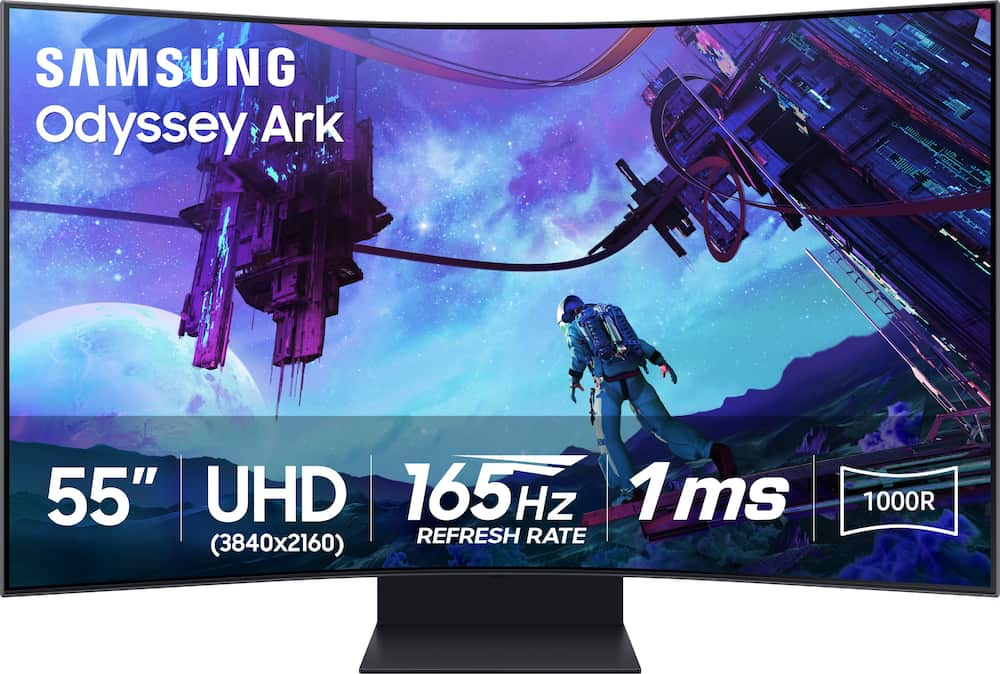
Samsung – 55″ Odyssey Ark 2nd Gen. Curved 4K UHD Quantum Mini-LED FreeSync Prem Pro 1ms GTG Gaming Screen – Black
SKU: 6559078
$2,15999
Was $2,699.99 Save $540.00
Other options in this range
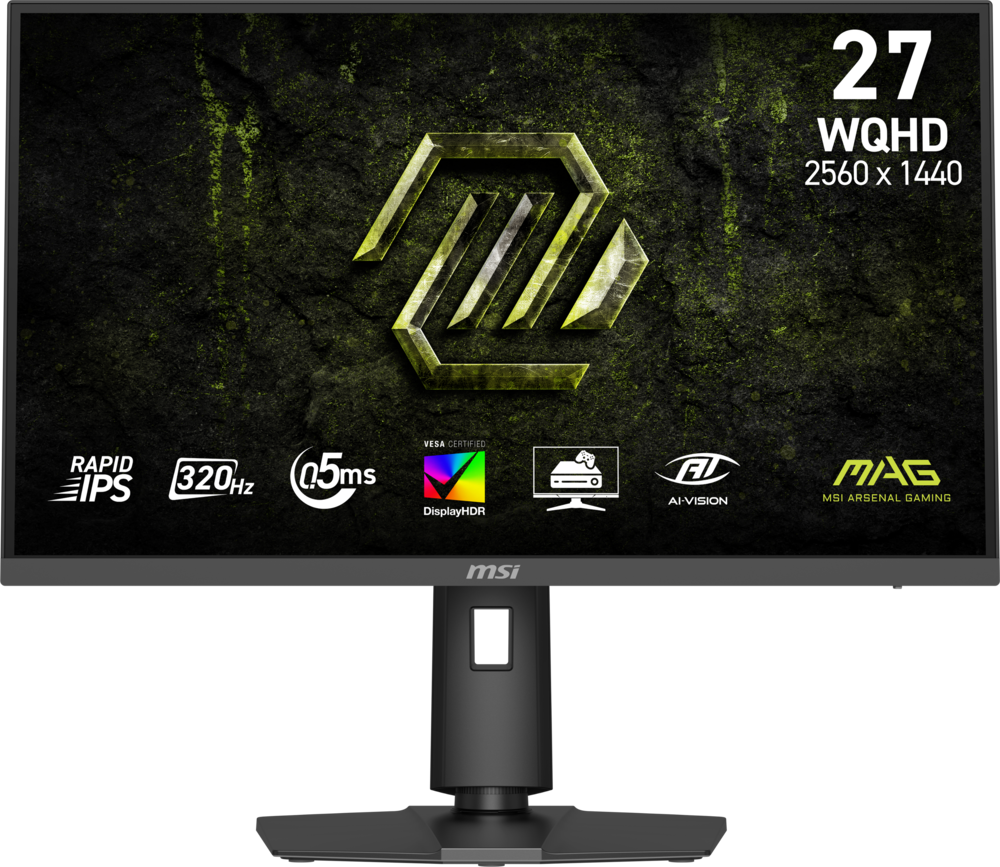 MSI - MAG 274QPF X32 27" QHD 320Hz 0.5ms G-SYNC Compatible FreeSync Premium Gaming Monitor HDR 400 (Display Port, HDMI) - Metallic Black Original price was: $279.99.$223.99Current price is: $223.99.
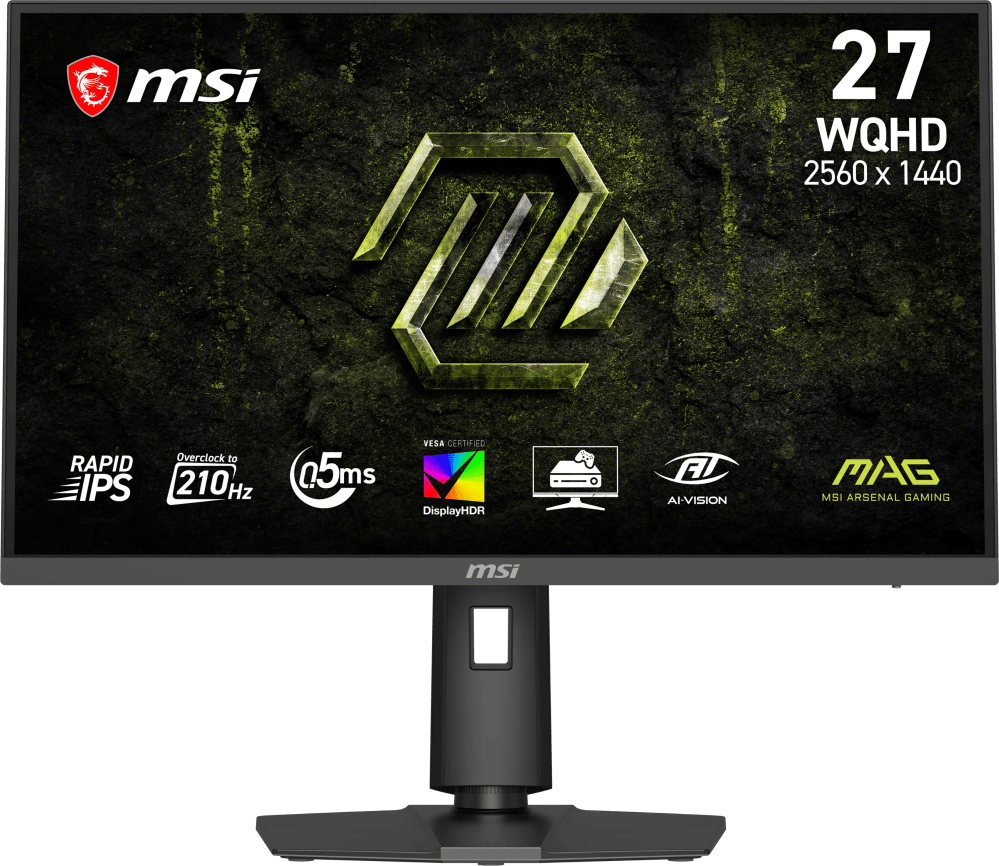 MSI - MAG 275QPF E21 27" QHD 210Hz 0.5ms G-SYNC Compatible FreeSync Premium Gaming Monitor HDR 400 (Display Port, HDMI) - Metallic Black Original price was: $189.99.$151.99Current price is: $151.99.
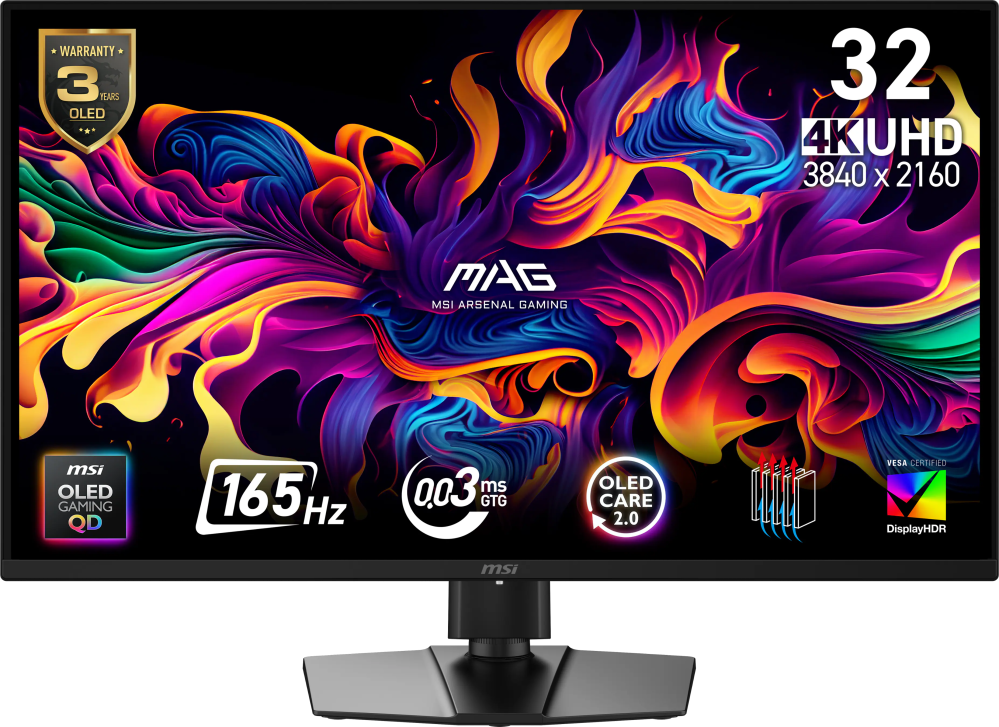 MSI - MAG 322UP QD-OLED E16 32" UHD 165Hz 0.03ms G-SYNC FreeSync Premium Pro Gaming Monitor True Black 400 (DP, HDMI, USB-C) - Metallic Black Original price was: $729.99.$583.99Current price is: $583.99.
Overview
- 4-Input Multi View
A whole new way to view. With the upgraded Multi View, connect and see up to 4 different inputs at once, including the addition of all new Display Port. You can even play console and PC games at the same time. ¹ - 55″ Large Screen & 1000R Curvature
Be immersed in lifelike images. The 55-inch screen delivers a picture that overwhelms your senses, creating an adrenaline-fueled experience superior to anything seen before.² - 165Hz & 1ms GTG
Conquer every enemy, even at extreme speed. 165Hz refresh rate eliminates lag for exhilarating gameplay with ultra-smooth action. Identify enemies with elite precision with a 1ms GTG response time, precise mouse movements, and blur-free frames, with minimized ghosting.³ - Cockpit Mode & Eclipse Lighting
Feel like you’re in a cockpit. Rotate the screen to Cockpit Mode with HAS, tilt and pivot functionality for an optimal screen environment. This perfect positioning creates a new sense of world-blending immersion, further enhanced by Eclipse Lighting.⁴ - KVM Switch
Your command center gives you full control. Use multiple PCs and built-in apps on the Odyssey Ark with a single mouse and keyboard. Move your mouse across all your connected devices’ displays on one screen to control a different device in a snap.⁵ - Sound Dome Technology
Four corner speakers and two central woofers result in a 60W 2.2.2 channel with the lowest 45Hz notes of any gaming screen or gaming soundbar. AI Sound Booster and Dolby Atmos take it to the next level.⁶ - Gaming Hub
The best of gaming all in one place. Gaming Hub allows instant access to top streaming services, your favorite consoles and PC. Smooth visuals and responsive gameplay are powered by Samsung’s advanced game streaming technology⁷ - AMD FreeSync Premium Pro
Hyper action made seamless. Support of Variable refresh rate (VRR) with AMD FreeSync Premium Pro keeps the GPU and panel synced up to eliminate choppiness, screen-lag, and image tears. - HDR 10+ Gaming
See every detail in all its glory. From gloomy shadows to sun-scorched scenes, the 1,000,000:1 contrast ratio enables enhanced color expression and depth. Get a competitive edge with HDR 10+, which automatically adapts games in real-time. - Neural Quantum Processor Ultra
Enjoy powerful cinematic experiences. By combining 20 multi-layer neural networks, the AI-Powered processor cleverly analyzes images to restore every detail, pixel by pixel. Automatic brightness adjustment, contrast amplification and enhancements upscale the resolution. - Ark Dial
The solar-powered controller built only for Ark. Ark Dial puts the player in full control of Ark, allowing quick and simple access to a variety of functions that Ark has – including Flex Move Screen, Multi View, Quick Settings and Game Bar. Take control and push forward with Ark. - Quantum Matrix Technology
An unrivaled visual experience. Revolutionary Quantum Matrix Technology with Quantum Mini LEDs creates controlled brightness and perfect contrast for refined definition. The advanced 14- bit back light unit allows detailed HDR control which creates unmatched picture quality. - Flex Move Screen
Find the perfect winning position. Flex Move Screen enables users to change screen size from 55 to 27 inches, move the screen position and adjust ratio (16:9 > 21:9 > 32:9) quickly and easily with Ark Dial. Experience the freedom to flex while playing any game.⁸ - Smart TV Experience
Take a break from marathon gaming sessions and catch up on must-see streaming content, with just a simple Wi-Fi connection. Samsung TV Plus offers free live content with no downloads or sign-ups as well as personalized content recommendations from Universal Guide. - Matte Display
Focus only on what matters. The distraction-free matte screen absorbs, not reflects, artificial and natural light, keeping you laser-focused during the toughest battles and hardest levels. - Game Bar
Check and control game settings in an instant. Now, you can easily view the status of important settings – FPS (Frames Per Second), HDR (High Dynamic Range) and VRR (Variable Refresh Rate). Optimize response time or screen ratio. - ¹ In Cockpit Mode, Multi View can show up to 3 screens on one display. Game Mode, VRR, and Cloud Game are not supported while in Multi View mode. While in Multi View mode, refresh rates of up to 120Hz are supported for external inputs.
- Some Smart Hub features may not be supported depending on the service provider, language, or geographical area. ² Optimal viewing distance is at over 80cm.³ The actual response time may vary by content and monitor settings.
- ⁴ To display in 9:16, vertical selection is required during initial setup. Screen must be manually rotated for cockpit mode.
- ⁵ This feature is compatible with external PC inputs and the Odyssey Ark’s built-in apps. Support may vary by app. Each PC must be connected via USB Upstream cable. USB Upstream cable sold separately. Requires the Easy Setting Box program on each PC.
- ⁶ Frequency response is measured based on internal testing conditions.
- ⁷ Gaming Hub is available in limited countries, with app availability differing by country. Accessing Gaming Hub is free of charge. Subscription may be required to access content offered by game-stream providers on the Gaming Hub platform.
- A separate controller may be required depending on the specific game in Gaming Hub. You will need a Samsung Account to access our network-based smart services.
- If you choose not to log-in, you will only get connection to terrestrial TV (applicable to devices with tuners only) and external devices, e.g. via HDMI.⁸ On-screen content simulated for demonstration purpose. Adjust screen ratio through the Game Bar or Quick Settings.
Compare similar
Specifications
Capacity & configuration
- Display Type
- LED
- Panel Type
- VA
- Stand Type
- Adjustable height stand
Dimensions & weight
- Product Name
- 55" Odyssey Ark 2nd Gen. Curved 4K UHD Quantum Mini-LED FreeSync Prem Pro 1ms GTG Gaming Screen
- Product Height Without Stand
- 27.8 inches
- Product Width
- 46.3 inches
- Product Depth Without Stand
- 9.9 inches
- Product Weight
- 91.5 pounds
- Maximum Adjustable Height
- 43.4 inches
- Product Depth (With Stand)
- 15 inches
Features
- Brand
- Samsung
- Color
- Black
- Refresh Rate
- 165Hz
- Maximum Resolution
- 3840 x 2160
- Contrast Ratio
- 1,000,000:1
- Response Time
- 1 milliseconds
- Synchronization Technology
- FreeSync Premium Pro (AMD Adaptive Sync)
- Aspect Ratio
- 16:9
- Display Contour
- Curved
- Brightness
- 600 candela per square meter
- Screen Size
- 55 inches
- High Dynamic Range (HDR)
- Yes
- High Dynamic Range Format
- HDR 10+
- Horizontal Viewing Angle
- 178 degrees
- Vertical Viewing Angle
- 178 degrees
- Touch Screen
- No
- Display Surface
- Anti-glare
- Color Gamut (NTSC)
- 0 percent
- Color Gamut (Standard RGB)
- 0 percent
- Number of DisplayPort Inputs (Total)
- 1
- Number of HDMI Inputs (Total)
- 3
- Number of VGA Ports
- 0
- Number of DVI Inputs
- 0
- Number of Mini DisplayPort Inputs
- 0
- Number of Thunderbolt Ports (Total)
- 0
- Display Connector(s)
- 1 x DisplayPort 1.4
- Number of USB Ports (Total)
- 2
- USB Ports
- 2 x USB-A 2.0
- Headphone Jack
- Yes
- Wall Mountable
- Yes
- VESA Wall Mount Standard
- 200mm x 200mm
- Works With
- SmartThings
- Voice Assistant Built-in
- Amazon Alexa
- Stand Ergonomics
- Tilt
- Anti-Glare
- Yes
- Eye Relief Features
- Anti-glare
- Built-In Webcam
- No
- Integrated Speaker(s)
- Yes
- Cord Length
- 59.05 inches
- ENERGY STAR Certified
- No
- Operating System Compatibility
- Not Applicable
- UPC
- 887276760193
Power & warranty
- Model Number
- LS55CG970NNXGO
- Power Consumption
- 140 watts
- Warranty - Parts
- 1 year
- Warranty - Labor
- 1 year
Warranty & protection
Included manufacturer warranty
See manufacturer documentation.
Register your product with the manufacturer within 30 days of delivery.
Warranty service
Manufacturer warranty claims are handled by the manufacturer. We are happy to help you find the right contact: (888) 419-6820.
Customer reviews
Write a reviewGood gaming tv - Got it for my Xbox works amazing no input lag whatsoever highly recommend
Game Changer - Game changing statement for our team and company presence. Next level presentation that defines everything about who we are.
Amazing screen - This screen is huge the base is heavy. It does require two individuals to set it up. The picture is clean and crisp. The sound is awesome for a screen. The versatility of the docking station/KVM switch helps tons. I work with multiple laptops, and I can switch between them with ease. The two remotes that come with it also streamline the process. I highly recommend this screen. I'll be purchasing another one here shortly.
Constant updates to annoy your viewing - Do you like having constant messages pop up while trying to use your TV? Asking to update the OS or sign the new Agreement? Then this is the TV for you. No way to turn it off, just enjoy constant messages popping up asking you to update this or that. Makes the TV worthless as it is now just an advertising device telling you about the new Samsung products. Do better Samsung.
Great Purchase - Purchased this for my son and he absolutely loves it. He plays online with his friends and enjoys the graphics
This monitor is huge - If you love maximalism and enjoy playing video games on a large screen, this is definitely the ideal monitor for you; it can also be connected to various devices! And is 4K!
Ultimate immersive monitor — unlike anything else - The Samsung Odyssey Ark is simply on another level. The massive 55" curved screen creates an incredibly immersive experience whether for gaming, productivity, or media. It genuinely feels like sitting inside your content rather than just looking at a monitor. Picture quality is outstanding — bright, sharp, and vibrant thanks to the Mini-LED panel. Motion is extremely smooth with the high refresh rate, and everything from games to videos looks spectacular at this size. The curvature also makes the large screen comfortable to view from a normal desk distance. One of the best parts is versatility. It works great as a giant gaming display, a productivity powerhouse with multiple windows, and even a personal cinema screen. Build quality and design feel premium, exactly what you’d expect from Samsung’s flagship lineup. If you want the most immersive monitor experience available today, the Odyssey Ark is absolutely worth it.
Big screen with options - Huge screen with somany options and screen positions vertical are horizontally with a great picture. Greate for gaming and streaming. With all the connections you would need to connect your devices.
The follow through is awful. - The entire process of getting the installation was ridiculous, and trying to schedule the item to be picked up upon a return. Best Buy is great at sales but horrible with everything else.
Buy It - Best decision i made, im able to move the screen as I like for competitive and casual gameplay. also good on the sound.
Great monitor that will possibly drive you crazy - Pros: The monitor is huge, has great color and is responsive, I am getting exactly what I wanted out of the unit itself. Cons: If you have to replace anything on it the cost is astronomical. Mine was missing the stand base. If you have to replace the entire base it will cost you almost $1,000 for the entire thing. For just the bottom part it is a bit over $200 before taxes. Finding another option to take its place has been a bit of a needle in a haystack search. Operation and initial set up is a bit of a pain as well but once its going it is fine.
Get something simple - Only good for gaming not a great deal for productivity
Buy elsewhere - Do not buy this from this Best Buy. They will try to sell you a broken one. If you do not check it before you leave, it’s your problem.
Best giant monitor I've ever owned! - Love the size and flexibility. Spins easily between portrait and landscape. The curve angle keeps it easy on the eyes even after using it for several hours.
Love it - Brought this for my husband for Christmas and he loves it!!! Best gift ever.
WOW just WOW! - When i saw this in the store it looked big but when i set it up in my office it was massive. Great picture, great sound, and huge screen. The only downfall i see is it weighs about the same as a volkswagon beetle (lol).
God send - Best monitor i have ever owned. Makes productivity easier.
Best monitor ever - I am a day trader and this monitor is awesome as I can have multiple charts up at once. Anyone looking for a monitor for multiple tasks look no further. This is it. No regrets buying this one.
Bad for Power Users, great for Xbox - I really wanted to love this monitor but if falls short in many areas. I was hoping to use this single display instead of two stacked 49" G9 OLEDS. I was so wrong. Samsung, that's the product I want!!! Issues: 1. It's not a real DisplayPort connection. The DisplayPort 1.4 added to this 2nd Gen appears to be natively HDMI and converted within the One Connect box. 2. You can't split the screen horizontally so that it behaves as x2 ultrawide displays. 3. You can't split the screen vertically as x2 1920x2160 displays, taking advantage of the max screen resolutions. It only supports splitting with standard resolutions and add empty space to the top and bottom. 4. Multi-View is restricted to YouTube, Samsung TV Plus, Tizen's web browser, and a single input source. You can't multi-view with any of the other apps installed to the display. Why would this limitation even exist? 5. The stand is sooooo heavy, it's the majority of the package's weight. 6. The stand forces a 5" gap between the display and the desk, so if your ceilings are lower, you probably won't be able to ever rotate it unless you remove the entire display to the floor first. Things I liked: 1. The Xbox app is handy and was easy to connect to the console over the network. But that's Microsoft's work, not Samsung's. 2. Smartthings notifications are great, and it's the reason I still buy these "Smart" displays. 3. The dial remote is cool, not as practical, but it looks nice. I do wish I could remap features, like to use the dial for volume control. 4. Built in KVM switching. Changing sources allows the keyboard and mouse to move to the other source with ease.
Questions & answers
Ask a question
Email [email protected] or call (888) 419-6820 during business hours.
Add your review