Stay away - I bought this monitor 1/1/2025. Today is 10/16/2026. It's out of commission. It has been stuck in perpetual power cycling mode. People have been reporting similar issue after approx 2 years of use. No resolution. STAY AWAY!
 20% off
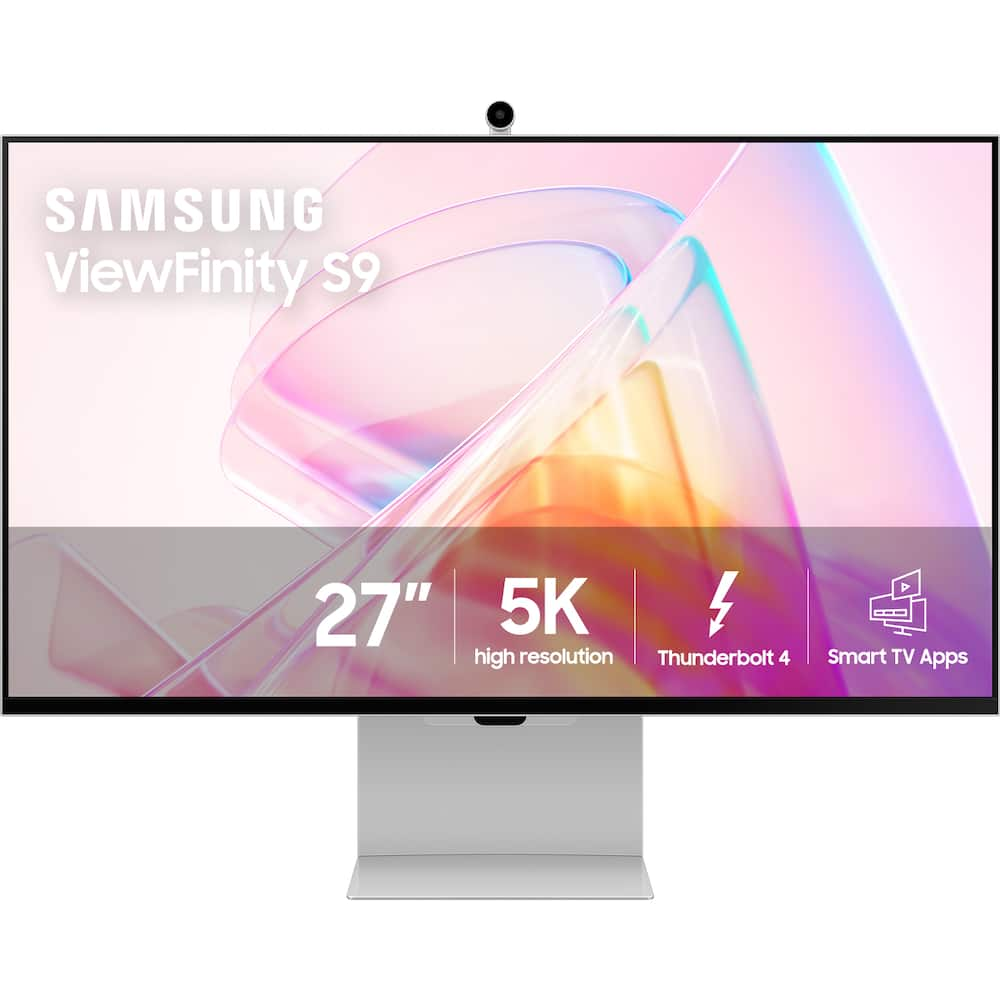
Samsung – 27″ ViewFinity S9 5K IPS Smart Monitor with Matte Display, Thunderbolt 4 and SlimFit Camera – Silver
SKU: 6548579
$1,27999
Was $1,599.99 Save $320.00
Other options in this range
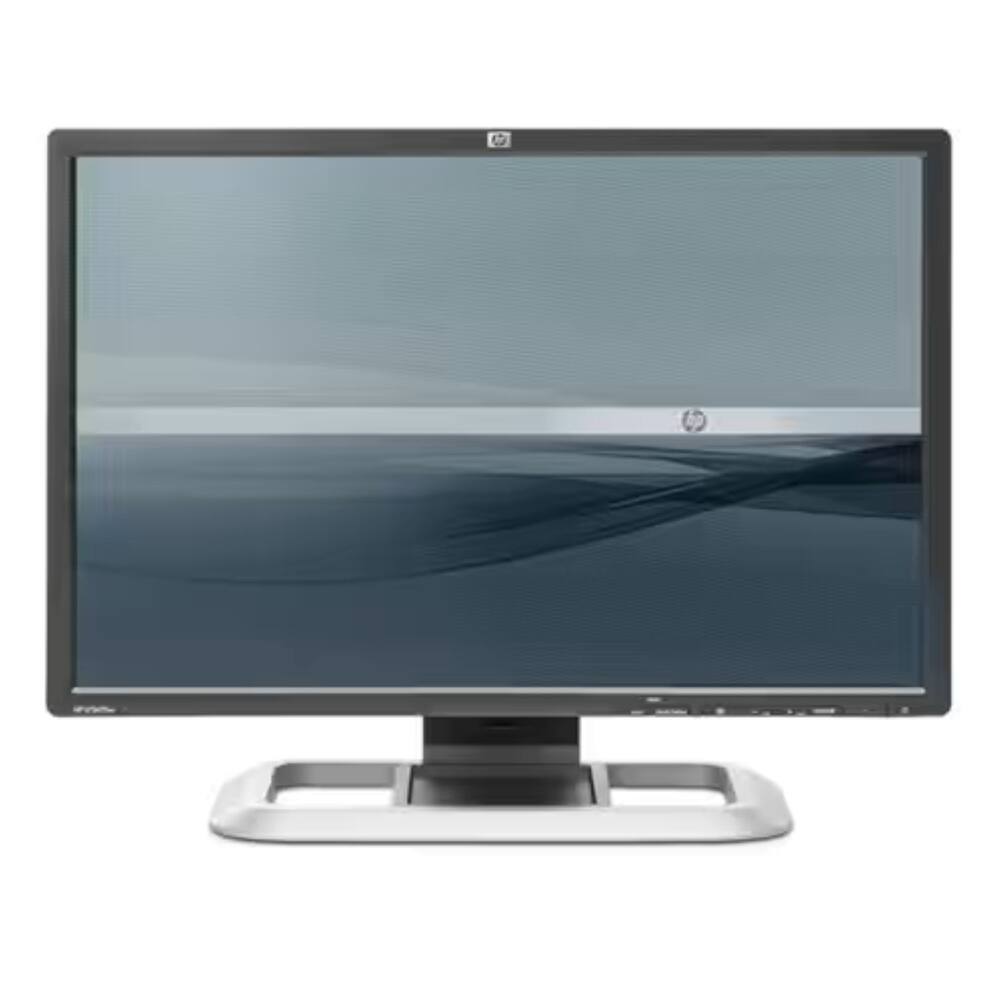 LG - Flatron 19" LCD Monitor - Black Original price was: $177.40.$141.92Current price is: $141.92.
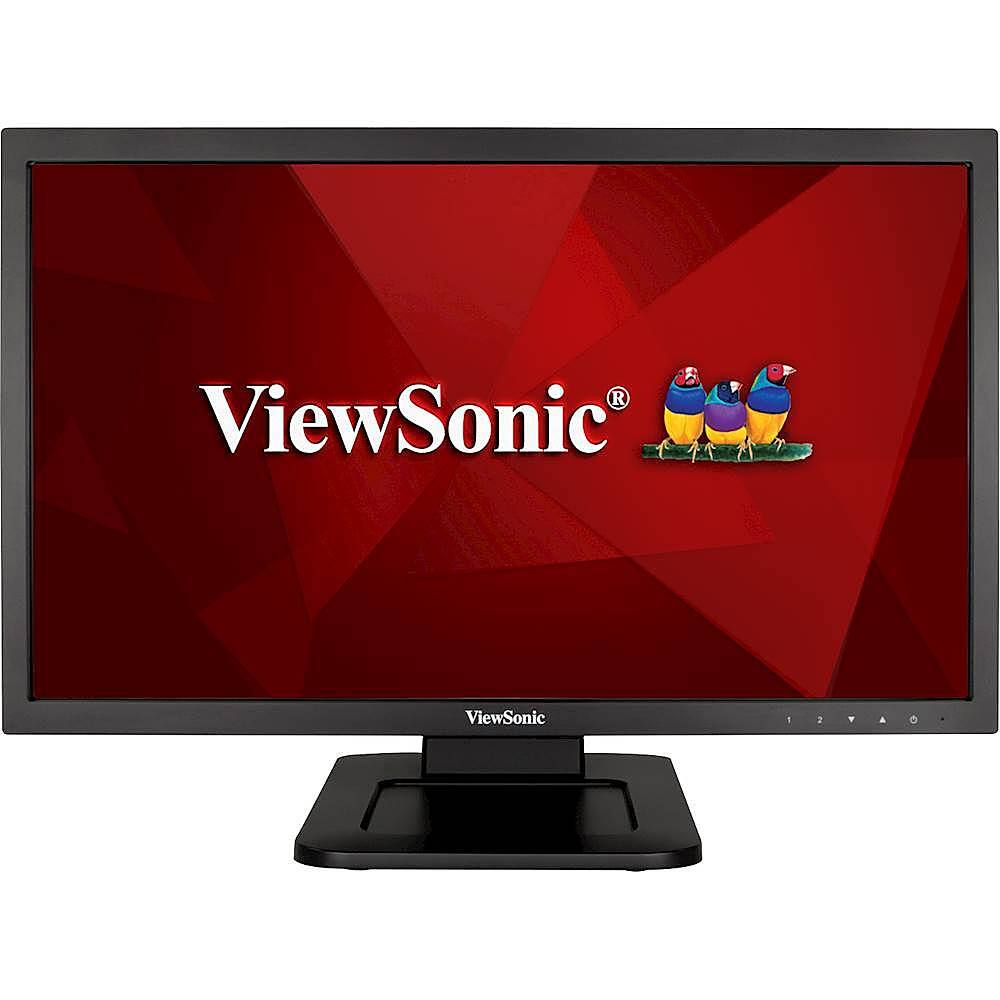 ViewSonic - 21.5" LED FHD Touch-Screen Monitor (DVI, VGA) - Black Original price was: $229.99.$183.99Current price is: $183.99.
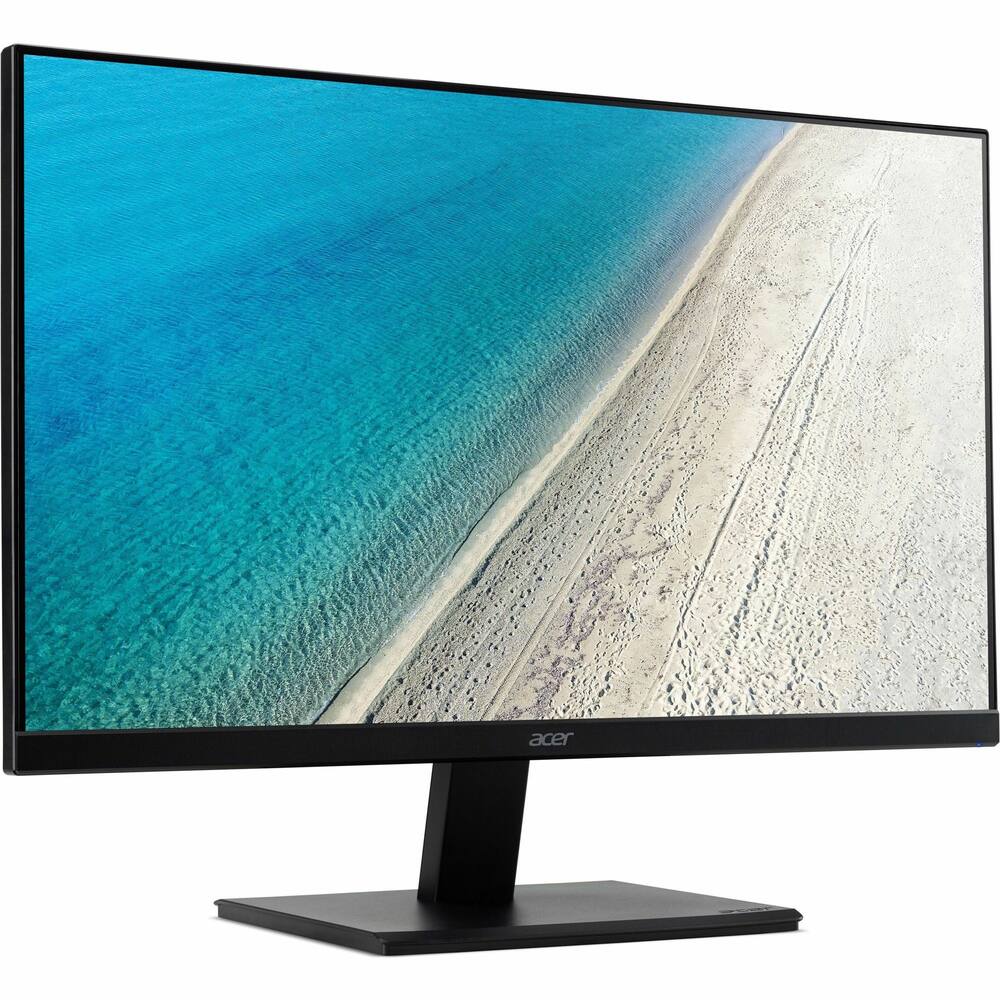 Acer - 22 inches (1920 x 1080) V7 Series - Black Original price was: $149.99.$119.99Current price is: $119.99.
Overview
- 5K Resolution
5K provides more pixels than 4K, creating a bigger canvas, with 218 PPI for incredible detail. The 99% DCI-P3 option delivers the color saturation that brings your ideas to vibrant life, - and factory-calibrated color accuracy (ΔE < 2) delivers true color representation straight out of the box ¹
- Matte Display
Take care of your eyes while you take care of work. Matte Display drastically reduces light reflections without obscuring your view. Intelligent Eye Care automatically optimizes brightness, reduces blue light, and eliminates screen flickering, so you can keep your eyes on the prize. - Smart Calibration
The ViewFinity S9 brings vivid colors to life. With Smart Calibration and a smartphone, the screen can easily be customized for unique experiences. - Choose between DCI-P3 or sRGB color space, and set your preferences, color temperature, luminance, and gamma settings without any extra tools or complex procedures.²
- Pantone Validated
View every hue with true-to-life accuracy. Backed by the world leader in color development, S9 is Pantone Validated, - confirming the authentic reproduction of more than 2,000 Pantone colors and 100 Pantone SkinTone shades on screen. Now your work looks as good on your monitor as in the real world.
- Thunderbolt 4 & DP Port
Designed with powerful performance and versatility in mind, ViewFinity S9 with Thunderbolt 4 provides up to 90W charging and 40Gbps data transfer. - Together with DisplayPort and three downstream USB-C ports, these connections enable seamless integration across multiple devices.³
- 4K SlimFit Camera
Always capture your good side. The 4K Resolution of the built-in SlimFit camera keeps video conferencing crystal-clear. Capturing content in high resolution has never been easier. - Apple AirPlay
Sometimes one screen just isn’t enough. With Apple AirPlay, mirror or extend your screens to get more done. Wireless dual screens increase productivity, without increasing the number of plugs.⁴ - Slim Metal Design & Ergonomics
A slim metal design that works for you in any space, with a height-adjustable screen that tilts for the best angle and ultimate utility. Pivot the screen 90 degrees to view long documents with less scrolling. - Plus, you can keep your desk clutter-free and clean with VESA-compatible mounting.
- Smart TV Apps
When the work is done, let the play begin. Seamlessly switch to entertainment mode with embedded Smart TV Apps which have all of today’s hottest streaming content, easily accessible on one screen.⁵ - Gaming Hub
Samsung Gaming Hub is the ultimate home for gaming. Instantly play the biggest games from top streaming partners, with no PC or console needed. Discover new games or replay old favorites all in one place.⁶ - ¹ Color accuracy figures may vary based on the measuring device and the measuring point. Screen features may vary depending on system environment, such as computer components, duration of use, or other factors. Factory calibration is completed and measured in sRGB before shipment
- ² Smart Calibration is available on Galaxy S10 or later, Galaxy Note10 or later, Galaxy Fold devices, Galaxy Flip devices, iPhone 11 or later, and the second generation iPhone SE 2 or later. Requires the latest version of the SmartThings App. On-screen content simulated for demonstration purposes
- ³ Only Mac computers with Apple silicon introduced after 2020 are supported. – MacBook Pro introduced in 2021 or later, plus MacBook Pro (13-inch, M1, 2020) –
- MacBook Air introduced in 2022 or later, plus MacBook Air (M1, 2020) – iMac introduced in 2021 or later – Mac mini introduced in 2020 or later – Mac Studio introduced in 2022 or later – Mac Pro introduced in 2023
- ⁴ AirPlay or mobile mirroring requires iOS 12.3 or later, or macOS 10.14.5 or later, or Android OS 8.0 or later. This function may not be supported depending on the model or geographical area. Apple and AirPlay are trademarks of Apple Inc., registered in the U.S. and other countries and regions.
- ⁵ App availability may vary by country and separate subscriptions may be required. Samsung TV Plus and Universal Guide availability and remote control specifications may vary by country. Requires internet connection and TV tuner is not included.
- You will need a Samsung Account to access the full range of smart features available through your device, including network-based smart services, applications such as games and streaming services, smart home functionality, and many more.
- If you choose not to log-in to your device with your Samsung Account, you will only be able to connect to terrestrial TV (applicable to devices with tuners only) and external devices, e.g. via HDMI. Terms and Conditions apply. UI is subject to change without prior notice
- ⁶ Gaming Hub is available in limited countries, with app availability differing by country. Accessing Gaming Hub is free of charge.
- Subscription may be required to access content offered by game-stream providers on the Gaming Hub platform. A separate controller may be required depending on the specific game you are playing on the Gaming Hub. Requires internet connection.
Compare similar
| Feature |
VIEWING Samsung - 27" ViewFinity S9 5K IPS Smart Monitor with Matte Display, Thunderbolt 4 and SlimFit Camera - Silver
|
LG - Flatron 19" LCD Monitor - Black
|
ViewSonic - 21.5" LED FHD Touch-Screen Monitor (DVI, VGA) - Black
|
LOWEST PRICE IN THIS TABLE Acer - 22 inches (1920 x 1080) V7 Series - Black
|
|---|---|---|---|---|
| Price | $1,279.99 | $141.92 | $183.99 | $119.99 |
| This product | View details | View details | View details |
Specifications
Capacity & configuration
- Display Type
- LED
- Panel Type
- IPS
- Stand Type
- Adjustable height stand
Dimensions & weight
- Product Name
- 27" ViewFinity S9 5K IPS Smart Monitor with Matte Display, Thunderbolt 4 and SlimFit Camera.
- Product Height Without Stand
- 14.3 inches
- Product Width
- 24.1 inches
- Product Depth Without Stand
- 1.1 inches
- Product Weight
- 16.3 pounds
- Maximum Adjustable Height
- 20.9 inches
- Product Depth (With Stand)
- 5.3 inches
Features
- Brand
- Samsung
- Color
- Silver
- Refresh Rate
- 60Hz
- Maximum Resolution
- 5120 x 2880
- Contrast Ratio
- 10,000:1
- Response Time
- 5 milliseconds
- Synchronization Technology
- Not Applicable
- Aspect Ratio
- 16:9
- Display Contour
- Flat
- Brightness
- 600 candela per square meter
- Screen Size
- 27 inches
- High Dynamic Range (HDR)
- Yes
- Horizontal Viewing Angle
- 178 degrees
- Vertical Viewing Angle
- 178 degrees
- Touch Screen
- No
- Display Surface
- Anti-glare
- Color Gamut (NTSC)
- 0 percent
- Color Gamut (Standard RGB)
- 100 percent
- Number of DisplayPort Inputs (Total)
- 0
- Number of HDMI Inputs (Total)
- 0
- Number of VGA Ports
- 0
- Number of DVI Inputs
- 0
- Number of Mini DisplayPort Inputs
- 1
- Number of Thunderbolt Ports (Total)
- 1
- Display Connector(s)
- 1 x Mini DisplayPort
- Number of USB Ports (Total)
- 3
- USB Ports
- 3 x USB-A 3.0
- Headphone Jack
- No
- Wall Mountable
- Yes
- VESA Wall Mount Standard
- 100mm x 100mm
- Works With
- SmartThings
- Voice Assistant Built-in
- Amazon Alexa
- Stand Ergonomics
- Tilt
- Anti-Glare
- Yes
- Eye Relief Features
- Anti-glare
- Built-In Webcam
- No
- Integrated Speaker(s)
- Yes
- Cord Length
- 59.05 inches
- ENERGY STAR Certified
- No
- Operating System Compatibility
- Not Applicable
- UPC
- 887276759999
Power & warranty
- Model Number
- LS27C900PANXZA
- Power Consumption
- 182 watts
- Warranty - Parts
- 1 year
- Warranty - Labor
- 1 year
Warranty & protection
Included manufacturer warranty
See manufacturer documentation.
Register your product with the manufacturer within 30 days of delivery.
Warranty service
Manufacturer warranty claims are handled by the manufacturer. We are happy to help you find the right contact: (888) 419-6820.
Customer reviews
Write a reviewStopped working after 19 months - The display was purchased in March of 2025. In September of 2026 some flickering lines appeared in then bottom 20% of the screen. A couple of weeks later, it would no longer turn on. It seems like the backlight may turn on when it is powered up but it immediately turns off. stopped working after a year and a half. Warranty is only 90 days, and Samsung support puts you into a path to costly repairs WITHOUT a definitive diagnosis. Why would I give more money to a company that sells a product that is good for only a year and a half? Beware.
Make sure you get Geeksquad!!! - When it works , it is amazing!! But I have had to send it back twice for the screen going out. and the Geek Squad took forever, said they couldn't fix it and just replaced it , so we are on our third one now. It is a lot of money for the headache. And the last one they sent was dented in the box, and they said it would be a month for a new one, can't wait that long. But when it works! Wow it is great, the problem is when it works.
Don’t let the Naysayers Influence You - Let me start ny saying… the Apple Studio Display is the best 5K monifor in the industry, theres no disputing that. But Samsung is 2nd in the market…. I bought this monitor at a good discount and there’s no way i could have purchased the Apple Studio Display that price. And when actually using it… its a pretty good buy. I think those who have Galaxy devices such as phones and earbuds will get the most out of it. I’ve been able to control my monitor with my phone and its hooked up to my Mac/iPad.
Okay, BUT! - Cheap case extremely flimsy. Shakes and hard to operate
Excellent Monitor! - I have a current Apple Studio Display in my Office and while it is awesome this one is better. Better for home and even the office because I cannot tell the differenced in quality. I guess at the office I am glad that I occasionally would not have to fiddle with it going to Samsung App mode instead of the PC mode but home this is no big deal. The fact that it can be TV or stand alone APP display and a great computer use monitor is awesome.
Solid display with a major annoyance - Samsungs OS is terrible. Lots of issues with my mac not wanting to wake the display. Other than that colors look great. Webcam is nice to have but a bit washed out. Sound is okay. Cheap build but other than that it works great. Thankfully it was on sale and then they price matched after the fact an even better deal so I didnt pay more than $700 for this display.
Photographer’s Dream - Way better than what I expected! No glare on the screen and the colors are spot on when I have it paired with my Apple studio display
Good monitor with one negative remark. - Good monitor. May not work with macbook intel chips.
Worth every dollar. - This thing is awesome. Its a beautiful 5k dusplay works well with Apple M2. It was a gift for my wife and she loved it as an artist.
Great monitor but loses signal - This is a great looking monitor, but it loses signal for no reason. I have had it happen twice now. I called Samsung and Best Buy. Both dont know why it’s happening. I have figured out that if you unplug the monitor for about 20 min, it regains signal. Seems stange this is happening with such an expensive monitor.
It tries to do too much. - This tries to be too much. Is it a TV set, a smart TV, or a computer monitor. I just wanted a 5K monitor for my Mac Mini. But this was such a pain to deal with because it wanted to do much more, so I returned it. It also will not work with Intel Macs.
Great value - I love this monitor. I was torn between it and the Apple studio display. I ended up going with this one. Great color accuracy. Big and beautiful screen. Speakers are ok. 4k camera leaves more to be desired. But the $849 price tag is what made me pull the trigger. Glad I did…
Great monitor if bought on sale - I was able to buy this when it was on sale. I just needed to replace a very old 27" monitor that was used in the portrait config. This monitor has awesome picture quality and works well with a MacBook. My only dislike, is that I could do without the content streaming capability and other software that comes with the monitor.
It should be matched to Apple Display 27" - Everything works great but the brightness. Next to my Apple Display it looks dimmer. It is not comparable. It was returned for the reason.
If you love headaches, this product is for you. - One of the worst products I've purchased in a long time. Coil Whine from the start. Then it crashes my Mac Studio M2 every time I put it to sleep. Once Apple figured it out, my computer was outside the return window. Samsung providing little help so far. Will update if that changes.
Crisp & clear display, but weak product support - I was looking to replace a 32” 1440 Dell display I had been using for a few years. The Samsung is a very bright and sharp looking panel. Colors and pictures look great. It is hard going from a 32” to a 27” monitor though. It is a lot smaller than you think. I tried calibrating the monitor with the Samsung application, but I learned after repeated calls to Samsung product support that the app does not work yet on an iPhone 15. The support folks don’t know much though and it took several attempts to figure it out. The other issue is a somewhat cumbersome display menu system. In the end, I returned it and went with a 32” 4k display for my Mac.
I didn’t like it - Got it on sale for 1000 but I thinks it’s still too much. A lot of light bleed ,speakers are not great , if it was on sale for 600 , then I would get it again ,but not at 1000 and definitely not at its original price 1599
Shoddy quality, two displays had coil whine - I really wanted this monitor to work out. For the sale price point at $1,000, it seemed like a decent alternative to the Apple Studio Display. The first monitor I got had a high-pitched coil whine. So, I returned it and got a replacement (although, Samsung wouldn't exchange it and made me purchase another one while the other return was being processed). The replacement monitor didn't have the coil whine issue initially, but my MacBook Pro would crash every time it went to sleep with the monitor plugged in (search Reddit, this is a common problem). Then, the replacement started having a coil whine issue, so I returned it, bought an Apple Studio Display and am much happier. I have a Samsung OLED TV and love it, but this monitor is awful.
Samsung- 27" ViewFinity 5K Smart Monitor Rocks - With its exceptional value compared to the Apple Studio monitor, the Samsung- 27" ViewFinity S9 5K IPS Smart Monitor is a true game-changer. Not only does it offer the convenience of adjusting the height effortlessly using the stand, but it also allows for seamless rotation. Whether I'm using it as a monitor for my Mac Studio or indulging in a wide range of other content, this smart monitor never disappoints. Its versatility knows no bounds. However, the only aspect that prevented me from giving it a perfect rating is the subpar quality of the built-in speakers. To enhance my audio experience, I decided to invest in a Bose SoundLink II speaker and connected it via Bluetooth to both the Samsung- 27" ViewFinity S9 5K IPS Smart Monitor and my Mac Studio. This setup truly elevates the sound quality and provides an immersive audio experience.
Questions & answers
Ask a question
Email [email protected] or call (888) 419-6820 during business hours.
Add your review