Not working like it should. I put this on PC and now it wont lwt me out it on anything else .
 20% off
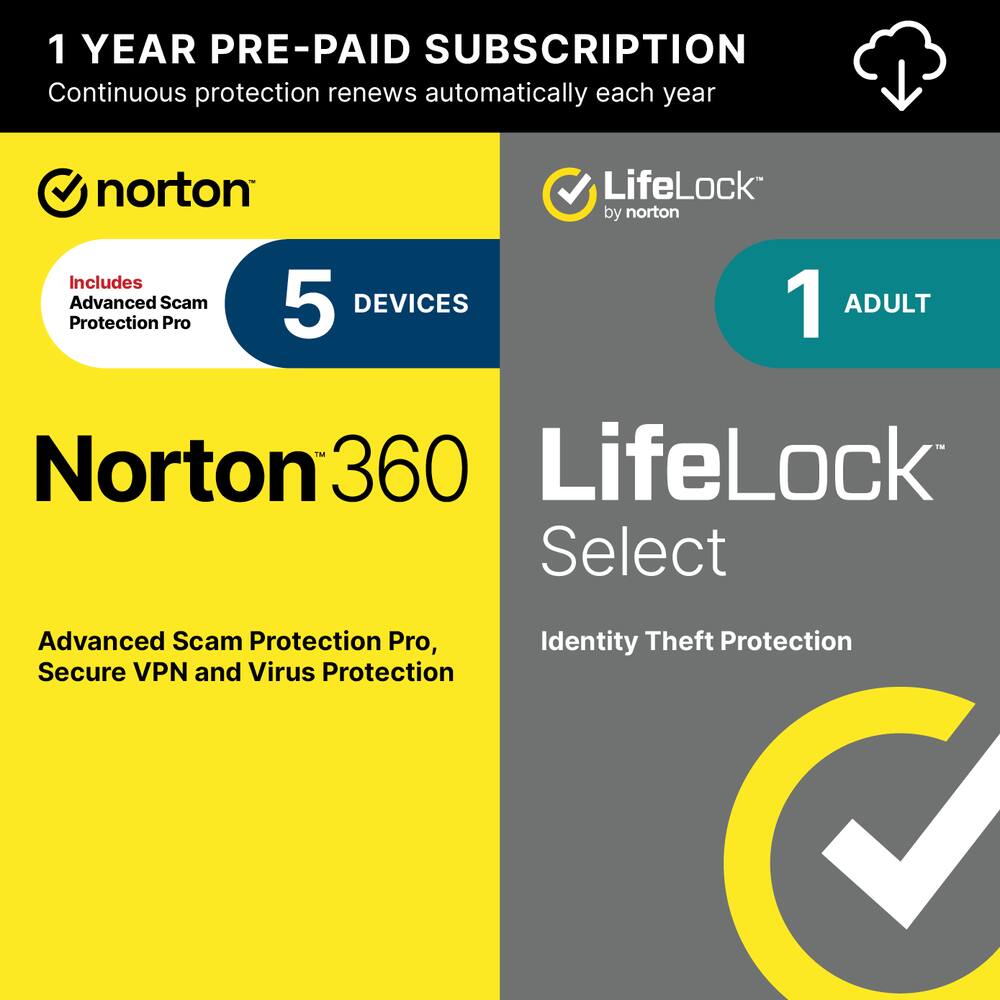
Norton – 360 Deluxe (5 Device) + LifeLock Select Antivirus Internet Security + Scam Protection + Identity Protection + VPN – Android, Apple iOS, Mac OS, Windows [Digital]
SKU: 6647020
$7999
Was $99.99 Save $20.00
Other options in this range
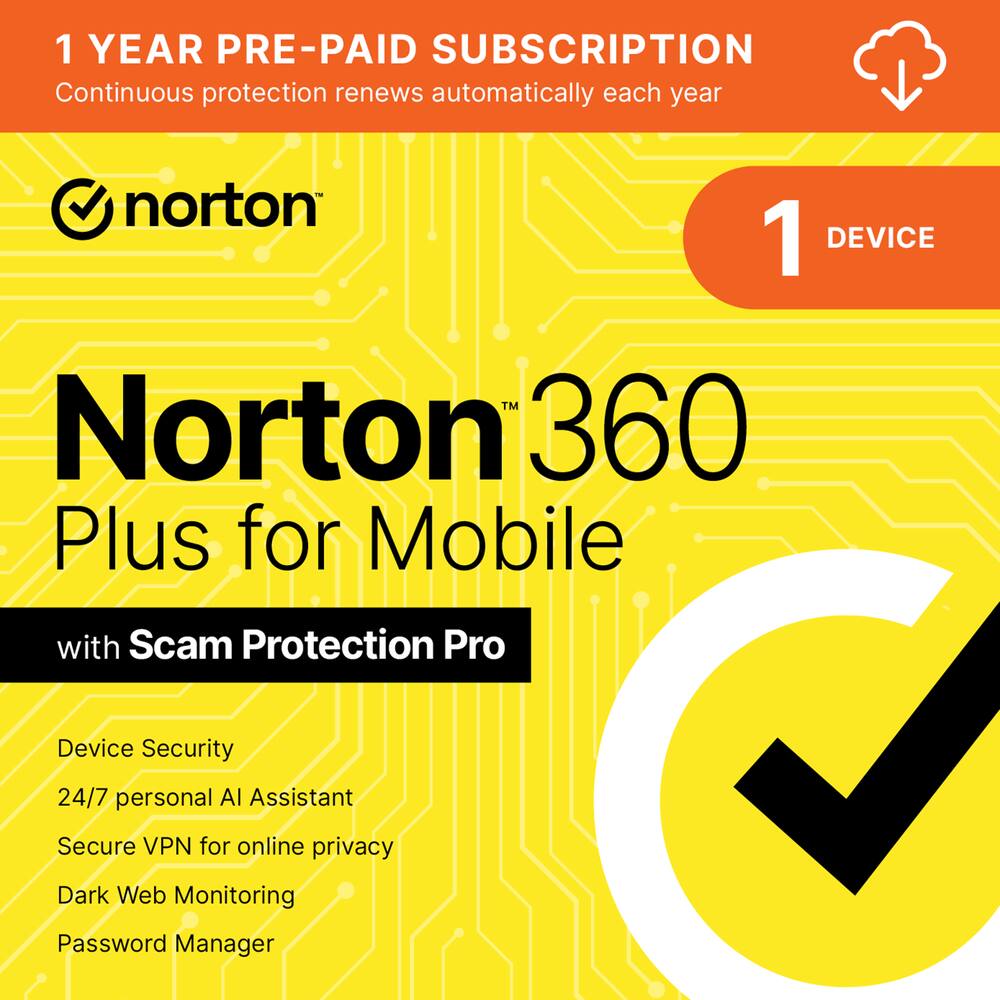 Norton - 360 Plus for Mobile (1 Device) Scam Protection + Secure VPN + Dark Web Monitoring (1 Year Subscription) - Android, Apple iOS [Digital] Original price was: $59.99.$47.99Current price is: $47.99.
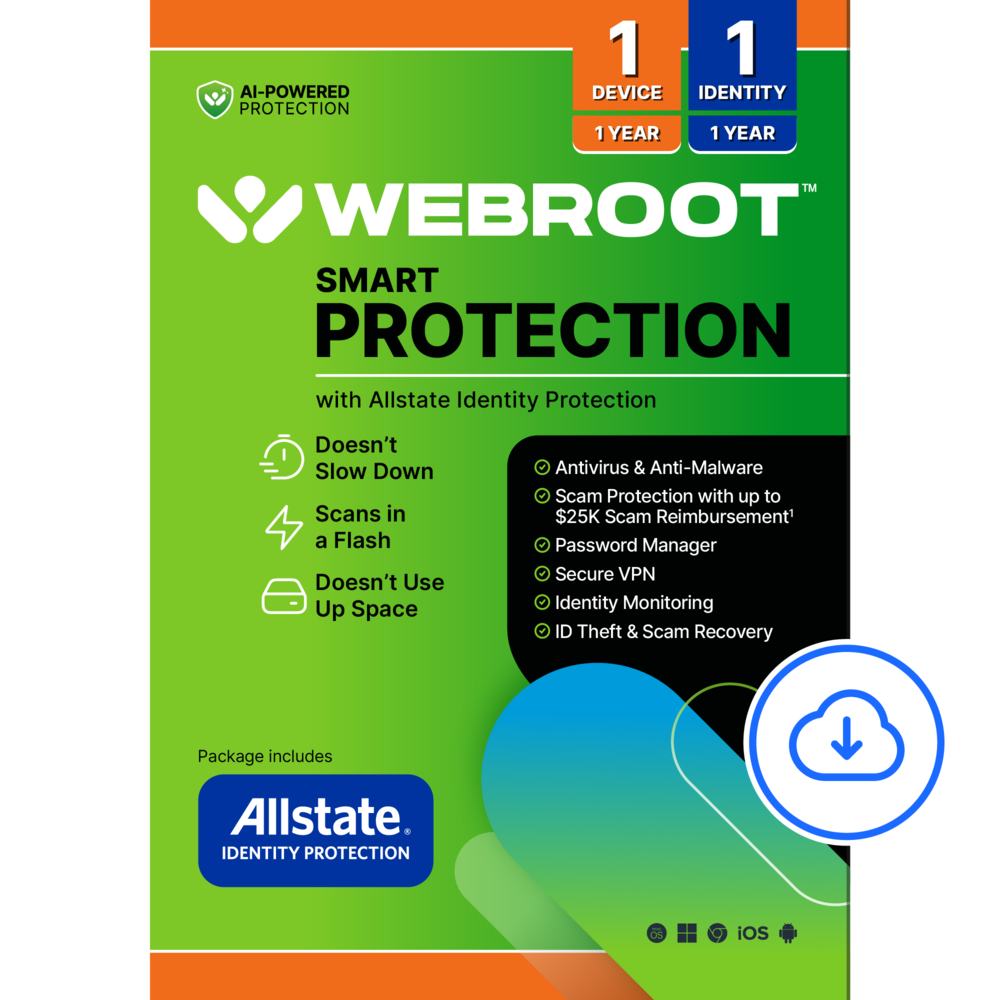 Webroot - Smart Protection (1 Device) with Allstate Identity Protection (1 Identity) (1-Year Subscription) [Digital] - Android, Apple iOS, Chrome, Mac OS, Windows [Digital] Price range: $55.99 through $63.99
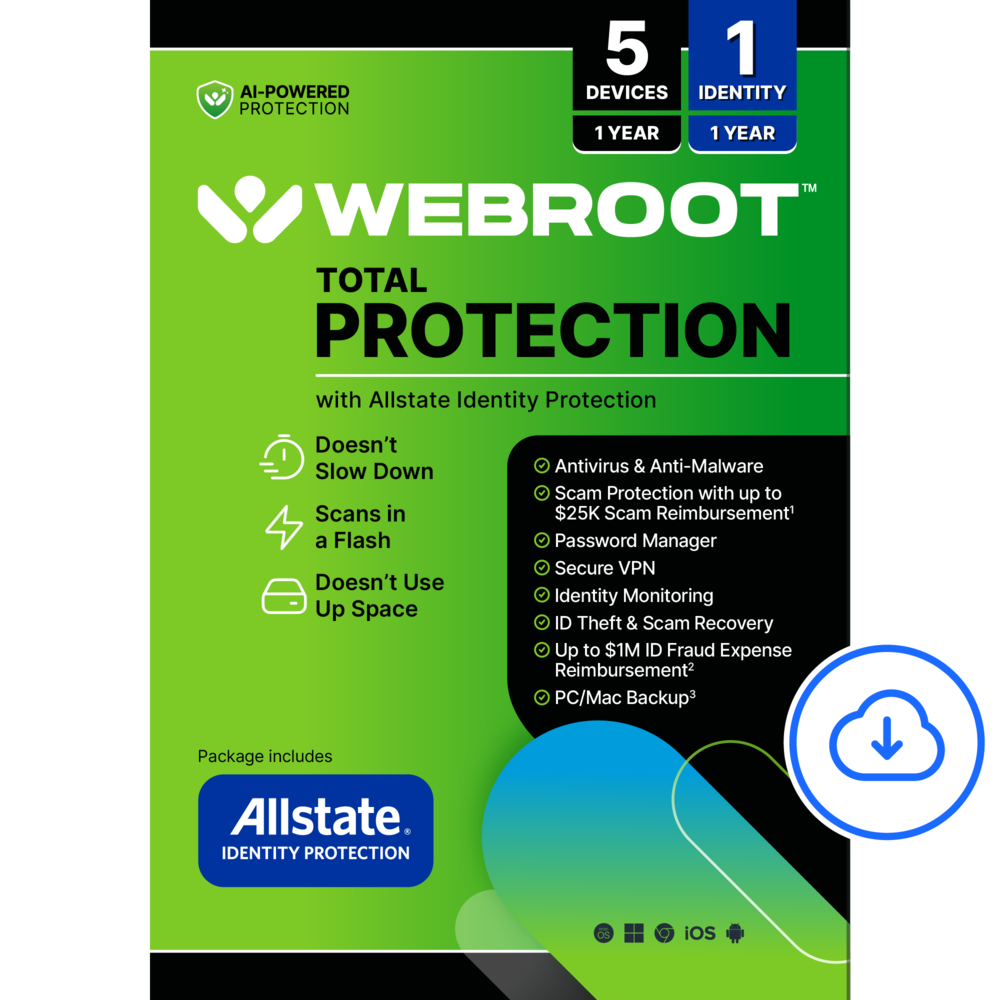 Webroot - Total Protection (5 Device) with Allstate Identity Protection (1 Identity) (1-Year Subscription) [Digital] - Android, Apple iOS, Chrome, Mac OS, Windows [Digital] Price range: $79.99 through $103.99
Overview
- Real-time threat protection
Advanced security protects against existing and emerging malware threats, including ransomware and viruses, and it won’t slow down your device performance. - 50GB secure PC cloud backup
Store and help protect important files as a preventative measure to data loss due to hard drive failures, stolen devices and even ransomware. - VPN
A top-performing VPN with fast speeds and multiple server locations for better security and privacy online. - Dark web monitoring
We monitor and notify you if we find your personal information on the Dark Web.** - Stolen wallet protection
A stolen wallet could mean a stolen identity. Call us if your wallet is stolen and we’ll help cancel or replace credit, driver’s licenses, Social Security cards, insurance cards and more. - Identity and Social Security Number alertsƗ
Alerts you if your Social Security Number, name, address, or date of birth are used in applications for credit or services.** - Up to $1,050,000 coverage
With Standard we will provide up to $1M coverage for lawyers and experts to help fix identity theft while a member, plus up to $25K stolen funds reimbursement and up to $25K personal expense compensation. ** - One-Bureau credit monitoring1
We monitor key changes to your credit file at a leading credit bureau and alert you to help detect fraud. - USPS address change verification
Identity thieves try to divert mail to get important financial information. LifeLock lets you know of address change requests at the U.S. Postal Service linked to your identity. - US-based identity restoration specialist
If your identity is compromised, a U.S.-based identity restoration specialist will personally handle your case and help restore your identity. - No one can prevent all identity theft
- *Payment method and enrollment on a paid subscription required to activate. This free trial begins when you complete activation. If you do not cancel by the end of your trial period, your recurring subscription will begin and automatically renew annually until canceled.
- The price paid for the first year of subscription is valid only for the first year, after which your membership will automatically renew at the then-current renewal price and charge your stored payment method. Applicable renewal price found at Norton.com/pricing. Renewal pricing subject to change.
- Product, service and/or protection updates and features may be added, modified or removed, subject to the License and Services Agreement found on Norton.com/legal. Data collection, storage and use subject to the Global Privacy Statement at Norton.com/privacy.
- ƗLifeLock does not monitor all transactions at all businesses.
- 1 Credit features require setup, identity verification and sufficient credit history by TransUnion and/or Equifax. Credit monitoring features may take several days to activate after enrollment.
- **Total coverage and category limits vary depending on plan chosen. Standard includes up to $1,050,000 coverage consisting of up to $1 million for Lawyers and Experts, $25,000 for Reimbursement and $25,000 for Expense Compensation.
- Benefits provided by Master Policy issued by United Specialty Insurance Company, Inc. (State National Insurance Company, Inc. for NY State members). Policy terms, conditions and exclusions at: Norton.com/legal.
Compare similar
Specifications
Capacity & configuration
- Firewall Type
- 2-way
- Digital Download Type
- Productivity software download
Dimensions & weight
- Product Name
- 360 Deluxe (5 Device) + LifeLock Select Antivirus Internet Security + Scam Protection + Identity Protection + VPN
Features
- Brand
- Norton
- Number of Devices
- 5
- Operating System Compatibility
- Android
- Software Format
- Digital
- Subscription
- Yes
- Subscription Period
- 1 Year
- Publisher
- Norton
- UPC
- 037648700856
Power & warranty
- Model Number
- SYC940800V056
Warranty & protection
Included manufacturer warranty
See manufacturer documentation.
Register your product with the manufacturer within 30 days of delivery.
Warranty service
Manufacturer warranty claims are handled by the manufacturer. We are happy to help you find the right contact: (888) 419-6820.
Customer reviews
Write a reviewPeace of mind - East to install and set up. Keeps you informed on scans.
Norton 360 - This product is working better than I expected on my phone and laptop. Absolutely great.
Norton 360 with LifeLock Select - The product has worked great so far. Good value for the money spent.
Review Norton - The combined product does provide protects. The scan will not access email from phone as the me.com format does not allow the scan to enter server. Had trouble installing as the site actually directed me to set up a second account in Apple. I discovered when I saw the billing. This was corrected by Apple and Norton but took call to CS to resolve. All working to the extent it can now. I am sure not Protection is perfect so I am happy to have some protection. Will know more in a few months.
norton360/lifelock - works as advertised Norton - 360 Deluxe (5 Device) + LifeLock Select Antivirus Internet Security + Scam Protection + Identity Protection + VPN - Android, Apple iOS, Mac OS, Windows [Digital]
Excellent Performance, Frustrating LifeLock Signin - Norton 360 Deluxe with LifeLock combines solid antivirus protection with identity monitoring, but the forced LifeLock activation during setup is a serious problem that costs this product a star. Performance I'll start with the good news… Norton has fixed its bloatware problem. The software runs lean and doesn't tax your system resources anymore. I tested this on gaming laptops ranging from 16GB to 64GB of RAM, with both AMD and Intel processors. Even during full scans, I never saw performance drops or bottlenecking while gaming. RAM and CPU usage stayed negligible whether the software was actively scanning or just running in the background. The interface is clean and everything's contained within the main app instead of opening random browser windows for every feature (except LifeLock). It's responsive and well-organized, though you'll quickly notice which features require upgrading to Ultimate Plus or Advanced if you only bought the Select tier. Setup Here's where I need to vent, because the setup process has a dealbreaker issue. Installation starts normally after you purchase your subscription, create a Norton account, enter your activation code. The software downloads the latest version from Norton's servers and installs quickly. So far, so good… then you hit the LifeLock wall. NORTON FORCES YOU TO FULLY ACTIVATE LIFELOCK during installation. There's no "skip for now" button. No "I'll set this up later" option. You cannot access your antivirus software, you know, the thing you actually paid for until you've entered your Social Security number and completed the LifeLock registration. Let me be clear about why this is a problem: wherever you're installing this software is where you'll be entering your SSN. On a coffee shop's public WiFi? You're entering your SSN there. On your work network? SSN goes through there. Visiting family and using their connection? Hope you trust their router security. I installed this at a hotel during a work trip and had to make the choice between entering my most sensitive personal information over hotel WiFi or not getting the antivirus protection I'd already paid for. That's unacceptable and costs a full STAR off the review. In a world where data breaches happen constantly and SSN theft is a genuine threat, forcing customers to enter this information multiple times (yes, multiple times during activation and to check it) just to unlock antivirus software they've purchased is backwards. Some customers might already have identity monitoring elsewhere. Some might want to activate LifeLock later in a secure environment. Norton doesn't give you that choice. The old forced credit card entry was annoying but this is worse. User Experience and Usage Solid protection Norton is known for but ALSO with constant upsells. Norton catches malware, ransomware, spyware, and phishing attempts in real-time without being intrusive. The firewall runs quietly, and the included password manager and cloud backup for Windows, are genuinely useful additions. The email protection deserves special mention. Norton runs as an Outlook plugin and has caught numerous phishing attempts, automatically quarantining suspicious emails before I even saw them. For Gmail, it scans and tags messages as safe, which gives peace of mind when you're dealing with invoices or messages from companies you work with automatically tagging them as SAFE in Green. It's legitimately helpful for spotting increasingly sophisticated scam emails. Download the Norton 360 mobile app for your phone and tablet to extend protection to malware apps, spam calls, text phishing, and email scams on the go. Pop-ups about driver updates, performance improvements, VPN upgrades, and privacy tools appear regularly. Everything Norton has to sell you will be visible in the interface with prompts to upgrade. It's not aggressive enough to be intrusive, but you'll know you're on the budget tier. Who is it for and not for? Families benefit most from this setup. Not everyone in a household recognizes phishing attempts at the same speed, and scam emails are getting more convincing. Having automated protection that flags suspicious links before someone clicks saves headaches. The core security features are solid and familiar … real-time protection, firewall, password manager, cloud backup. These all work smoothly without needing additional third-party software, which simplifies things. SOMETHING TO THINK ABOUT: if you don't need LifeLock's identity monitoring (maybe you already have credit monitoring through your bank or another service), buy Norton 360 without the LifeLock bundle and save yourself money and hassle. The antivirus protection itself is top-tier, and you won't have to deal with the forced SSN entry nonsense. Final Verdict Norton has improved significantly in performance and integration. The antivirus works well, runs efficiently, and doesn't bog down your system. The email scam detection is genuinely useful, and the interface is clean but the mandatory LifeLock activation during setup is just bad. Requiring your SSN multiple times before you can even use the antivirus you purchased is a terrible implementation that prioritizes Norton's bundling strategy over customer security and privacy. The software itself deserves 4 stars but setup process knocks it down to 3. Norton is respected across the industry for good reason, but this LifeLock activation requirement needs to change. Until then, I'd recommend buying Norton 360 without LifeLock unless you specifically need the identity monitoring and can install it somewhere secure.
Norton is still a great suite! - Before I say anything else - I would use anything Norton or Symantec branded over anything McAfee any day of the week. I've been running this suite in a singular gaming laptop for a week or so now just to get a feel for it. Running various benchmarks with the Auto-protect enabled and disabled to see what kind of performance impact the suite would have on everyday operations, I can say the results were mixed. In some tests there was not much (if any variation) in the results, others there was upwards of 33% performance hit by leaving the auto-protect enabled. That having been said, in everyday use (productivity, web surfing) I honestly couldn't feel any difference in speeds regardless whether the protection was enabled/not enabled. On top of the antivirus/antimalware component, it includes LifeLock. Not a fault of the application - I simply couldn't bring myself to use it. Yes, it's designed to help you lock down your digital footprint on the web and help keep your data from being sold as well as help you secure your credit. My personal paranoia could not allow me to use LifeLock as I didn't want to give yet another company my personal information , ultimately introducing one other "point of failure" to potentially leak or get hacked allowing my info to make it out onto the web even more than it already is. I honestly feel this is a 5 star application suite - it's my personal reservations and paranoia that kept me from testing all the features. Norton - you still have my thumbs up over the competition!
Norton Easy to Use - Norton instructions delivered with product receipt. easy to set up and use
I just can’t stand the constant popups - Norton offers top of the line protection. It does keep your system protected, of course there is a bit of common sense required. I do despise Norton "upselling" tactics that are always presenting you with additional features and benefits of a higher priced packages. It does not matter if you opt for the comprehensive suite like Norton 360, since it will keep upselling other features even when using dishonest data. I have Norton 360, which includes, but still I get bombarded with fear-based messaging of the dangers of cyber threats or outdated drivers. These features required that I a higher-tier plan at a at a higher price point. I started looking at the fear-based messaged about my computer "expired drivers". On this instance Norton suggest that I upgrade to a higher-priced plan that includes drivers updates and it shows a list of expired drivers. When I visited the Device Manager, my drivers where up to date and were the same updated version Norton was showing as the updated version available. I think Norton should avoid using aggressive and manipulative tactics to pressure its own paying customers into purchasing a higher-priced plan or extra features.
Strong all in one security wit Identity Protection - I picked Norton 360 Deluxe with LifeLock Select over other antivirus options because it combines device security, identity theft protection, VPN, and scam monitoring in one package. Many competitors focus only on antivirus, but this adds real value with LifeLock and dark web monitoring, which was important to me. I wanted protection not just for malware, but also for identity theft, scams, and online privacy, especially across multiple devices. The 5-device license covers my family laptop and phones easily, and the LifeLock features made it stand out compared to basic antivirus plans. It works smoothly on Windows, macOS, Android, and iOS. The desktop app feels polished, and the mobile apps integrate well with system features like VPN and scam alerts. Everything fits well into daily use without getting in the way. Security quality is excellent. Real-time protection runs quietly in the background with no noticeable slowdown during normal use. Scans are fast, and protection against malware, phishing, and risky websites feels solid. Resource usage is low compared to older versions. Setup was straightforward—activate the code, download, install, and you’re done. Initial scans run automatically. Some upgrade prompts appear, but they can mostly be dismissed or turned off. Pros: Strong antivirus and ransomware protection VPN that turns on automatically on unsafe Wi-Fi Dark web and SSN monitoring through LifeLock Scam protection for email, calls, and texts Cloud backup for important documents For the first-year price, this is a very good value considering how many features are included. Renewal pricing is higher, so it’s best to watch for discounts. Still, compared to buying antivirus, VPN, and identity protection separately, this bundle makes sense. Cons Cloud storage is limited for photos/videos Some LifeLock features are web-based and require sharing personal data Overall, this is a powerful, all-in-one security solution best for users who want more than just antivirus. If you value identity protection, scam alerts, and privacy tools along with strong malware defense, this is a solid choice, especially when purchased on sale.
Great Security Solution for All Devices - I’ve tried a bunch of computer security programs over the years, and they all seem to do pretty much the same thing. It used to be that the one that didn’t use up your system the most was the best. Back then, these programs would really slow down your computer to keep running in the background, but that’s not the case anymore. Norton’s 360 solution with LifeLock is a really good all-in-one program. It keeps all your devices safe and sound. I’ve got it running on my MacBook, a couple of Windows laptops, and a couple of iPhones. The software keeps patching security holes in all of them. Setting up the suite is a breeze, and once it’s installed, it walks you through what it can protect on each device. It’s super easy to make sure your email, web searches, and apps stay protected. The same goes for the iOS devices. When you install it on your phone, it protects your messages, SPAM calls, email, and web searches. The included VPN is also great and works in every situation I’ve used it in so far. After setting it up and installing it properly, I can say that everything is great, except for one small thing. The LifeLock feature is great, and you can see when your personal information is out on the web. It even gives you instructions on how to get it deleted, but if you want them to get it wiped, you’ll have to pay an extra fee. This is my only little complaint. I wish it didn’t feel like they were trying to sell you more services, and instead just included everything in the suite. Other than that, it’s great. If you’re looking for a complete security solution for all your devices, whether that’s computers or mobile devices, this might be the one for you. The inclusion of the personal info monitoring with LifeLock is also a great bonus to see what might have been leaked.
Lots of options, if you pay their price - PC protection, performance diagnostics, offline world protection all in one place seems like a dream come true. Like so many others, this dream is dashed by extra fees for products outside the scope of the basic subscription. The basic subscription includes LifeLock, which will protect against threats in real world from threats in cyberspace. It includes credit monitoring and the ability to find out if your information is on file with various data brokers. Then the extra fees hit: If you want Norton to actually remove your information from brokers, you have to pay extra (100% of the original subscription). If you want to improve your PC performance, you have to pay again. It’s a fact that insurance costs money. Norton offers a lot of insurance with this bundle. The price on the box is misleading and that’s not the right approach for a company trying to earn your trust. In addition, the bundle includes PC optimization tools. Here again, the tools are fairly basic and may require extra fees. The included VPN has decent speeds, but won't let you select a specific city for an out of town broadcast. There's an option to scan for software updates, but it's limited to only a few programs. There's an option to clean the PC registry, but there's an extra charge for what other tools provide for free. I’ve been loving Tulsa King. Norton was apparently inspired by it when opening this phase of their business model. It's quite the racket!
Norton Stopped Screaming at Me - Norton 360 was more impressive than I thought. Coming from Windows Defender, and another very light touch suite that starts with an "M", I was a bit apprehensive about coming back to Norton with it's "everything" way of doing things. But I was super surprised because it actually doesn't bog down modern systems anymore because modern systems have way more than enough power for the scanning—and it packs in some genuinely useful features without the clunky interface bloat that I remembered from before. The biggest draw for me is the LifeLock integration, honestly. Having identity theft monitoring, suspicious activity alerts, and dedicated support if something goes wrong gives me real peace of mind beyond just keeping malware off my machine; A safety net that covers the stuff that can screw up your life if it gets compromised. The security piece itself handles antivirus, firewall, and web protection without me noticing it running in the background—and with today's processors, that's actually impressive compared to how resource-heavy security suites used to be with weaker processors. Interface-wise, Norton's look is refreshingly clean compared to the bloated dashboards I expected. It doesn't feel like you need a tutorial just to find what you're looking for. That said, the settings are legitimately overwhelming and deep—but I think that's actually a good thing. Having that many granular options means I can tune things exactly how I want them instead of being locked into some vendor's one-size-fits-all approach. I've disabled most of the popups because they get annoying fast, which is my one real complaint: Norton defaults to notifications for everything, including "scan complete" alerts on external drives. I'd honestly prefer it to work like Windows Defender out of the box—just ping the taskbar icon and let me decide if I want details. The ability to get more granular with notifications if I choose would be perfect, but right now I've just turned most of them off to avoid the noise. The VPN performance actually surprised me—way faster than I expected, which means I can stream without it feeling like I'm pushing through molasses. That's a solid bonus included with the package. Overall, Norton 360 with LifeLock Select does what it promises without getting in the way or draining system resources. The identity protection piece is legit, the interface is actually thoughtful, and the flexibility in settings lets me run it exactly how I want. For anyone wanting solid security plus identity theft coverage that doesn't require constant babysitting, this is a solid recommendation.
Cheapest way to secure your priceless data - I have not been on any anti virus software for a while. After all the rampant selling of private data and the contant fear of malicious programs out there, I figured I'd give this Norton product a try. Install was a good. I am still able to see my near-decade old Norton account associated with my email, and the product I purchased from way back. Setting up the products threw me back a little. I found it a little counter-intuitive for me to make me vulnerable to someone so I can feel protected. This process specifically involves me giving this app my very sensitive information, just so it can guard it. In a digital sense, it is the right idea-- it won't know what to guard, if you don't tell it what to guard. So here goes all my information, other email addresses, birthday, phone number, address, and even social security number. It is scary. I just handed a program super sensitive information that can practically purchase a house in my name. But hey, there have been a lot of data breaches that happened, from big reputable companies and seemingly reliable data pools, but guess what, Norton has none of it. In fact, like I said, it had my almost decade old information from my previous product purchases that I haven't touched in a while and I don't see any breach happened to Norton, knock on wood. Besides, this product has what they call the million dollar coverage insurance which makes sure you are covered, while a member. So yes, I cooperated. I placed each important information I can provide in the required fields. Dark web monitoring, credit monitoring, data scrape tracking, and installed it on my devices that had my bank information too. And you know what, so far, it has been good. Let me give you some bullets on why I think this product deserves a lot of love: 1) In the many product features I had enabled, it did not slow down my daily work. Granted that I have a fast machine, of course I do not want that compromised by any pop ups or any resource hogging my machine. It did not. My PC was working like it did before the install. I can also run scans while I work. Again, no slowdowns. 2) The VPN is fast and easy to connect. Once I open my Norton app, turn on the VPN, and I am connected easily. There are obvious options such as auto connect, or a kill switch for the internet if VPN loses connection, which are great security features. The VPN works like any other VPN—my lakers network access blocks me from from watching my streams when I forget to turn the VPN off—it tells me the VPN is effective. And I don’t notice that it is on, because even the internet is pretty fast. My bedroom wifi clocks at 185Mbps (subscribed at gig internet). An Amsterdam server clocks at 170mbps. A server 1500 miles away, still in the US, clocks at 165Mbps. A Copenhagen server clocks at 100Mbps. So the performance is pretty good, much better than my other third-party VPNs or those that I connect directly to my router. 3) I tried applying for a credit card, night time. The following day, I got a call from Lifelock about someone applying for credit. Then I have email notifications about this. The ID theft protection feature is indeed working and I am informed if someone may have used my credit for something. 4) It also has a cloud backup tool (100gb) and a password manager which may come in handy, versus getting separate password manager tools. 5) It has a software updates feature (which is a PC native application too). After a couple of days of actually seeing the trustworthiness of the app, I know, when it advises me of what application I have that need updating, I trust that it picks up the right one. I know that it is picking up the correct Zoom version or the right Microsoft Visual version. Will it pick up if my third-party apps like GIMP or other more sensitive apps need updating? I have not experienced it. Hopefully it will, and that will save me a lot of time trying to verify if the files I will pick up are malicious. It also has safecam where it safeguards me if my camera is being accessed without my knowledge, but I do get this safety feature from Chrome so, this is more like a plus. 6) Lastly, it has scam protection, like deepfake scans, email/text/call filtering—those that you would mostly see on your flagship phone but your PC does not. There are some apps that are native to PC like managing your startup and cleaning your files. Maybe they will come in handy if you are so used to the Norton interface that you do not want to be involved with your clunky Microsoft device management menus. Also, other probably useful features like the performance and privacy monitor softly sells upgrades if you actually want the boost or the removal of your data without your intervention. For the most part, I am sure, 95% of users will not even know their data is being sold elsewhere and will be in a reactive state if some breach actually affect their finances or what have you. This app gives that added peace-of-mind because it all comes in one package so there is less to worry in most fronts if not all. In a way, it is a very comprehensive tool that you actually probably have separate subscriptions from—VPN, password manager, ID theft protection, cloud space—if you add them all up, you’re probably getting a much better deal on this product. And if you’re more old school than me, especially boomers out there, you just need the virus protection because you don’t now how savvy scammers are now these days. This is a great product for you. I mean, it is so comprehensive, you probably just have to trust and so far, it is pretty reliable for me. Like any other digital product we patronize out there, data breaches may happen and Norton has been very effective so far, plus with their insurance for your data on top of the real benefits you get, I believe this product is worth it.
Norton 360 - So far, so good. - Setup was a little challenging at first. Upon my second attempt, I was able to get it successfully installed. It did take some time to work through the install, but the interface was easy to use. Once installed, I was relieved to see that it did not regularly prompt me to run scans as some other similar products do. The software seems to run in the background and doesn't interfere with the speed of my laptop. So far nothing has been found to reinforce the value of the program. A scan did recommend the removal of temporary files, which I have done, however, I have not noticed any significant improvement as a result. The software does offer a Password Manager feature which comes in handy these days with so many cybersecurity requirements to protect passwords. I also like that the program provides coverage for multiple devices. I'm apprehensive to try antivirus software on mobile devices based on previous experiences, however, I am excited to give Norton a shot based on my limited experience thus far. In today's world, I would love to have the reassurance that more of my devices are better protected and it seems that Norton might just be the right choice.
Great Anti-Virus - I have always enjoyed using Norton 360. I still enjoy using Norton, but I am not a fan of doing a scan and then Norton telling me that they can improve my computers performance, but I have to pay for additional software from Norton. I would love to just scan my computer and fix viruses. That said, I like having a second software outside my Microsoft. It is nice to do a scan with Norton as well to see if a virus might have gotten on my computer. I also enjoy that Norton allows me to sign into it, and then when I get onto websites, it auto inputs my passwords. I know now a days sites just save it for you. But when I get a new laptop or desktop, first thing I do is install Norton, and then when I go to a website, I do not have to input my info on that site, Norton does. My biggest gripe though is that Norton is a subscription base now. I wish they had an option to just do a one-time purchase and have their antivirus. I have the one for 5 devices. Right now, I just use this with my desktop, my son's desktop (he is 18 so I do not monitor) and 3 laptops. If you are like me, and looking for that extra protection, Norton has been around a while now and has done a great job as far as I can tell, keeping me safe. My other complaint, and my biggest gripe with antivirus software, regardless of who it is from, is that they always seem to conflict with each other. I wish they would just make it easier to be able to run multiple antivirus software.
Good protection and features, very configurable - I am a bit conflicted with the Norton 360 Deluxe + Lifelock protection suite, while it has the familiar Norton Anti-virus interface, out of the box the product will not leave you alone. I’ve used other anti-virus suites and Norton has to be the chattiest of them all, especially soon after you install it. Reminding you to use the included VPN, Dark Web Monitoring, Cloud Backup and Password Manager. You can reduce the number of notifications in the notification tab under settings, but the default configuration out of the box is just chatty, especially trying to upsell and have you subscribe to other add ons. In most cases though the configuration out of the box for protection is very good for typical users. Let’s start with the Device Security, where you can scan your hard drives, removable drives, force updates of virus definitions manually (this happens in the background automatically) and review security logs. Internet Security, which monitors your Internet activity for various threats, but unlike another product I use it does not seem eager to block connections to various sites sometimes embedded in a web page. For instance, MSN.com often has third-party trackers and connects to other sites, often those that have expired certificates (which sometimes is an indicator of a less than secure site). Norton 360 does not even appear to log those sites, much less block them. I have seen no trackers blocked as indicated in the tracker dashboard which seems odd and has me wondering if this functionality is selectively enforced. Backup, which can back up your PC and important data to the cloud (the version I have provides 100GB of storage). However, if you have a large amount of picture or videos on your computer, you need to utilize this capability smartly given the cloud storage constraints. Again, you can only configure this if you have administrative rights on your PC, that level of access is also needed to make any real configuration changes with the product. As part of standard best security practices, you should use an account on your PC that has simple user rights and only use a full administrator account for configuring changes to your applications or PC. Performance, again you need full administrative rights to Optimize the disk, you can do a limited file cleanup which only cleans up your browser caches and Windows Temporary files that are under your user profile. Startup manager will allow you to configure the startup behavior of your PC and displays the impact that programs are having on how quickly Windows starts up). It found one program that I set to disable auto startup. Depending on how much software you have installed on your PC, Startup manager could significantly help with the performance on your system. Dark web monitoring is part of Norton Life Lock service and can be configured to monitor dark web activity with any of your personal information, such as address and email addresses as well as other Bank Accounts, Credit Cards, Phone Numbers, Driver’s License, Mothers maiden name and Gamer tag. Now this is great service if you are comfortable with providing all this information in one place and with Norton (what if they get breached?). All of this opens a browser and is not integrated into the Norton Interface itself. Secure VPN – most security suites offer VPN access which can help secure some of your information and web surfing activities. Most VPN connections slow your connection down from your PC or Mobile device as all your internet traffic through a setup of servers. The VPN functionality has evolved from the last time I used it back in 2022, with the usual options to auto connect or when you connect to unsecured networks. There is also a split tunnelling option in case you have an app that does not function correctly when using a VPN connection. If you plan to use their VPN, you can only specify a country, not a specific city to connect to. Their VPN servers are well known, and most content providers will be able to detect that you are using a VPN (in case you were going to try to spoof Netflix or another service by connecting to a different country). Password Manager – useful for some, I use one that is built into the OS of my smartphone. Parental Controls – useful for those with children, opens a browser to configure instead of doing it within the app and requires that you install the Norton Family app on their device. Now to the list of Pros and Cons: >>> Pros >> Superior performance, not a huge resource hog >> rated high as it catches most threats >> Fairly configurable if you have Administrator rights, logging into an elevated account to do that is annoying >> Cloud storage (100GB) with my subscription level (Deluxe) >> VPN included >> Software Firewall included, preconfigured for typical use and adjusts per application <<< Cons << The product out of the box is too chatty, although configurable in the notifications section (admin access required) to quiet it down. << too much focus on unselling your subscription << VPN is only configurable by country, not a specific city within one << Limited amount of VPN servers worldwide.
Solid performance, constant upsell - I want to start by saying that I really do appreciate the features offered by this product. It does seem like a solid bang for the buck. However, I really dislike anytime a product feels like a perpetual upsell. Pros: VPN - While this is my first time using any personal VPN product, I have to say I am pleasantly surprised. I see no noticeable decrease in performance and the features within the VPN are great. Multiple devices - I think that, for the price, it is nice to be able to cover a number of devices - especially with parental control. ID theft/ deep web scan - Having a deep web scan on my information was great to suggest which passwords might be compromised. I am not sure if I will renew or not, but at least the one time check was nice. Cons: Upsell/ Autorenew - If you buy this product I recommend being very well versed in the features included. While exploring all the features in the apps I have been met with several instances of unexpected upsells. Run a scan for your personal information to see all the data brokers that have it? Great! Want to get it removed? Well you have to create accounts on each of the individual brokers sites and request it...OR we can do it all for you for an additional fee. Scan your computer for threats? Great. Would you like to fix these performance issues? Yes? OK here's the fee. All of this is fine, but presented in a shady way that doesn't reveal the upsell until the very end. Icky feeling. Autorenewing subscriptions give me the same feeling. Ultimately I do think this is a quality product and performs as advertised. Just keep your guard up and pay attention or you can easily run up additional charges.
Compliant with expectations - Good product so far, comprehensive, with a lot of features and convenient for 5 devices with different Operative systems iPhone, android and windows pc.
Questions & answers
Ask a question
Email [email protected] or call (888) 419-6820 during business hours.
Add your review