Targus - Spy Guard Webcam Cover (3-Pack) - Black
$9.19
Was $11.49
Save $2.30 Free shipping
 20% off
SKU: 6537888
$23999
Was $299.99 Save $60.00
Other options in this range
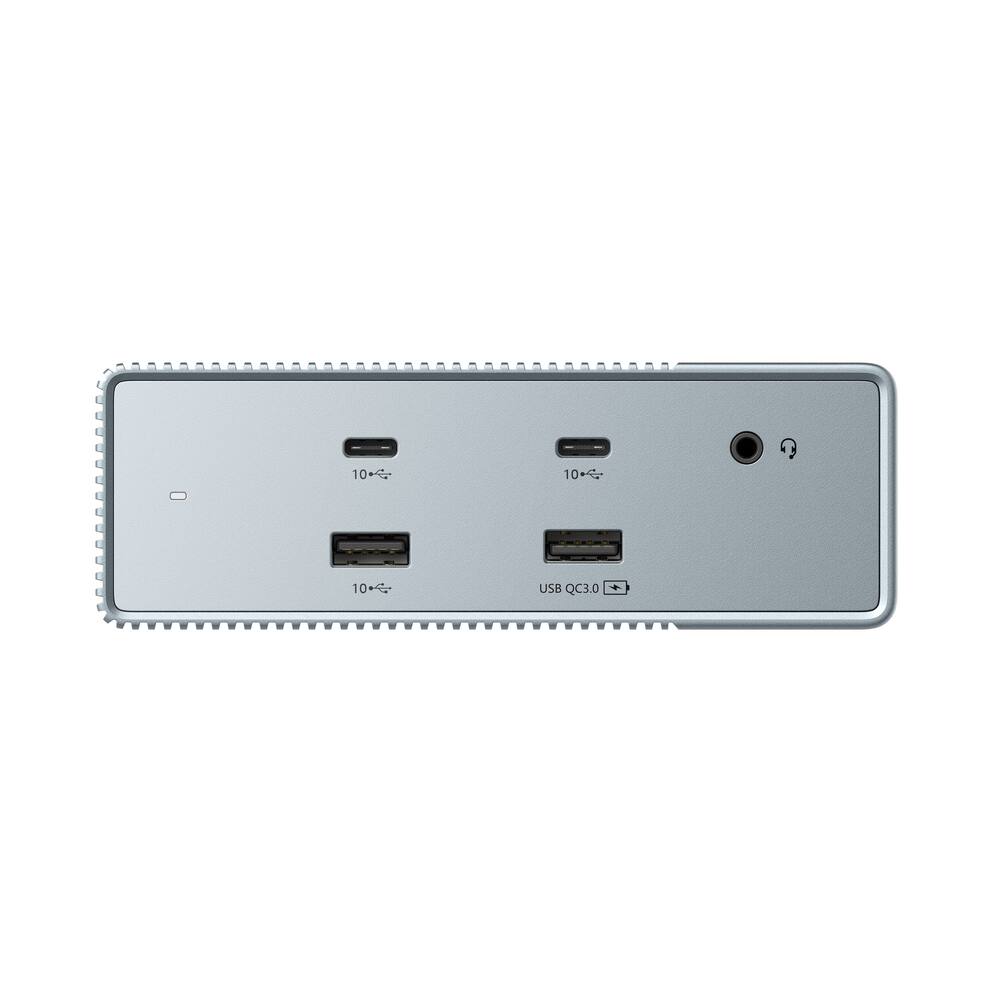 Targus - HyperDrive15-in-1 Universal USB-C Docking Station -Gen 2 - Gray Original price was: $99.99.$79.99Current price is: $79.99.
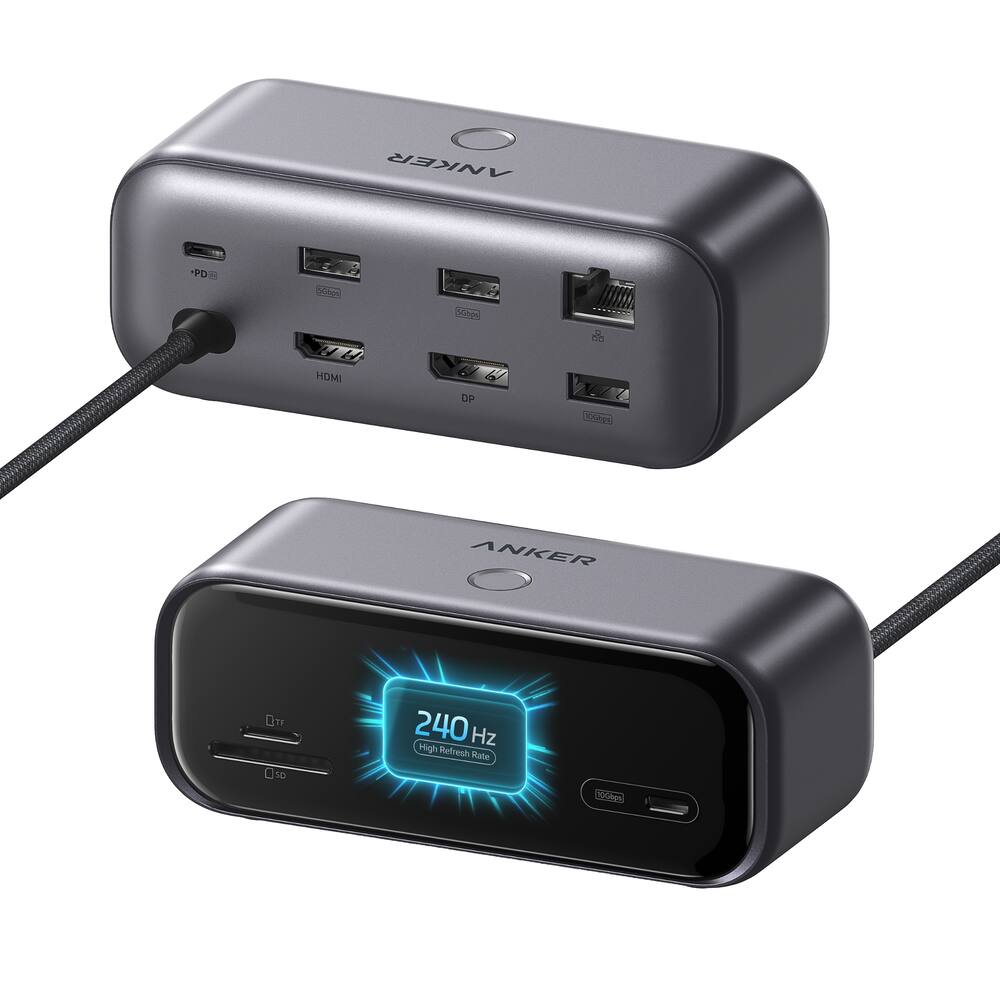 Anker - 10-in-1 USB-C Hub,Smart Display,1 HDMI, 1 DisplayPort - Black Original price was: $99.99.$79.99Current price is: $79.99.
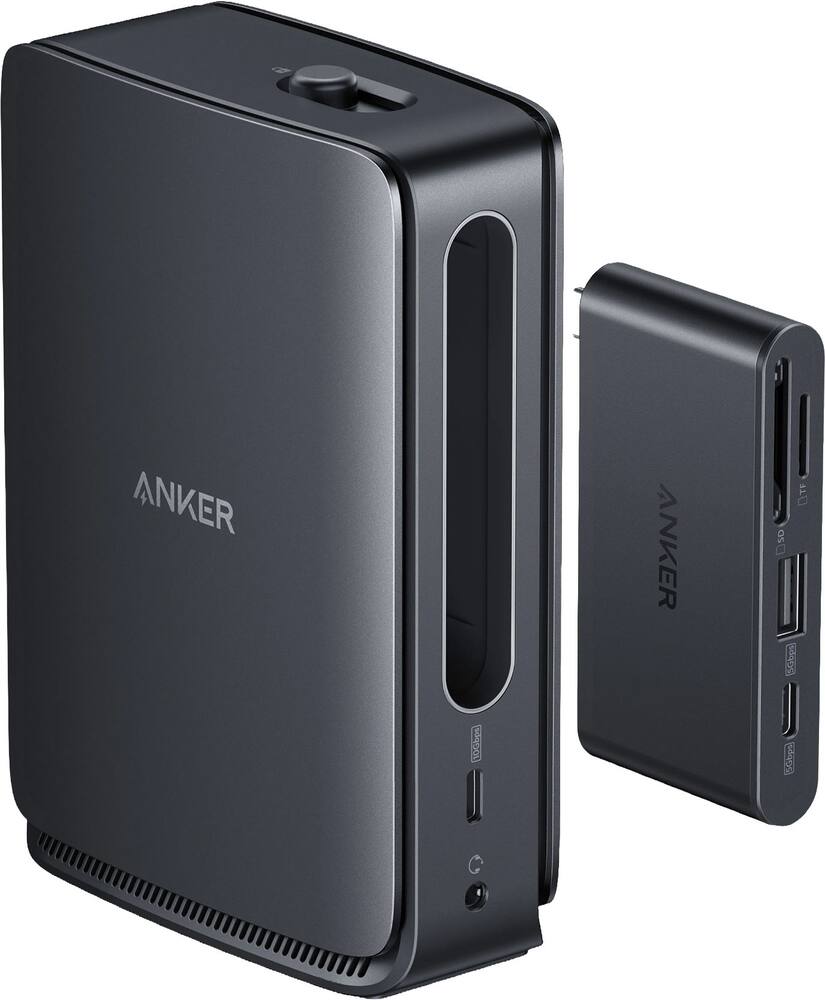 Anker - Nano Docking Station (13-in-1, Triple Display, Built-In Removable Hub) - Black Original price was: $149.99.$119.99Current price is: $119.99.
| Feature |
VIEWING Microsoft - Surface Thunderbolt 4 Dock - Black
|
LOWEST PRICE IN THIS TABLE Targus - HyperDrive15-in-1 Universal USB-C Docking Station -Gen 2 - Gray
|
Anker - 10-in-1 USB-C Hub,Smart Display,1 HDMI, 1 DisplayPort - Black
|
Anker - Nano Docking Station (13-in-1, Triple Display, Built-In Removable Hub) - Black
|
|---|---|---|---|---|
| Price | $239.99 | $79.99 | $79.99 | $119.99 |
| This product | View details | View details | View details |
See manufacturer documentation.
Register your product with the manufacturer within 30 days of delivery.
Manufacturer warranty claims are handled by the manufacturer. We are happy to help you find the right contact: (888) 419-6820.
Free shipping
Great product - High quality docking station. I use it daily for more than 8 hours a day and it is fantastic.
Perfect - I love the convenience this allows me to run a monitor and my surface as well as any other device I may need in the future! Easy set up!
It works, but pricey - All the ports work except HDMI and able to use external display. I have a portable external display with different cables included for HDMI or usb-c, so this dock works for me. I purchased this after buying 2026 Surface Pro 13 inch.
Desk Setup tool - Makes my desk way less cluttered for my laptop. Works perfectly even when outputting 4k to my external monitor.
Fantastic way to increase your productivity by improving your flexibility options
Great doc - Works amazing super fast is easy to connect ethernet cable connection super fast
Microsoft thunderbolt for dock station - Love this dock station hub works great in my studio
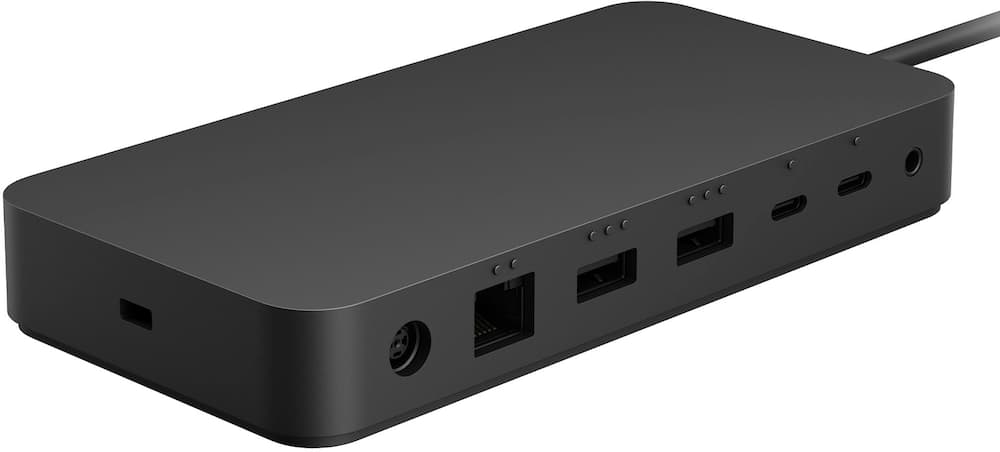
Surface Docking Station - I’ve been using the Microsoft Surface Thunderbolt™ 4 Dock for several weeks now, and it has quickly become one of the most reliable and well‑designed accessories in my workspace. As someone who works in IT and frequently connects and disconnects laptops throughout the day, this dock strikes the perfect balance between performance, simplicity, and build quality. First and foremost, the single‑cable Thunderbolt 4 connection is a game changer. One cable delivers power, high‑speed data, and display output seamlessly. Plugging in my Surface instantly transforms it into a full desktop setup with external monitors, keyboard, mouse, Ethernet, and accessories all coming online without delay. Disconnecting is just as easy, making it ideal for hot‑desking or hybrid work environments. The port selection is excellent and well thought out. With multiple USB‑A and USB‑C ports, Ethernet, audio, and dual external display support, it covers everything needed for a modern workstation. I appreciate that Microsoft prioritized future‑proofing with Thunderbolt 4 performance, ensuring fast transfer speeds and compatibility with newer devices and displays. Everything feels stable and responsive—no random disconnects or flaky peripherals, which is something I’ve experienced with third‑party docks in the past. From a hardware standpoint, the dock feels premium and durable. The matte black finish matches Surface devices nicely and looks professional on a desk or in a conference room. It runs cool and quietly, even when driving multiple displays and peripherals simultaneously, which speaks to solid thermal design and internal engineering. Another big win is reliability and compatibility. Being a first‑party Microsoft device, it integrates smoothly with Surface hardware and Windows without requiring constant driver updates or troubleshooting. It simply works. For business users and IT‑managed environments, that consistency and predictability matters a lot and saves real time. Cable management is also a subtle but welcome benefit. With everything routed through one dock, my desk stays cleaner and more organized. This is especially useful in professional settings where presentation and efficiency both matter. While the price is higher than some generic docks, the quality, stability, and peace of mind absolutely justify the cost. If you’re investing in a Surface device—or any Thunderbolt 4–capable laptop—and want a dock you won’t have to think about or babysit, this is the one to get. Overall, the Microsoft Surface Thunderbolt 4 Dock delivers exactly what it promises: a dependable, high‑performance, and elegant docking solution that feels purpose‑built for productivity. Highly recommended for professionals, power users, and anyone who values a clean, reliable desk setup.
Our go to docking station - We have multiple Surface laptops in our office and this is our go to answer for docking stations. Easy setup and they always work. Could use a few more ports if you're a power user
Better than what HP or Dell makes - Great dock, been using it for over a month now. Had no issues, I wish it had some more ports.
Expensive but worth the price - Expensive but works great. Easily portable. Size allows you to stow it away from view.
Great power supply - Great for my Surface pro and has no problems also can be used with Ethernet
Great expansion device for my MacAir - This is running on my MacAir. I have an external drive and monitor attached to it. Everything is running great.
Surface Docking Station - Exactly what I needed to set up my computer and 3 monitors.
Good Dock Overall - Decent connectivity options, but disappointed in the lack of dedicated video connections. This requires purchase of adaptors, as most monitors include only HDMI or VGA connection.
What's Up Dock? - THE MS Surface Thunderbolt is the perfect match for my Surface Pro. Having 2 of these allows me to easily use my Surface Pro at 2 locations when I travel to and from my home & office.
great upgrade to docking for surface pro - Very helpful, especially with the docking, its not like the previous versions that were much more flimsy
The OG - Still the OG and works the best with Surface Pro; having used cheaper versions, this remains the dock of choice for Surface Pro users with multiple monitors to be docked with Still quite expensive, but it's worth the money in my opinion
Microsoft dock station - OEM docking station for variety of computers and my application is for Microsoft Laptop 6 for Business.
Solid docking station - Good docking station. Has all the connections I need.
Email [email protected] or call (888) 419-6820 during business hours.
Add your review