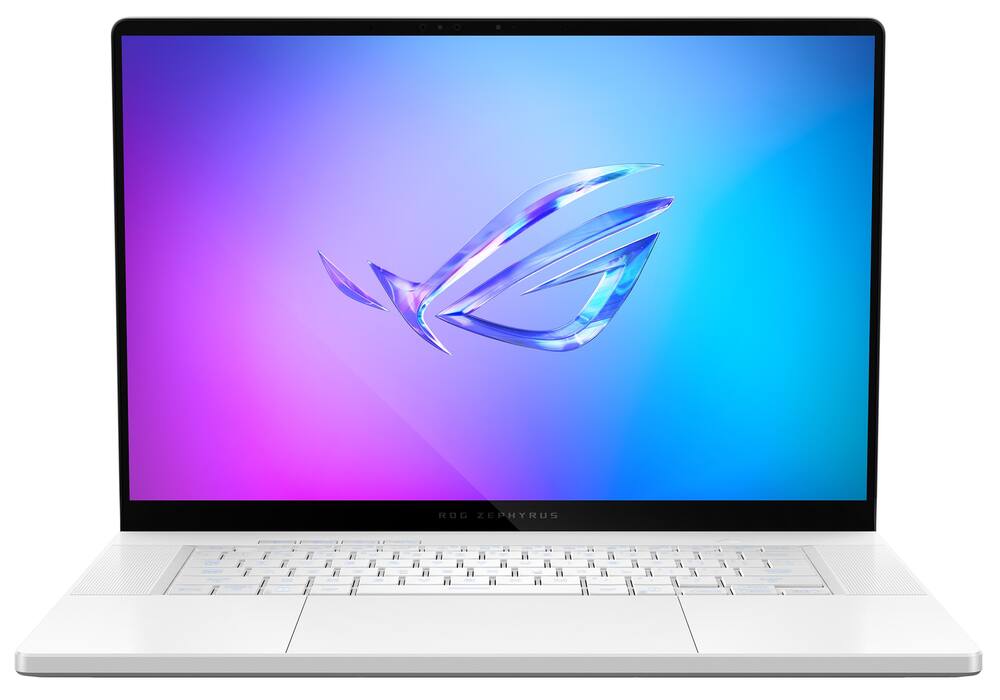
ASUS - ROG Zephyrus G16 16" OLED 2.5K 240Hz Gaming Laptop - Intel Core Ultra 9 - 32GB RAM - NVIDIA GeForce RTX 5070Ti - 2TB SSD - Platinum White
From $2,239.99
Free shipping
 20% off
SKU: 6690025
$2,55999
Was $3,199.99 Save $640.00
Other options in this range
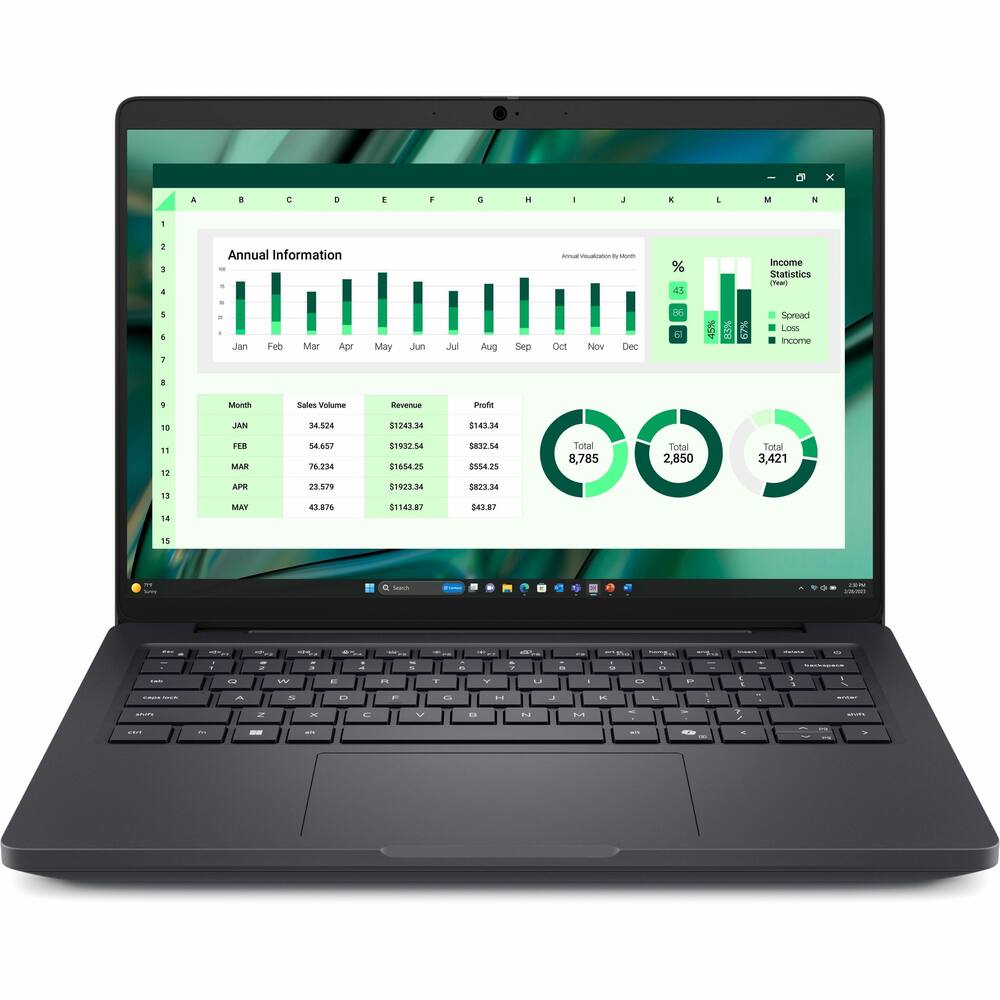 Dell - Pro Max 14 U7 16G 512G 11P - Black Original price was: $3,089.99.$2,471.99Current price is: $2,471.99.
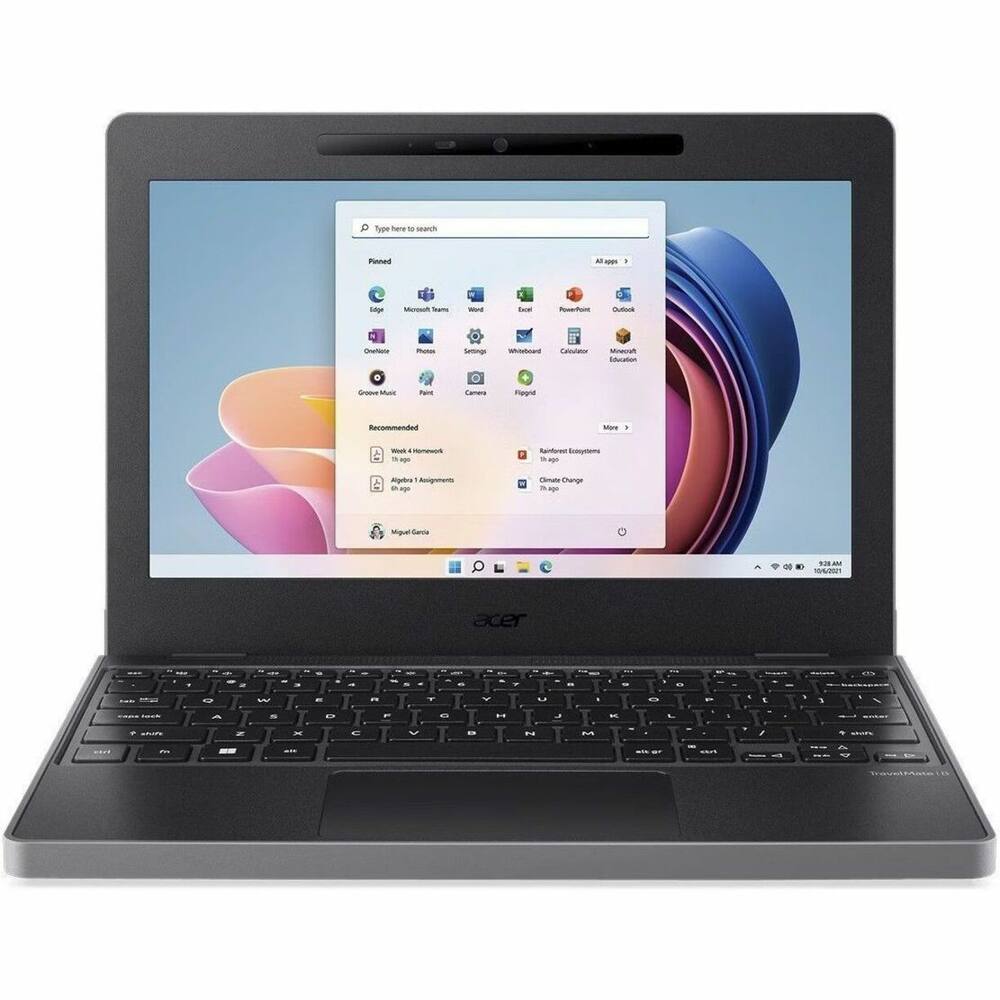 Acer - TravelMate B3 11 TMB311-34T 11.6" LCD 1920 x 1080 (Full HD) Touch Screen Laptop - Intel with 8GB Memory - 128 GB SSD - Black Original price was: $619.99.$495.99Current price is: $495.99.
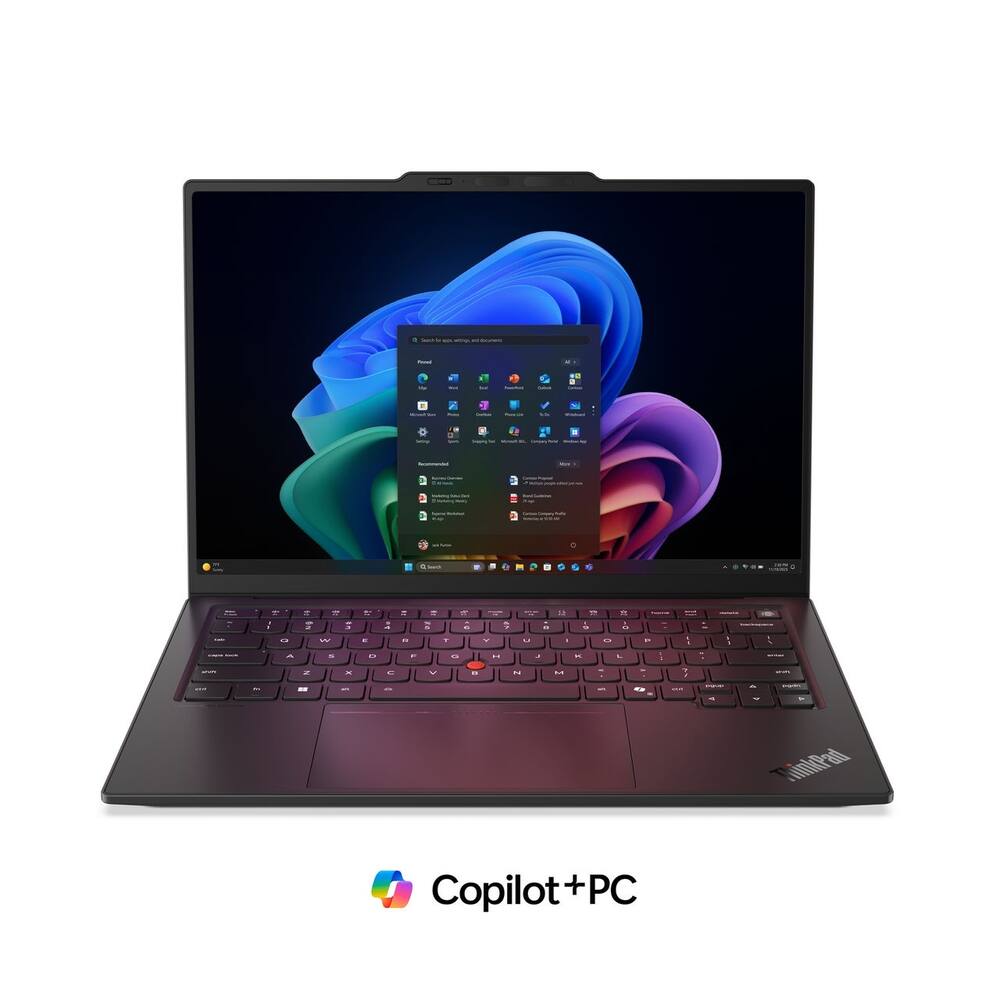 Lenovo - ThinkPad X1 Carbon G14 14" Touchscreen FIFA World Cup 26 Edition - Intel Ultra 7 with 32GB Memory - 1TB SSD - Black Original price was: $2,499.99.$1,999.99Current price is: $1,999.99.
See manufacturer documentation.
Register your product with the manufacturer within 30 days of delivery.
Manufacturer warranty claims are handled by the manufacturer. We are happy to help you find the right contact: (888) 419-6820.
Free shipping
Free shipping
Free shipping
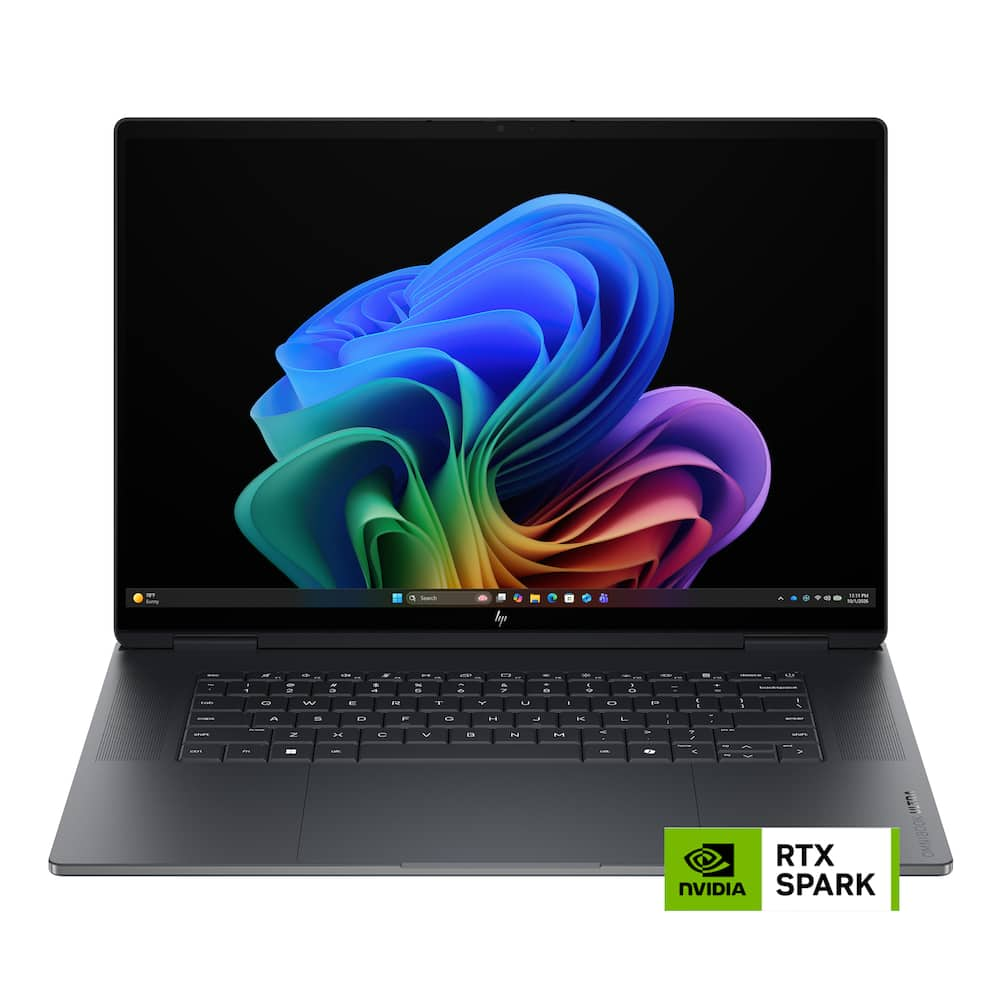
Outstanding premium laptop - After a week with the HP Omnibook 16" I feel I can give a decent rundown on this high-end laptop. This is one of the first Windows laptops to feature the Nvidia RTX Spark chip. This is an ARM based chipset. The Spark chip is the key feature to this laptop and I can safely say they have a winner here. But first, lets cover the build and specs a little. This is a beautifully designed laptop that just feels great. It is very solid and sturdy. There is virtually no screen wobble. The top firing speakers sound great (not the best I've ever heard but certainly not bad). The included charging block is small, not an oversized brick that is a pain to travel with. Also, you can charge it with pretty much any 65 watt USB-C charger. The trackpad is large with excellent responsiveness and a nice click. The backlit keyboard is outstanding. The battery life is excellent thanks to the Spark chip. Not as great as the 17 hours they claim, but I've yet to come across a laptop that actually hits the numbers that are claimed. Yet still, this is far better than average. The 1TB SSD is very fast. As is the RAM. The RAM is LPDDR5X running at a whopping 9400 megahertz. I have never used a computer with such fast RAM before and you really can tell the difference. It is lightning fast! The 16" OLED screen is breathtaking. Easily the best laptop screen I have ever experienced. So overall, this is a beautifully designed laptop that has great specs that should satisfy just about everyone. So how does it perform? Incredibly well. taking a gamble on a brand new chip set such as the ARM based Spark might give you a minute for pause, but you don't need to worry. The efficiency of the Spark chip has far exceeded my expectations. The way that the unified 32GB of ram is utilized is awesome. It feels like you are running with a lot more that 32GB. With graphics sharing the RAM it has run very, very smooth. Now keep in mind that this is a bit of a forward thinking design. The ARM architecture is designed to excel with modern AI programs. And for that it will indeed be great. But what about legacy Windows software? Most of the time you will never even realized that there is emulation happening with legacy software. However, if there is a specific legacy program you can't live without then check it's comparability with the software vendor before purchasing. Most likely it won't be a problem, but it doesn't hurt to check. For example, when using this for photo editing it has been blazing fast with Lightroom & Photoshop. However, some of the plugins for these programs don't work as plugins. The standalone versions of the plugins work, but just not as plugins. This is the kind of incompatibility you need to check on. But ARM is the future and little by little software is catching up so I expect none of this will be a problem much longer. How about gaming? This really isn't marketed as a gaming laptop but it certainly can game with no problem. Nvidia knows a thing or two about gaming so it stands to reason they did a great job with the Spark chips built in graphics. The graphics are not labeled as a traditional RTX graphics card, but I would easily put it on par with the RTX 5070 my other laptop has. So, should you buy one? if AI or content creation is your thing then absolutely. If you are a gamer or just a web surfer there are probably better option designed just for you. But the ARM architecture is the future and trust me, HP and the Spark chip are ready to tackle it.
Gorgeous, Lightning-Fast Built Like A Tank!! - ### My First Impressions I’ve spent the last few days putting the HP OmniBook Ultra 16 through its paces with everyday stuff—web browsing, streaming videos, heavy multitasking, and general office work. If you want a Windows laptop that feels like a luxury item, handles anything you throw at it, and has some real weight to it, this thing is an absolute blast to use. Right out of the box, the **Eclipse Gray** aluminum chassis gives off a refined, professional look. And honestly? **I love that it has some real heft to it.** While some people might complain about a heavy laptop, to me, that weight gives it a reassuring, high-end "quality feel"—it’s built like a tank. There’s zero cheap plastic flexing or creaking when I pick it up or type hard; it feels solid, durable, and crafted to last. --- ### What I Loved (The Pros) * **The Stunning Screen:** The 16-inch 3K OLED touchscreen is easily the star of the show. Text is razor-sharp, and movies look incredible with deep blacks and vivid colors. Having touch capability is also a really nice bonus when I just want to tap a button or scroll quickly. * **Lightning-Fast Speed:** With 32GB of memory and a powerful 20-core processor, this computer never lagged on me once. I could juggle dozens of browser tabs, heavy apps, and background tasks simultaneously, and everything opened instantly. * **A Great Keyboard:** The keyboard has a comfortable, satisfying click that makes typing out long emails or documents feel great. * **Real, Useful Ports:** Unlike a lot of modern laptops that force you to buy a bunch of extra dongles, HP actually included standard USB ports, an HDMI port to easily hook up to a monitor or TV, and a microSD card slot. ### What to Watch Out For (The Cons) * **Shorter Battery Life:** Because the screen and internal parts are so powerful, the battery drains a bit faster than it would on a basic, lightweight laptop. If you're working away from an outlet for a long stretch, you'll want to keep the charger nearby. * **High Price Tag:** This is a luxury, heavy-duty machine with a matching price. If you only use your computer for basic web browsing and email, you are paying for an awful lot of power you probably won't use. ### The Verdict After spending a few days living with it, it's clear this is a top-tier machine. If you love a computer that feels heavy, sturdy, and substantial in your hands—and you want a breathtaking screen and blistering speed—you are going to love this laptop just as much as I do.
Crazy fast and powerful, but not portable - I picked up the HP OmniBook Ultra 16 to be my main work machine, and I will say right away that it is one of the fastest laptops I have ever used. I am a dad who just wants a computer that does what I ask without making me sit and wait, and this one delivers. It runs on the NVIDIA RTX Spark chip with 32GB of memory and a 1TB drive, and you can feel all of that power the moment you start using it. For everyday tasks, it is almost silly how quick it is. I tend to have a pile of browser tabs open, a spreadsheet or two, a video call running, and a few other apps going at the same time. None of it slows this thing down. Things I used to wait on just happen now, and more than once I have caught myself feeling like the laptop was waiting on me instead of the other way around. Work is where I use it the most, and it handles long busy days without breaking a sweat. It really does make light work of the daily grind, and that alone has been worth it for me. When the workday is done, it holds its own for fun too. It handles most modern games just fine, which I honestly did not expect from a laptop that looks this sleek. The 16 inch OLED screen is big and bright, and that extra space helps with everything from documents to games. I like being able to put two windows side by side without squinting at either one. The whole thing feels solid and well built, and it looks good sitting on a desk without trying too hard, which suits me fine because I care more about function than flash. Now for the downsides. This laptop is heavy and bulky. You could certainly toss it in a bag and do some traveling with it, and plenty of people will, but it is not something I want to carry around all day. To me it feels like a stationary laptop. It is happiest on a desk, a kitchen table, or a spot on the couch near an outlet, and I would not pick it as my first choice for a quick trip or a long day of running around. The size and power also come with a cost to battery life. Because it is such a big, powerful machine, the battery takes a hit compared to what you might expect from a lighter laptop. That is not really a surprise given what is under the hood, and I do not see it as a dealbreaker. It just means I keep the charger close and plan my day around that. Again, this does not feel like a mobile laptop to me, so it has not been a big deal in my routine, but it is worth knowing before you buy. Here is who I think it is best for. If you want a fast, powerful laptop that lives mostly in one place, whether that is a home office, a desk at work, or a favorite corner of the house, this is a great pick. It is excellent for work, it is more than capable for gaming, and it never makes you feel like you are waiting on it. If you need something light that you can carry through airports and coffee shops every day, you will probably want to look at something smaller. For my needs, it has been a really impressive machine. I would recommend it to anyone who values speed and power over portability, and I am glad it is sitting on my desk.
Great, but Not the Revolution I Was Hoping For - I’ve been really interested in the RTX Spark laptops ever since they were announced. It feels like this is supposed to be Windows’ MacBook Pro moment like the Snapdragon laptops were supposed to be the MacBook Air answer a couple years ago. Both then and now there’s things to like, but I think Windows on ARM still has a little ways to go. Platform issues aside, the OmniBook Ultra is an extremely nice laptop and it’s got the performance to back it up, though depending on what you are doing you may be better off with an x86-based PC, at least for now. The quality of this laptop is immediately apparent. The case is all aluminum and the corners are all nicely rounded. The finish does a decent job of resisting fingerprints and feels nice against my skin. There is no noticeable flex in either the keyboard deck or the screen. The screen holds its position well and does not wobble, but the range of adjustment is limited compared to other laptops due to it being positioned slightly forward from the rear. The overall dimensions are very close to a 16in MacBook Pro, though it’s slightly deeper. There are 2 intake fans on the bottom of the laptop and air is exhausted through the rear. Overall the build quality is excellent. Included with the OmniBook Ultra is a 140W GaN charger that’s very compact and has a detachable 2-meter USB-C cable. There are (2) USB-C 40Gbps ports and (2) USB-A 10Gbps ports, so you will have high-speed USB for anything you connect. Either of the USB-C ports can be used for charging, but they’re both on the left side of the laptop. There is also HDMI 2.1, a microSD reader, and a headphone jack. A full size SD card reader would have been nice to see. In terms of internal specifications, the RTX Spark is the star of the show and you get the full 6144 CUDA core N1X variant here paired with 32GB of 9400 MT/s RAM. That 32GB of RAM does need to be split between the CPU and GPU and by default 12GB is dedicated to VRAM, but this can be adjusted in the Nvidia app. There is also an insanely fast 1TB PCIe Gen 5 SSD as well. For wireless, you get the latest Wi-Fi 7 and Bluetooth 6 via the MediaTek MT7925. The Windows install is mostly free of unnecessary stuff from HP with the one exception being McAfee Antivirus. There is also an HP TV+ app that is shown pretty prominently that I ended up removing, though I did briefly open it and it seems like an okay app for free ad-supported content. The HP app controls some device-specific features. There are things like gesture controls and additional trackpad functionality that can be enabled there, but most of them are turned off by default and I like that. Since the RTX Spark is an ARM-based chip, most of the advantages and disadvantages of Windows on ARM are still applicable. Windows is still mostly an x86 affair and while there have been improvements made to Windows on ARM over the years, the amount of available native ARM apps is still relatively low. Everything still works through emulation at the cost of some performance, but the N1X can brute force most applications well enough that they feel native. Some applications like Steam and Epic Games were slower than I expected them to be. In general I found the performance to be in line with higher-end Intel laptops I’ve used this year. From what I’ve seen elsewhere, where the N1X really excels compared to others is running local AI and I just am not in a position to evaluate that properly - it does seem like this particular configuration with ‘only’ 32GB of RAM is not necessarily well suited for that though. Besides AI and creative work, gaming is another touted feature of the RTX Spark, which you’d expect from an Nvidia chip. The OmniBook Ultra can game and the RTX Spark definitely has the most powerful iGPU out there, but an equivalently-priced gaming laptop will still outperform it. The performance varied from game to game, but it was mostly around RTX 5070 laptop performance, sometimes a little lower. Unplugging from the wall I saw performance drop by around 10-15%. I was not able to get Forza Horizon 6 to run at all as it would crash at the main menu. It’s early days still for drivers, so I think there’s improvements to look forward to. The OLED display looks fantastic and it gets very bright. HDR can hit 1000+ nits. It also supports a 120Hz refresh rate with G-Sync. The keyboard and the trackpad on the OmniBook Ultra are both very excellent. The keys have a tiny bit more travel than I’m used to, but they are quiet and feel good to type on. The trackpad uses haptic feedback instead of a mechanical click, though this doesn’t have the advanced haptic feedback that the Surface Laptop Ultra has. The trackpad takes a little getting used to at first, but after using it for a couple hours I haven’t had any problems - it’s also very large and the palm rejection is good. The Wi-Fi performance has been excellent. I’ve heard of people having issues with other MediaTek Wi-Fi chips, but I haven’t had any issues and I’ve been able to pull down nearly my full Gigabit connection over Wi-Fi. The 5MP webcam looks good, even in low light. It supports Windows Hello for logging in and it also has a physical privacy shutter. The microphone also sounds pretty good and cancels out background noise pretty well with the default setting, though it’s a little compressed. It sounds best when using the ‘Studio recording’ in the HP app, but this does introduce some echo and background noise, depending on the space you’re in. The speakers sound great. They don’t quite have the bass response I’ve heard on the very best laptop speakers, but they do a great job on both voice and music playback. Battery life is one area I was a little disappointed with on the OmniBook Ultra. You would think with the RTX Spark being an ARM-based chip that you’d see some efficiency benefits, but battery life is more or less on par with what I’ve seen on Panther Lake laptops, even with a large 99 Wh battery. It’s still good and it should get you through a full work day of basic tasks. Leaving it in sleep mode is generally fine and I only saw 2-3% battery drain overnight. The 140W charger also tops it off very quickly, so you don’t have to stay plugged in long if you run low. Opening up the laptop is easy and only requires removing 4 exposed Phillips head screws and a plastic pry tool. There isn’t really a whole lot you can do once you’re inside of it though. The SSD can be replaced and maybe you’d want to replace the battery at some point in the future, but everything else, including the memory, is soldered on. I can forgive the soldered memory though because the 9400 MT/s memory speeds are just not possible on SO-DIMM. Overall, I think OmniBook Ultra is a great laptop, but it feels like it could use more updates and optimizations to truly make it the do-it-all device I’m hoping it can be. For the money and depending on what your needs are, you could get a pretty powerful x86 laptop with a dedicated GPU with potentially fewer tradeoffs. In the end though it comes down to what you need to use this for and if it fits it’s a great device.
Email [email protected] or call (888) 419-6820 during business hours.
Add your review