Beautiful Glossy Finish! - I absolutely love the glossed screen. I find that monitors that are 2-3x more expensive look far worse with the matte finishes. Sometimes changing between inputs can be fidgety, but turning it on and off fixes that.
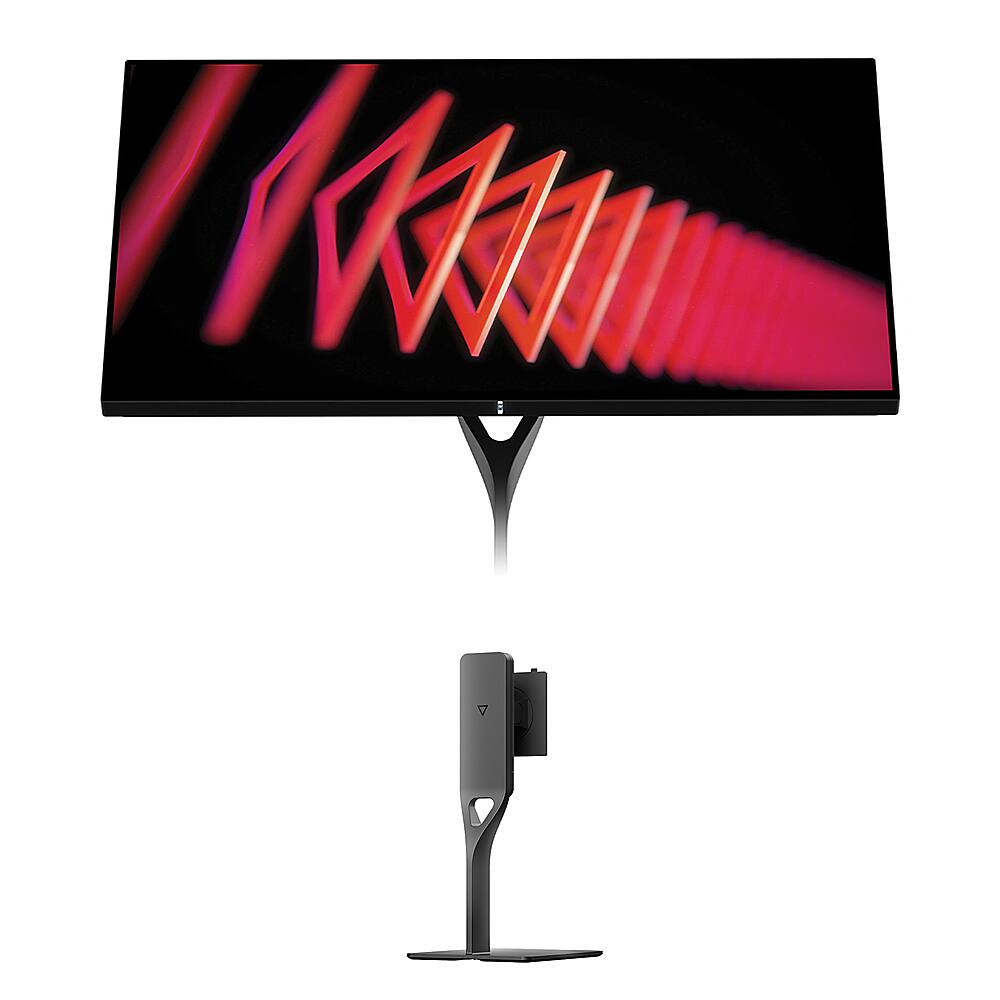
Dough – Spectrum One 27″ LCD 144-Hz Gaming Monitor with USB-C Dock and Spectrum Monitor Stand Kit – Glossy
$63999
Other options in this range
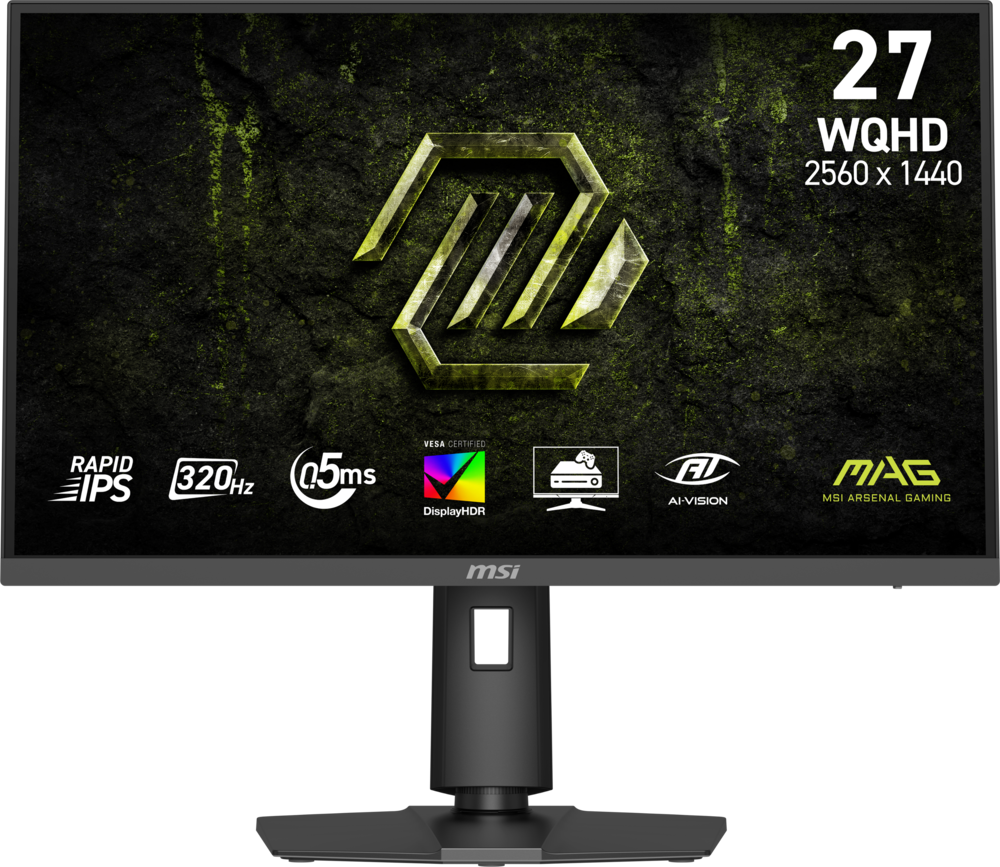 MSI - MAG 274QPF X32 27" QHD 320Hz 0.5ms G-SYNC Compatible FreeSync Premium Gaming Monitor HDR 400 (Display Port, HDMI) - Metallic Black Original price was: $279.99.$223.99Current price is: $223.99.
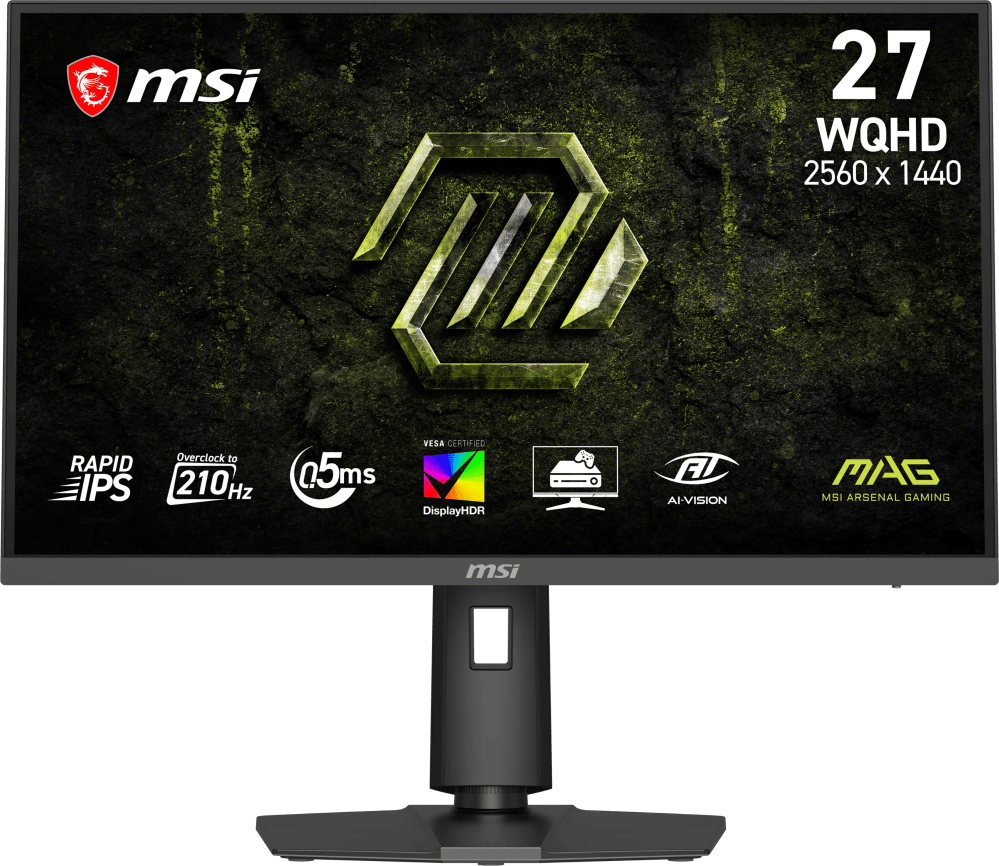 MSI - MAG 275QPF E21 27" QHD 210Hz 0.5ms G-SYNC Compatible FreeSync Premium Gaming Monitor HDR 400 (Display Port, HDMI) - Metallic Black Original price was: $189.99.$151.99Current price is: $151.99.
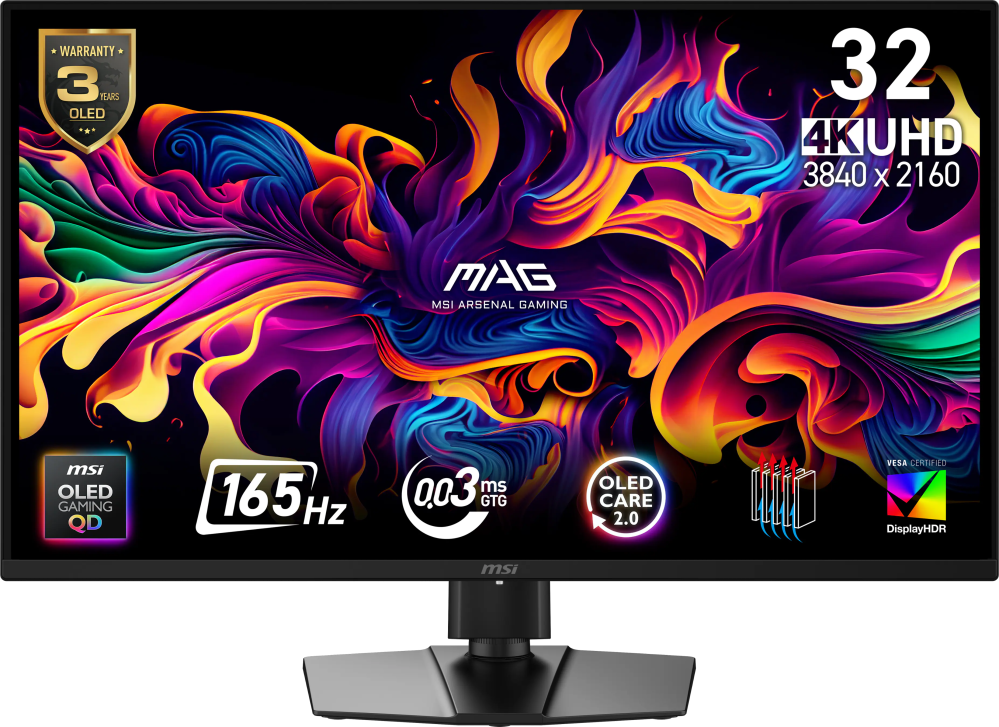 MSI - MAG 322UP QD-OLED E16 32" UHD 165Hz 0.03ms G-SYNC FreeSync Premium Pro Gaming Monitor True Black 400 (DP, HDMI, USB-C) - Metallic Black Original price was: $729.99.$583.99Current price is: $583.99.
Overview
- Monitor calibrated for accurate, true to life colors out of the box
Brilliant highlights and deep blacks in HDR; every detail in 4K - Bring the highest quality to your most intense gameplay
Equipped with adaptive sync, 144 Hz, and a 1-ms response time - Connect your PC or Console with ease
HDMI 2.1 ensures that you can use 4K and new features such as variable refresh rate on the latest consoles; USB-C port will connect your monitor and peripherals to your laptop through a single cable, while keeping it charged - Get more done with less cables
Built-in USB hub and 100-watt USB-C charger; optional Dough Spectrum Stand keeps cables managed and channeled through stand’s cutout - Monitor stand is as stylish and durable as monitor
Cast aluminum alloy for a sleek and durable design; small footprint on your desk while keeping monitor stable - Get the ideal position for your monitor
Height adjustable up to 4.8 in. to ensure the best positioning for user comfort; tilts from -7° to 23° and rotates up to 90° for use in portrait orientation, to adjust it to the position that best fits your setup layout
Compare similar
Specifications
Capacity & configuration
- Display Type
- LCD
- Panel Type
- IPS
- Stand Type
- Adjustable height stand
Dimensions & weight
- Product Name
- Spectrum One 27" LCD 144-Hz Gaming Monitor with USB-C Dock and Spectrum Monitor Stand Kit
- Product Height Without Stand
- 13.82 inches
- Product Width
- 23.9 inches
- Product Depth Without Stand
- 1.73 inches
- Product Weight
- 15.43 pounds
- Maximum Adjustable Height
- 22.48 inches
- Product Depth (With Stand)
- 8.94 inches
- Stand Width
- 7.87 inches
Features
- Color
- Glossy, Matte, Gorilla Glass
- Brand
- Dough
- Refresh Rate
- 144Hz
- Maximum Resolution
- 3840 x 2160
- Native Resolution
- 3840 x 2160
- Contrast Ratio
- 10,000,000:1
- Response Time
- 1 milliseconds
- Synchronization Technology
- G-SYNC Compatible (NVIDIA Adaptive Sync)
- Aspect Ratio
- 16:9
- Display Contour
- Flat
- Pixel Density
- 163 pixels per inch
- Brightness
- 750 candela per square meter
- Screen Size
- 27 inches
- High Dynamic Range (HDR)
- Yes
- High Dynamic Range Format
- HDR 10
- Horizontal Viewing Angle
- 178 degrees
- Vertical Viewing Angle
- 178 degrees
- Touch Screen
- No
- On-Screen Display Languages
- English, Chinese, French, German, Japanese, Spanish
- Display Surface
- Anti-glare
- Color Gamut (NTSC)
- 98 percent
- Color Gamut (Standard RGB)
- 100 percent
- Number of DisplayPort Inputs (Total)
- 1
- Number of HDMI Inputs (Total)
- 2
- Display Connector(s)
- 1 x DisplayPort
- Number of USB Ports (Total)
- 5
- USB Ports
- 2 x USB-C
- Headphone Jack
- Yes
- Wall Mountable
- Yes
- VESA Wall Mount Standard
- 100mm x 100mm
- Stand Ergonomics
- Tilt
- Anti-Glare
- Yes
- Eye Relief Features
- Low blue light
- Built-In Webcam
- No
- Integrated Speaker(s)
- No
- Smart Capable
- No
- Cord Length
- 70.7 inches
- ENERGY STAR Certified
- No
- Operating System Compatibility
- Windows
- UPC
- 843631171790
Power & warranty
- Model Number
- KITDOUGH7DC9
- Power Consumption
- 100 watts
- Power Saving/Off Mode
- 50 watts
- Warranty - Parts
- 3 Years Limited ; Defects have 14 days
- Warranty - Labor
- 3 Years Limited ; Defects have 14 days
Warranty & protection
Included manufacturer warranty
See manufacturer documentation.
Register your product with the manufacturer within 30 days of delivery.
Warranty service
Manufacturer warranty claims are handled by the manufacturer. We are happy to help you find the right contact: (888) 419-6820.
Customer reviews
Write a reviewSCAM!! - Absolutely a scam company that will only deliver this monitor because its best buy, if you order on their website you will mever get it. They will NOT even acknowledge the claimed warranty and just block /ignore you if you have an issue. DO NOT BUY. Report to best buy to drop the product. If you need a software update, their website is always down and dough employees DELETED THE DOWNLOAD LINKS, you have to go to sketchy reddit re uploads to fix day 1 software bugs. I do own one and have spent tens of thousands at best buy so olease dont delete review best buy mods- drop this brand!
One of the best screens for gaming or Mac - Amazing screen. It’s bright and when playing Xbox it’s smooth with 144hz. It does take a few seconds long to auto input. It works great on Mac mini too. I use usb c thunderbolt connector works nice.
So much potential but do your research first - So I'm giving this a 4-star rating but I'd really probably rate it 3.5 stars if I could. Background: Dough, formerly Eve, has a somewhat controversial history if you do your research online. I am not going to go into that, but I would very much recommend that anyone that is thinking of buying this or another one of Dough's monitors, to do their own thorough research into it. That having been said, I felt comfortable ordering this monitor from Best Buy given the excellent return policy in case something was wrong with it, but I am not sure I would buy it from anywhere else. Display Quality: The first thing I want to say is that the display is very nice, and I feel the Gorilla glass helps to give it some "pop". However, it's probably important to note that while it's "Gorilla Glass", it's not a true glossy. It apparently uses the Matte version of the display, though I'm assuming without a final cover/coating over it that would give it full anti-reflectiveness. What this means is that the Gorilla Glass gives it some reflectiveness and glossiness, nearly on-par with the actual Glossy version they sell, but it's still not truly Glossy, and the Display Model # will actually show up as their Matte version. Overall, it's 4K, has high PPI which I like, no issues that I have noticed with VRR/etc., has good colors, and there were no dead or stuck pixels or anything else that I've noticed inherently wrong with it. So why four stars instead of five? There's something quirky about the backlight - when the screen wakes from sleep, it's dimmer than normal for a few seconds and then the backlight fully turns on and brightens to the set point. It's consistently occurring so I don't think there's anything "wrong" with it, but it's a weird behavior and I'd be lying if I said it didn't make me concerned for the longevity of the display for some reason. Ease of Use: This gets three-stars because the OSD is very basic and a bit hard to navigate, with weird setting confirmation method that takes some getting used to. It does what it needs to, but I feel like it could take a good bit more work to really smooth it out. Features: So by-and-large, the monitor's features are top-notch: DisplayPort, HDMI 2.1, USB-C with PD, VRR (G-sync and Freesync), "HDR" (600, and not something that you'd likely want to use). It's about as feature-loaded as could be expected, though it's also more expensive than comparable brands, especially with the stand. I will also mention that the stand allows height adjustment and rotation, but for some reason no pivot. Not a deal breaker, but seems a weird design choice for what is otherwise probably one of the nicest stands you can get with a monitor. General: So why would I give it 3.5 stars instead of 4 or more? It comes down to some of the additional "factors" - the need to basically buy the stand unless you want to use a VESA universal arm or stand, which is still an additional need - the concern I do have over the company's history made me want to buy Best Buy's Geek Squad warranty as a precaution, which added to the total cost - the fact that Best Buy now has it marked as no longer available as new, which makes me wonder if it was a limited-time sale or there's something else going on that is of concern In summary, I have been enjoying the monitor a lot, playing a mix of games, general use, and work on it, and it makes me wish that more companies would invest in both glossy (non-OLED) and gorilla glass-type options. Would I buy it again given the issues above? Yeah, I believe so. Would I recommend it to someone? If they did their research and knew what they're getting into, yeah, I would, as long as it's from Best Buy. If they just wanted a 27" 4K monitor without any desire to learn about this? I'd probably recommend they look else where.
Lower Reflections - I am very impressed with the Gorilla Glass. I expected it to have more reflections because it is glass, but reflections are not as bright as on other glass screens I have, so they are not distracting when using the screen.
Finicky with connectivity issues - I bought this directly from the manufacturer before it was available via Best Buy, and have been using it for several months now as a thunderbolt monitor attached to my laptop. When it is on and working, the image quality is very nice and the overall design looks good. However, with several different laptops, I experience constant freezing and connectivity issues: The first thing I noticed is that this monitor takes longer than others to "link" with laptops, especially on Thunderbolt. It seems to think for a minute, connect and reconnect, and then finally come to life. It also has some sort of weird USB device that shows up in the windows taskbar that other USB hub monitors don't. The biggest issue is when resuming from standby/sleep. It is a total gamble whether the monitor will wake up. Recently it seems like a 50/50 chance. If the monitor does not wake up, the only thing that will get it working again is pulling the power cord from the monitor and plugging it back in. And when I do that, I frequently get "weird" behavior on the laptop like flickering graphics. Often the monitor shows up in the windows Display Properties as a generic monitor with no data/info and what looks like a 640x480 resolution. So something is very off. Other gripes are that the OSD is very poorly designed and clunky to use, and that the downstream USB power never seems to exceed 50 watts, even though the monitor is rated for 90. Finally, I note that in the time I've had this, I have used a Surface Laptop Studio, Dell XPS 15, and HP Spectre, along with multiple different certified USB4 / TB4 cables. These behaviors have been consistent across them, so I strongly believe it is simply that the monitor is not really functioning properly.
Great Price - Purchased it with a discount and it was the cheapest 4K monitor, but it had better color specs than the rest which is important for my design work.
Outdated - This company has been “developing” the state of the art monitor that sets them apart from the rest, only to be delayed by like 4 years. Yes you heard it right, they promosed this monitor 4 years ago. Supposedly they were going to be the 1st. Guess their delays held them back, and actual companies produced better monitors with higher specs while this company still continued to finalize their outdated spec monitor. You can buy a 32 4k 1ms 165hz oled monitor for the same price. I preordered this monitor years ago with a small deposit towards it, they supposedly refunded me the money. I have yet to see where they refunded that deposit to. Its a trash company that will not go anywhere. I do not recommend these monitors at all.
The Clearest Display Money Can Buy - The contrast isn’t great since its edge lit, but man is the image clear. Makes all other matte monitors look bad.
Once you go glossy... everything else seems mossy... ~you never go back. These monitors are next level, I bought one specifically because of the glossy surface. I never thought I would see these being sold on Best Buy, but it definitely makes it an easier purchase for those that have been hesitant on ordering direct.
Excellent - I’m glad this monitor is on Best Buy now. I have 3 on my desk and I’ve been happy. Excellent design and the glossy display is the best.
Never using matte monitor again! - Own 3 of these monitors and would never go back to matte finish!
Amazing display! - Glossy monitors > true love. 10 out of 10 would recommend
Questions & answers
Ask a question
Email [email protected] or call (888) 419-6820 during business hours.
Add your review