excelent display for work - I love it, I can programming all day without complaints!
 20% off
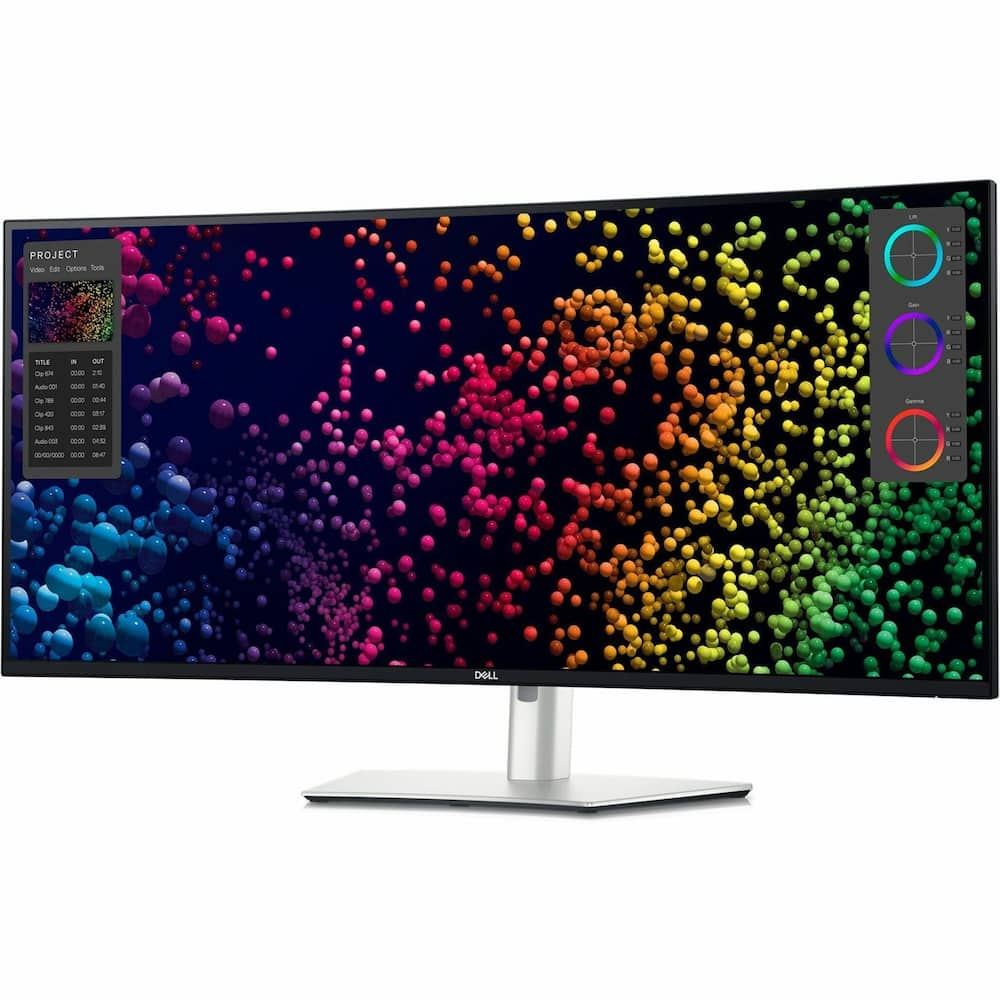
Dell – UltraSharp 39.7″ IPS LED Curved 120Hz Monitor with HDR (USB, HDMI) – Black, Silver, Dual Color
SKU: 6602117
$1,91199
Was $2,389.99 Save $478.00
Other options in this range
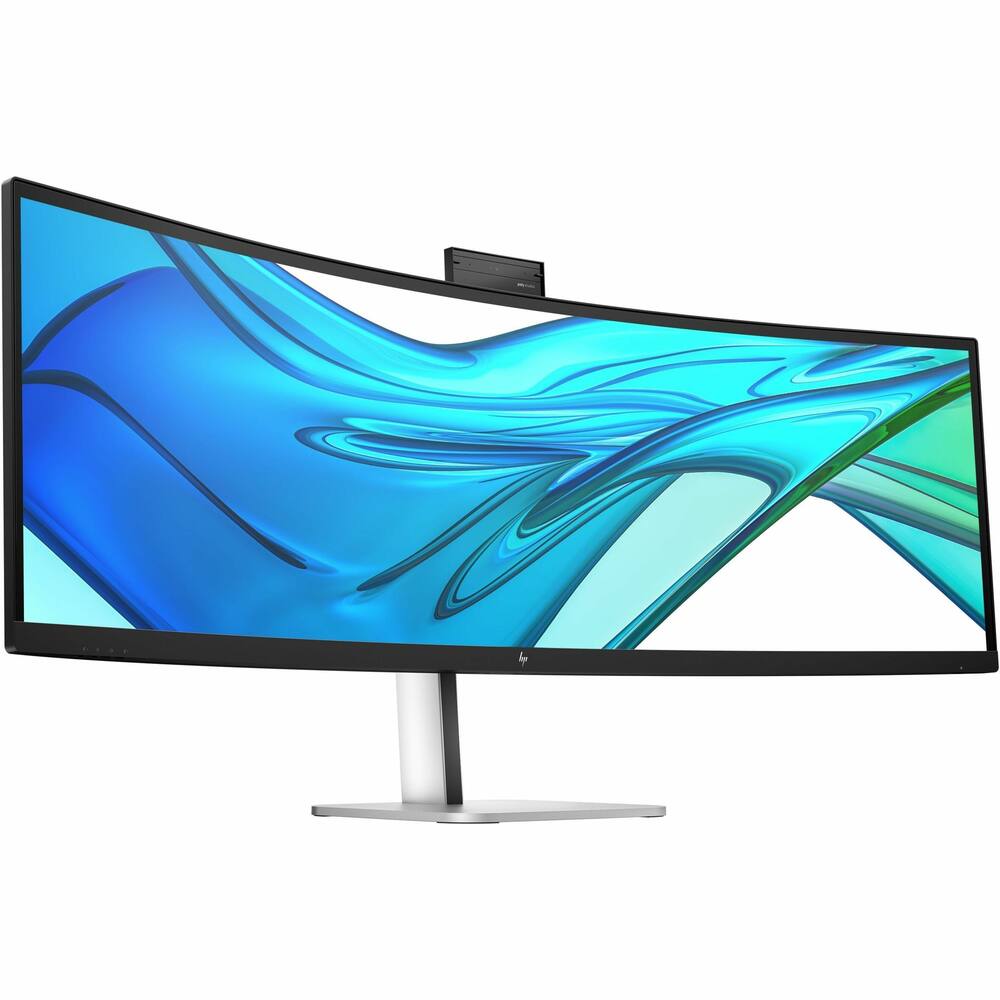 HP - 49" VA LED Curved 165Hz Monitor (USB, HDMI) - Black, Silver, Dual Color Original price was: $1,159.99.$927.99Current price is: $927.99.
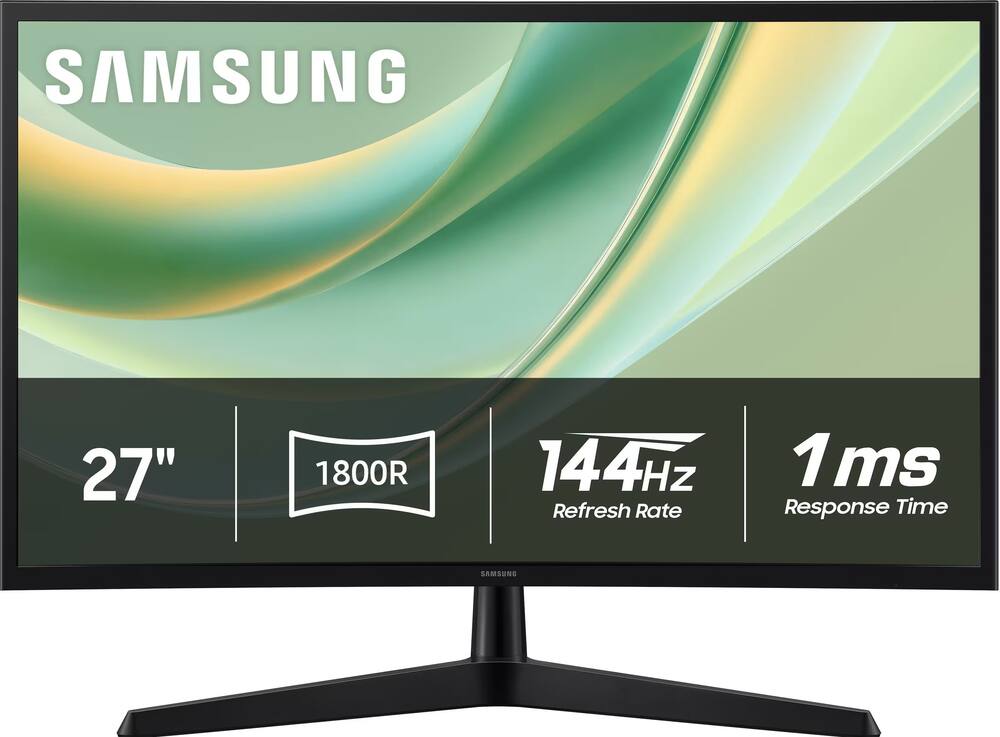 Samsung - 27" G3 (G35H) FHD 144Hz 1ms AMD FreeSync Curved Monitor (HDMI, DisplayPort) - Black Price range: $103.99 through $119.99
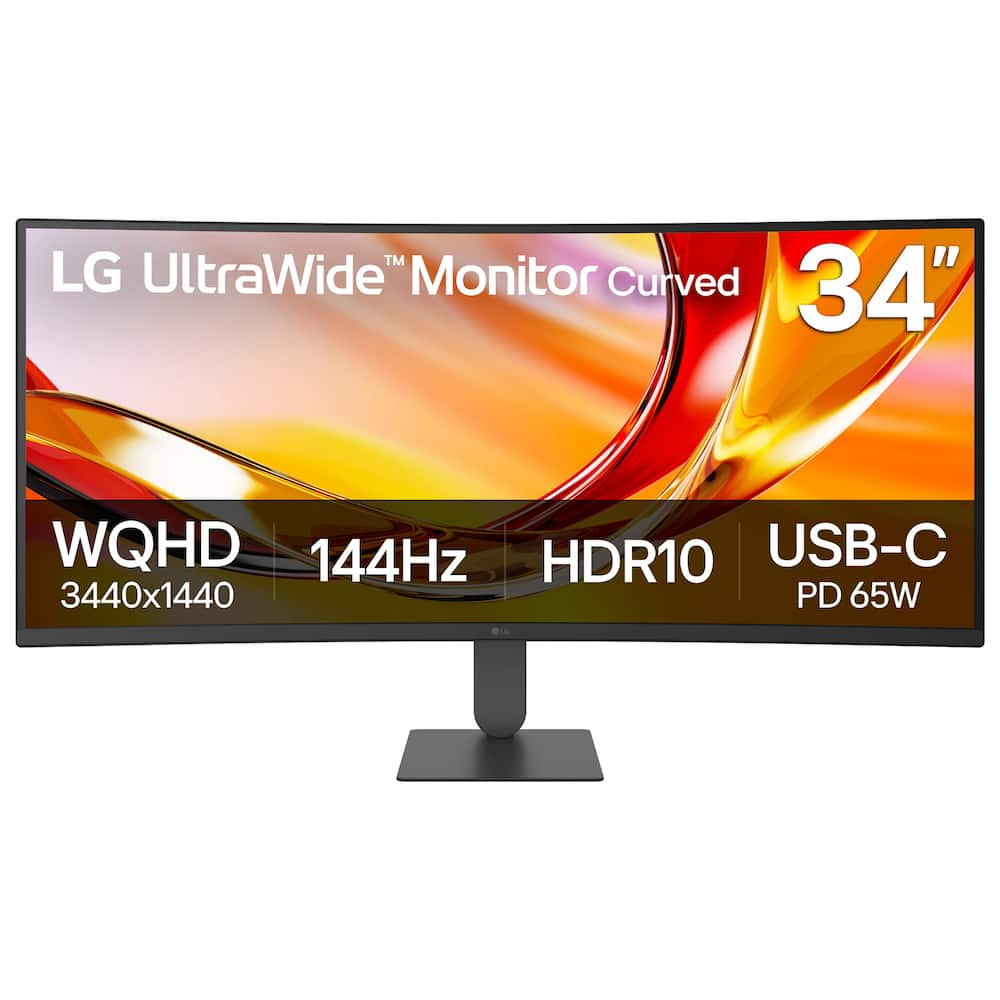 LG - UltraWide 34" WQHD 144Hz Curved Monitor FreeSync Premium HDR10 (HDMI, DisplayPort, USB-C) - Black Original price was: $349.99.$279.99Current price is: $279.99.
Overview
- Immersive experience
Completely immerse yourself with the 40″ curved panel which is designed for comfort, productivity and style - VESA DisplayHDR 600
This monitor is compatible with VESA DisplayHDR 600 high dynamic range - Viewing angle
This stylish LED Monitor offers 178/178 degree viewing angles for some great viewing experience no matter where and how you look at it - VESA compatible
VESA mount compatibility allows you to mount the display on a wall or with a stand depending on your specific needs - Brightness
View your content easily in well-lit areas with 600 Nit brightness - Picture-in-Picture
Picture-in-Picture (PiP) mode enables you to view content from multiple inputs simultaneously - Thunderbolt
Thunderbolt I/O technology lets you move data between your devices and your computer with unprecedented speed
Compare similar
Specifications
Capacity & configuration
- Display Type
- LED
- Panel Type
- IPS
- Stand Type
- Adjustable height stand
Dimensions & weight
- Product Name
- UltraSharp 39.7" IPS LED Curved 120Hz Monitor with HDR (USB, HDMI)
- Product Height Without Stand
- 16 1/2 inches
- Product Width
- 37 3/10 inches
- Product Depth Without Stand
- 4 3/10 inches
- Product Weight
- 18.41 pounds
- Maximum Adjustable Height
- 24.5 inches
- Product Depth (With Stand)
- 9 19/20 inches
Features
- Brand
- Dell
- Color
- Black, Silver, Dual Color
- Refresh Rate
- 120Hz
- Maximum Resolution
- 5120 x 2160
- Contrast Ratio
- 2000:1
- Response Time
- 5 milliseconds
- Synchronization Technology
- Not Applicable
- Aspect Ratio
- 21:9
- Display Contour
- Curved
- Brightness
- 600 candela per square meter
- Screen Size
- 39.7 inches
- High Dynamic Range (HDR)
- Yes
- High Dynamic Range Format
- VESA Certified DisplayHDR 600
- Horizontal Viewing Angle
- 178 degrees
- Vertical Viewing Angle
- 178 degrees
- Touch Screen
- No
- Display Surface
- Anti-glare
- Color Gamut (Standard RGB)
- 99 percent
- Number of HDMI Inputs (Total)
- 1
- Display Connector(s)
- 1 x DisplayPort
- Number of USB Ports (Total)
- 8
- Wall Mountable
- Yes
- Voice Assistant Built-in
- No
- Stand Ergonomics
- Tilt
- Anti-Glare
- Yes
- Eye Relief Features
- Anti-glare
- Built-In Webcam
- No
- Integrated Speaker(s)
- Yes
- ENERGY STAR Certified
- Yes
- Operating System Compatibility
- Not Applicable
- UPC
- 884116452041
Power & warranty
- Model Number
- DELLU4025QW
- Power Consumption
- 380 watts
- Power Saving/Off Mode
- 300 watts
- Warranty - Parts
- 3 year limited
- Warranty - Labor
- 3 Year Limited
Warranty & protection
Included manufacturer warranty
See manufacturer documentation.
Register your product with the manufacturer within 30 days of delivery.
Warranty service
Manufacturer warranty claims are handled by the manufacturer. We are happy to help you find the right contact: (888) 419-6820.
Customer reviews
Write a reviewNice monitor - Vibrant colors, seamless connection with thunderbolt cable.
Great monitor - This is the best productivity monitor that is available today. Hands down.
Incredible! - Incredible monitor - the productivity is through the roof with such pleasure working on it. The quality in every sense, built, features and of course the picture quality is out of this world. The best monitor out there that will satisfy the highest-standard demands.
Excellent upgrade, sharp image, great port options - This new 5K monitor is a big difference coming from my Ultra Wide 1080 P monitor that I’ve had for 10 years. The image screen is very clear so it makes it easier to read so my eyes don’t get as tired, doing productivity work and all the port options and built-in KVM switch, make it easy to switch between different computers, and use the same keyboard and mouse.
Better than expected! - Excellent monitor! Streamlined my life really well. Using the monitor connected to both my gaming PC and my MacBook. My last setup required an extra hub and some wire switching, this is all in one and I can seamlessly use both computers. The quality of the screen is also top notch! Bright screen, controls on the device and software based is a nice touch!
Great monitor for work - I use this monitor in the office and it works excellently. Compared to a standard HP monitor it presents text and images much more clearly. I also notice that my eyes are less fatigued at the end of the day when using this monitor. I highly recommend this monitor in any work related setting.
Excellent purchase - Fantastic monitor, plug and play with my MacBook Pro (which it also charges via thunderbolt)
Great for the theater room - Looks great. Installation was done well and on time.
Excellent for home and productivity - Excellent quality monitor! I’m very impressed with all the connectivity options for both Mac OS and a Dell Laptop. Having a ton of fun getting to know all the features! Picture quality is great too. I didn’t want oled for work and spreadsheets and this is just the right mix of color and features.
Great monitor, worth the extra money! - I bought this monitor to replace a 38" LG Ultrawide display that lasted less than 4-months. Needless to say, I am very happy that the LG broke as it gave me an opportunity to upgrade to this Dell 5K2K monitor. I use this with my MacBook Pro M3 Pro and it delivers all the goods. 120Hz refresh is great, colors are amazing, adjustability - height, tilt, pivot, are great and so is cord management. I love the fact that this becomes a defacto dock if you use the Thunderbolt 4 connectivity. I have webcam, 2.5Gb ethernet and speakers all hooked up to it and got rid of the external dock I used to use and reduced the clutter on my desk. The pop down usb hub on the bottom left of the monitor is a godsend when you need to juice up the wireless keyboard or attach external storage. Now, here are some not-so-goods: The monitor is a bit thick so mounting certain webcams and being able to tilt to position them properly may be difficult. The joy con for adjusting the monitor's settings is at the bottom right corner, and takes some getting used to. I wished you could select a default to come up when you first use it. I would set it to volume control. But it remembers the last setting you adjusted, so sometimes just to adjust the volume of its built-in speakers can be cumbersome. Although the monitor does have an antiglare coating, it is not quite as effective as LGs. As such, if you are in a bright room, glare could become an issue.
Thunderbolt power delivery stopped working - This is a nice monitor, but its expensive. For this price, it should be perfect. It has all the right features, but falls short in several ways. And most importantly, the Thunderbolt power delivery failed after 2 months. It no longer provides power over the Thunderbolt port. Unacceptable... The KVM & PIP/PBP are key features that sold me on this display along with the size, resolution & refresh rate. Unfortunately there is only 1x Thunderbolt 4 port, so the other KVM input must be a combination of DP/HDMI and USB-C. The USB-C doesn't support video. Lame. And the drawback of PIP/PBP is that its cumbersome to setup & switch between PIP/PBP and normal modes. The dell software may help, but its not feasible to use with non-supported operating systems. This should be easier to use without having to install special software onto all the connected computers.
Best Monitor you can buy! - I purchased four top-tier monitors for comparison: the LG UltraGear 45" OLED (45GR95QE-B), Samsung Odyssey Ark 55" (2nd Gen), Samsung 49" Odyssey QD-OLED G9 (G95SC), and this Dell UltraSharp 39.7" IPS LED (U4021QW). While the Samsung monitors were impressive, they were sometimes difficult to switch between multiple PCs using my KVM. The 49" G9 had a stunning display but felt too short and wide for my preference—likely better suited for gamers. The LG 45" OLED had a resolution that felt too low, and its aggressive 800R curve wasn’t ideal for me. The Dell, however, struck the perfect balance. It has a subtle curve, the highest resolution (5120x2160), no software bugs, and seamless connectivity with all my PCs. While the colors don’t have the same pop as OLED panels, they still look fantastic. Most importantly, the text clarity and detail are unmatched, making it the best choice. After testing the top monitors available at Best Buy, this Dell is the clear winner for my needs.
Awesome Productivity across macOS and Windows - The Dell UltraSharp 40 Curved Thunderbolt™ Hub Monitor (U4025QW) has significantly enhanced my productivity across both Windows and macOS platforms. Its expansive 40-inch curved display with a 5K2K resolution (5120 x 2160) provides an ample workspace, allowing me to manage multiple applications and large datasets effortlessly. The built-in Thunderbolt™ hub simplifies connectivity, enabling seamless integration with various devices and peripherals. The image quality is exceptional, thanks to the IPS Black panel technology, which delivers high contrast and vibrant colors. Text appears sharp, and visuals are rendered with impressive clarity, making it ideal for tasks that require detailed image analysis.  In terms of features, the monitor boasts a 120Hz refresh rate, ensuring smooth transitions and reducing motion blur during fast-paced activities. The array of connectivity options, including multiple USB ports and Thunderbolt™ 4, caters to a wide range of devices, enhancing the overall user experience.  While the monitor is on the higher end of the price spectrum, its performance and feature set justify the investment for professionals seeking a top-tier display solution. Overall, the Dell UltraSharp 40 Curved Thunderbolt™ Hub Monitor is a remarkable tool for enhancing productivity and delivering superior image quality across different operating systems.
Probably the best 5K2K Ultrawide In the Market. - This is a great monitor, picture quality is outstanding with great color fidelity. Coming from a standard 28 inches16X9 Samsung 4K monitor, which I also purchased here on Amazon, sometimes I do notice blurriness on some photos specially if you put them full screen, but this is understandable being that even with the high pixel density on this monitor low quality images will look a little blurry in full screen or when expanded more than %100 of their native size. (Not a monitor's fault). Also, if you want to compensate for that, and you have great vision like 20/20, then you can change the scaling on Windows to just %125 instead of the recommended %150. However, for people like me with not the best vision, then everything becomes a tiny bit too small to look at comfortably. And also at such lower scaling some websites serve smaller lower quality images (specially on sites using WordPress) and this I do not like either. To the user "JVH" who posted a review complaining about the monitor changing sources unexpectedly, this is a feature, you may disable it on the Monitor Menu settings or using Dell Display Manager software which you may install and will give you easier access to the monitor features, or just accessing the built-in monitor Menu. On the monitor, however, you can just go to the Menu using the joystick, then go to "Input Source", then "Auto Select" and change it to OFF. This is a huge monitor, and you need plenty of space on your desk to use it. I also agree the ports in the monitor are placed facing downwards (a trend on most new monitors these days) which makes it hard to reconnect cables if unplugged. Regarding the KVM switch it has worked fine for me for the most part, however the network switch mode doesn't work very well, and it's complicated to switch sources if you use the network switch instead of the KVM USB mode. I also wish more than 2 computers could be connected to the monitor with the USB KVM mode, more than two computers can only be used while utilizing the KVM Network mode. There are only three color modes built in "Standard", "Movie" and "Game". Default color modes and presets are not as many as in other monitors and I find the default colors either too yellow or washed out for my taste, however I selected Movie mode for now then play a little with the brightness/contrast and color saturation and I have gotten to look good for my taste. You also have options to change the Color Temperature, Color Space or you can skip all prebuilt picture modes and select "Custom Color" this is ideal for those who really know what they are doing and that's what I'll probably switch to when I have time to play with it. I have been holding on from buying an ultrawide for years because I was not willing to downgrade from 4K to any of those ultrawide ones with very low resolution. This is finally a 5k2k that wouldn't make me feel like I was downgrading instead of upgrading. Other than the few cons, this is an excellent monitor and I would recommend it to anyone.
Fantastic purchase! - After careful consideration of this and a few other impressive monitors, I took the plunge and purchased the Dell. I am impressed! The size of this monitor is perfect for my daily work as a software engineering manager, plus my extracurricular activities as a photographer. The colors are bright and saturated and the controls allow you to fine-tune the monitor to your liking. I've only made minor changes as it's fantastic out of the box! See it in person if you can, but this is a great monitor with excellent connectivity. Highly recommend!
Love this monitor - Such a great monitor for productivity. I was previously using three monitors, but now just use this one. With 5K resolution, I show 5 windows simultaneously. The center window is full height and 40% wide. Then on each side of that I stack two windows with equal heights. And it is a USB hub with a little usb extender that is hidden in the bottom of it and it pops out. Oh yeah, the Dell window management software is really well done. Makes it easy to drag windows around the screen and have them pop into place. Such a great monitor. Well worth the price.
Great monitor with KVM included - I am really enjoying using the monitor for my work. I didn't find any sharpness issues; the color is accurate as it comes pre-calibrated. The only issue I found is the Thunderbolt 140-watt port; for some reason, it is loose and easily comes off from the port.
Awesome Monitor - Great monitor! Good for both gaming and work. Love it!
Great color, awesome size but a few cons... - For context, I have the LG 5K that Apple sold when they weren't making their own monitor*. The color on that LG is superb, the pixel density is superb (Retina display quality on the text), and the built-in camera is good (not amazing, but definitely good enough that I don't feel the need to buy anything else). Onto this Dell UltraSharp. Just to give context, the reason I was interested in this was primarily for the larger screen size. My Pros: 1. Screen size is awesome. Not too big to where I feel like I need to sit 10' back from my desk. 2. Color accuracy and depth. Just as good as my LG, which is superb. 3. Well made, well boxed/packaged, and very simple to put together. My Cons: 1. The biggest con for me is that I cannot control brightness or sound with my Apple keyboard on this monitor. I had to get a separate piece of software to be able to do that. Which was an additional cost. 2. The text renders at a 4k level, so it is noticeably fuzzy compared to my LG 5K...which is hard to give up once you've experienced it. 3. The speakers are absolutely pointless, they sound like tin cans (actually, tin cans may sound better). They didn't build a camera in, so maybe they should have avoided the speakers as well. 4. No built-in camera, so an additional cost there (since I need one for my job). But given how crappy the built-in speakers are, maybe this is a blessing. *Apple makes the enclosure and, I believe, works with LG to make the panel to their specifications.
Questions & answers
Ask a question
Email [email protected] or call (888) 419-6820 during business hours.
Add your review