Overview

  • All-in-one office suite
    Create professional documents, presentations, spreadsheets, and more, in no time at all. It’s the intuitive, easy-to-use solution for home and business users alike.
  • Reveal Codes
    Allows to see exactly how and where your formatting appears in any WordPerfect document. It’s the preferred way to work when creating new documents, and now supports font attributes and text alignment features in table cells, rows, and columns.
  • Built-in PDF functionality
    Create, edit, and share PDF files right from your desktop. Choose the fillable PDF form option to interactively collect important information or open any PDF with WordPerfect to reuse text or graphics.
  • Microsoft Office compatibility
    Enjoy compatibility for Microsoft Word, Excel, and PowerPoint files, in addition to more than 60 file types for unrivalled support and sharing.
  • Intuitive eBook publishing
    Create dedications, copyrights, title pages, and a table of contents for your original story, plus the option to alter the font and graphic sizing. Compatibility with popular eBook devices, such as Kobo, Nook, and Sony Reader, makes for easy sharing.
  • Mail Merge functionality
    With the Mail Merge Expert, you can seamlessly associate an information source, such as your existing address book, with your desired form documents like letters, labels, and envelopes.
  • Extensive content library
    Find all the resources you need for any document, presentation, or spreadsheet, with a convenient built-in library of more than 10,000 high-quality clipart images, 900 TrueType fonts, 300 professional templates, and more than 175 digital photos.
  • Macro Manager
    The efficient Macro Manager includes a dialog box that displays all your WordPerfect macros in a single location. Plus, you can view the properties of each macro, edit the string or add a detailed description, then run your completed macro.
  • Redaction
    Black out sensitive or confidential information and ensure that text cannot be retrieved or revealed. This versatile feature can also search a document for words and phrases to hide, and automatically apply redaction.
  • Metadata Removal
    WordPerfect has a built-in feature that enables users to strip this confidential and/or sensitive metadata from files, maintaining the safety, and security of every document.

Compare similar

Specifications

Dimensions & weight

Product Name
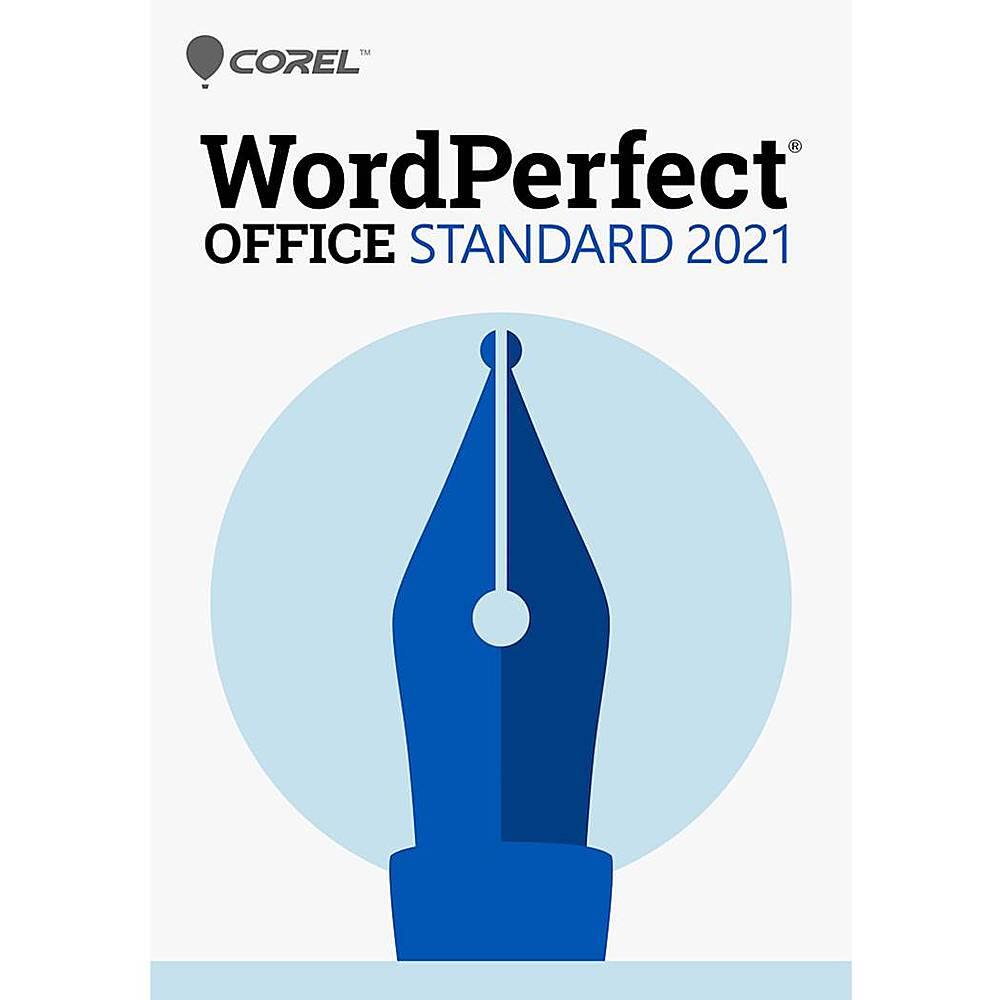
WordPerfect Office Standard 2021 (1-User)

Features

Brand
Corel
Number of Users
1
Number of Devices
1
Operating System Compatibility
Windows
Software Format
Digital
System Requirements
Windows 7 or higher, 1 GHz or faster (x86) or an AMD64 processor, 1 GB RAM (x86) or 2 GB RAM (AMD64), 2.75 GB hard disk space, 1024 x 768 screen, Microsoft Internet Explorer 11 or higher
Hard Drive Space Required
2.75 gigabytes
Publisher
Corel
UPC
735163162158

Power & warranty

Model Number
ESDWP2021STDEF

Warranty & protection

Included manufacturer warranty

See manufacturer documentation.

Register your product with the manufacturer within 30 days of delivery.

Warranty service

Manufacturer warranty claims are handled by the manufacturer. We are happy to help you find the right contact: (888) 419-6820.

You may also like

Customer reviews

Write a review

No reviews yet. Bought this? Tell other shoppers what you think.

Be the first to review

Your email address will not be published. Required fields are marked *

Questions & answers

Ask a question

Email [email protected] or call (888) 419-6820 during business hours.
Free U.S. shippingOn every order. Leaves our store in 1–2 business days, arrives in 3–5 business days.
Free returns for 30 daysNo restocking fee. We email you a prepaid return label.
We can install it tooOptional in-home delivery, installation and haul-away on large appliances.
Talk to our team(888) 419-6820 · Mon–Sat