Dont waste your money - Its ok if you're a computer genius but this product was awful for me. Keeps shuting down wont stay connected to video if hooked up to another device play back was choppy all in all 75 wated bucks and cant get refund uses it 1 hour and gave up
 20% off
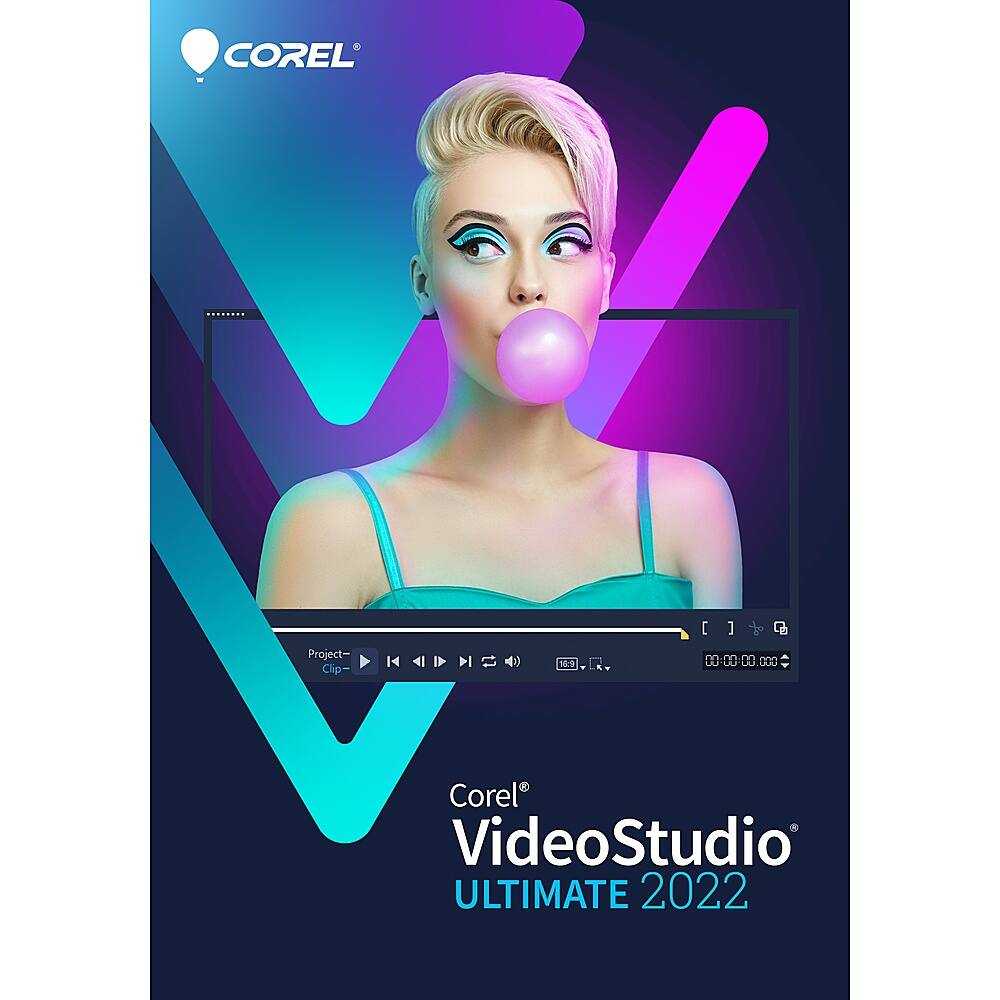
Corel – VideoStudio Ultimate 2022 – Windows [Digital]
SKU: 6519152
$7999
Was $99.99 Save $20.00
Other options in this range
 Adobe - Premiere Elements 2027 (1-User) (3-Year License) [Digital] - Mac OS, Windows [Digital] Original price was: $99.99.$79.99Current price is: $79.99.
 Adobe - Firefly Pro Attach with 4,000 Monthly Generative Credits (3-Month Subscription) - Mac OS, Windows [Digital] Original price was: $49.99.$39.99Current price is: $39.99.
 Adobe - Firefly Pro Attach with 4,000 Monthly Generative Credits (1-Year Subscription) - Mac OS, Windows [Digital] Original price was: $199.99.$159.99Current price is: $159.99.
Overview
- Exclusive Premium effects
Achieve remarkable creative transformations, add interest and set the mood in any scene with optimized effect packs from NewBlueFX and hundreds of VitaScene effects from proDAD. - MultiCam capture and editing
Capture webcam video and record your screen at the same time (even in 4K), or record dual screens simultaneously with VideoStudio’s MultiCam Capture Lite to create movies that engage viewers and grow your audience. - 360° video editing
Easily trim footage, add titles, and convert your 360° video to standard video in just several clicks. Edit your footage, add the unique Tiny Planet or Rabbit Hole effects, then share directly to YouTube, or export to view on your virtual reality headset. - Smart tools and artificial intelligence
You can transform your life experiences into slideshows and movies automatically with the VideoStudio smart tools. FastFlick makes creating slideshows of your favorite moments three-step simple with the creative templates. - AR stickers
Add instant fun and personality to your next project with the AR stickers. These face-tracking stickers can recognize and map facial features to make it easy to add funny character ears, show-stopping eyes, larger-than-life sunglasses, or over-the-top hats to any project. - GIF Creator
Try the newly added GIF Creator to capture a section of your video and convert it to a short, repeatable clip. Go ahead and explore this fun new tool, and produce your own unique GIFs for expressing emotions and reactions. - Audio tools for perfect sound
Adjust, mute, clean up the background noise, and edit audio directly in the timeline, or take advantage of the powerful audio tools, such as Audio Ducking, to ensure your background sound and narration are balanced. - Convert and share freely
Its intuitive exporting options automatically choose the closest file type to your project settings to make sharing your videos simple, intuitive, and fast. Share your videos directly to YouTube, output your video to popular formats, or burn to DVD for family viewing. - Performance
Experience quicker project exporting and enhanced quality when rendering titles, previews, and video masks. The hardware acceleration leverages the Intel, AMD, and NVIDIA technologies to dramatically improve previewing and rendering to popular file formats. - Learning resources
Learn, create, edit, and grow with VideoStudio 2022. The extensive library of tutorials and learning materials offers editing tips and tricks and project inspiration for everyone from beginners to advanced users. - Intel, Pentium, Celeron, Centrino, Core, Viiv, Intel Inside and the Intel Inside logo are trademarks or registered trademarks of Intel Corporation or its subsidiaries in the United States and other countries.
Compare similar
Specifications
Capacity & configuration
- Editing Type(s)
- 360 degree video
- Compatible File Types
- 3GP
Dimensions & weight
- Product Name
- VideoStudio Ultimate 2022
Features
- Brand
- Corel
- Software Subject
- Video conversion
- Sharing Capabilities
- Export to CD/DVD
- Templates Included
- Yes
- Tutorials Included
- Yes
- Language(s)
- Chinese (traditional)
- Operating System Compatibility
- Windows
- Bit Version
- 64-bit
- Software Format
- Digital
- Compatible File Formats
- AAC
- System Requirements
- Windows 8 64 bit and higher, Processor: Intel Core i3 or AMD A4 and higher, RAM: 4 GB or higher, Graphics Card: Minimum display resolution: 1366 x 768, minimum 512 MB VRAM, Sound Card: Windows-compatible sound card, Hard drive space: Minimum 10 GB
- Hard Drive Space Required
- 10 gigabytes
- Publisher
- Corel
- UPC
- 735163163841
Power & warranty
- Model Number
- ESDVS2022ULML
Warranty & protection
Included manufacturer warranty
See manufacturer documentation.
Register your product with the manufacturer within 30 days of delivery.
Warranty service
Manufacturer warranty claims are handled by the manufacturer. We are happy to help you find the right contact: (888) 419-6820.
Customer reviews
Write a reviewGood for Beginners - Its a good software for begginers like me. If you need additional help on functions you can always use youtube.
Many into one. - So far, so good. I will probably only use a small portion of what this software is capable of. Nothing against the product. I am old and not very tech savvy. It does what I bought it for and works flawlessly. I will try to get more into it as I have time. I have bought other Corel software and have never had any issues.
Questions & answers
Ask a question
Email [email protected] or call (888) 419-6820 during business hours.
Add your review