Great Printer for a Home Office - Really happy with this printer so far. Setup was quick and straightforward, including connecting it to Wi-Fi. Printing is fast, quiet, and the text comes out sharp and clear. I also like having printing, scanning, and copying all in one machine without it taking up too much space. It feels well built and reliable, and for everyday home office or small business use, it does exactly what I need. Definitely recommend it.
 20% off
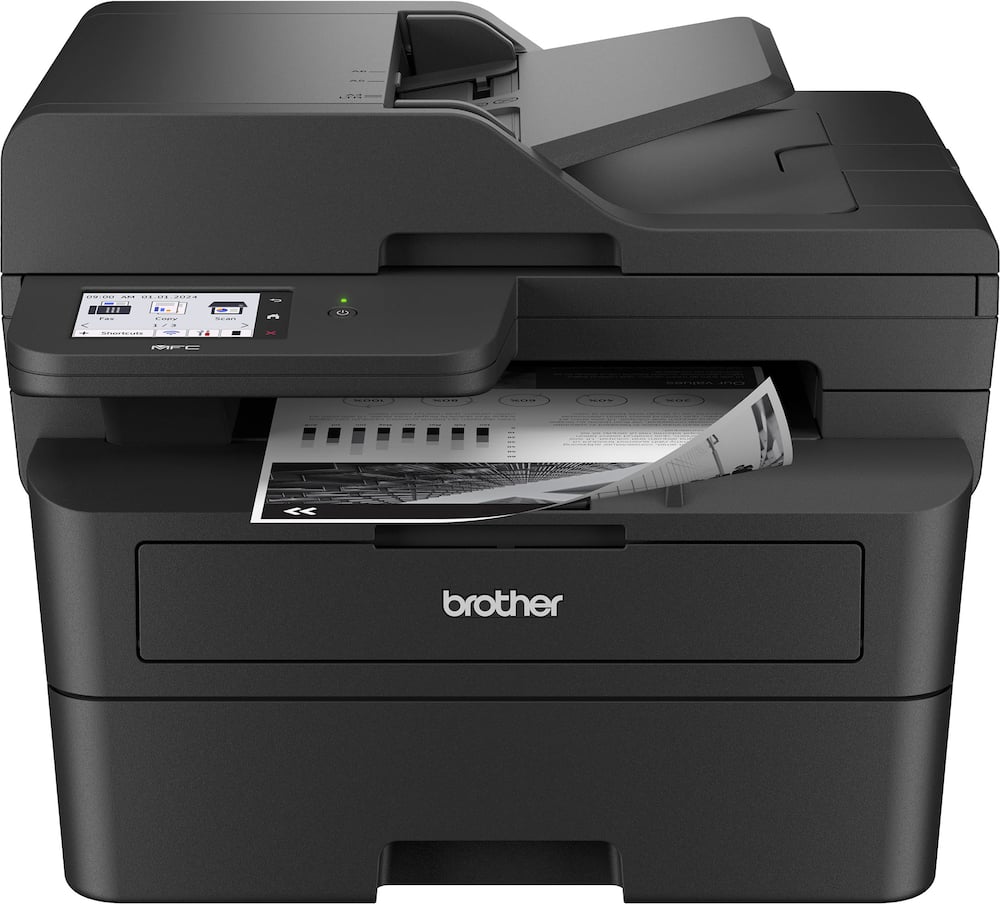
Brother – MFC-L2900DW Wireless Black-and-White Refresh Subscription Eligible All-In-One Laser Printer, Great for Small Offices – Gray
SKU: 6593486
$26399
Was $329.99 Save $66.00
Other options in this range
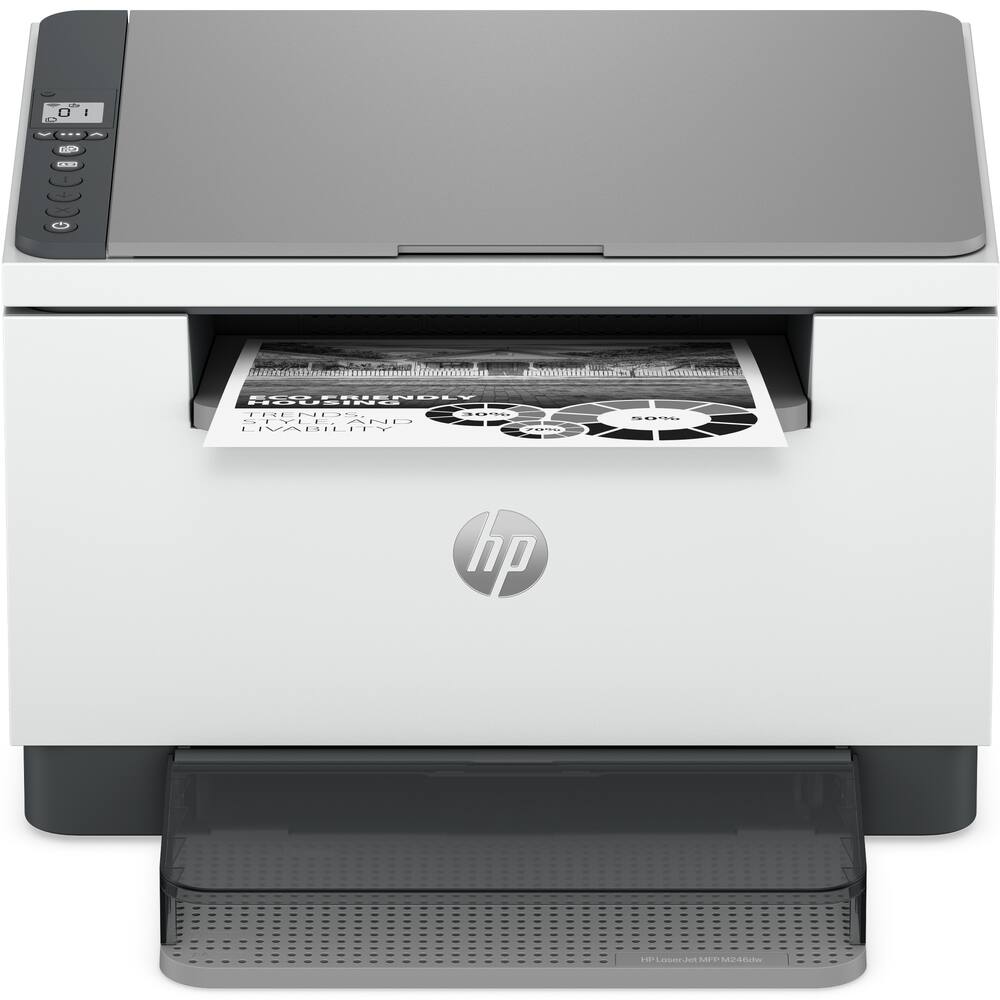 HP - LaserJet MFP M246dw Wireless Black-and-White All-in-One Laser Printer, Scanner, Copier, AI-Enabled - White Original price was: $239.99.$191.99Current price is: $191.99.
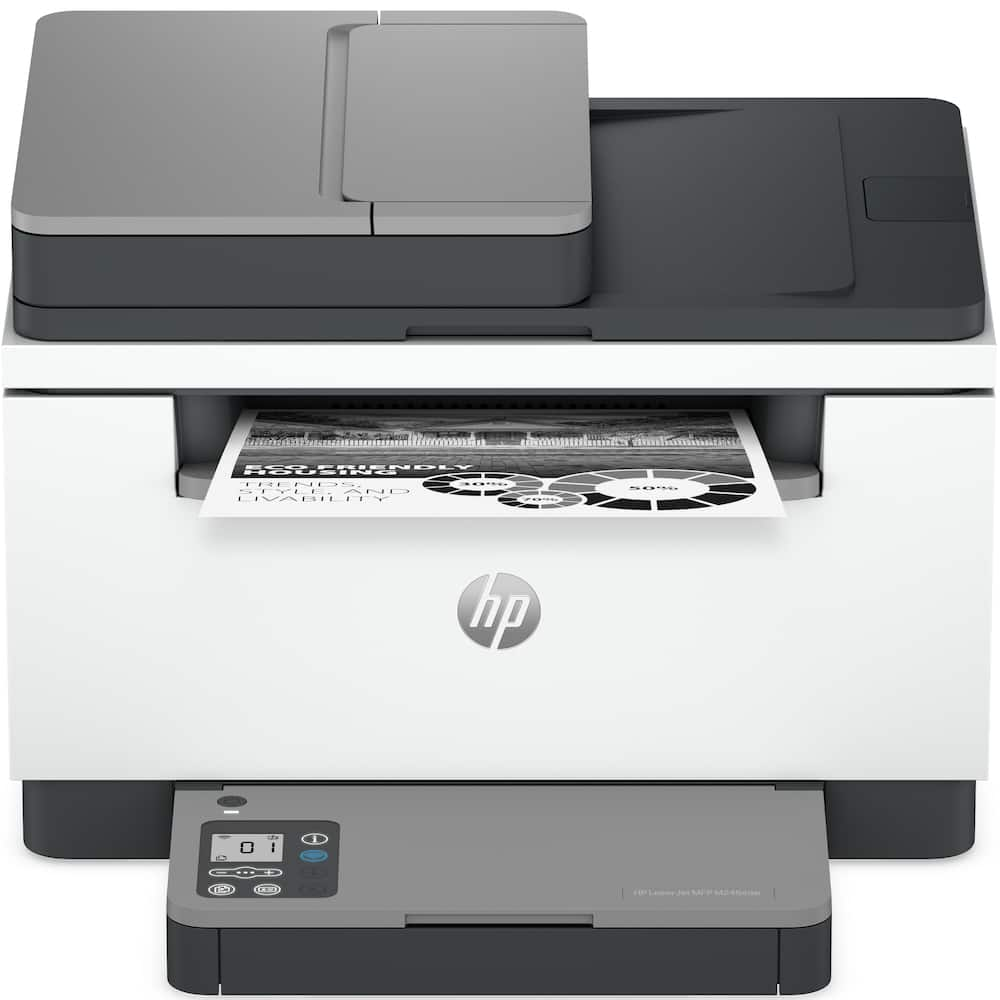 HP - LaserJet MFP M246sdw Wireless Black-and-White All-in-One Laser Printer, Scanner, Copier, AI-Enabled - White Original price was: $279.99.$223.99Current price is: $223.99.
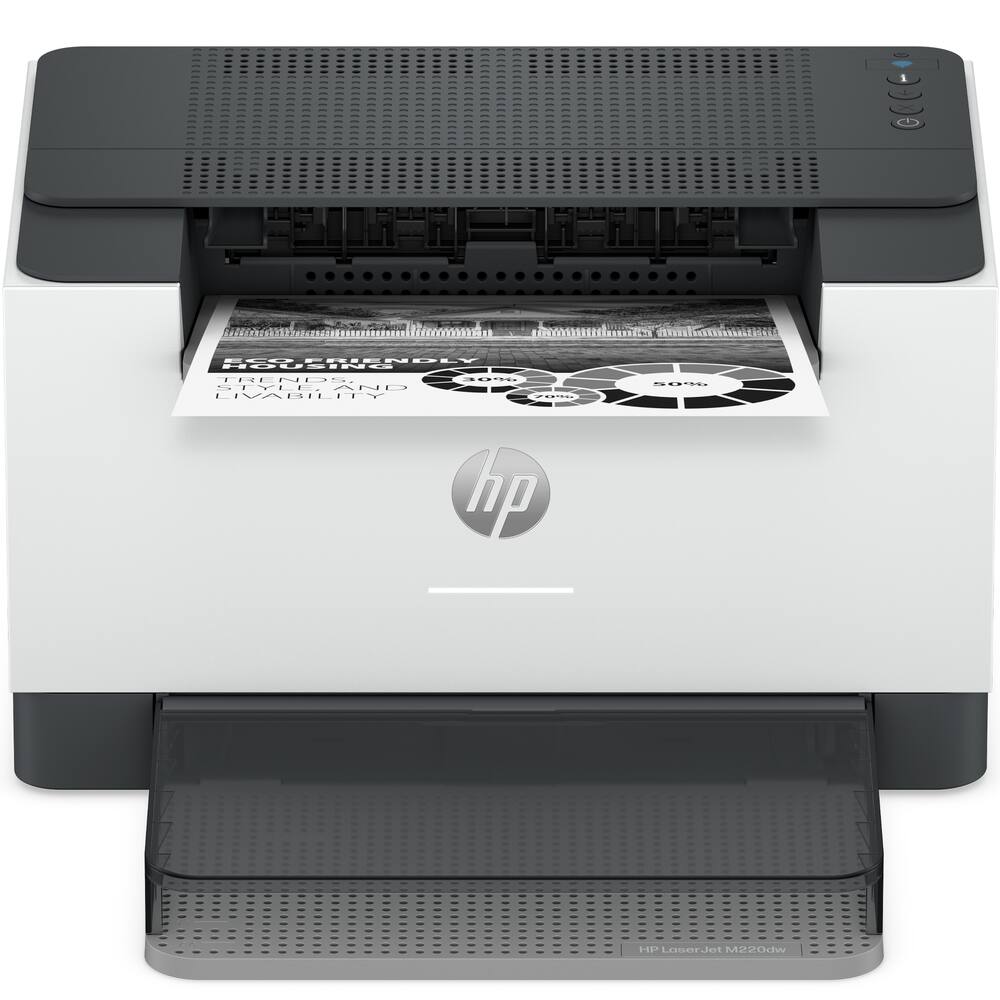 HP - LaserJet M220dw Wireless Black-and-White Compact Laser Printer, AI-Enabled - White Original price was: $199.99.$159.99Current price is: $159.99.
Overview
- Brother Genuine Toner
Choose Brother Genuine TN830 Standard or TN830XL High Yield replacement cartridges. And with Refresh EZ Print Subscription Service, you’ll never worry about running out of toner again and you’ll enjoy savings up to 50%.(5) Get started today with a Free Trial.(6) - Compact, Affordable, Efficient
Dynamic black & white print, copy, scan, and fax multi-functionality for high-powered efficiency that makes smart business sense. - Reliable results for steady success
Produce documents that are clear, crisp, and easy to review and share with the consistent, premium print quality of Brother. - Single-pass duplex copy & scan
Tackle large multi-page double-side copy / scan jobs with a powerful 50-page automatic document feeder(2) that features single-pass duplex scanning. - Speeds that keep pace
Produces documents quickly with print speeds up to 36 ISO ppm,(1) scan speeds up to 23.6/7.9 ISO ipm(7) (black/color), and a fast first page out time. - Cloud connection
Use the intuitive 3.5” touchscreen to simplify task navigation or to print-from and scan-to popular Cloud-based apps such as Google Drive, Dropbox, Evernote, OneNote, and more.(4) - Print from virtually anywhere with the Brother Mobile Connect App
Print, scan, and manage your printer anytime, from almost anywhere with your mobile device. Order Brother Genuine Supplies, track toner usage, and complete more work on-the-go.(8) - Flexible connection options
Connect securely to multiple devices with built-in dual-band wireless (2.4GHz / 5GHz) and Ethernet interfaces, or connect locally to a single computer via USB interface. - Versatile paper handling
Tackle specialized print tasks (envelopes, specialty paper) with the manual feed slot or handle high-volume needs with the 250-sheet capacity paper tray.(2) - Print with purpose
Designed with sustainability in mind, with eco-friendly printer features including an enhanced highly-efficient fuser design, Toner Save Mode, and automatic duplex printing. ENERGY STAR compliant and EPEAT Silver rated. - Brother at your side support
Backed by Brother with a 1-year limited warranty and free online, call, or live chat support for the life of your printer.
Compare similar
Specifications
Capacity & configuration
- Printer Type
- Printer
- Automatic Document Feeder Capacity
- 50 sheets
- Tray Capacity
- 250
- Output Tray Capacity
- 100 sheets
Dimensions & weight
- Product Name
- MFC-L2900DW Wireless Black-and-White Refresh Subscription Eligible All-In-One Laser Printer, Great for Small Offices
- Product Height
- 12.5 inches
- Product Width
- 16.1 inches
- Product Depth
- 16.6 inches
- Product Weight
- 25.9 pounds
- Automatic Reduction/Enlargement
- No
- Maximum Document Width
- 8.5 inches
Features
- Brand
- Brother
- Color
- Gray
- Networking
- Wireless
- ENERGY STAR Certified
- Yes
- Automatic Document Feeder
- Yes
- Photo Printing
- No
- Wired Connectivity
- USB-A
- Wireless Connectivity
- Wi-Fi
- EPEAT Registered
- Yes
- EPEAT Level
- Silver
- Touch Screen
- Yes
- Compatible Cartridges
- Brother TN830
- Copier Resolution (Black)
- Up to 600 x 600
- Automatic Two-Sided Printing
- Yes
- Wide Format Printing
- No
- Duty Cycle
- Up to 35,000
- Wide Format Scanning
- No
- Ink Subscription Service Available
- Yes
- Ink Cartridges Required
- 1 x Black
- Ink Cartridges Included
- 1 x Black
- ISO Mono Print Speed
- 36 pages per minute
- Maximum Document Length
- 14 inches
- Maximum Number Of Copies
- 99
- Monochromatic/Color
- Monochromatic
- Paper Feeder
- Tray loader
- Paper Handling
- 250-sheet capacity paper tray; Single-sheet manual feed slot
- Approximate Page Yield (Black)
- 700
- Printer Resolution (Black)
- Up to 1200 x 1200
- Supported Paper Sizes
- Standard Tray: Letter, Legal, Executive, A4, A5, A6, B5, B6, Folio; Manual Feed Slot: Width 3" to 8.5", Length 5" to 14"; Duplex: Letter, Legal, Folio
- TWAIN Compliant
- Yes
- Recommended Monthly Volume
- Up to 2,500 pages
- Works With
- Amazon Alexa
- Display Screen
- Yes
- Display Screen Size
- 3.5 inches
- Minimum System Requirements
- Windows 10, 11; Windows Server (2012, 2012 R2, 2016, 2019, 2022); macOS* v11, v12, v13; Chrome OS. *Printing and scanning via macOS requires the use of AirPrint. Mac drivers are not provided for this machine.
- UPC
- 012502674085
Power & warranty
- Model Number
- MFC-L2900DW
- Warranty - Parts
- 1 year
- Warranty - Labor
- Not applicable
Warranty & protection
Included manufacturer warranty
See manufacturer documentation.
Register your product with the manufacturer within 30 days of delivery.
Warranty service
Manufacturer warranty claims are handled by the manufacturer. We are happy to help you find the right contact: (888) 419-6820.
Customer reviews
Write a reviewOutstanding Printer – Highly Recommend! - I am extremely happy with my purchase of the Brother MFC-L2900DW. This black-and-white laser printer has exceeded my expectations in every category.The setup process was incredibly straightforward and hassle-free, getting me up and running in no time. When it comes to performance, the print speed is impressively fast, and the text quality is crisp and professional every single time. Overall, it is an excellent, reliable machine that delivers fantastic value. Five stars!
Stays connected! - Works as it should and stays connected to internet.
Brother Printer - It works well and does everything it is designed for.
Love this machine - This is the perfect machine for our small office. Highly recommend it!!
Excellent Printer - Toner lasts a long time, scans directly to an SMB share, prints off the wifi. Great Printer
Efficient Black & White Laser Printer - So far I'm very pleased with this model Brother Laser Printer. Setup out of box was straight forward and wireless connections were easy. Brother App is helpful, with connections, defaults etc. with no problem connecting android phone, tablet and Windows laptop. Copies are clean, love duplex feature, scanning is perfect also. Finally was able to turn off a very noisy notification when printing. So far that notification sound has been my only gripe!
It does everything I need it to do..almost - I’ve been a Brother fan for 12 years. I’ve had their HL‑L2380DW printer, and it has always been a reliable printer/scanner—no worrying about jams, and it consistently performs as expected, I haven't had 1 issue with it. So I'm giving Brother a second try... My work life changed, and I needed to upgrade to this model to speed up my tasks, especially scanning. Having a scanner/printer that can scan both sides of a page (duplex scanning) makes my workflow much easier and more efficient. Color scans are a bit slower than black‑and‑white, but still far faster than doing everything manually (like I had to before). If you’re concerned about noise, it does include an eco mode that helps reduce the sound a bit. The companion app also makes things easier by letting you set up workflows with different scanning options and destinations. It includes features like auto‑deskew, bleed‑through correction, and many other helpful tools. The app of the phone works well also, the connection is fast also since this printer can connect to our 5G network. My only complaint is that there’s no option to automatically delete or ignore blank pages during scanning. Using the Brother iPrint&Scan app, you can manually remove blank pages before saving the file to your computer. Thankfully, my husband developed the Blank Page Snipper app for me, which automatically finds blank pages in PDFs within selected folders/files and removes them. That has saved me a lot of time. Overall, this printer/scanner is a great option. It’s compact, stores paper inside the machine, and includes a toner‑saver mode. Prints look slightly lighter—more of a dark gray than a true black—but it works perfectly for my needs. Definitely consider this printer compared to some of the other brands with known issues.
Brother MFC-L2900DW - Exactly what I needed for a small office. The Brother MFC-L2900DW is fast, compact, and very reliable for black-and-white printing. Setup was straightforward, Wi‑Fi connection has been stable, and the automatic duplex printing and duplex scanning save a lot of time. Print quality is excellent for text, which is what I use it for most. The touchscreen is simple to navigate, and the ADF works well for multi-page scans and copies. It’s also nice to have Ethernet and USB options if you don’t want to rely on wireless only. This is not the printer to buy if you need color or photo printing, but for invoices, forms, and everyday office documents, it’s a great fit. If you want a dependable monochrome all-in-one that doesn’t take up much space, this is an easy recommend.
Brother printer works great! - Easy to set up and the print quality is good for the price.
Good brother printing - I was really going to print super fast, the paper doesn't get stuck, the copies come out excellent .... it's what I needed, I can scan and print and I still need to use many other jobs that can be done with this printer.
Great printer/scanner - The set up was easy, and it’s much quieter than my last printer.
Replaced and older Brothers MFC - Upgrade from the previous Brother MFC, which did not work well. This one is lighter—faster, quicker response, I am very happy with it.
Reliable, Fast, and Perfect for My Office Needs - I am extremely happy with this printer. The Brother MFC-L2900DW has been fantastic for my small office needs. It prints very fast, the print quality is excellent, and the wireless setup was quick and easy. I work with a lot of documents, so having a reliable laser printer is very important for me, and this one has exceeded my expectations. The scanner and copier also work perfectly, and the machine feels solid and well built. Another thing I really like is how efficient it is with toner compared to ink printers. Overall, it’s a great investment for anyone who needs a dependable black-and-white printer for home or a small office. Highly recommended!
Great Brother Printer - This printer has done its job flawlessly so far and we are so happy we purchased it from Best Buy. The Geek Squad did a wonderful job setting it up for us too.
home laser printer - Bought this laser printer for a home computer. Impressed so far. Works very well but louder than our old ink jet printer.
Best ever had with high security protocols - Got the best as fast machine Good decision as I got $60 credit. Fast service
Brother L2900DW - This is my second Brother printer, and like the first one, this one has been very easy to set up. Our first Brother printer is still going strong after 10 years, but we wanted a printer capable of making copies and digital scans. The L2900DW printer makes quick work of copying and print jobs. I would recommend this printer for any household use or for a small office. In addition, the toner cartridges are very affordable compared to other manufacturers.
BROTHER ALL IN ONE LASER - All I buy is BROTHER name. This is my 2nd all in one. My first one lasted forever and this 2nd one is more modern with LED super easy to read display technologies (easy to read and navigate user interface). Connects to WI FI and lap top wirelessly. My last TWO have been LASER I prefer LASER over inkjet
Gets the job done - Wireless setup could have gone smoother, but I finally got it to work. Replaced my 8 yr old HP printer with a Brother and still missing my old printer.
Questions & answers
Ask a question
Email [email protected] or call (888) 419-6820 during business hours.
Add your review