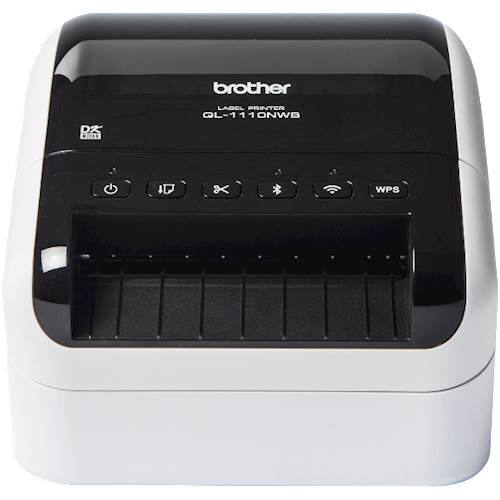
Brother - QL-1110NWB Wide Format, Professional Thermal Label Printer with Multiple Connectivity options - White/Black
$267.99
Was $334.99
Save $67.00 Free shipping
 20% off
SKU: 6666171
$31199
Was $389.99 Save $78.00
Other options in this range
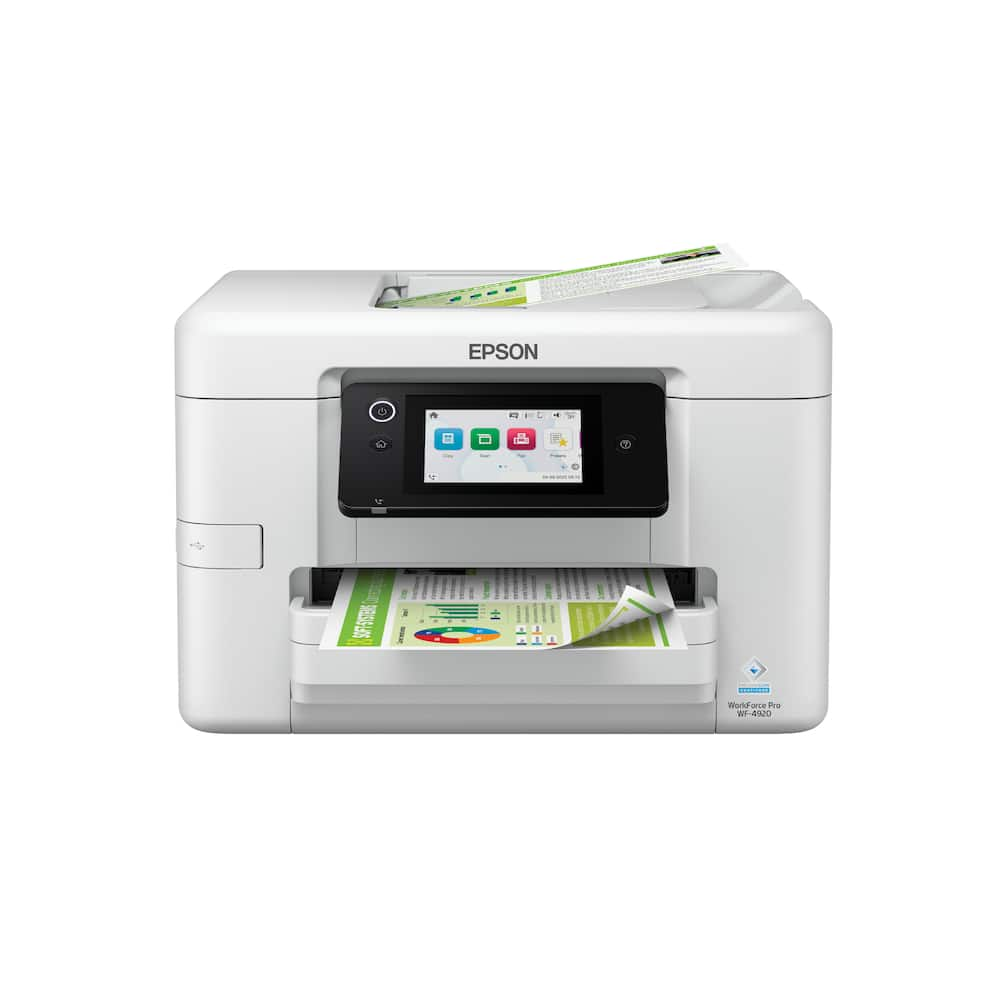 Epson - WorkForce Pro WF-4920 Wireless Color All-in-One Inkjet Printer (C11CM02201) - White Original price was: $249.99.$199.99Current price is: $199.99.
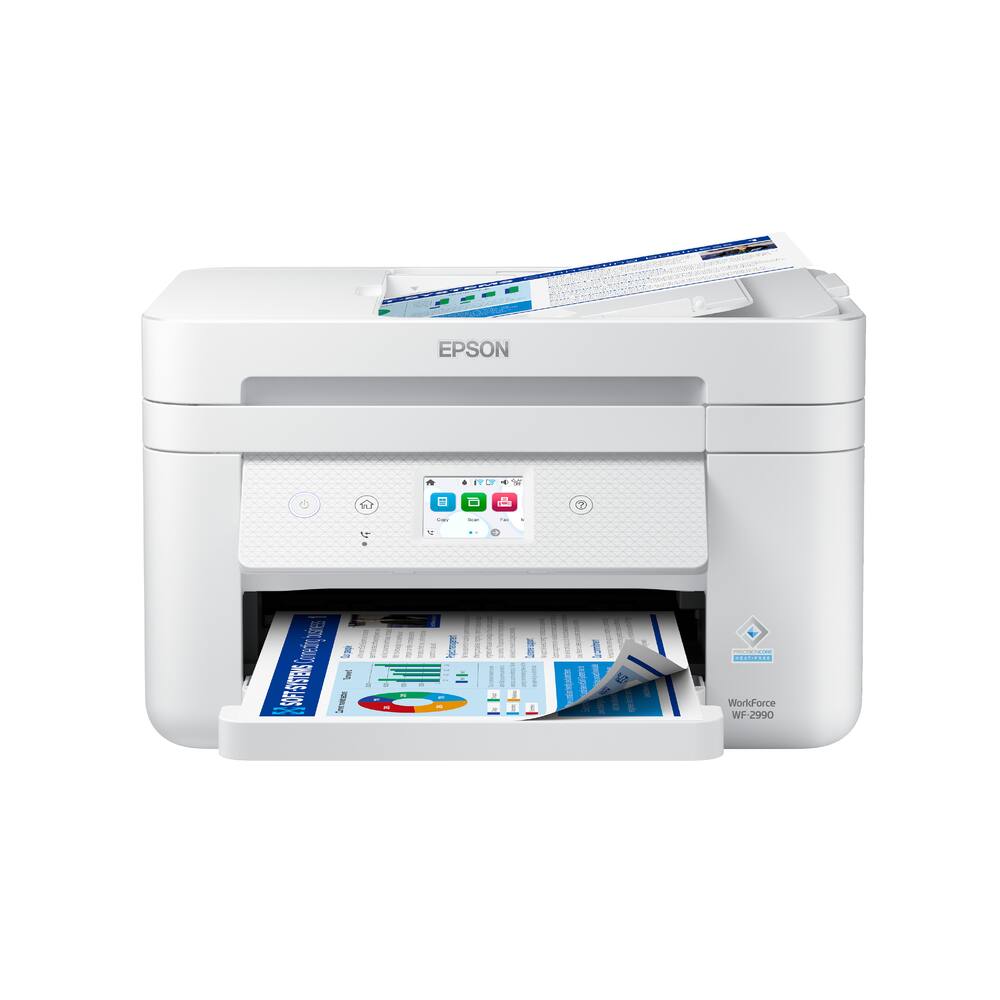 Epson - WorkForce WF-2990 Wireless Color All-in-One Inkjet Printer (C11CK60203) - White Original price was: $179.99.$143.99Current price is: $143.99.
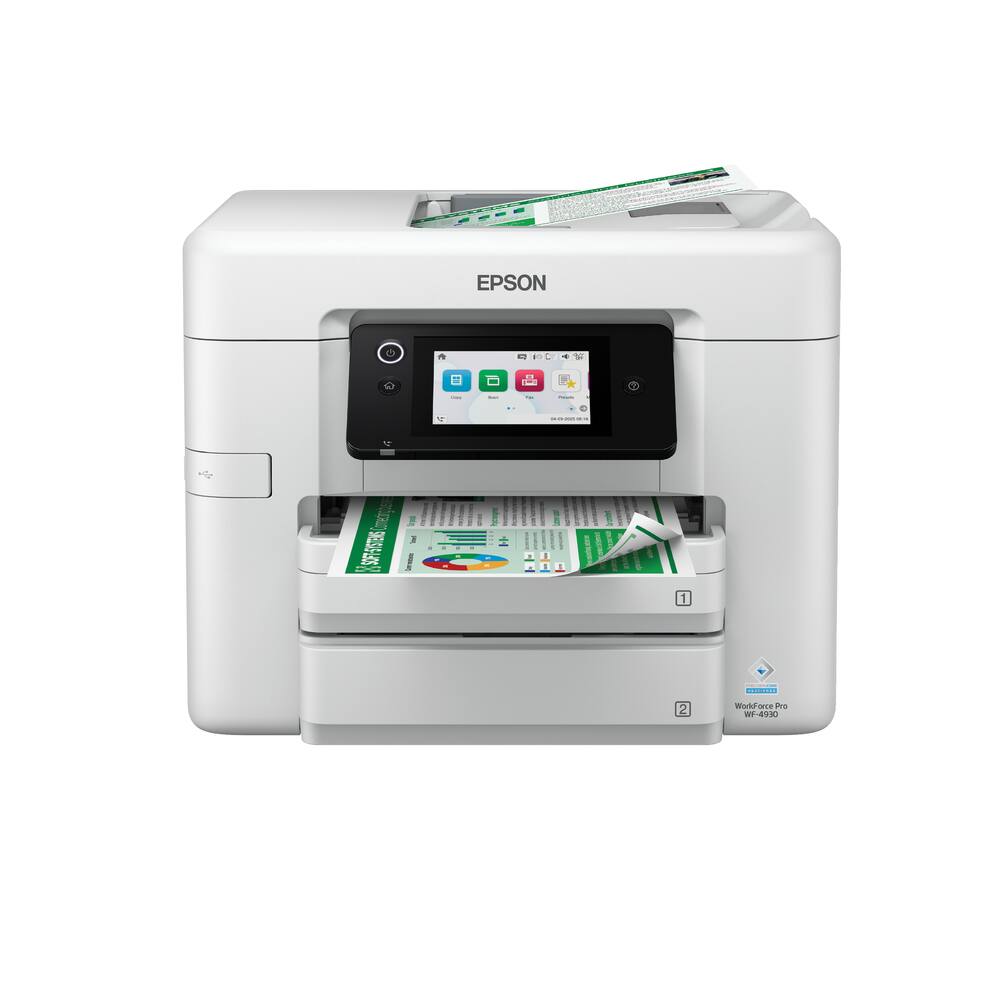 Epson - WorkForce Pro WF-4930 Wireless Color All-in-One Inkjet Printer (C11CM03201) - White Original price was: $279.99.$223.99Current price is: $223.99.
See manufacturer documentation.
Register your product with the manufacturer within 30 days of delivery.
Manufacturer warranty claims are handled by the manufacturer. We are happy to help you find the right contact: (888) 419-6820.
Free shipping
Scan to computer didn't work. - This prints very nicely. I tried to connect it to my MacBook Air to scan from scanner directly to email. It sounds straightforward - NOT! I called CS Brother, they couldn't help, called Geek Squad, they helped to ensure my computer was not the issue. It is the printer. So I called Brother back, asked for a call back. as soon as they called and I answered it disconnected THREE TIMES!!!! So frustrated after spending 5-6 hours on trying to trouble shoot, look at U tube videos, call CS, nothing worked. We returned it for full refund. Be careful if you buy this model. The scanner connection did not work. I loved my old HP printer that died, it was so easy to send the scan to email. And the customer service is far superior to Brother CS. And the agent that I talked to originally was very difficult to understand due to the accent. Lesson learned not to buy a Brother EVER.
Does exactly what it says it will do and WELL - Have used HP All In One Printers for years and needed to upgrade. Tried two HP printers and one Epson. HP has gotten draconian. You cannot scan to email (say what?). The Epson was a joke... so many different apps to get the thing to work and still no scan to email. Researched a lot and read reviews about this printer. I was unsure things would work and low and behold the not only work, they work well. The printer is large, but it has two drawers for different size paper and it scans to email. It is very user friendly and by far the best printer we have had.
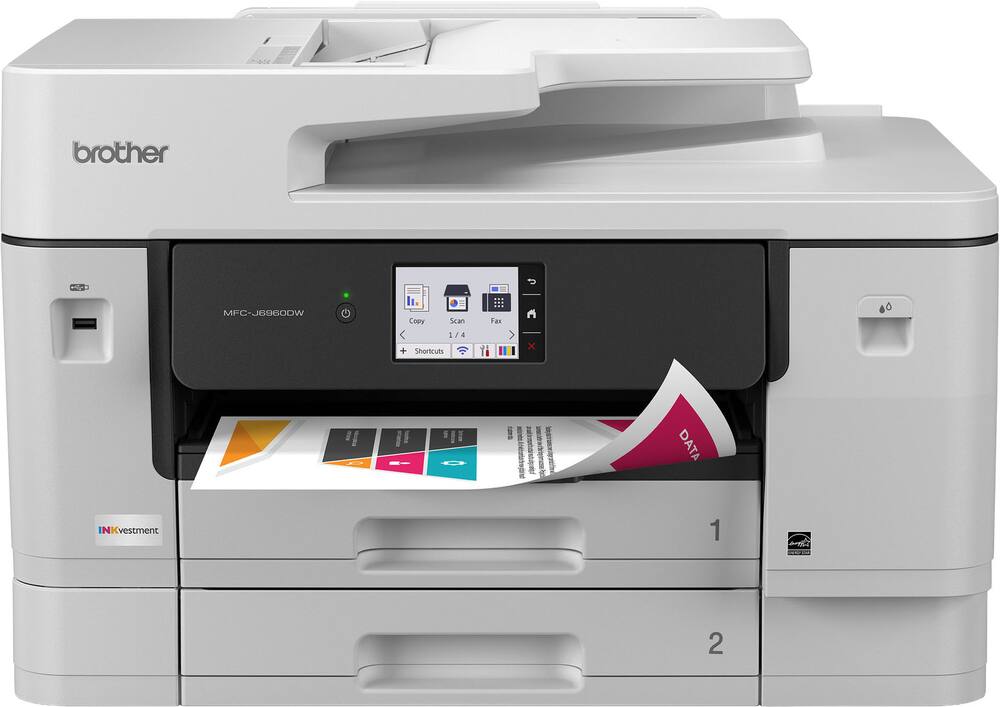
Brother J6960 review - Scan, print excellent. Easy setup first time. My last Brother printer was 10 years old.
Awesome - I was initially skeptical because it seemed slow but that is apparently normal for inkjet as ive only ever had laser. I gotta be totally honest that i love it, ive always wanted to be able to do 11x17 and now i can
Dumped HP, bought Brother - I'd had a comparable HP which mostly worked well for 8 years, with occasional issues, but when HP "upgraded" the firmware to shut down my printer if I didn't use only HP ink, that did it. I purchased this Brother after finding that they don't engage in that practice of bricking your hardware years after you bought it because you don't want to pay for their expensive ink. I've only had the Brother a few months, but setup was smooth (hardware initiation and Wi-Fi connection) and so far it's worked great: no hassles, and quick printing. So, while I can't see the future, at present I'm a completely satisfied customer.
Great All in One Printer - This printer is great for me as a small business owner - I am an interior designer and it's perfect for 8.5"x11" and 11"x17" printing and scanning. I wish the print quality were a little better (the ink spread is sometimes inconsistent) but otherwise I absolutely love it and would recommend it for someone looking for a cost-friendly all-in-one printer!
It prints everything I want for whatever I need. - I like the numerous copy, scan, fax and set up features for documents and envelopes. The only thing I don't really like is the cost of the ink. I use this printer for home use.
Easy setup! - I wanted an ink printer after having a toner printer that consistently had issues, and this was the perfect replacement. Really easy to set up, intuitive UI, and provides everything I need from a printer.
Brother MFC-J6960DW - Excellent Print; Well Satisfied w/Copy, Print & Scan Operations. I sure it's my fault, but the printer could not connect to my wireless Xfinity Network; No problem, I am using an Ethernet Cable. This unit has astounding featues for Home and/or Small Office! The fact that it weighs 50lbs should be highlighted!
good printer for small business - it may be hard to set up and operate but it becomes more user friendly as you continue to operate it.
11 x 17 Yes! - This is a great Brother MFC. I especially appreciate that it has two trays and the capability of printing letter, legal, and ledger. The value was fantastic.
Brother6960 wireless printer - This is my second Brother printer they work well and get the job done. 11” X 17” capabilities are very useful.
A Very Capable Device - I have had this Brother 6960 inkjet printer for about 2 months. I selected this because it was an all-in-one color inkjet that had significant 11"x17" paper capabilities for printing and scanning. I use Tray 1 for letter, Tray 2 for legal and the rear feed (which can accommodate around 30 sheets) for 11"x17" paper. I used the screen menu to assign these 3 paper types to each of the paper input options. Once you select paper size in the software you are using - Word, Excel, etc. - it auto feeds from the proper tray. I use hardwire rather than WiFi and the setup was a nonevent. The setup software found the printer on my home network. Since I only print a handful of copies at a time, I've not used the printer for large jobs yet. I have not encountered any paper jamming. I have not encountered any problems that people report with inkjet printers. But then I am one of those who reviews the detailed User Guide before installation and use - many problems can be prevented if you do. The only criticism I have is the exit tray design. Sometimes the paper can "escape" or be injected into the middle of the finished stack. Check your output in case it is not in the order you expect. This is not a significant issue. This is my first experience with a Brother printer. It is a great value for the capabilities.
Good so far - It seems to be operating properly. time will tell, one thing that i dont think was mentioned is where do i put the 11x17 paper
2nd 6960. - I had an older 6960 for years. After 15 years it was having connectivity issues so I replaced it with a HP. They died in 2 years so I want back to the Brother. Yes it’s a little expensive but it is bulletproof.
Easy set up - I was looking for a printer/scanner/copier that specifically had two paper tray sizes: 11x17 and 8.5x11. Additionally, since the intended main use of this product is to print architectural drawings and graphics, I wanted something that would print clearly and crisply, and that didn't have very expensive ink cartridge refills. This machine checked all the boxes. I haven't had a chance to use the scanner yet, but if it's anyting like printing it ought to be a piece of cake. Getting this machine connected and up and running took only a few minutes - piece of cake!
Great printer - I recently bought a printer from Best Buy and couldn’t be happier with my purchase. Setup was quick and easy, the print quality is sharp, and it runs quietly. It’s been reliable for both everyday documents and photos. Definitely a great value for the price—highly recommend!
It's a huge printer but also huge on features. - When it comes to printers, I prioritize features like duplex printing, copy, and scanning, which this printer can handle in a single pass. This printer has dual paper trays, good for 500 sheets, and it has a 100-sheet multipurpose tray in the back of the printer. This is a huge printer, but understandable because it can print on 11x17 paper. Despite its large size, it’s understandable because it can print on 11x17 paper. The automatic document feeder can accommodate up to 50 pages. USB/Ethernet connections are not located on the back of the printer. Instead, ports are located under the scanner bed, and the wires feed out towards the back of the printer and drape down on the right rear corner of the printer. This is a pretty unique way, but I’m not a fan of it because the wires are visible from the side. Go wireless or wired. It has an Ethernet port and USB for wired connection. It also supports dual-band (2.4 and 5) Wi-Fi connections. Not sure which Wi-Fi protocols it supports. Acquires Wi-Fi signal and is ready to print in less than 22 seconds. That’s a big difference compared to my last printer that shared similar specs, which took nearly a minute to be ready to print. It shuts down in less than 14 seconds. Printed a 3/4-page colored document with text, QR code, and graphics in about 38 seconds. The document came out clean, with no smears. The text and QR code were crisp and clear, and the background colored graphic did not bleed into the white text in the foreground. Printed an envelope without wrinkling it. Scanned a 5-page mixed B/W and colored document, and it took quite a bit of time, about 45 seconds. It’s not the quietest printer I’ve had, but it’s not loud and annoying. It uses 4 inks, and it comes with a starter black ink cartridge (1,800 pages), starter cyan, magenta, and yellow ink cartridges (750 pages). The inks are inserted on the front of the printer, not like most older printers where you have to lift the top half of the printer. I think it’s more convenient this way. Overall, I am happy with this printer. I hate to say it, but it lets me do all of my work tasks easily from home.
Fast, sharp, versatile! - I am so delighted with this printer!!! Fast, sharp and clear! But there's more... This printer takes paper sizes up to 11 x17.... and duplexes, so you can print a folded newsletter or poster! Envelopes, labels, really just about anything. But let's go to the beginning of my exploration. First, this printer is HEAVY. Very heavy. You need two people to pick it up and carry and unbox it. The printer also has a large footprint: the base is 16d x 22w, but is is 32 inches deep with the back media feeder open and the 'catch' tray in front fully open. Total height is about 15 inches without the scanner lid open. So make sure you have help to move it and a place to put it! This printer fills all of my needs! Setting up the printer was fairly straight-forward. Just follow quick setup instructions. I will say that the phone app was less useful than doing it the standard connect way via bluetooth. The ink is easy to install from the front and comes in long-lasting containers. filling the paper cassettes is a breeze to adjust to paper size. Do take the time to update firmware/software for the printer before you get started. Now, the functioning of the printer. I am so please with this printer!!! Very very fast and very accurate. I really like that I have so many paper options. Currently I have regular paper in one 500 sheet cassette and labels in another. In the back pass-through sector I have #10 envelopes. No moving media around to get work done. I used the top feeder to scan documents and to copy documents and am super pleased with the smooth feeding of the documents and the resulting scans and copies. I would strongly recommend this printer for anyone with multiple users who does a lot of scanning and printing. Also, I have printed from throughout my home and office, from tablets, computers and phones, and it was seamless! I have a multi-band wifi and that has caused problems in the past with the 5 level band, but this printer has not hiccuped once!
Large and for good reason - Brother makes the best printers. The Brother INKvestment 6960 is a much welcomed addition to our home office/business. It comes packed with features that make using the printer a delightful experience. We had been using an Epson printer previous to us switching to Brother. I think we would get about 150-200 pages printed before we would be at the store or online ordering new ink. It was not a great experience as we would find out we were low on ink before starting a new job. The INKvestment line up of printers boasts a higher yield in pages printed! We haven’t had to purchase any ink for our previous INKVestment printer. The printer has everything that we need and then some. I love that I can load up to 500 pages between the two trays. It makes bulk printing a set it and forget it task. The printer is able to go through 31 pages per minute which is just ludicrous. Even with its insane printing capacity and speed there is not a fall off of quality. All of my prints have been crisp with no noticeable degradation in quality. I have not tried printing on larger formats of paper just yet. I am very excited to put it through its paces as we have flyers that we were going to have to send off to print. Setting up the printer was a very simple process as well. The screen is clear and the buttons on screen respond well. I was able to get the printer setup on my wireless network with little hassle. I think it only took about 20 minutes from getting the box in our house to get to printing. If you are looking for a large capacity and large format printer this is the one for you.
Email [email protected] or call (888) 419-6820 during business hours.
Add your review