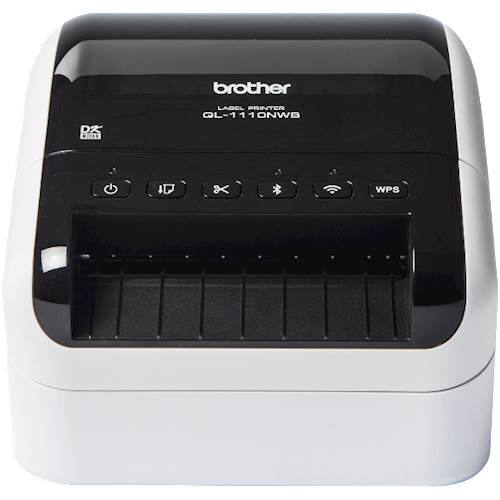
Brother - QL-1110NWB Wide Format, Professional Thermal Label Printer with Multiple Connectivity options - White/Black
$267.99
Was $334.99
Save $67.00 Free shipping
 20% off
SKU: 6666172
$24799
Was $309.99 Save $62.00
Other options in this range
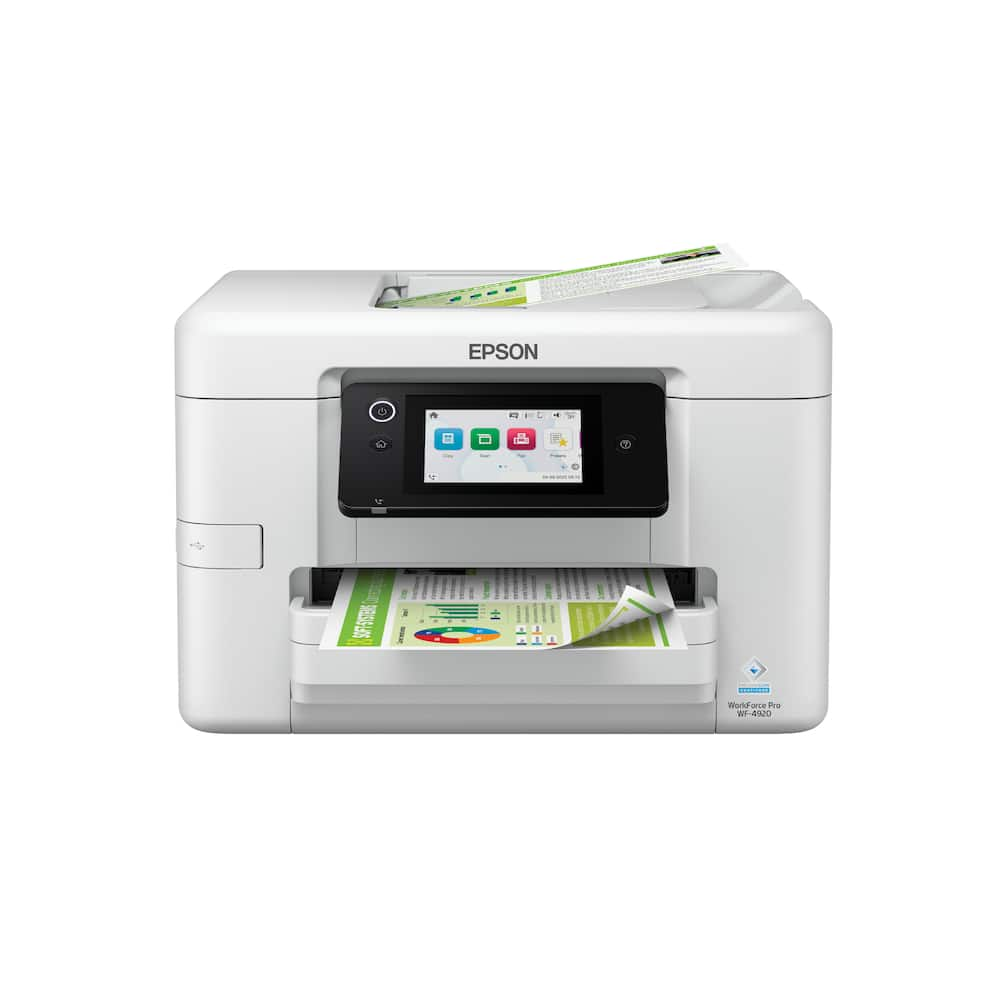 Epson - WorkForce Pro WF-4920 Wireless Color All-in-One Inkjet Printer (C11CM02201) - White Original price was: $249.99.$199.99Current price is: $199.99.
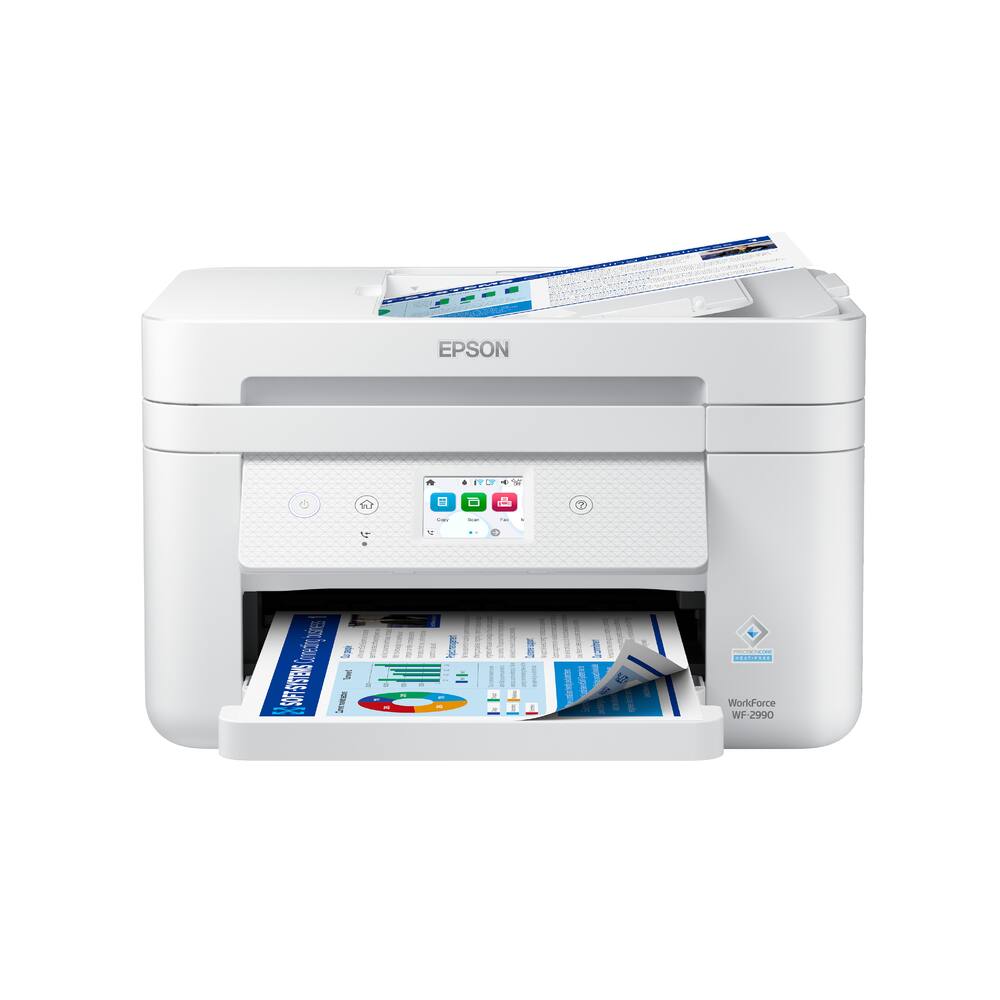 Epson - WorkForce WF-2990 Wireless Color All-in-One Inkjet Printer (C11CK60203) - White Original price was: $179.99.$143.99Current price is: $143.99.
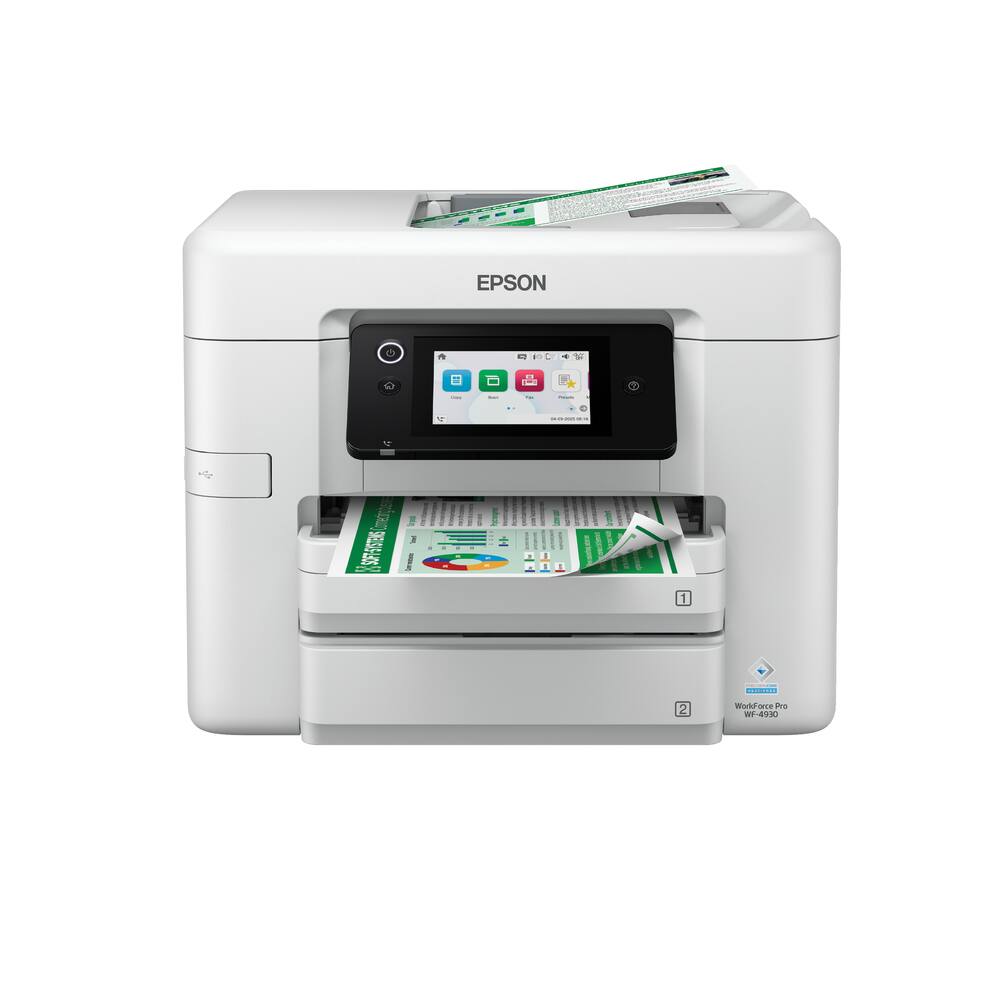 Epson - WorkForce Pro WF-4930 Wireless Color All-in-One Inkjet Printer (C11CM03201) - White Original price was: $279.99.$223.99Current price is: $223.99.
See manufacturer documentation.
Register your product with the manufacturer within 30 days of delivery.
Manufacturer warranty claims are handled by the manufacturer. We are happy to help you find the right contact: (888) 419-6820.
Free shipping
Great! - Recommend this printer! Easy set up and great printing
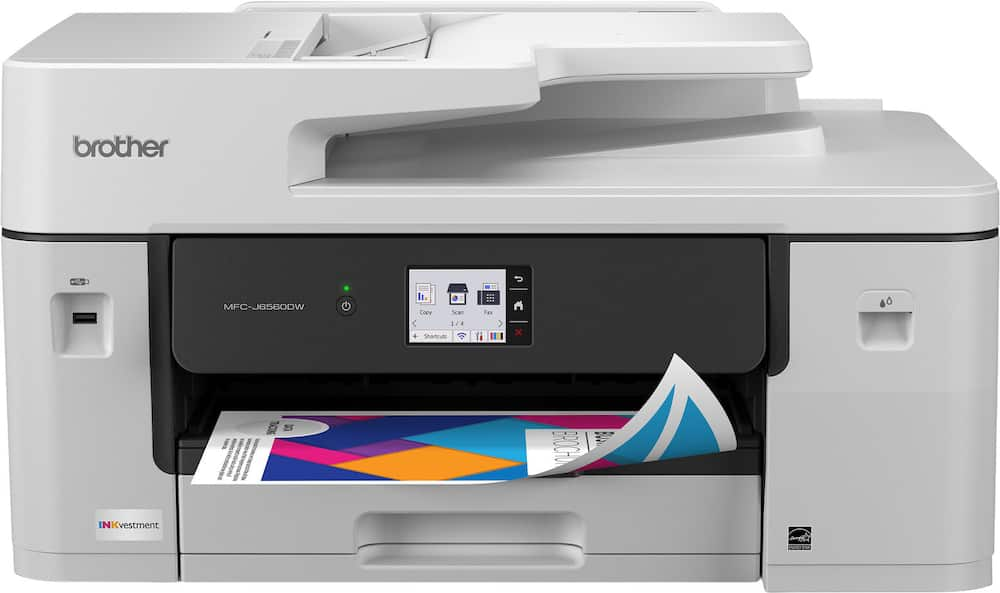
Brother 6560 - This printer has been great! I bought it for school and I have had no issues with it at all! It is a bit bigger than I expected, so just be aware of that!
I love it - This is the best purchase I've made this year. I have printed many photos, and all my school assignments.
Great print quality - Has a great printing quality, it's bulky but was not a surprise as it was clear on the product dimensions when purchase was made.
Fabulous printer for the cost. - Does everything I need on the jobs site for a fair price.
Makes great clear crisp copies - Very impressed with the scanner, produces very sharp copies. Just be aware of how big this is.
Brother MFC-J6560DW, the best all in one printer - Best printer I have ever purchased. Extremely easy set up, plug it in and go. Works with no problem with all of my devices. Larger than I expected but offers so much more!!!
great printer - fast printing, great color. easy to use. A++++++++
So far so good - It was very simple to set up, no printing issues. However, it has been less than a month! Keeping my fingers crossed!
Large multi-functional printer - This is a large printer that print on 11x17 paper. This is probably good for a small business or someone who does large format printing. It is also rather heavy and should be lifted by 2 people. No real complaints so far - it functions as described and prints fast. Ink cartridges are large but doesn't appear to have much ink in them - no surprise there. I have not used all functions yet so can't give a perfect rating yet.
Love it!! - Works well and it came with ink. Good size. It looks big when it comes in the box but it’s a good size and it fits on my printer table. Definitely recommend. Easy to install and set up. Download the app on your phone and it’s easy to set up.
Large and in charge - This printer is a bit larger than I expected. But it prints really really fast and scans really really fast. Setup is pretty easy and relatively quick. Gone are the days of plug it in and start printing, but it wasn’t a terrible set up experience. Use the screen or the app and just follow the instructions.
Brother Investment 6560 Wireless Color Printer - Easy to set up and prints fast. I still have not loaded legal size paper yet, may need to watch a video. This is a better piece of equipment than my HP.
Incredible Home Office Printer - This is an incredible printer. It works fast and prints clear beautiful flier. It helps with the volunteer work I do which requires printing a lot of fliers. The only drawback is that it is big and heavy. Thankfully the Fedex driver helped me carry it inside. It takes a lot of unpack, but worth it.
Good, but not great - Set up was not as easy as predicted. Machine is much larger than predicted (did not have one in store). Some snafus with internet. Prints quickly and relatively quietly.
Very good printer - This is a good printer with some nice features. PROS ~ Very easy to set up ~ Good print quality ~ Very fast printing ~ Easy to use from phone (very helpful for me) ~ Relatively large touch screen for controls ~ Good amount of ink included ~ Prints 11x17 CONS ~ I haven't found anything not to like about this MEH (Could go either way) ~ It's rather large OVERALL This is the first Brother printer I have had. I've used some in the ancient past, but none recently. My first imporession was, "Wow, it's a lot larger than I expected." Set up was fairly simple, once I figured out where to put the ink. I'm used to going in under the scanning glass. When I finally looked, I saw there is literally a door on the fron with an ink drop to show where to insert ink. Yeah, I felt dumb after that. I do a lot of work electronically and via e-mail. As such, I enjoy the Brother app. It makes printing documents and images from a phone extremely simple. More than that, at normal print quality, the text and images come out very quickly and cleanly. It is definitely a fast printer compared to the other name brands I have had in the past 10+ years. Upgrading the image quality to high does dramatically slow down your print speed, however, the images come out looking great. I got this because I do a lot of work from home and often have to print a large number of documents. That's where my "MEH" category comes into play above. I can't and won't fault Brother for the size because I should have looked and because this is NOT your average home printer. It is definitely geared more toward small businesses and SOHOs. Just keep in mind, like any regular horse, this workehorse requires some space. THE BIG QUESTION Would I recommend this to others? The answer is: That depends. If my dad asked for something he could print one or two things a month fropm, I wouldn't recommend this. However, I am in sales. If one of my small business customers asked me to recommend a good printer, I would DEFINITELY recommend this Brother to them. The speed, image quality, ease of use, and features definitely make it worthy of 5 stars and recommendations.
Love my printer a lot - Excellent product love it. This printer is exactly what I was looking for.
Workhorse Printer for Small Business/Home/School - If you need an all-in-one printer for your home or small office, Brother has released a printer worth considering. With the Brother MFC-J6560DW Inkjet Printer, you get a solid machine that is able to deliver with authority. Not only do you get clear, quality printing but also get the ability to fax, scan, or copy. When you get the printer, you will need a bit of space to set it up. This printer is not small. It stands 12 inches high with a footprint of 23 inches by 19 inches. This is not small. And it is heavy too. It weighs just over 44 pounds, so you will want it on a sturdy desk or table. Connection is easy with the ability to use Wi-Fi or Ethernet and even USB if you want. Honestly any of the three is easy to use. So you can pick your preference and go. Even though the printer is listed as an Inkvestment, in the end it is really just cartridges. What that means is you have a 4-cartridge system which is used to create your printed material. There is a black cartridge as well as the three standard colors. How much you get out of each of these really depends on your DPI setting and what type of material you are printing, but they should give you enough to get started. You would probably get well over 1000 black and white pages while the color would be in the few hundreds. Again, this depends on the DPI and what you are mostly printing. As with most printers and all-in-ones, this one does have companion software to download on your computer to run. This will help you when you want to scan images. There is also a companion app for your smartphone. Once you are set up, you are really concerned about the quality and how well the system works. The Brother MFC-J6560 is very powerful. It prints almost as fast as a laser printer. It can do about 30 pages per minute in black and white or color. So, it is remarkably fast. The quality of the page is very good as well. You can go 600x600 DPI easily. But you can increase DPI all the way up to 4800 x 1200 for documents. Of course, if you do this, you will eat up more of your ink so use it wisely. I will say though, printing pictures is good, but I did not think it was great. If pictures is your desire, this may not be the printer for you. Another great feature of this printer is that it can handle the 11 x 17 paper. This makes it especially good for certain business applications. The duty cycle is listed as being able to handle up to 35,000 documents a month. This is way higher than I would be comfortable with for this printer. I really thing it works best for home businesses, small businesses, or homes with students where printing. Used in these situations, I think it will be able to last you quite a long time. The only maintenance issue you will have is getting more Brother ink cartridges. If I have something I do dislike it really has to do with the size. If you have a small desk, the space can be used up quickly with this printer. It does not leave you much space for much else. Also, this printer is 44 pounds. It is not the lightest in the world. This may be a little unfair considering everything you are getting with this printer though. But you should at least consider this to see if it fits with your needs. In the end, I am very impressed with the Brother MFC-J6560DW Printer. This printer is fast and produces great documents. If you are looking to make color reports and print on both sides, this is perfect. The printer is well suited for students in school or college as well as most small businesses. This printer will handle many of your printing needs. I highly recommend the printer for those needing one in this category.
Best Printer Owned - Amazingly fast in printing with precise color and high resolution. Almost feel like a commercial printer.
Great Large Format Printer - This Brother printer/scanner/copier is a vast improvement over the HP OfficeJet that it would eventually replace. The initial setup was fast and easy (although the USB cable connection was a little unusual but no big deal) since it gave me the choice to use a USB or wireless connection. I chose the wireless connection, since I did not have a usb cable that was long enough given I placed the printer on the opposite side of the room from my pc.. This model will scan and print to 11x17 paper size, which is an absolute must for me. Scans are fast, and give me the choice of color or black & white. Printing and copying are surprisingly fast. My old HP spent minutes going through its self-checks and tests, which was always annoying. I can feed in a stack of documents in the feeder tray on top, or place one sheet on the scanner glass for scanning or copying. The touch screen works well and the iPrint & Scan app that I downloaded works well also, but I do have to admit that I liked other brands applications better than Brother's. That is minor however, and not enough to deduct a star from my review. The tank-like ink cartridges were easy to install, and look like they should last awhile. If I had it to do over I would prefer to have the 6960 which has a 2nd paper tray so that you can keep standard size & tabloid paper installed in the machine. In conclusion I love this printer... except that I would really love to have the 2 tray model but thats my fault. Overall a great machine!
Email [email protected] or call (888) 419-6820 during business hours.
Add your review