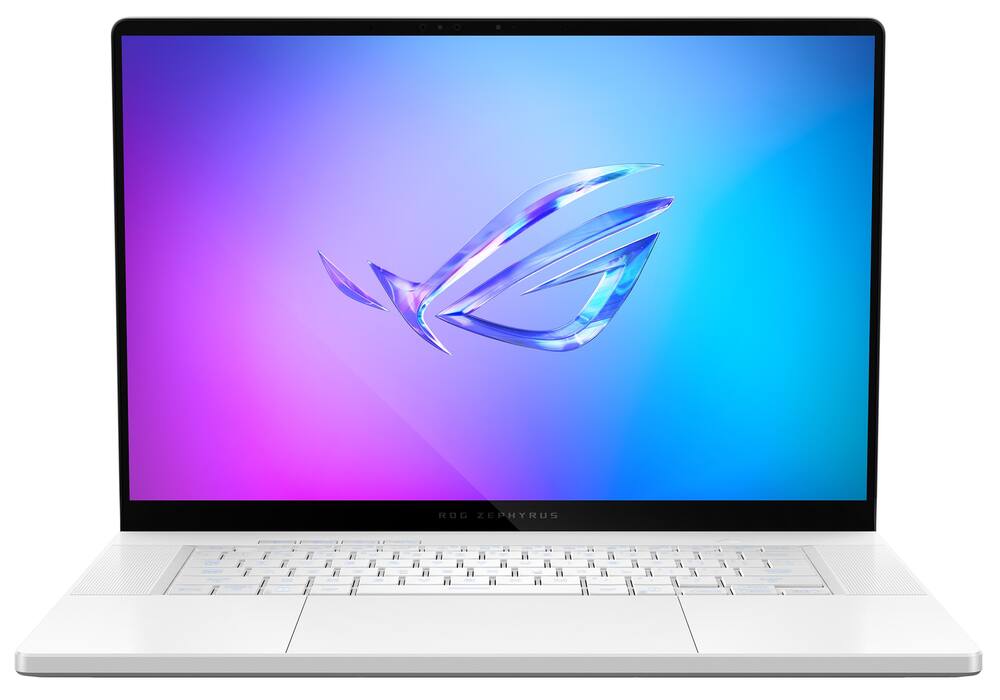
ASUS - ROG Zephyrus G16 16" OLED 2.5K 240Hz Gaming Laptop - Intel Core Ultra 9 - 32GB RAM - NVIDIA GeForce RTX 5070Ti - 2TB SSD - Platinum White
From $2,239.99
Free shipping
$63999
Other options in this range
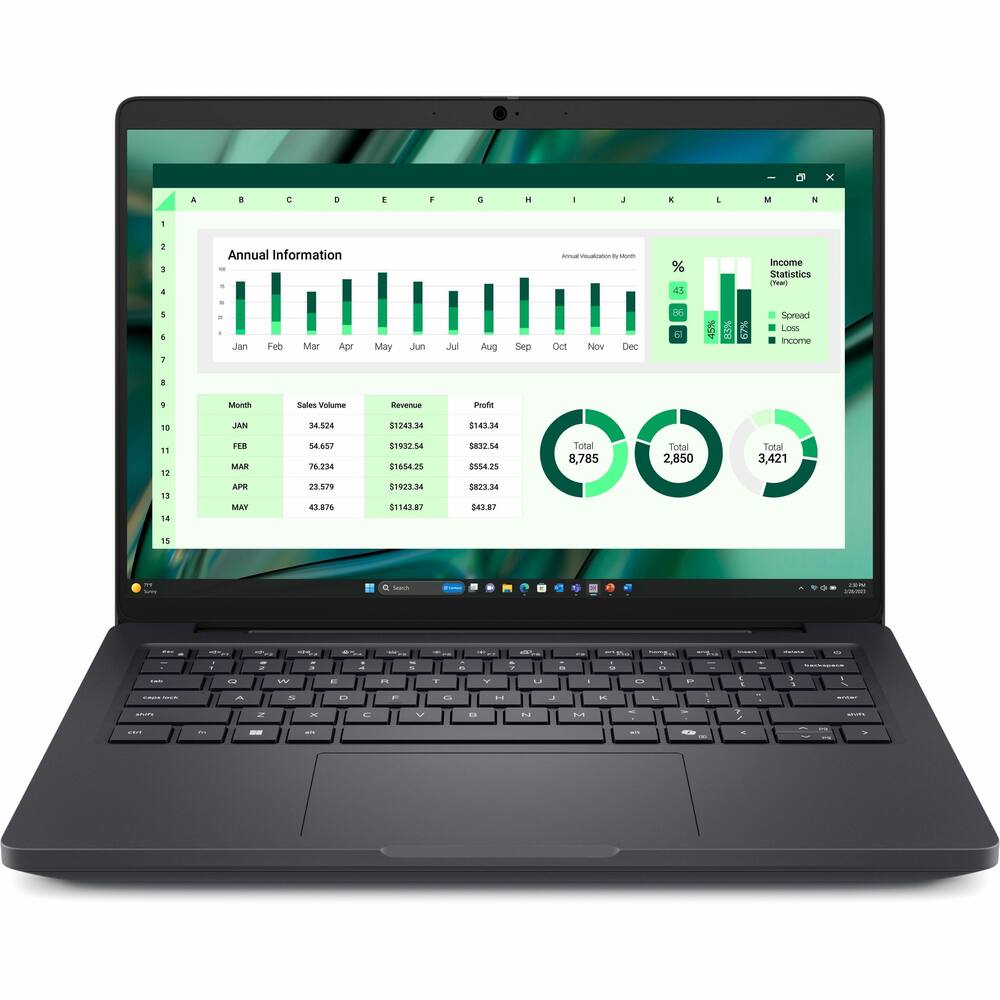 Dell - Pro Max 14 U7 16G 512G 11P - Black Original price was: $3,089.99.$2,471.99Current price is: $2,471.99.
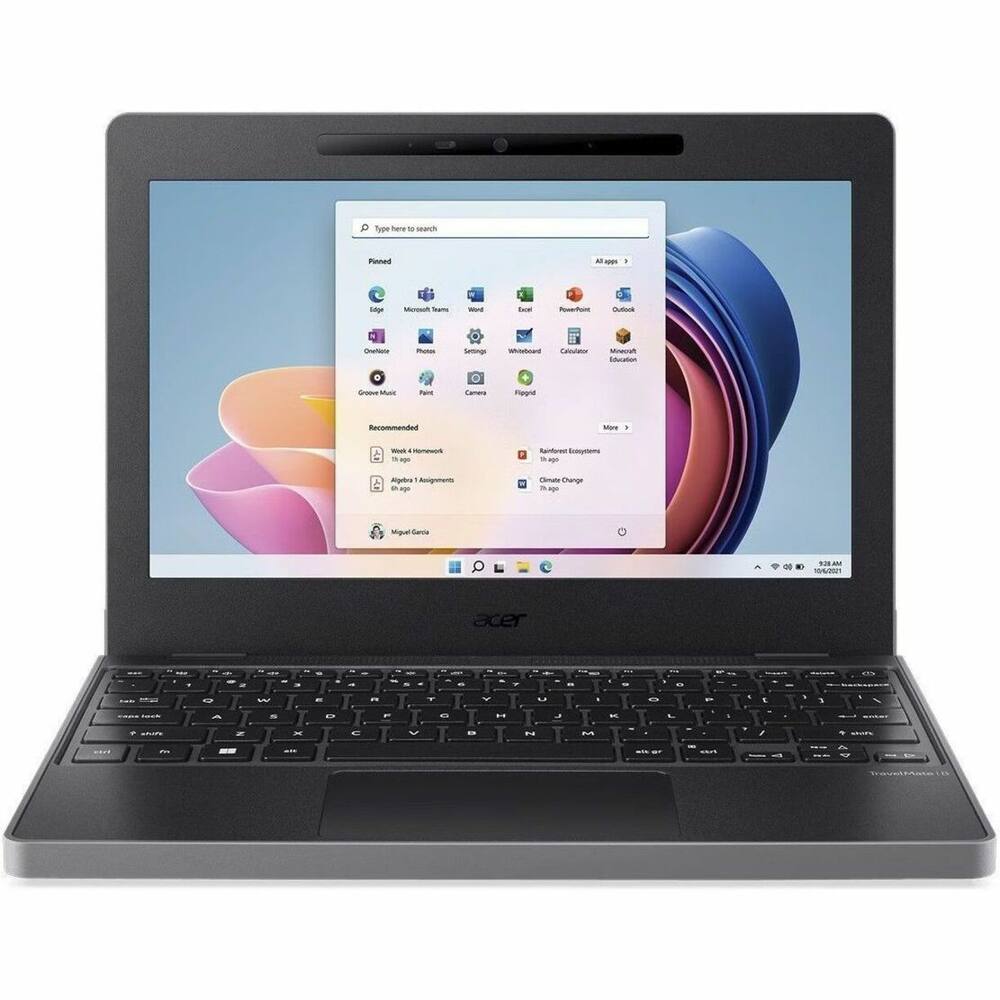 Acer - TravelMate B3 11 TMB311-34T 11.6" LCD 1920 x 1080 (Full HD) Touch Screen Laptop - Intel with 8GB Memory - 128 GB SSD - Black Original price was: $619.99.$495.99Current price is: $495.99.
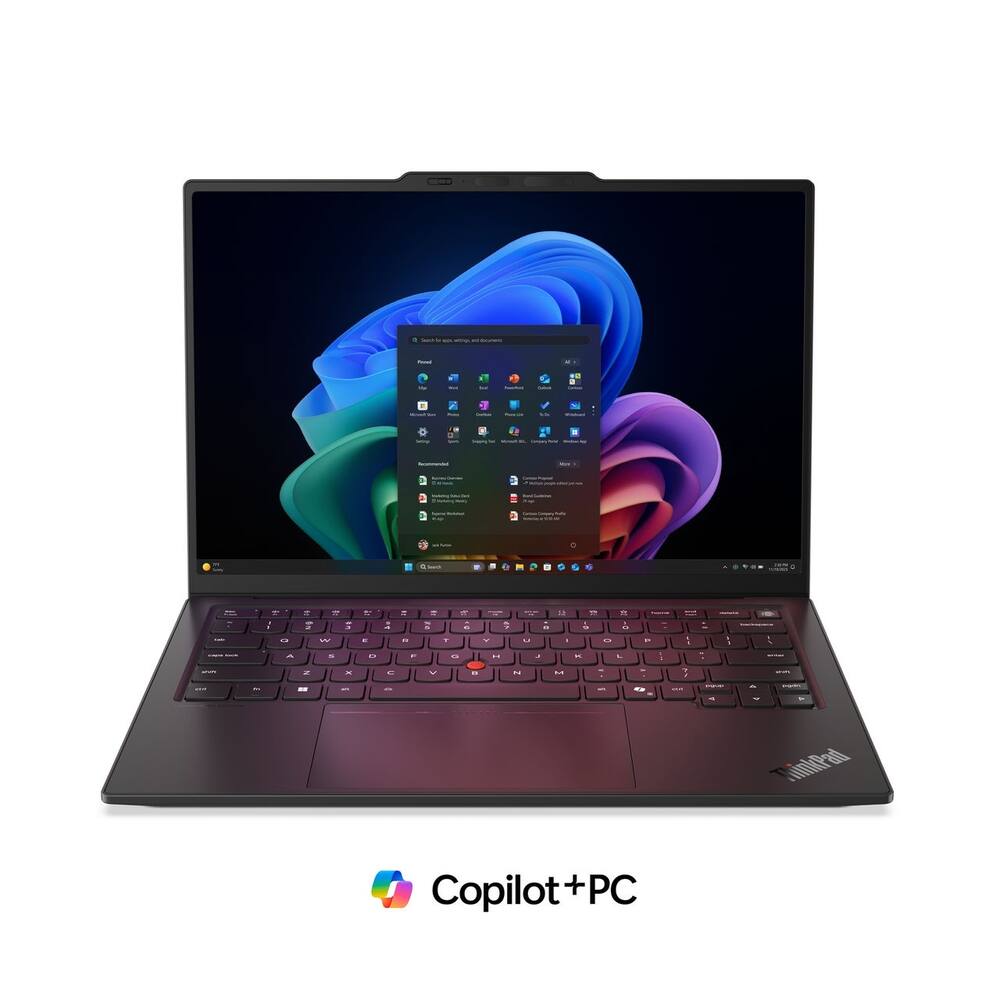 Lenovo - ThinkPad X1 Carbon G14 14" Touchscreen FIFA World Cup 26 Edition - Intel Ultra 7 with 32GB Memory - 1TB SSD - Black Original price was: $2,499.99.$1,999.99Current price is: $1,999.99.
See manufacturer documentation.
Register your product with the manufacturer within 30 days of delivery.
Manufacturer warranty claims are handled by the manufacturer. We are happy to help you find the right contact: (888) 419-6820.
Free shipping
Free shipping
Free shipping
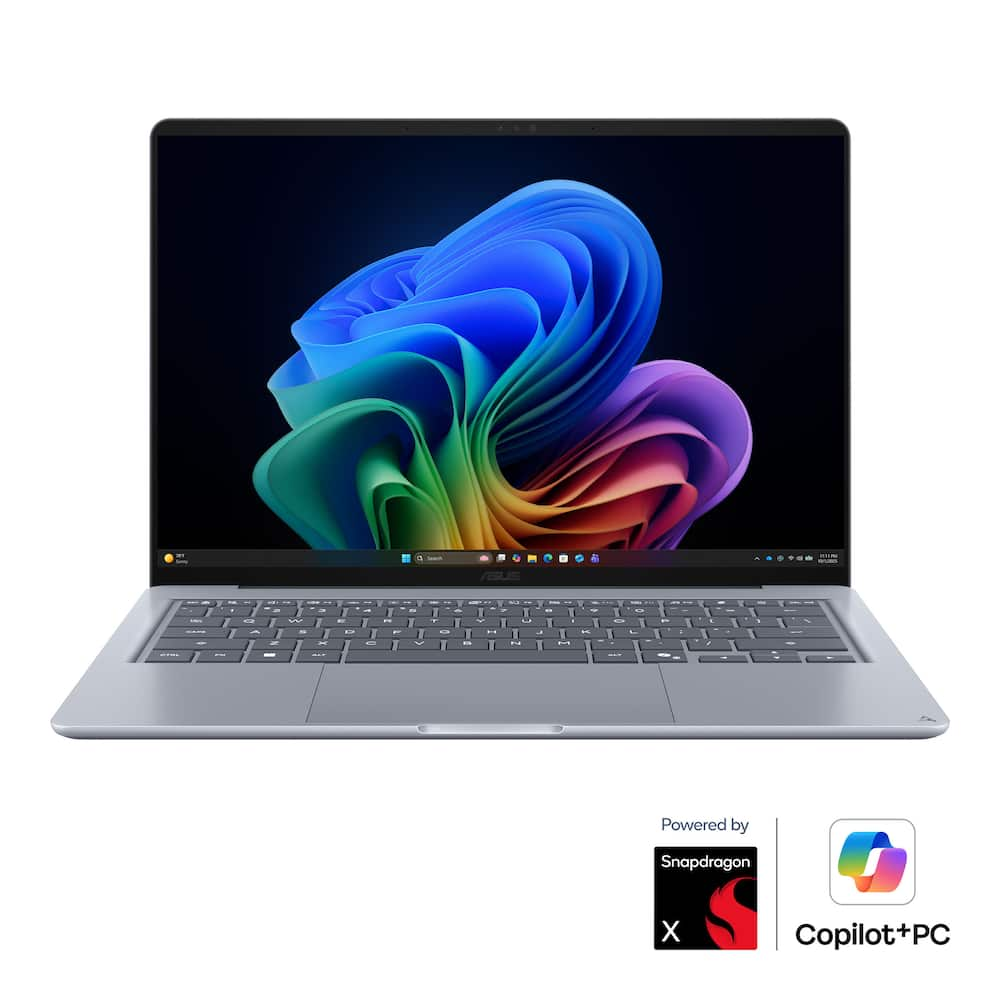
An intelligent decision - I’ve always appreciated the engineering and design that Asus builds into their products. This is a company that considers how users will use the laptops in daily life. This laptop is no exception. It’s an easy recommendation to friends and family knowing that it will not let them down. When it comes to warranty coverage, they provide support better than most any other company I’ve dealt with. What I was looking for in a laptop, is the ruggedness and ability to perform typical daily tasks. Streaming, word processing, spreadsheets, and more. It’s not a gaming laptop, even though it has a beautiful OLED screen. I found the battery can last 2+ days. Daily use is easy. The camera supports Windows Hello login. Bluetooth and WiFi 6E worked flawlessly. USB A, and USB C ports, as well as HDMI. This particular model has a 256GB SSD. It’s fine for basic local storage needs. If you store a lot of files locally, the 512GB version may be a better choice. The SSD is upgradable if your needs change in the future. I’d strongly recommend this laptop to anyone looking for a versatile, robust, and easy to live with system.
Small, not heavy-for those who need to move around - This ASUS Zenbook’s pretty lightweight and compact, but it doesn’t feel flimsy at all. The first thing you and anyone else checking it out will spot is the gorgeous OLED screen, perfect for watching any video, especially HDR stuff. You can only get HDR with video streaming. Getting this computer set up isn’t any harder than other Windows ones. Make sure you’ve got a few hours free to get all the patches and everything else. You’ve got 16 GB RAM which is enough for most stuff, but with a Snapdragon chip, a few programs might not run. Like, Adobe Audition just wouldn’t install. Symantec Endpoint Protection 14.5 just wouldn’t install either. Oracle VirtualBox, while it runs, will not run Windows 2000 nor Windows XP in the window. It just doesn’t work with ARM processors. This computer isn’t built for fast games since the graphics card shares memory with the motherboard and isn’t a dedicated GPU. Unfortunately, the hard drive’s a solid-state one, but it’s just 256 GB. Loads of the test programs I installed have taken up more than half that space. And to top it off, there’s no slot for an SD or micro SD card, though there are USB ports on the side. But what a shame it is, there’s no memory card slot. Looks like Windows nowadays is pushing everyone to store their data in the cloud. The keyboards are not backlighted The cool thing about this computer is that it’s not too heavy—sure, it’s heavier than a Microsoft Surface, but it’s still easy enough for a college student to lug to class or a business person to take back and forth to work. It’s quick enough to handle most business apps. I even tested a voice dictation program, and it works in real time perfectly fine. The speakers are awesome for chilling with a Netflix show or whatever streaming you use. I had a long YouTube video going, and somehow, without plugging it in, it kept going for about 11 hours before my computer gave out. It’s totally long-lasting for a full school day, and without needing a plug, you can keep going at work as well. You’ll find two USB-C connectors on the left, but one’s taken up by the power supply. It’s got an HDMI output, but who even uses those anymore? Plus, there’s also an old-school headphone jack on the left side. You’ll find a regular USB port on the right side. Again, it really is a shame there’s no memory card slot since the hard drive isn’t that large. I know I can use a USB thumb drive or an external hard drive, but since this computer’s made for portability, I don’t really wanna bring anything else with me. Is this good for a college kid? I believe so. It’s super easy to take with you since it’s light and pretty small. If you’re looking to play games, it’s not really on the same level as a desktop. Would a business user find this suitable? I think so as well. For the same reason: small, handy to carry, nice screen, really nice to look at all day. Don’t forget to have internet access to back up your data in the cloud. Recommended with a slight hesitation, but if you need something small, this should do quite well.
Useful performance with all-day battery life - ASUS knows a thing or two about laptops - and their Zenbook line is often the sweet spot between price and useful capabilities which is exactly what you find here. This particular model - the Zenbook 14 with the Snapdragon X1-26-100 - is a rather interesting middle ground in today's market. Is it right for you? Read on to find out! First, let's start with the internals. You get the Snapdragon X1-26-100 processor (sometimes previously called a Snapdragon X Plus) which is a first generation Snapdragon X chip with 8 cores and 8 threads. It's an ARM CPU (more on that in a bit) so it gives up a bit of top end performance (and a lot of graphics capability) in exchange for super lower power consumption. This means less heat is generated (so the laptop runs quieter and cooler) and the battery truly can last all day, or even multiple days in the right circumstances. Paired with 16GB of memory / RAM and a 256GB SSD, you get a nice a tidy package. The SSD is an NVMe SSD in size 2280 which can be easily upgraded (taking off the bottom of the laptop is simple with 10 T5 sized screws the bottom pops right off). The SSD is easily accessible and easily replaced with a new / larger drive at that point. Internally that's about all that can be replaced / upgraded though the battery is also accessible at that point. Performance is very snappy in day to day usage with Windows booting up very quickly and typical internet browsing, email, office work, media streaming - there's even power for light media editing / content creation and gaming. And the battery life (as noted above) is incredible as it really is ALL day. There's a big caveat there though - because this is an ARM chip, not all software will be compatible though Microsoft and Qualcomm (and others) have been doing a great job and more and more works each day. Mostly now it will be certain drivers (my Canon printer's custom driver for example doesn't work, but the generic one is fine) or custom software or perhaps the anti-cheat in some games. On the topic of gaming...this isn't a gaming laptop. Sure, it can play light games, some emulation and cloud stream games just fine, but don't buy this purposefully for gaming. It's a great general use laptop that can play some games. As to the phsyical nature of the laptop, it's a very solid design that looks at home in a professional use case. The bottom is sort of a steel blue / gray and the top is a bit darker with almost a mottled look to it that is both just a bit different enough to stand out from plain laptops but not SO much different that it looks out of place. The build quality is the usual solid ASUS build - this thing is built to last. You get a good selection ports, with the requisite USB-C for charging/data/video (two of these) but also a full-sized / speed USB-A port, an HDMI port and headphone jack, so you're set for connectivity. The keyboard is backlit and a dream to type on (for a membrane / laptop keyboard at least) with good feel, travel and feedback and the trackpad is nicely sized and easy to use. The screen is the REAL champ here - a beautiful 2K OLED with deep blacks and great color overall. It's great for media consumption and day to day usage. So if you could use a solidly built computer with snappy performance AND all day battery life (and you don't mind the few ARM tradeoffs around compatibility) this could be exactly what you're looking for. Give it a try today!
Pretty laptop with questionable features - I always appreciate the Zenbook line of laptops from Asus as a quick and easy reference for friends and family looking for easy to use and enjoy laptops. This one earns an easy recommendation for general use and enjoyment, but there are definitely some nitpicks I have on this particular laptop model. But to keep it short, I will say that the most likely candidates who would enjoy this laptop will be students in non-computer intensive courses of study (e.g., not engineering or computer science) who are just looking to do their online coursework or do some Office or Google productivity writing papers, making presentations, etc. The Snapdragon CPU and RAM combo present here is more than powerful enough and competent for most general users. The laptop comes with some features that also help it to be quite competitive in the 2026 ultralight laptop space. You have a traditional USB-A port for helping to plug in legacy products like an older USB-A wireless mouse etc. and a nice HDMI 2.1 port which will make it easy to plug into projectors or monitors without requiring a USB-C adapter as with so many other ultralight notebooks. I wish these USB-C ports could have been Thunderbolt 4 certified for a tad more versatility, especially when this can be found on ultralight competitors several hundred dollars cheaper. User will also enjoy the facial recognition Hello Windows login as well. This laptop comes with only 256Gb of storage space with much less than that being available to the user after updates and operating system programs are installed. If you depend on physical storage for files, music, photos, etc., you will want to have caution picking this laptop or have plans for cloud storage or an external hard drive. Gratefully, this laptop is redeemed by having a good amount of RAM that is also quite speedy paired with a very efficient CPU, so I never struggled to multitask on this laptop. Paired with these are quite and efficient fans that, thanks to the excellent Snapdragon ARM CPU, almost never spun up during my normal use cases. The speakers of this laptop are actually quite good for a slim profile laptop! Two bottom firing speakers are present, and they benefit for accuracy from being on a firm surface like a desk or table rather than on your laptop if you want to get the best audio experience out of them. Now for some nitpicks. While I love the sharpness, viewing angle, and color accuracy of the OLED screen, it is HIGHLY reflective. When I bring this up, I am talking about sitting in front of a window without direct sunlight and the glare still being so pronounced that the screen has to be tilted just right to see what you are doing. This issue is further compounded by the fact that the screen can only get to 300 nits brightness which is quite dim and is no better than many cheaper IPS panels used on other laptops. And the final couple struggles with this screen is that is not touchscreen and is only 60hz max refresh. I would hope to have this monitor redeem itself beyond just being a pretty OLED screen, but I am not finding it so far. Another couple nitpicks regard the trackpad and the keyboard. The trackpad is not fantastic. It does appear to be made of good glass and allows for easy tracking and cursor placement as well as gestures, but the clicks and press of the keyboard are not fantastic. Only the bottom half of the trackpad, maybe even the bottom third is usable for the actual mechanical right and left clicking which is what I prefer. In an era of amazing trackpads, this one just feels like a throwback to 11 years ago when Apple was the only one who knew what they were doing with trackpads. As a person who has typed on dozens and dozens of unique keyboards in the last 10 years of computer reviews and productivity work, I can tell you that this keyboard struggles with keycaps that feel “slippery”. It is the best explanation I can give. I have a pretty sharp attack and press when I actuate the keys of a keyboard and I have moments where I feel like as I strike downward, my fingers slip to the side or off the intended key I am aiming for entirely. This is causing me to have to throttle down my typing speed a bit compared to what I can normally do on laptops like this. This nitpick aside, the keys, position, and size are great and allow for someone like me who is normal a MacBook user to type very accurately on this keyboard. Altogether, for a laptop that is nearly four digits in price, I suppose I would have been happier to have had just a little more going right with this laptop. In this year of 2026, long battery life and AI support are not enough to sell an ultralight laptop. I look for refinement and features across multiple modalities of the laptop, and this one could particularly use a bit more of that. I will mention that I am being pretty harsh and demanding in this review, but truthfully there are no issues here that are truly no-go’s for the laptop. Thanks for reading and I hope you found this review helpful!
My favorite laptop yet - This ASUS Zenbook laptop has exceeded all my expectations! It has a very elegant feel from the moment I unboxed it. There was a beautiful marble blue background with sleek pockets for the cords. The laptop itself is a gorgeous shade of blue that matches the name - it is such a zen shade of blue. While small, it is mighty and feels very sturdy and high quality materials. I am very impressed with the quality all around. The screen truly fills the screen and leaves a very small border around the edge. I also really appreciate that it has an HDMI port - it is so rare to find an HDMI port in smaller laptops. It uses the usb-c charge port which is all I use in my home. The touch sensitivity of the mousepad is also excellent - it is the smoothest laptop I've used. When watching a video, the color, quality, and refresh rate are great. The speaker quality is something that I find very important and have a hard time being impressed by them; this one has a great balance of settings that don’t require me to connect to headphones or an external speaker. All around, I would recommend this for students or working professionals who need a compact but reliable and high quality item for their role.
Email [email protected] or call (888) 419-6820 during business hours.
Add your review