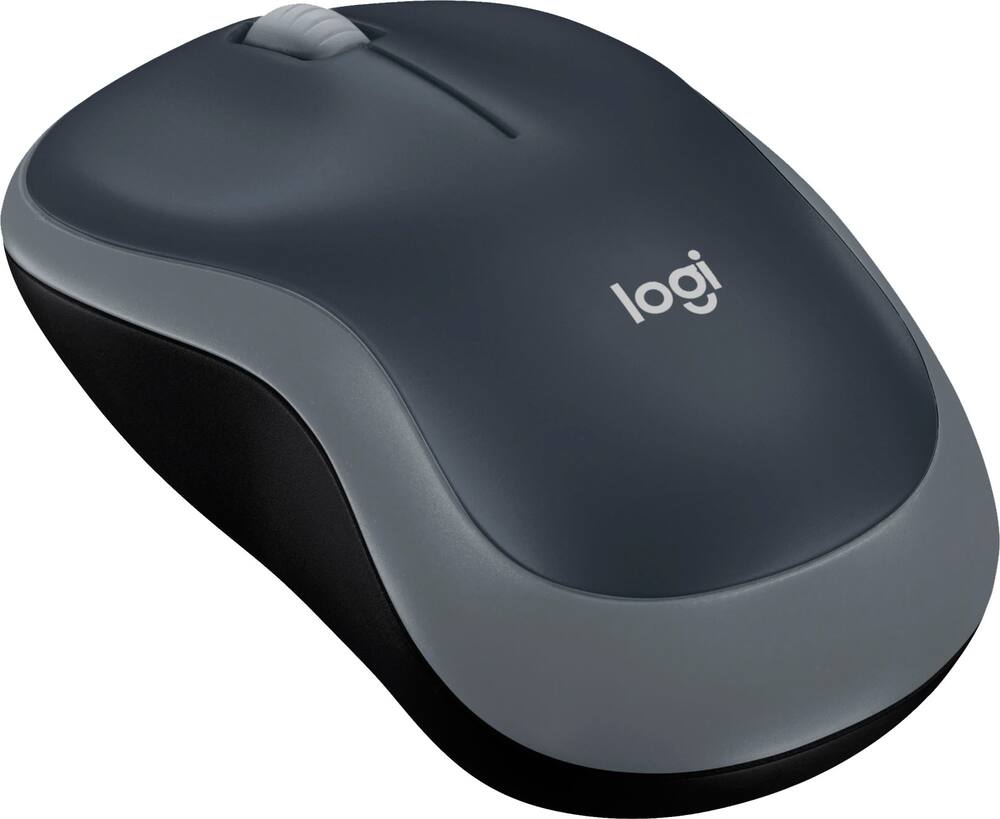
Logitech - M185 Wireless Optical Ambidextrous Mouse - Wireless - Swift Gray
$14.39
Was $17.99
Save $3.60 Free shipping
 20% off
SKU: 6670022
$7999
Was $99.99 Save $20.00
Other options in this range
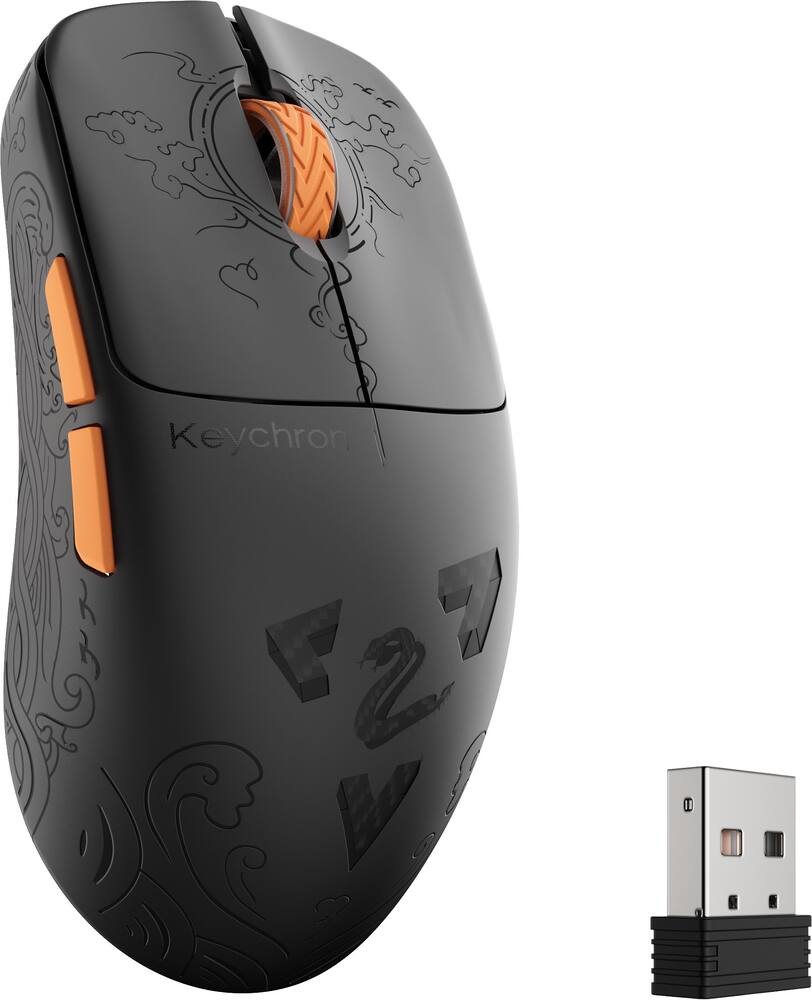 Keychron - G3 HE 8K Ultra Light Laser Wireless Mouse - Wireless - Black (Carbon Fiber) Original price was: $109.99.$87.99Current price is: $87.99.
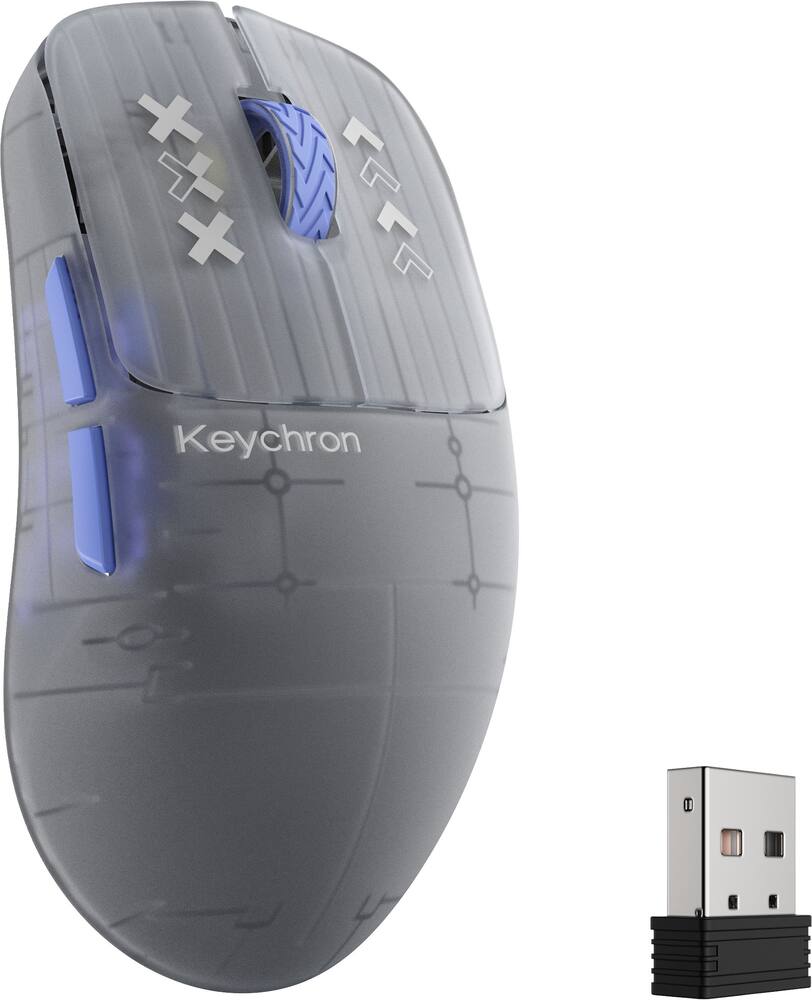 Keychron - G3 HE 8K Ultra Light Laser Wireless Mouse - Wireless - Frosted Gray Original price was: $84.99.$67.99Current price is: $67.99.
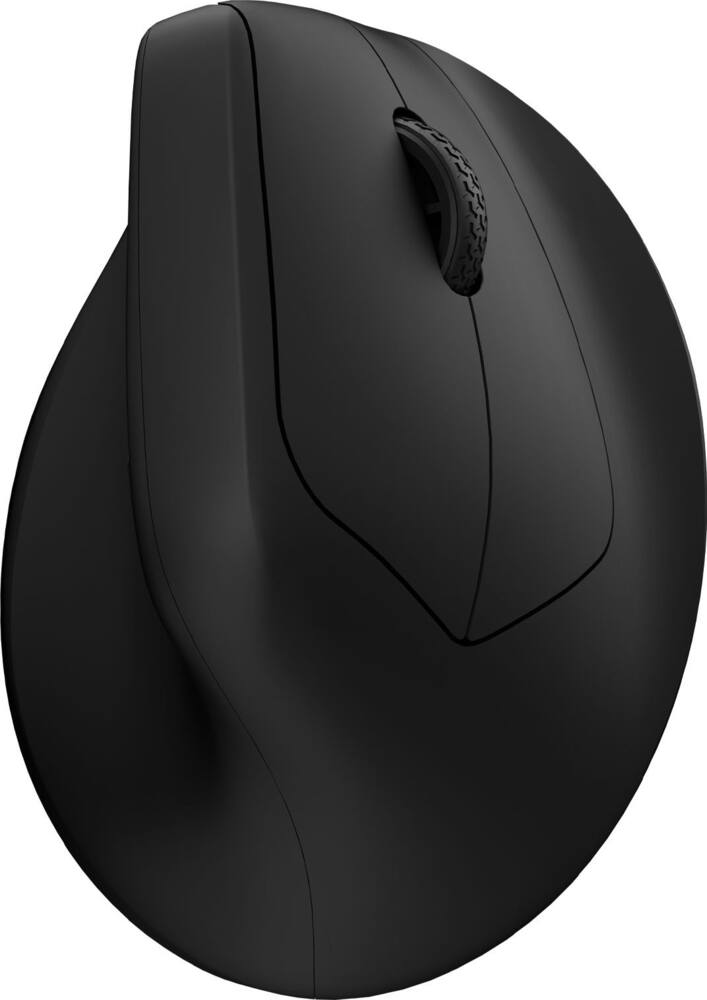 Keychron - M5 Ergonomic Wired & Wireless Laser Mouse w/ Macro Button & Fast-Scrolling Metal Wheel, For Windows PC & Mac - Wired - Black Original price was: $39.99.$31.99Current price is: $31.99.
See manufacturer documentation.
Register your product with the manufacturer within 30 days of delivery.
Manufacturer warranty claims are handled by the manufacturer. We are happy to help you find the right contact: (888) 419-6820.
Free shipping
Free shipping
Free shipping
Very Good - Has made me despise using all other mice enough so that now I bring it everywhere I might touch a computer. Overall everything feels nice to me, particularly the scroll wheel, and although the reviews say otherwise, the side buttons are alright. Have used bluetooth, wired, and 2.4Ghz all with it, on Windows and Linux (plus ChromeOS), works on both of those. Only issue I have is that I only use linux computers, and Armoury-Crate is windows only, and the webapp version has some issue (linux problem?). has been a very good mouse, and plan to keep it for a while.
Just About Perfect for my Needs - I hand kinda small hands, so the Logotech MX Master 4 was a bit too big (and was WAY heavier). Also... I didn't really get the concept of the button and the haptics on the MX. So... when this one came out I had to check it out. Tri-mode connectivity, and can pair to multiple Bluetooth devices. Smaller and lighter than the MX Master. Dedicated dongle storage. And... it still fits in my bag so I can take it with me on the go.
Excellent mouse with infinite scroll and side wheel. Default switches are great and it is easy to swap them if needed. Software is web-based and won't clog system startup or be flagged by most security programs. I use it for work and games and the mouse has good performance for both.
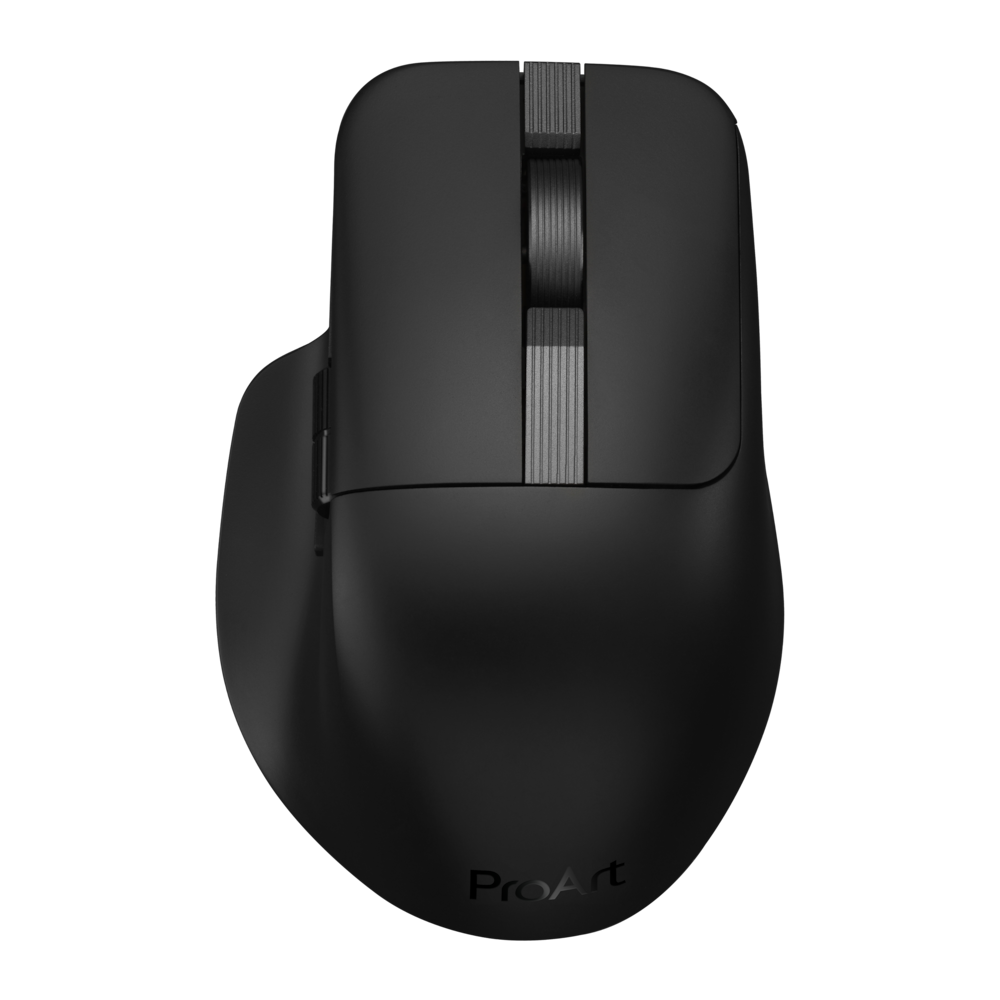
My new favorite productivity mouse. - I’ve been really enjoying the ProArt MD301. The shape is great, it reminds me of the MX Master 3, but smaller and easier to handle. If you’ve ever liked the MX series but felt they were a bit chunky, this hits a nice sweet spot. The coating is also nicely done: grippy enough without that rubbery feel that tends to wear out over time. The sensor is solid, both scroll wheels feel smooth and accurate, and overall it’s noticeably lighter than any Logitech Master mouse. It’s easy to lift and move around, which makes long work sessions more comfortable. I’m happy using it for pretty much everything… except fast-paced RTS games, where it feels just a bit too relaxed. The weak point is the software. Gear Link being web-based is convenient, but also very limiting. There’s no app-based profiles, no HyperShift/G-Shift-style layers, and basically no deeper integration. It works, but power users will probably want more. Great hardware, excellent comfort, just held back by software that feels unfinished.
Email [email protected] or call (888) 419-6820 during business hours.
Add your review