closest color detail to a imac 27" I have found - Color and Detail in photoshop are great, easy to set up, screen size makes it easy to have multiple windows open
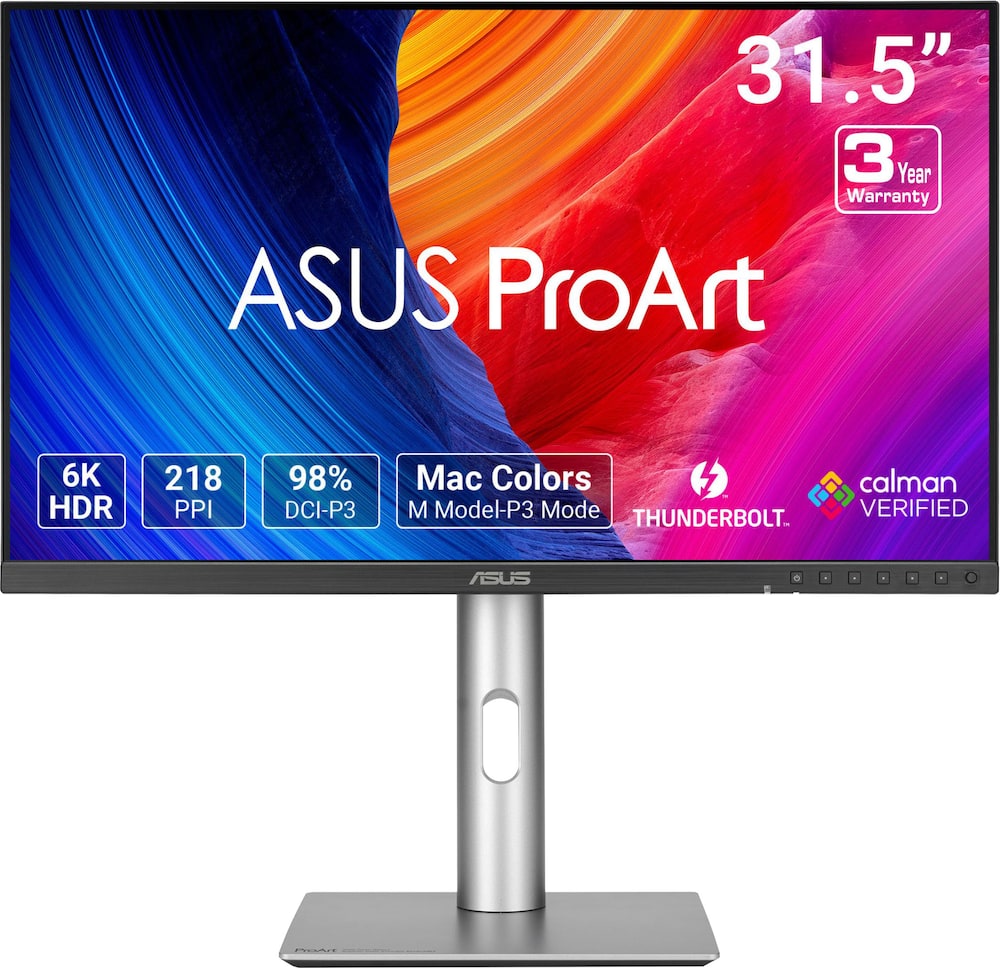
ASUS – ProArt 32″ 6K IPS Professional Monitor with HDR 10 (DisplayPort, HDMI) – Black
$1,03999
Other options in this range
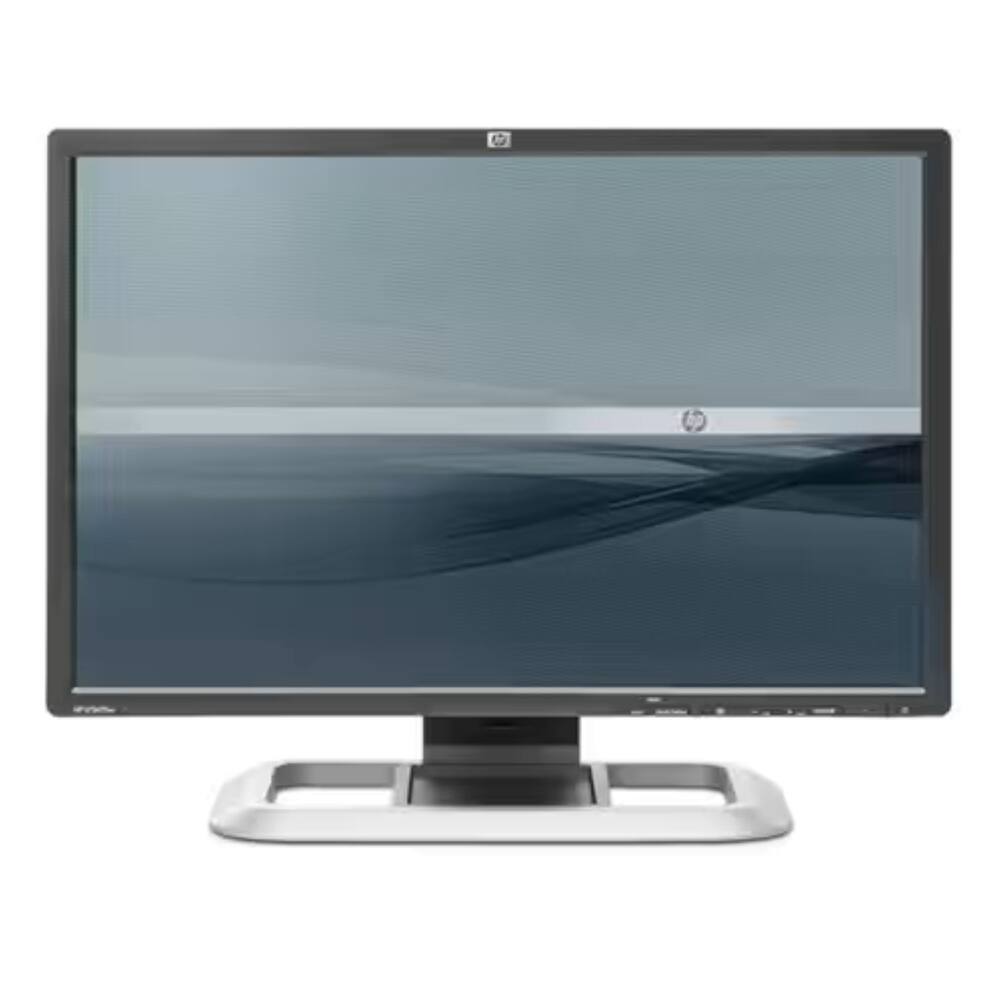 LG - Flatron 19" LCD Monitor - Black Original price was: $177.40.$141.92Current price is: $141.92.
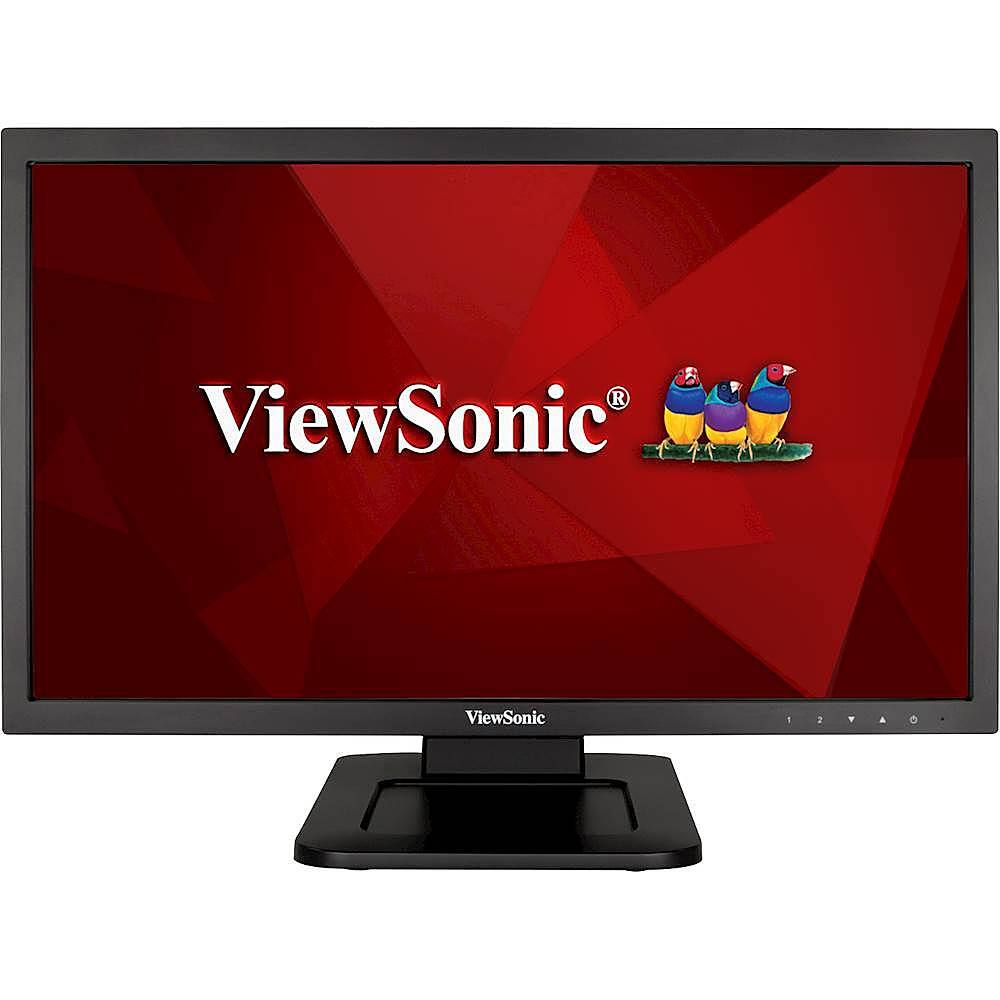 ViewSonic - 21.5" LED FHD Touch-Screen Monitor (DVI, VGA) - Black Original price was: $229.99.$183.99Current price is: $183.99.
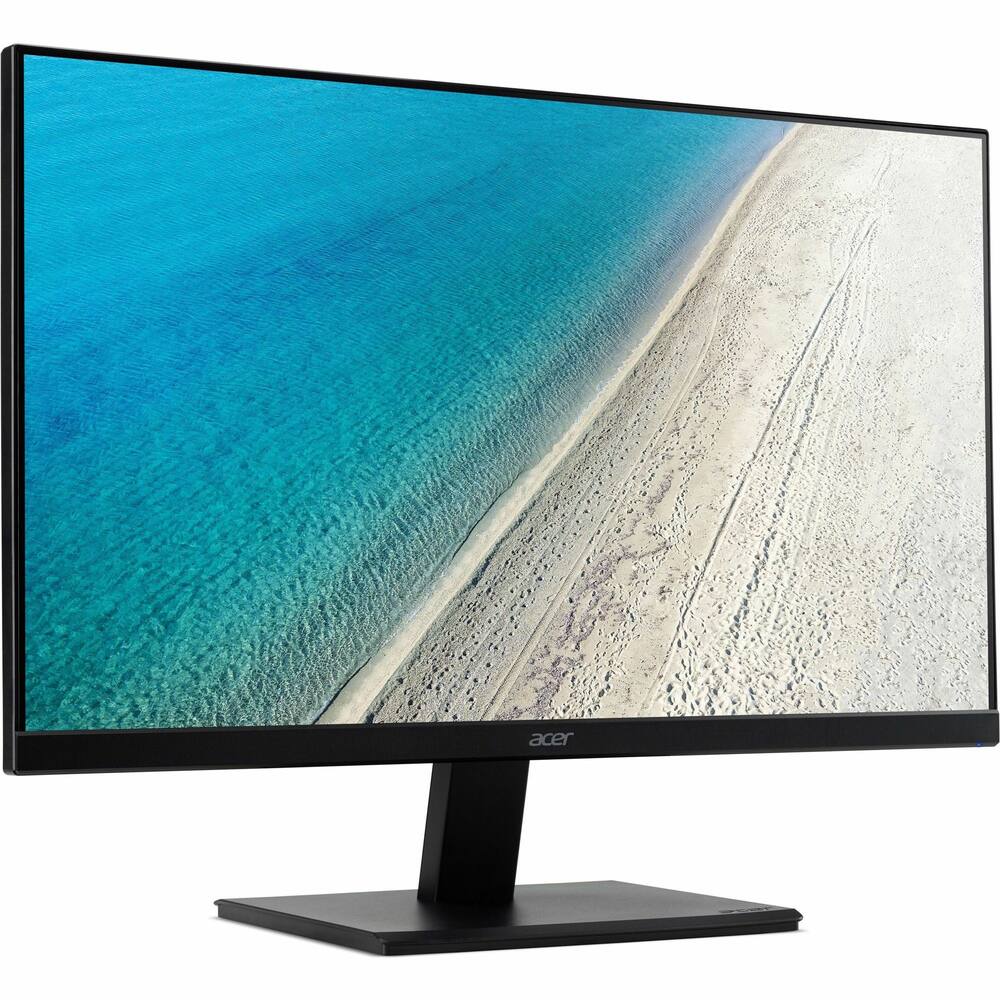 Acer - 22 inches (1920 x 1080) V7 Series - Black Original price was: $149.99.$119.99Current price is: $119.99.
Overview
- Seeing Beyond Belief
31.5-inch 6K (6016 x 3384) LuxPixel™ AGLR display with IPS 178° wide viewing angle panel - Empowering Content Creators
Perfect monitor for content creators with international color standard 98% DCI-P3 and 100% sRGB wide color gamut - Calman Verified
Factory calibrated for excellent Delta E < 2 color accuracy - Rich Connectivity
Dual Thunderbolt™ 4 up to 96W Power Delivery with daisy-chaining, HDMI(v2.1), DisplayPort1.4 and a built-in USB Hub - Light Sync Solution
Ambient Light Sensor and Backlight Sensor for reliable color performance from the start - Built-in Auto KVM
Allows for effortless switching between two connected laptops or PCs with a single keyboard and mouse - Exclusive ASUS DisplayWidget Center
Application enables easy OSD access and monitor settings adjustments with a mouse - Ergonomic Design
With tilt, swivel, pivot and height adjustments for a comfortable viewing experience
Compare similar
| Feature |
VIEWING ASUS - ProArt 32" 6K IPS Professional Monitor with HDR 10 (DisplayPort, HDMI) - Black
|
LG - Flatron 19" LCD Monitor - Black
|
ViewSonic - 21.5" LED FHD Touch-Screen Monitor (DVI, VGA) - Black
|
LOWEST PRICE IN THIS TABLE Acer - 22 inches (1920 x 1080) V7 Series - Black
|
|---|---|---|---|---|
| Price | $1,039.99 | $141.92 | $183.99 | $119.99 |
| This product | View details | View details | View details |
Specifications
Capacity & configuration
- Display Type
- LED
- Panel Type
- IPS
- Stand Type
- Adjustable height stand
Dimensions & weight
- Product Name
- ProArt 32" 6K IPS Professional Monitor with HDR 10 (DisplayPort, HDMI)
- Product Width
- 28.12 inches
- Product Weight
- 20.5 pounds
- Maximum Adjustable Height
- 24.33 inches
- Product Depth (With Stand)
- 9.45 inches
Features
- Screen Size
- 32", 27"
- Brand
- ASUS
- Color
- Black
- Refresh Rate
- 60Hz
- Maximum Resolution
- 6016 x 3384
- Native Resolution
- 6016 x 3384
- Contrast Ratio
- 1500:1
- Response Time
- 5 milliseconds
- Synchronization Technology
- Not Applicable
- Aspect Ratio
- 16:9
- Display Contour
- Flat
- Pixel Density
- 218 pixels per inch
- Brightness
- 400 candela per square meter
- High Dynamic Range (HDR)
- Yes
- High Dynamic Range Format
- HDR 10
- Horizontal Viewing Angle
- 178 degrees
- Vertical Viewing Angle
- 178 degrees
- Touch Screen
- No
- On-Screen Display Languages
- English
- Display Surface
- Anti-glare
- Color Gamut (Standard RGB)
- 100 percent
- Number of DisplayPort Inputs (Total)
- 1
- Number of HDMI Inputs (Total)
- 1
- Number of Thunderbolt Ports (Total)
- 2
- Display Connector(s)
- 1 x DisplayPort 1.4
- DisplayPort Over USB-C
- DisplayPort 1.4
- Number of USB Ports (Total)
- 5
- USB Ports
- 2 x USB-C
- Number of USB-C Charging Ports
- 1
- Number of USB-A Charging Ports
- 2
- Headphone Jack
- Yes
- Wall Mountable
- Yes
- VESA Wall Mount Standard
- 100mm x 100mm
- Stand Ergonomics
- Tilt
- Anti-Glare
- Yes
- Eye Relief Features
- Flicker free
- Built-In Webcam
- No
- Integrated Speaker(s)
- Yes
- ENERGY STAR Certified
- No
- Operating System Compatibility
- Windows
- UPC
- 197105849952
Power & warranty
- Model Number
- PA32QCV
- Power Consumption
- 49.49 watts
- Power Saving/Off Mode
- 0.5 watts
- Warranty - Parts
- 3 years
- Warranty - Labor
- 3 years
Warranty & protection
Included manufacturer warranty
See manufacturer documentation.
Register your product with the manufacturer within 30 days of delivery.
Warranty service
Manufacturer warranty claims are handled by the manufacturer. We are happy to help you find the right contact: (888) 419-6820.
Customer reviews
Write a reviewGreat for 15 days - It stopped working after about 20 days. If I cycle power to the monitor and disconnect/reconnect I can sometimes get it to stay on.. but otherwise it just keeps flickering. I’ll reach out to Best Buy and see what they say since it’s less than 30 days. Perhaps it is just this monitor or something I am doing. I’ll update if that is the case:
Smooth painted-on look, but backlight bleed - I've used the monitor for 2 months so far, for office work. The 6K resolution totally delivers that newspaper look when reading text! Ergonomics are good: it goes pretty low, 6.5 cm above the desk. Wish it went even lower. No issues whatsoever with waking up from stand-by. The process takes at most 5 seconds. Only complain: at night, the blacks look grey due to the backlight, and the bleed in the corner is pretty annoying. In a dark room, if I sit centered with the monitor at arm's length, I can barely see the clock in the bottom right corner due to the backlight bleed / viewing angles. If I move my head in front of the clock, it looks perfectly clear, as expected. I had a Dell U3225QE so this might be a limitation of IPS panels (they're not OLED...). Note that in reality, the backlight bleed isn't as bad as in the photos. My phone does some overcorrection.
So Close - The only way to complete the handshake between my macbook m1 pro and this monitor was by unplugging the monitor’s power cord and plugging it back in. Everything else worked great, but unfortunately that one fault is a major dealbreaker, especially for the price.
REVIEW ASUS - ProArt 32" 6K IPS Monitor - ASUS - ProArt 32" 6K IPS Professional Monitor with HDR 10 (DisplayPort, HDMI) - Black Stunning 6K Clarity and Color Accuracy After using this ASUS ProArt 32” 6K monitor extensively, I can confidently say it has exceeded my expectations in every category. The 6K resolution is absolutely stunning, producing razor-sharp text, exceptional detail, and a level of clarity that makes long hours of reading, writing, research, and productivity work remarkably comfortable. Whether reviewing documents, working with spreadsheets, browsing the web, or managing multiple applications simultaneously, everything looks crisp, clean, and beautifully rendered. Color reproduction is outstanding. Colors are vibrant, accurate, and natural without appearing oversaturated. Photographs, videos, graphics, and presentations all look fantastic, with exceptional detail, realism, and depth. Brightness and contrast are equally impressive. Blacks are deep, whites are clean, HDR content looks excellent, and subtle gradients are reproduced smoothly. Viewing angles are outstanding, with minimal color or brightness shift from different positions. The 32-inch screen size paired with 6K resolution creates an exceptional workspace. Multiple windows can be displayed simultaneously without feeling crowded, significantly improving productivity and reducing the need to constantly switch between applications. The additional screen real estate makes multitasking effortless. Build quality is excellent. The monitor feels premium, sturdy, and thoughtfully engineered. The stand is stable and highly adjustable, connectivity options are versatile and reliable, and setup was straightforward. The thin top bezel also works perfectly with my Insta360 camera, which mounts securely at the center of the display for video conferencing, recording, and online collaboration. The ASUS ProArt 32-inch 6K display being reviewed serves as the centerpiece of my workstation, flanked by two stunning ASUS 27-inch 5K monitors, all purchased from Best Buy, creating an exceptional environment for productivity, research, writing, content creation, and multitasking. Perhaps most impressive is how comfortable the display is during extended use. The combination of exceptional sharpness, accurate colors, balanced brightness, and uniform illumination makes it easy to work for hours without eye fatigue. In summary, this monitor combines exceptional resolution, superb color accuracy, excellent brightness and contrast, premium build quality, and an ideal screen size into a truly professional package. It has become the centerpiece of my workstation and is one of the best technology purchases I have made in years. Highly recommended for anyone who values image quality, productivity, and an outstanding viewing experience. ★★★★★ LRS
Bright and ultra sharp - Excellent display I am very happy with it. Worth the price !
Best Budget 6K, surprisingly from ASUS. - The anti-glare coating is excellent at reducing reflections from natural light while preserving accurate colors. Asus provides multiple factory color profiles to suit different user preferences, including options calibrated to match Apple’s industry-leading color accuracy. The display works seamlessly with both Windows and macOS over HDMI and offers generous screen real estate that’s ideal for programming and productivity work. Build quality is solid but not exceptional. The main selling point is the combination of true 6K resolution, professional-grade color accuracy, and an effective anti-glare matte finish at 60 Hz. Note that a lower-cost Chinese alternative (starting around $1,700) offers a glossy screen and a closer Apple design aesthetic, but you’re mostly paying for the looks at that price. I do not recommended for gaming, and HDR performance is only average. On sale from BestBuy, you can find this display for ~$1000 and I highly recommend it at that price point for computer scientists and professional digital artists.
Dazzling. - Dazzling monitor. So glad I got this. 6k resolution you'll need a magnifying glass to see what you're doing, but it's there if you need it. The default resolution is perfect, way more space than other monitors yet easy to see detail. Very bright monitor too.
Productivity beast - Excellent for productivity. My job is text-heavy and requires accessing a lot of information at once. I dislike having multiple monitors, and was feeling cramped on a 27" 5k display. Stepping up to this is exactly what I was hoping it would be-- same resolution, more space. I'm on the fence about the matte coating. It doesn't look as nice as the glass panel on my Studio Display, but I also find that I don't need it as bright and am noticing reflections on the Studio Display that I didn't before. Overall, if you want more space and care about pixel density, this is the best option for the price, by far.
Great monitor! - [Employee of bestbuy] this monitor is so great the i have ordered another on so i can replace the 27" asus 4k proart and have a dual 6k monitor set up. I wish a Thunderbolt 5 version was available. i hope i dont regret not getting the LG 6k
Not recommended for Designers - The good: The 6k resolution is very nice to have in a 32" monitor. It's decently bright enough and colors seem accurate and match a MacBook Pro screen while in the Mac color profile. Overall a good value for the money. The bad: If you are a designer, I would not recommend this monitor. Very light gray background colors would only show up as pure white in various parts of the screen, changing color after you move a window to a different location on the screen. I'm not sure if it was the backlighting or what but I couldn't get past this issue to do detailed design work. I also much prefer a glossy display as the matte screens don't have very good color contrast. I did not like all the buttons on the front which junks up the front display in my opinion - put them on the bottom or in the back. Lastly, I could not update the firmware from the Asus website as it would just throw an error every time. I think the software support needs to be better.
Quality monitor by ASUS - Amazing 6k monitor. I couldn't imagine a better image, even on a more expensive screen. I'm recommending this monitor.
Great Monitor - Awesome monitor. I initially got a 4k 32 and it was a disappointment after using an Imac 27inch 5k monitor for 5 years. But this one is perfect for me as a programmer. It definitely worth it.
Great modern monitor - This ASUS 32” 6k monitor was added to a Mac Mini M4 Pro. Initially, I couldn’t get it ti connect via the included Thunderbolt (TBT) 4 cable. HDMI worked fine. I switched to a Cable Matters TBT5 1 meter cable and had instant success. Daisy chaining to a Samsung 32” 4K monitor also works. No connection issues now - displays come on from lock sleep every time. The display looks great. No dead/stuck pixels noticed. It’s bright enough to match how I have the Samsung monitor set, but high brightness isn’t its forte. Details on displayed pictures looks awesome. This monitor is a great value.
32", 6K, $ Sweet spot! - I did a ton of research, but ultimately it's the only one that hits the sweet spot of 32" 6K at a reasonable price. The display quality is excellent and I love the anti-glare. Although the stand is really good, I bought a desk arm mount so give it added flexibility, including hang over my laptop.
Programming monitor - It is okay but not worth the very high price - it is 6k so sharp.
Asus monitor review - Resolution is great. Works well with my new Mac mini m4. Scaling is seamless, unlike other monitors I tried before the Asus. I would definitely recommend this monitor.
No OLED - 6K res is great but it’s not OLED blacks. I’d recommend OLED monitor instead. Also had issues with auto rotating automatically without moving the screen.
Great 6K Monitor - Fantastic monitor. A much more cost-effective option to the Apple 6K monitor. The only thing I wish is that it had a webcam. However, because it has USB ports built-in, Putting a WebCam on top is really easy and gives you the option of upgrading webcams without upgrading the monitor. It also allows you to position/tilt the webcam as-desired.
Cheapest 6K monitor from a reputable company - Cons: Matte display Long Wake up times from sleep Only HDR10 Pros: True 6K resolution matching the Pro Display XDR Using it for coding and text rendering is as expected. The price is what makes this appealing.
Questions & answers
Ask a question
Email [email protected] or call (888) 419-6820 during business hours.
Add your review