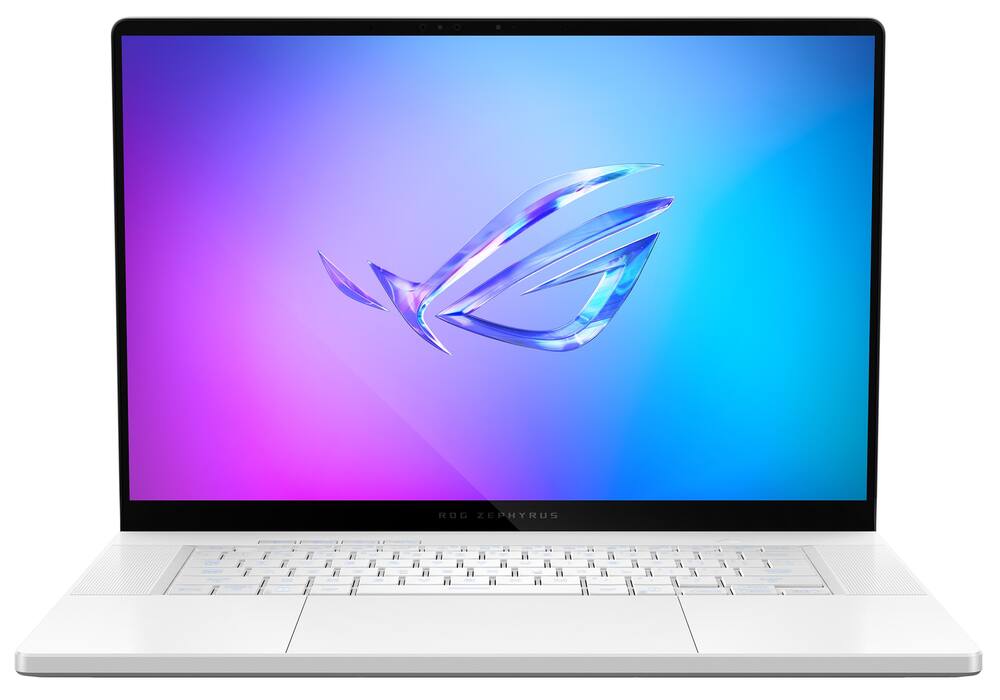
ASUS - ROG Zephyrus G16 16" OLED 2.5K 240Hz Gaming Laptop - Intel Core Ultra 9 - 32GB RAM - NVIDIA GeForce RTX 5070Ti - 2TB SSD - Platinum White
From $2,239.99
Free shipping
 20% off
SKU: 6686662
$55999
Was $699.99 Save $140.00
Other options in this range
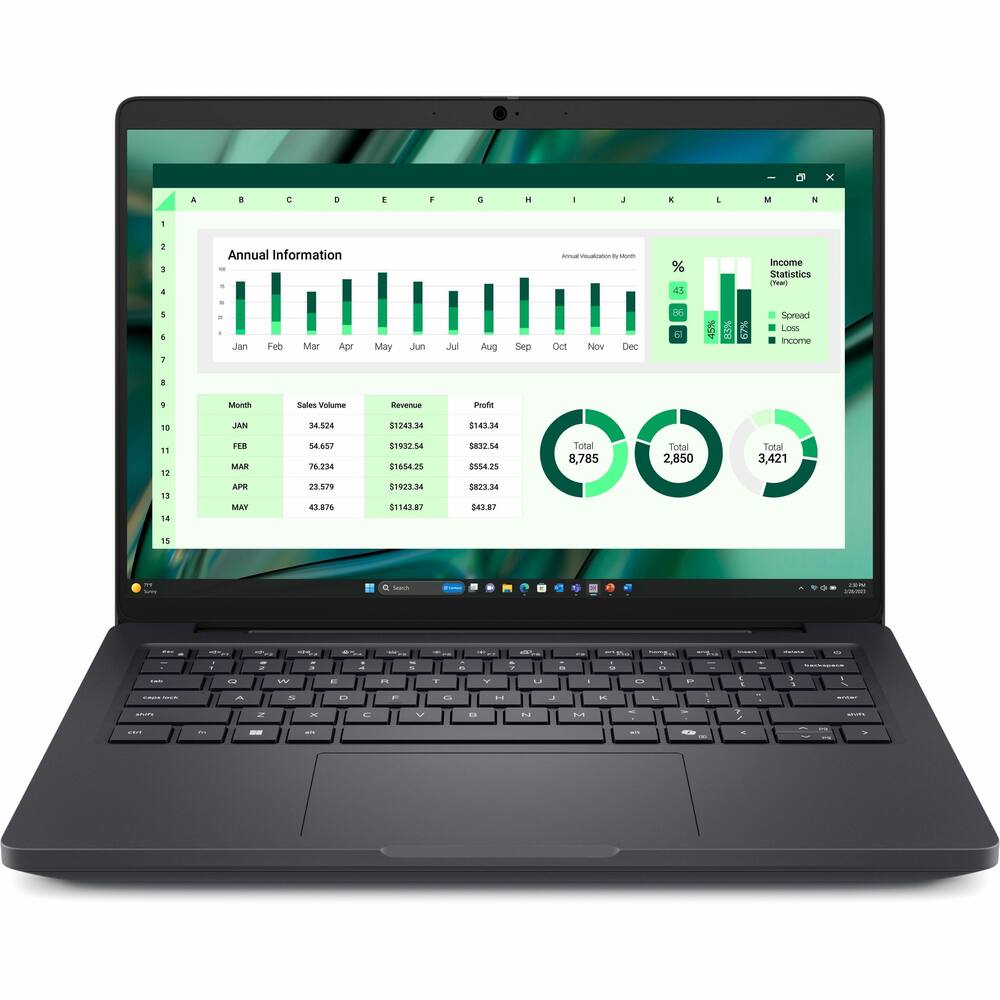 Dell - Pro Max 14 U7 16G 512G 11P - Black Original price was: $3,089.99.$2,471.99Current price is: $2,471.99.
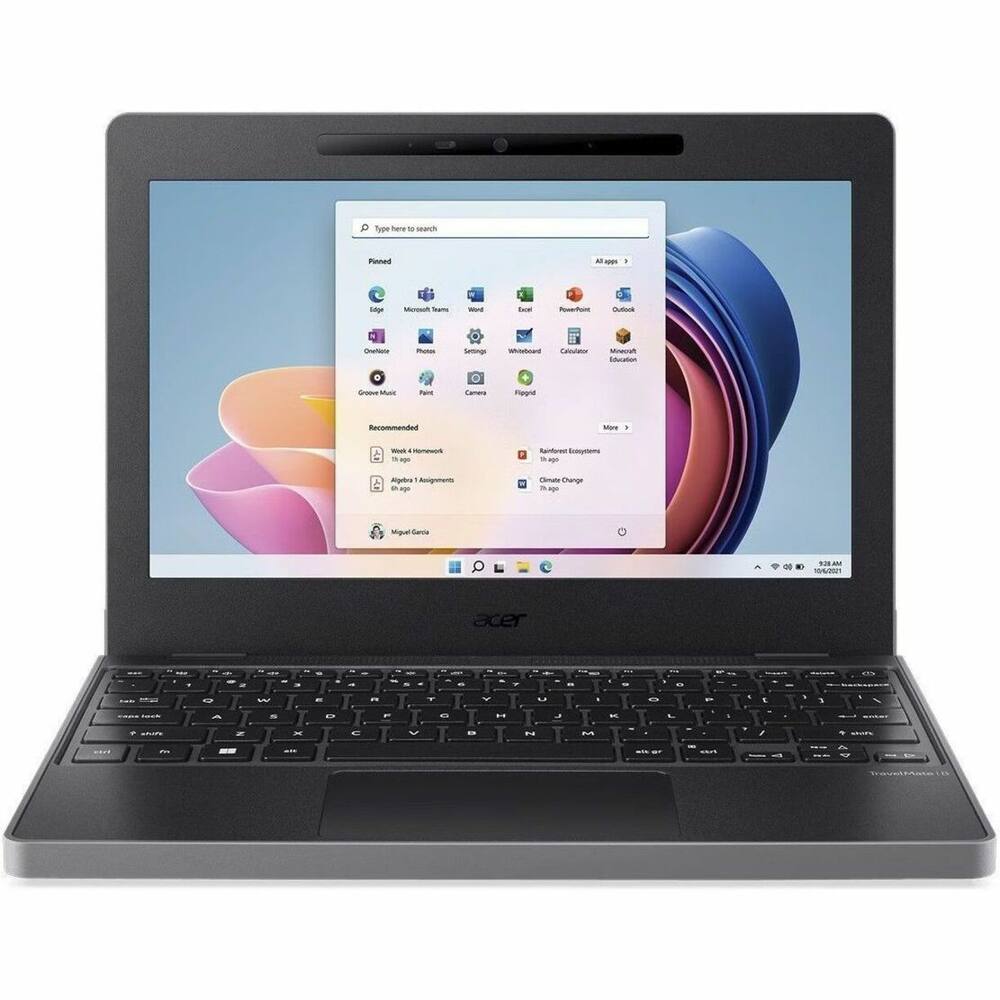 Acer - TravelMate B3 11 TMB311-34T 11.6" LCD 1920 x 1080 (Full HD) Touch Screen Laptop - Intel with 8GB Memory - 128 GB SSD - Black Original price was: $619.99.$495.99Current price is: $495.99.
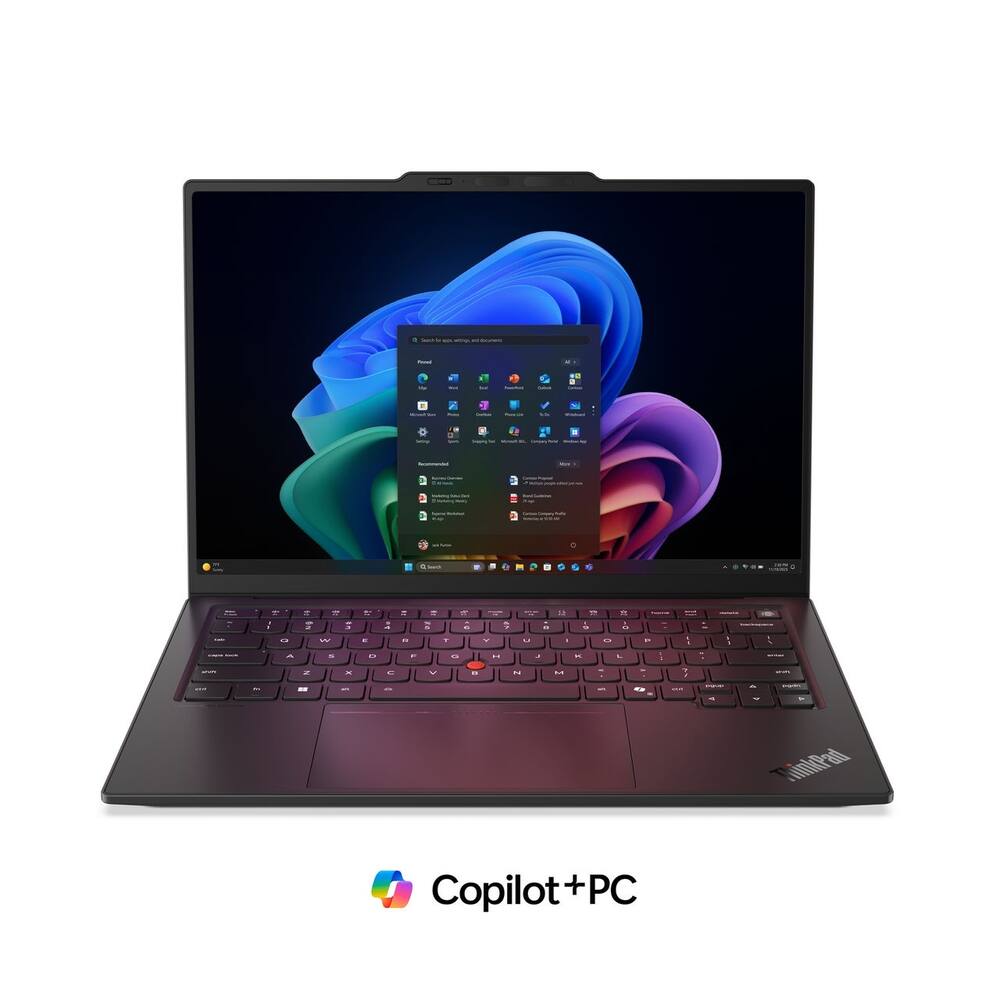 Lenovo - ThinkPad X1 Carbon G14 14" Touchscreen FIFA World Cup 26 Edition - Intel Ultra 7 with 32GB Memory - 1TB SSD - Black Original price was: $2,499.99.$1,999.99Current price is: $1,999.99.
See manufacturer documentation.
Register your product with the manufacturer within 30 days of delivery.
Manufacturer warranty claims are handled by the manufacturer. We are happy to help you find the right contact: (888) 419-6820.
Free shipping
Free shipping
Free shipping
Security cameras - I was so satisfied with the results of the camera I looked at and purchased it that day. It was everything I needed.
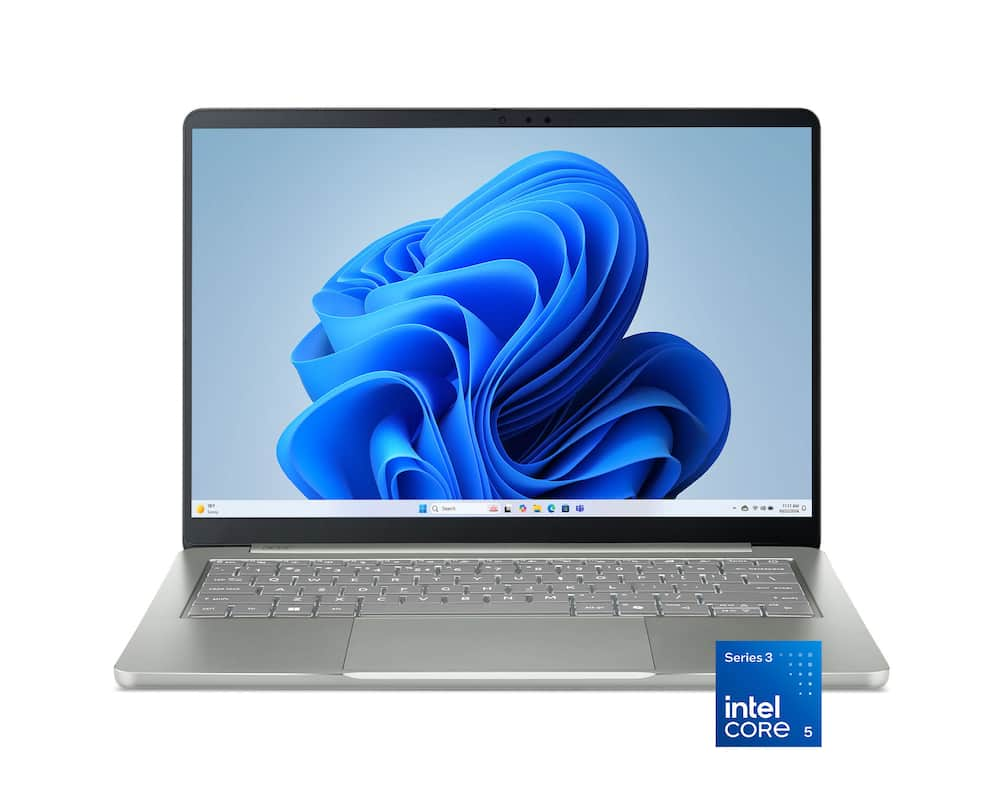
Nice compact premium entry-level laptop - The Acer Swift Air 14 laptop is a mid-entry level laptop with a premium-feeling build. The basic specifications are typical for a general-purpose laptop - Core 5 CPU, integrated graphics, 8GB of RAM, and a 512GB SSD. It's plenty capable of doing day-to-day tasks like email, web surfing, and office applications. It is not a powerhouse gaming machine (although it can do a little bit of that). Some people may think that 8GB of RAM is a bit skimpy but really that is plenty for pretty much anything you would want to do with this laptop, The 14" display on this laptop is excellent. Sharp and bright. The illuminated keyboard feels decent and looks great. The trackpad is large and responsive. Where this machine is a cut above is in its physical construction. The case is all metal and very nicely made. Overall, the laptop is VERY thin and lightweight and looks and feels upscale. It also comes with a nice, padded fabric sleeve that comfortably holds the laptop, small USB charger, with a little room for some papers and pens. Overall, a competent, well-made, easily portable unit that seems like it will last a long time.
Acer Swift 14 - Best birthday gift for myself. Very easy to use. Smooth and fast operations. Light and portable in any way possible
Light and Snappy - Watch The RAM - The Acer Swift Air 14 is targeting the affordable, ultra-portable laptop category with a slightly larger 14” screen packing a 120Hz display, Intel Core 5 processor, and a subtle “sage” finish. On paper, it looks like a clean daily driver, but using it reveals some very immediate tradeoffs between battery life, build quality, and performance. First off, the Sage color is pretty understated. It looks like a muted gray-green in most light, so it doesn't scream for attention. Matching expectations, it is light at around 2.6lbs, making it effortless to walk around one-handed and rest in your lap. Solidly aluminum, but you can definitely feel where Acer skimped. The keyboard has some noticeable flex when typing with any real force, and the chassis does feel like one could bend it if you really wanted. On the plus side, decent port selection for its size. You get two Thunderbolt ports, a full-size USB-A port, and a headphone jack. . The 14-inch 1200p screen is fine for everyday tasks, and the 120Hz refresh rate makes scrolling through documents and web pages feel nice and fluid. Screen brightness could be better. In bright rooms or near a window, I found myself keeping the brightness maxed out just to get a clear view. Despite feeling a bit flexy, I was fine with the keyboard and able to hit 90+ WPM in typing tests. The touchpad works fine for gestures, no issues on that front. The built-in 1080p webcam is okay, good enough for quick video calls, but the image gets grainy in anything less than ideal lighting. You can use Acer Phone Webcam to route your phone's camera as the video source to bump up picture quality, but that feature has some drawbacks - audio sync issues and some video latency. Having a physical privacy shutter though is a nice touch. When it comes to performance, the Intel Core 5 320 handles web browsing, streaming videos, and document editing without getting noisy. Under light loads, the fans stay quiet and the system doesn't generate much heat. The real bottleneck here is the 8GB of memory. Opening a dozen media-heavy browser tabs alongside a couple of basic office apps quickly pushes memory usage right up to the edge. Because the RAM can’t be upgraded, you gotta be sure you can not only live with this now, but a couple years into the future in your ownership of this laptop. Battery life is easily the standout feature here. I was able to get 16+ hours of runtime, making it clear just which competitor this is attempting to be a viable alternative to. So, I think that the Acer Swift Air 14 works well if you want a lightweight, long-lasting laptop for basic web browsing, media, and light productivity. But if you tend to keep dozens of browser tabs open or need to do any real multitasking, that non-upgradeable 8GB RAM is likely too big a compromise.
A lot to like, good value, but limited - I recently received the Acer Swift Air 14" laptop and there's a whole lot to like about it, with a couple limitations. When first opening the package I was immediately impressed with the finish and first impression build quality. The laptop feels light but the chassis also feels like an aluminum body, meaning it feels quite robust and solid. To my surprise the laptop came with a form fitting sleave which was nice. The included charger is 100W which is plenty powerful. After setting up Windows, the first thing I always do is test the battery life. To do so I find a 4K or HD, long video and play it at full screen brightness until the laptop reaches 10% battery life left. This Acer Swift lasted 11 hours of continuous streaming. Speaking of the screen, it is impressively bright. I tend to like laptops of this size (14") for their portability but also enjoy having a larger screen than say a tablet. The Acer has the brightest screen of those that I have looked at in the last few years, and I find myself using about 70% brightness in a well lit room. So battery life may be even better if reducing the screen brightness further. This laptop is not a gaming laptop. It is a simple productivity or entertainment laptop (email, documents, streaming). The Intel Core 5 processor holds up impressively well, but 8GB of RAM is just not enough these days. And because the RAM is soldered to the main board it is not upgradeable. Also, the 500GB SSD limits the capacity as well. This laptop is a solid value as long as you know what its capabilities are.
Great build quality - The Acer Swift Air 14 inch 2K LCD laptop is a great entry level laptop with a great build quaility. The laptop features a 14 inch WUXGA 1920 X 1200 ultra high resolution display. It has a 120Hz refresh rate that does not stutter while watching most things online. The colors look as vibrant as they should and you are not missing much when comparing it to more expensive laptops. The aluminum build gives the laptop a sleek appearance that contributes to it being fairly thin and light. The laptop includes Windows 11 home which also integrates Microsoft AI via copilot. The Intel Core 5 Processor was able to handle everything I threw at it without many hiccups. The minor hiccups are most likely attributed to the laptop having only 8gb of ram however I'm sure Acer did this to control costs due to the current RAM shortage plaguing the industry. The 512gb SSD is large enough for my use case since most of my work is saved to a cloud. The laptop has 2 USB C thunderbolt ports and a USB A port which I used to plug in my old USB HUB while using the laptop in my home office. Battery life has been great as I have easily been able to get through a 11 hr day with some battery life to spare. The speaker quality is great and the webcam is pretty good at 1080p. The 180 degree hinge is also nice as it give you the ability to have wide viewing angles with ease. One thing that surprised me was how good the trackpad and keyboard are. Many entry laptops will cut corners when it comes to the keyboard and track pad but Acer definitely did not when it comes to the Acer swift Air. If you are looking for a decently priced entry level laptop then you may want to consider the Acer Swift Air
Great value with everyday features - For me this laptop has the right combination of value and features. Home, school or work it’s a value priced laptop that didn’t break my checkbook. Setup is easy and seamless, with 512GB storage for a range of applications. Its lightweight and easy to carry around at under 3 lbs. In everyday use it’s the design details that I appreciated. A backlit keyboard with a great feel. A display that’s flicker free and low blue light levels. Audio quality that’s nice with 4 speakers. For video chats it has impressive AI noise canceling features. The background sounds were effectively cancelled. There are features that I typically look for that are missing. There are 2 USB C ports, and a USB A port. There is also an audio jack. It lacks an HDMI port. This might be a concern if you plan to use it for presentations. The 8GB of onboard memory is not upgradeable. If you’re into multi-tasking while watching videos or editing videos, the system can be a little slow. However, streaming online video, it handles very well. If you’re looking for a gaming laptop, this isn’t it. As a simple daily system for web browsing, business apps, email, this laptop does it all. For a student it works well. If traveling it’s an easy to lug companion. For everyday basic functions, this does hit the spot. If your serious about computing power, you’d do better to look at a more powerful system. It does compete favorably against similar priced systems from competitors.
Light, Well Built, and Easy to Use Anywhere - I have been using the Acer Swift Air 14 for the last five days now and the look is the first thing that stands out. I am currently writing a book, and I needed a light laptop I could pull out anywhere and start working. This laptop definitely fits that. With the laptop closed, the lid is a soft matte silver, closer to light gray metal than to a bright color, which I prefer over the glossy finishes out there. A single diagonal line crosses the lid, and the Acer name sits small near the lower corner. That is the whole design. No pattern, no oversized badge. On a light counter it looks calm and deliberate. With the laptop open, the same silver continues across the palm rest. The keys are a darker gray, so they separate from the deck without looking flashy. Legends are easy to read, and the backlight is there when the room is dim. The trackpad is large, centered, and smooth, with enough room to scroll with two fingers without feeling cramped. Borders around the 14 inch screen are slim, with the camera centered on the top edge and a privacy cover. The Intel mark on the left and the spec label on the right are the only clutter. I would rather that right side label were smaller, but it does not wreck the layout. Build is aluminum, and it feels like metal rather than painted plastic. Corners are rounded, the lid shuts evenly, and the hinge holds the screen where you leave it. It also opens wide, close to flat, which helps on a low table. At about 2.62 pounds and roughly half an inch through most of the body, it is light enough to drop in a bag and pull out at a table, in a chair, or between stops. Wake it, and I am back in the manuscript without a setup routine. A small foot underneath adds a little height when it is closed. Press the center of the keyboard deck and there is some give. It is not a creak, and it has not gotten worse in five days, but it is the one place the shell feels less rigid than the lid suggests. The screen is a 16:10 panel at 1920 by 1200, with a refresh that can run up to 120 Hz. Scrolling and the pointer look smoother than on a basic office display, and the taller shape fits a browser or a document without feeling cramped. The matte surface keeps overhead lights from washing out the screen. Indoors it is clear and bright enough for normal work. It is not a touch screen which is not a deal breaker for me, and it is not a high resolution creator panel. But is perfect for reading, email, and video for a pleasant everyday display. Battery life so far has been better than I expected. On days when I am writing, browsing, and checking email, I have not needed to charge it by midafternoon. The battery drops at a steady pace, and when I close the lid and come back later, there is still plenty of charge left. It charges through USB C, so I am not stuck carrying a large brick. I have not run it all the way down yet, so I will not guess at hours. For the way I use it, the battery has held up well. A 70 watt hour battery in a laptop this thin is a big reason why. The port layout matches the design. Two Thunderbolt 4 USB C ports sit on one side. The other side has a USB A port and a headphone jack. That is a better mix than a thin laptop that leaves you with only USB C. There is no full size video port, so a monitor needs USB C or a small adapter. Wireless is Wi Fi 6E and Bluetooth, which has been fine at home. It is not the newest wireless standard. Day to day speed fits the machine. The Intel Core 5 processor 320, integrated graphics, and 512 GB of storage handle browsing, documents, calls, and streaming without any drama. Pages, notes, and research tabs stay usable, and the keyboard is comfortable enough that I can stay with a chapter instead of hunting for a desk. This is not a video editing or gaming laptop, and it does not pretend to be. The limit is memory. This configuration has 8 GB. It handles light work fine, but a lot of open apps and tabs will slow it down. That is the trade for the rest of what you get. Sound is better than I expect from a thin lid. Four speakers are enough for a show or a call in a quiet room. Bass is not deep, and it will not fill a large space, but it stays clear when you turn it up. The camera is acceptable for calls and can sign me in with Windows Hello. I would still use a better camera if a meeting mattered. What works • Matte silver finish. • Aluminum body, light carry weight, and a hinge that opens wide and stays put. • Darker keys, readable legends, a backlight, and a large centered trackpad. • A 120 Hz, 16:10 display that is easy to work on indoors. • Two Thunderbolt 4 ports plus a normal USB A port. • Battery so far covers a normal day of light work without a midday charge. What to weigh • 8 GB of memory is the real limit if your work is more than browsing, writing, and calls. • The keyboard deck has some flex in the center. It has not bothered my typing, but it is there. • No full size video port, and no touch screen. • The screen is comfortable, not sharp in the way a higher resolution panel is. The real value is in the body, the screen, the ports, and the battery, not in raw power. You give up memory, and the keyboard deck has a little flex. You get a silver aluminum 14 inch laptop that looks polished, carries easily, and has stayed with me through five days of writing without feeling like a compromise every time I open it. Overall, I am very satisfied with this product.
Too Slow and Laggy for a $700 Laptop - I had high hopes for this laptop to be a solid mid range option for a laptop. Acer is a quality company but they fell short on this device. The Good: * The form factor is nice. It' a metal build so it is sturdy. The keyboard is responsive and the touchpad, while a bit loose, is nice as well. * The screen and resolution are good. It's a 2K laptop so the screen does show a quality picture. Unfortunately I didn't get a chance to really test the screen because of..... The Bad: * SPEED! This laptop is laggy and slow. I wasn't to say up front that I do have 8GB which is a no-no these days. I assume with the memory crunch, this may have been a pricing decision (there may be a 16GB option available). The Intel Care 5 series is probably the biggest issue. I didn't use the AI features since it was so slow just doing simple web browsing. For a nesr $700 the speed is inexcusable. If it was around $300-$350 then it would be expected. I would not recommend this laptop at this price. If you could find it under $350 then it may be an option.
Amazing entry-level laptop in 2026! - I will start off with the TLDR summary by saying that, standing alone, without comparing this laptop to any other current competitor in this price range, I would absolutely recommend this as an entry-level laptop to buy in 2026 for most casual or basic users who are looking for a drama-free Windows laptop that is well built with many of the features that competitors try to skip out on this price range. The features I really appreciate at this price in a laptop are facial recognition for login (Windows Hello), a backlit keyboard, decent speakers, and a lightweight build WITH a solid metal chassis; they are all present in this laptop without compromise. The only limitation this laptop has is its non-user upgradeable 8GB of RAM, which is relatively low in 2026, but I can say confidently that any user who would think this is an issue probably isn’t even reading this review since they are likely filtering out to 16GB and above of RAM laptops anyways. Therefore, dear reader, if you are here and curious about this laptop, please read on. I will expand the review by just saying that I can tell Acer wants to take care of its customers with this laptop. The thoughtfulness of including a very nice and color matched laptop carrying sleeve is truly a very kind gesture and is perfect for the kind of folks I would suspect are going to be looking at this laptop, such as students on the go or seniors at home wanting to keep it safely tucked away for occasional use. Further evidence is in the many simple features of this lightweight laptop that just make it convenient for users of all ages. One such feature is the included USB-A port. I have relatives who always want to use the same USB-A wireless hub connected mouse they bought back in 2009 and other such legacy accessories, so I know folks like them will be pleased to find a compatible port on this laptop which is indeed remarkable on such a thin and lightweight device. The laptops’ two USB-C ports, located on the left, are both Thunderbolt 4 certified and are also both capable of charging the laptop. This is great since I do a lot of work off a USB-C connected Crucial SSD drive and having the speed and connectivity is great. The keyboard and trackpad of this laptop are both amazing. I am an avid Mac device user and I was able to transfer my same typing speed and comfort to this keyboard without hesitation. I must really praise Acer here. There is no weird layout, unneeded buttons, and all the laptop control keys like screen brightness and volume are on the top row and do not require holding down the Fn button to use by default. This is a win again for ease of use and I feel confident that I could put this laptop down in front of my 72-year-old luddite father and he would (begrudgingly) be able to use this keyboard without getting frustrated. The fact as stated above that it is backlit is also a serious win on such an inexpensive lightweight device. The trackpad is a typical glass springboard style trackpad but has accurate tracking and is the perfect size for this device. My medium-large male hands use this keyboard and trackpad fluidly together without any accidental track pad touches. Truly, high praise to Acer for this awesomely usable trackpad and keyboard combo! The screen of the laptop is lovely. I love that it is capable of 120hz refresh which smooths out everything from webpage scrolling to mouse tracking across programs. The laptop is capable of dynamic refresh in the windows settings, though, which can turn down the refresh to 60hz situationally to allow for increased battery life. The non-touch screen gets plenty bright for my needs and has very nice viewing angles with a screen that can go completely flat relative to the keyboard, meaning this would be as comfortable on the lap and knees of a student in their dorm room bed studying as placed on a plane seat tray flying cross-country. As for battery life, this laptop manages most excellent battery life in this configuration. I have conducted no formal tests, but I can say confidently than in my usual use case of a full day productivity session with typing, music listening, and web browsing at a coffee shop, I would not be concerned about bringing my charger with me if I left the house with the laptop fully charged. I would legitimately anticipate, utilizing battery friendly settings like 60Hz screen refresh, mid-low screen brightness, and power saver mode, that one could get into the low-teens for hours of use! Altogether, this may be one of my highest recommend laptops of the year for basic users. There just does not seem to be any meaningful compromises here that would detract from the users experience. I would be as confident and happy gifting this to a new college student doing a less computer intensive course of study (e.g., not engineering, computer science, etc.) or gifting it to a senior who is just looking for a comfortable device they can do basic computing on in 2026. This laptop gets a solid 5/5 stars from me for its balance of price to value and overall excellent usability. Bravo, Acer, and thanks for making a competitive and usable Windows laptop for everyday folks in 2026-2027!
Functional but also lacking - The Acer Swift series offers a premium line to their on the go laptops. At a somewhat higher end price point the question you have to ask yourself, is this really worth it? Out of the box you get everything you need to get you started and one thing i will note is that this is actually a very well put together piece. I believe there are 3 different colors and i ended up with the sage green. The laptop has a nice aluminum built chassis with low profile backlit keys ensuring you can still wrap up any work you left to do in the darkest of nights. The laptop is weight and can easily be stored in a traveling case without ever feeling weighed down. The laptop does come equipped with a webcam and privacy shutter. Webcam picture quality is average so don't expect 4k quality however audio and mic noise canceling are remarkable. I have a house full of teenagers so it is always loud when they come home and there are days where i have to work from home. During my Google Meets calls not once did any of the background noise bleed through and that speaks volumes considering one of my kids had there friends down and they were being loud enough to fill a stadium. Now moving on to what your most likely going to be using this for. The laptop has 2 usb-c thunderbolt ports, audio jack and one usb type A port but no hdmi port. This is actually quite disappointing as i use that port quite often when presenting at work so i guess i will be having to buy an additional adapter if i wish to use this at work. Performance was also average at best. The intel core 5 does allow for adequate day to day work such light video editing or Google Meets, however bottle necking starts to become very apparent when deciding to live stream presentations while having to move between different applications. The 8gb of dedicated ram, (and yes you heard right, there is no upgrading that memory) is just not capable of keeping up with high paced task. One thing i want to note the box literally says "Play hundreds of high-quality games" which i think is hilarious considering it can barely handle the most basic of conference call live stream meetings. Here's my take away and my opinion before buying this. Are you looking for something to take on the go that's lightweight that you can take on a plane or bus that won't weigh you down? Grab it. Do you only do the most basic of functions like emails, google meets (with no presenting)? Grab it. Do you want something that you can also watch and stream high quality movies? Grab it. This laptop has no problems for some reason watching movies from netflix, however Hulu live has its moments. For me this laptop is not my go to. I want to be able to grab my laptop, head to work and not have to worry, did i bring all my adapaters? Or will i have issues when presenting today?
Email [email protected] or call (888) 419-6820 during business hours.
Add your review