Great Mesh System - We moved into a bigger house, and the router that came with our internet plan wasn't cutting it. We decided to upgrade to this mesh system and even got it on a deal! My internet speeds for my devices have substantially increased. I am very happy with this product.
 20% off
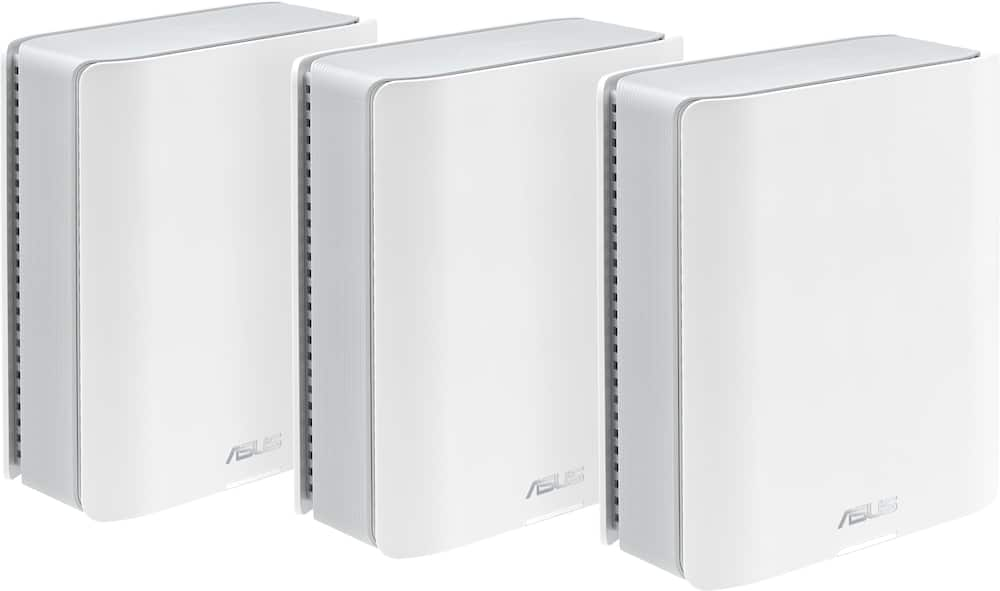
ASUS – ZenWiFi BE14000 Tri-Band Mesh Wi-Fi 7 System (3-Pack) – White
SKU: 6594278
$71999
Was $899.99 Save $180.00
Other options in this range
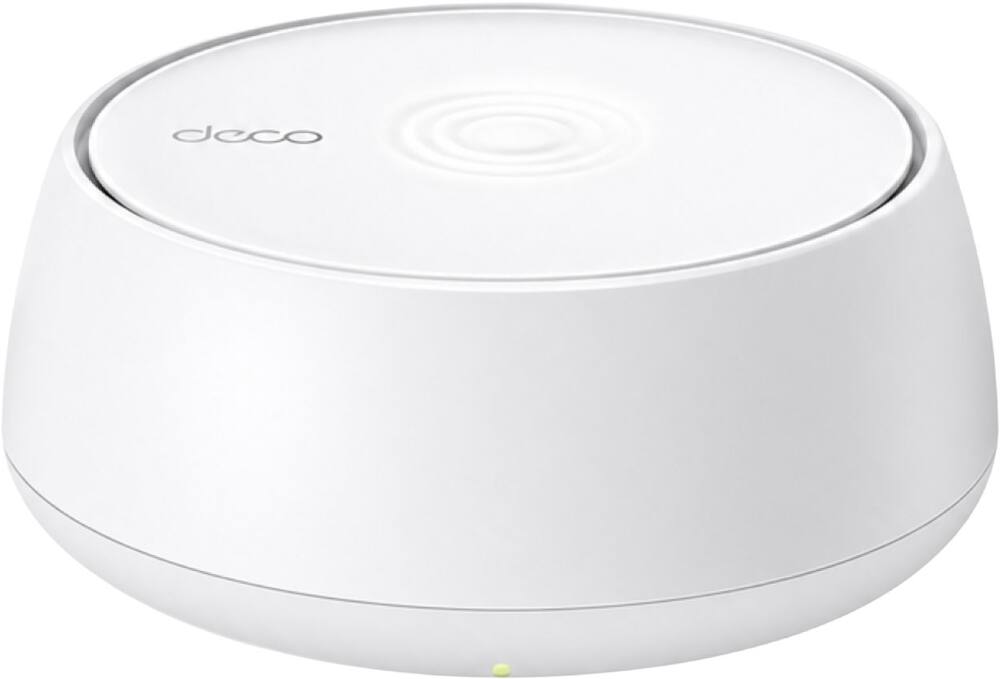 TP-Link - Deco 7 BE5000 Dual-Band Wi-Fi 7 Whole Home Mesh Router System – Deco BE5000 (1-Pack) - White Original price was: $149.99.$119.99Current price is: $119.99.
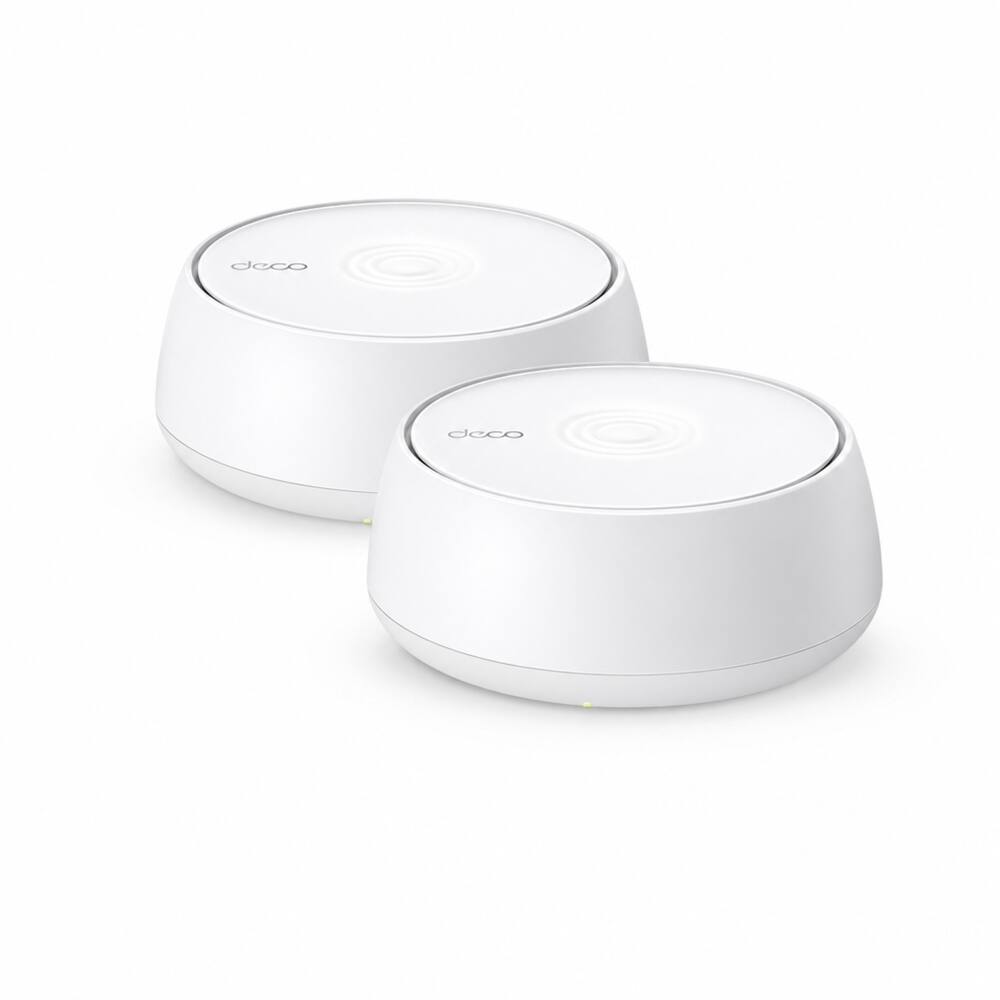 TP-Link - Deco 7 BE5000 Dual-Band Wi-Fi 7 Whole Home Mesh Router System – Deco BE5000 (2-Pack) - White Original price was: $279.99.$223.99Current price is: $223.99.
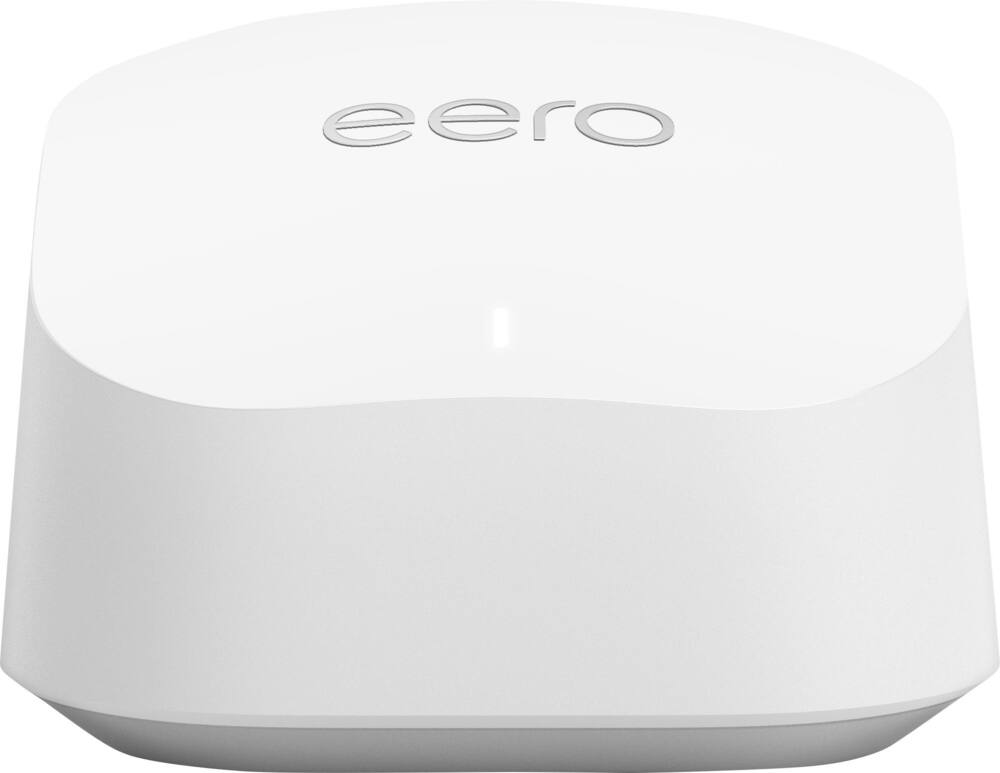 eero - 6+ Mesh Wi-Fi Router - White Original price was: $139.99.$111.99Current price is: $111.99.
Overview
- Smart Home Master
Easily establish up to three SSIDs with Smart Home Master for simple IoT device setup and management, instant VPN connections, and convenient parental controls. - Triple-Level Protection Network Security
Stay secure with Triple-Level Protection Network Security with commercial-grade security AiProtection Pro, powered by Trend Micro, one-tap security scan, safe browsing, comprehensive VPN support, and site-to-site VPN. - Advanced parental controls
Empower digital wellbeing with instant monitoring, hassle-free presets, customizable scheduling and reward settings. - 4G 5G Mobile Tethering
Enables you to set the USB port as a backup WAN by connecting it to your mobile phone with a hotspot. No complicated setup is needed — just plug it in and use it - ASUS AiProtection
Utilizing the powerful network security solutions and cloud data centers from Trend Micro, it protects your smart home and all connected devices from online threats. - Parental Controls
Protect your kids online with our robust parental controls offered through a free subscription. You can effortlessly monitor your kids’ online activity and customize settings for each connected device.
Compare similar
| Feature |
VIEWING ASUS - ZenWiFi BE14000 Tri-Band Mesh Wi-Fi 7 System (3-Pack) - White
|
TP-Link - Deco 7 BE5000 Dual-Band Wi-Fi 7 Whole Home Mesh Router System – Deco BE5000 (1-Pack) - White
|
TP-Link - Deco 7 BE5000 Dual-Band Wi-Fi 7 Whole Home Mesh Router System – Deco BE5000 (2-Pack) - White
|
LOWEST PRICE IN THIS TABLE eero - 6+ Mesh Wi-Fi Router - White
|
|---|---|---|---|---|
| Price | $719.99 | $119.99 | $223.99 | $111.99 |
| This product | View details | View details | View details |
Specifications
Capacity & configuration
- Encryption Type
- WPA-Personal
- Firewall Type
- SPI
- Port Type(s)
- RJ-45
Dimensions & weight
- Product Name
- ZenWiFi BE14000 Tri-Band Mesh Wi-Fi 7 System (3-Pack)
- Product Height
- 7.32 inches
- Product Length
- 2.83 inches
- Product Width
- 6.26 inches
- Product Weight
- 1.87 pounds
Features
- Brand
- ASUS
- Color
- White
- Data Encryption
- Yes
- Security Features
- AiProtection Pro network security / Instant Guard
- Parental Controls
- Yes
- Quality Of Service (QoS) Traffic Prioritization
- Yes
- Band Technology
- Tri
- Ethernet Standard
- 10/100/1000/2500
- Number of Antennas
- 7
- Frequency Band
- 2.4 GHz
- Wireless Networking Standard
- Wi-Fi 7
- Wireless Standard
- BE
- Input/Output Technology
- MU-MIMO (Multi-user Multiple-Input Multiple Output)
- Number of 2.4Ghz Streams
- 2
- Number of 5.0Ghz Streams
- 3
- Number of 6.0Ghz Streams
- 3
- Wi-Fi Mesh System
- Yes
- Number of Wi-Fi Satellites Included
- 3
- Number of Wi-Fi Satellites Supported
- 50
- Wired Backhaul
- Yes
- Ethernet Switch
- Yes
- ENERGY STAR Certified
- No
- App Compatible
- Yes
- App Name
- ASUS Router APP
- Beamforming
- Yes
- Integrated Modem
- No
- Wireless
- Yes
- Number Of WAN Ports
- 1
- Number Of LAN Ports
- 4
- Wired Speed
- 2500 megabits per second
- Wi-Fi Speed
- 14 gigabits per second
- Gigabit Ethernet Speed
- Yes
- Bluetooth Enabled
- No
- UPC
- 197105532090
Power & warranty
- Model Number
- ZenWifi BE14000 3-PK
- Warranty - Parts
- 3 years
- Warranty - Labor
- 3 years
Warranty & protection
Included manufacturer warranty
See manufacturer documentation.
Register your product with the manufacturer within 30 days of delivery.
Warranty service
Manufacturer warranty claims are handled by the manufacturer. We are happy to help you find the right contact: (888) 419-6820.
Customer reviews
Write a reviewGreat internet speed around the house... - I wasn't sure about this brand on this segment but I can say now we are very happy with the performance of the mesh Wifi 7. Easy to configure and even better speed than the modem itself.
Strong WiFi - Had to return first purchase - This mesh system is strong with a good amount of ports needed on router and mesh nodes. First purchase though had some sort or hardware issue that showed itself right away, almost didn’t give it a second chance but glad I did. This also gives you a lot of features without subscriptions which is a huge bonus
Great Mesh System - Replaced an old mesh system with this one from Asus. Setup was extremely simple. Access points/nodes connect very simply to the base unit. Really didn't have to configure them at all. Initially, most devices attached to the base unit. Over time, devices were relocated across all the mesh devices pretty evenly. Wifi speeds over Spectrum in my house are as fast as wired speeds. I don't have a large house, but wanted good coverage throughout and into the yard for Ring cameras and Govee lights. Coverage is very good with this system. The app tells you when you do not have optimal connections. Which is ok in my case. I have some devices which are directly wired and they do not communicate at 1 Gb/s -- such as a Tablo, Lutron hub and Thermostat hub. These don't need high speed, but the app points out when they are not running at best speeds. Nice in case you do have a high speed device and you used the wrong cable. Screenshots from app below to show this. Note my device only supports 100Mb/s, even though the port is 1Gb/s. Not a problem.
Good home system - More app features than Orbi. Easy to set up and use.
The ASUS ZenWiFi BE14000 is an outstanding - ASUS ZenWiFi BE14000 Tri-Band Mesh Wi-Fi 7 System If you are looking for a mesh system that delivers cutting-edge Wi-Fi 7 performance without locking you into a simplified, dumbed-down mobile app, the ASUS ZenWiFi BE14000 is an absolute powerhouse. It strikes a rare balance of blazingly fast coverage and deep network customization. What Makes It Great (The Pros) Endless Control & Customization: Unlike many modern mesh networks that strip away power-user settings, ASUS gives you granular, deep control over your network. Whether you prefer configuring via the web interface or the polished mobile app, you get access to detailed device management, advanced routing options, custom VLANs, robust guest networks, and granular QoS settings. Next-Gen Performance: With Wi-Fi 7 and tri-band connectivity, handling heavy network loads—from 4K streaming to managing dozens of smart home devices across wide coverage areas—is seamless and lightning-fast. Room for Improvement (The Cons) Remote Management Navigation: While local control is exceptional, locating and configuring remote access controls for managing the router when away from home can be surprisingly tricky to find in the menu interface. It requires a bit of digging compared to the main local dashboard. The Verdict The ASUS ZenWiFi BE14000 is an outstanding choice for tech-savvy households and power users who want future-proof Wi-Fi 7 speeds combined with total authority over their home network settings.
Amazing connectivity with a small quirk - Overall very happy with my purchase. I upgraded from a WiFi 5 mesh trio. The speed and range provided by this upgrade are very noticeable and appreciated. The 3 nodes maintain a strong signal between them, keeping device speeds much closer to my maximum bandwidth. Only small issue is that any configuration change triggers a reset of the main router, disconnecting all devices briefly. Something like setting a DHCP reservation for a single device should not drop all others. Thankfully this is only done infrequently so it doesn't lose a star for it, but I'm hoping that's addressed in a future firmware update.
Best mesh system ever! - The best way to run them is to have them connected to each other via ethernet. Ive got whole house coverage and some
Asus-ZenWiFi BE1400 - So far so good.It works like a router should.I use it at home.
Easy Mesh System - The Asus ZenWifi BE14000 is a mesh powerhouse, capable of providing wifi for spaces up to 8000 square feet. The setup was extremely easy, in total took me 10 minutes, most of which was spent finding the spots I wanted the satellites to go. The app is easy to use and makes it quick to change or customize your network. Offering parental controls, easy splitting of different network bands, i.e. 5G 2.4G, 6G. These routers offer the latest tech with Wifi7 capabilities whiles still offering a network band to ensure connection for older devices that are not compatible with the new systems. They are sleek and professional-looking making it easy to tie into a rooms decor.
No more dropped connections! - Switched from a tp-link because my connection kept getting dropped. This mesh system has proven reliable so far, and intuitive to navigate in the app.
Great Mesh System - Overall, this is a great mesh system for users looking for more control over their home WiFi network. It was designed well for the more casual user and those who understand networking principles for QoS, network segmentation, and security. I was concerned about the coverage given my past experience with mesh systems in my home, but I’ve had no coverage issues anymore and even find some of my devices connecting easily to the station furthest away in the home. I did run into issues at first with connecting older devices. Connecting was easy, but random disconnects started occurring. This was due to how the AIMesh does dynamic handoffs between the different frequencies. Older devices don’t handle this well. However, with a little research I was able to figure out a way to adjust for older devices and everything seems to be running very smooth now. You also have to make sure firmware updates occur across all devices appropriately or you may run into some errors due to a firmware mismatch. Otherwise, this is a great product.
Would recommend - Easy to set up with Xfinity, great performance throughout split level house.
Best router ive used - I like that i can customize the security on the router how i like. many others dont give you that option.
Pricey, but one of the best out there - I've been an Asus user for almost 10 years. Was very happy with one of their first ZenWifi Mesh router sets, but after upgrading to gigabit internet I had to switch. Originally decided to go with 2 RT-BE92U routers in a mesh format but never worked well. So decided to go with this setup and definitely amazing, which will cover a 3-story, 3000 sq-ft home. Love the fact that I was able to separately purchase wall mounts (which improves range and eliminates cable clutter) to make a clean setup. The Asus app is second to none, allowing for remote operation and statistics. One main reason I've always chosen this over a TP-Link for example is the fact that I can easily setup Open VPN to have certain devices running through a VPN while others are using my normal setup. Finally, latest Asus ZenWifi devices also allow for an IOT network, which really comes in useful when I go to connect some of my kitchen appliances that just don't like to connect to my mixed band network. Finally, Yes, it's pricey, but I think I've future-proofed my household for a least a few years, which is always a plus with all the devices and services we commonly use in our home.
Amazing - Difficult setup. Blew every router I've ever had out of the water with speed though. Vpn for router great too.
No luck - techie guy too. - Setup without issue. Has great throughput. 1 gig wireless throughout the house. Almost 2 weeks later both Apple TV’s had no internet on the same morning. Customer service was terrible. Could barely understand her. Difficult to deal with. Spent 4 hours on the phone. When done 1 Apple TV connected but my brand new iPhone Air with WiFi 7 no longer had an internet connection. One node would not connect. App dud not work (they did everything through the web interface and blew off the app). My door lock would not connect. Returned it. I’m a tech guy too. Hooked up my old WiFi 6 router and everything connected right up with no fuss. For me it’s 1 star but when it worked it did work well so I gave the second star.
Incredible performance at great value when on sale - Great product, specially now with the stable firmware, this is intended for more tech savy people than deco or eero, when you consider that this system beats both of those brands easy, specially on range and speed far away, this thing is a monster for the price WHEN ON SALE, usually gets down to 549 or 499, a steal!
Replaced a failed wifi6 system - Replaced a failed whole house mesh wifi 6 system with the Asus Zenwifi 7 triband system. I love the triband architecture, and the system was easy to setup, and repair my whole smart house to. I still have an old Asus wifi router (which still works), and was disappointed with my previous netgear wifi 6, so I decided to spend the money and get the zenwifi system. The zenwifi system does NOT disappoint. I run my whole smart home system through it. I was pleasantly surprised with the 6G connection for our phone and some of our newer devices. The base unit has a large number of physical connections, enough to connect my desktop PC and PS5 hardwire. I would recommend the Zenwifi triband whole house mesh wifi system to anyone, especially someone with a large number of connected devices in their home.
Good router with lots of configuration option that go deep. Had some issues with random drops but it could easily be the isp.
Questions & answers
Ask a question
Email [email protected] or call (888) 419-6820 during business hours.
Add your review