Reflection shows in video recordings. - It was relatively easy to set up the product. Once I plugged it in and downloaded the software, the teleprompter was working as expected. When I connected my FaceCam Pro to it, though, I noticed in the videos that it would see the reflection of the teleprompter light, which kind of negates the whole purpose of the prompter. It's a shame because the screen was showing text that was large enough, and the software was easy to use. I just don't think that this was made for the FaceCam Pro as described.
 20% off
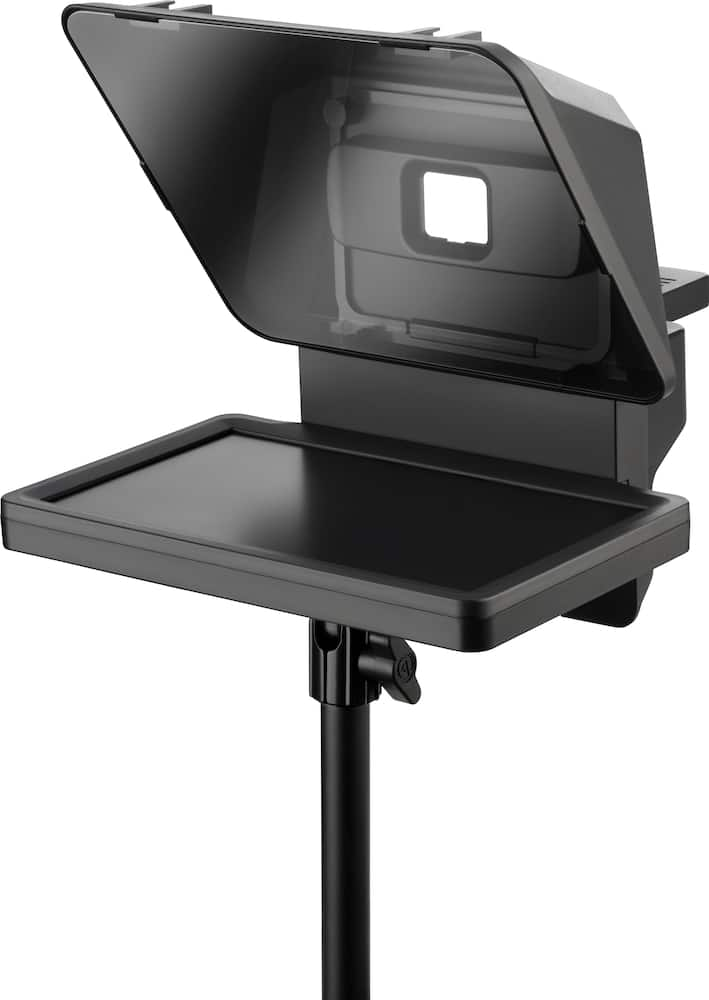
Elgato – Prompter – All-in-One Teleprompter with Built-in Screen – Black
SKU: 6580839
$23999
Was $299.99 Save $60.00
Other options in this range
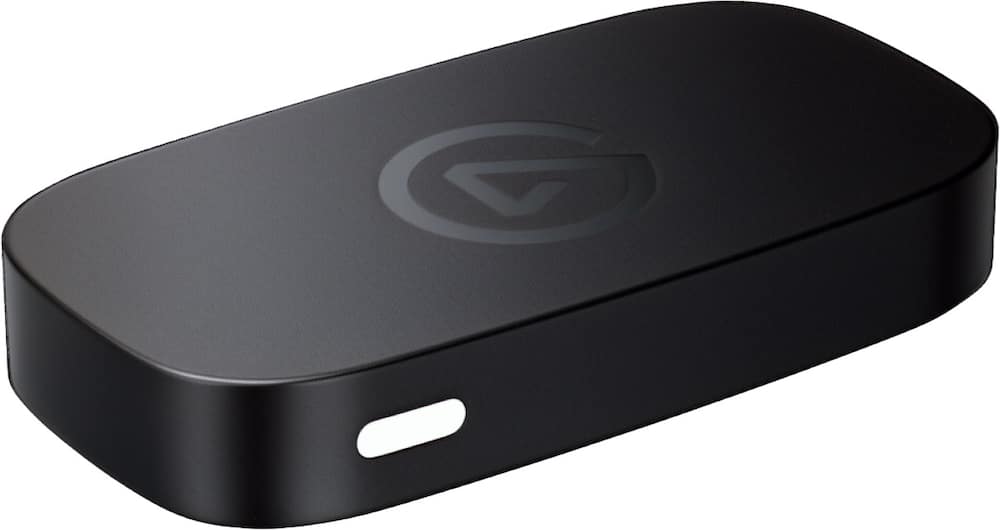 Elgato - Game Capture Neo - 4K60 HDR Passthrough, 1080p60 Capture – For Nintendo Switch 2/PS4/PS5/Xbox/PC/Mac/iOS - Black Original price was: $129.99.$103.99Current price is: $103.99.
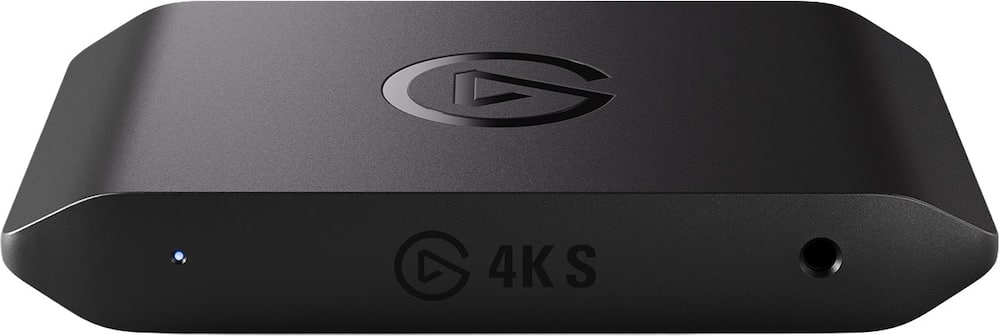 Elgato - 4K S – Ext Capture 4K60, 1440p120/1080p240 Passthrough and Capture for PS5, Xbox Series X/S, Switch 2, PC, Mac, iPad - Black Original price was: $159.99.$127.99Current price is: $127.99.
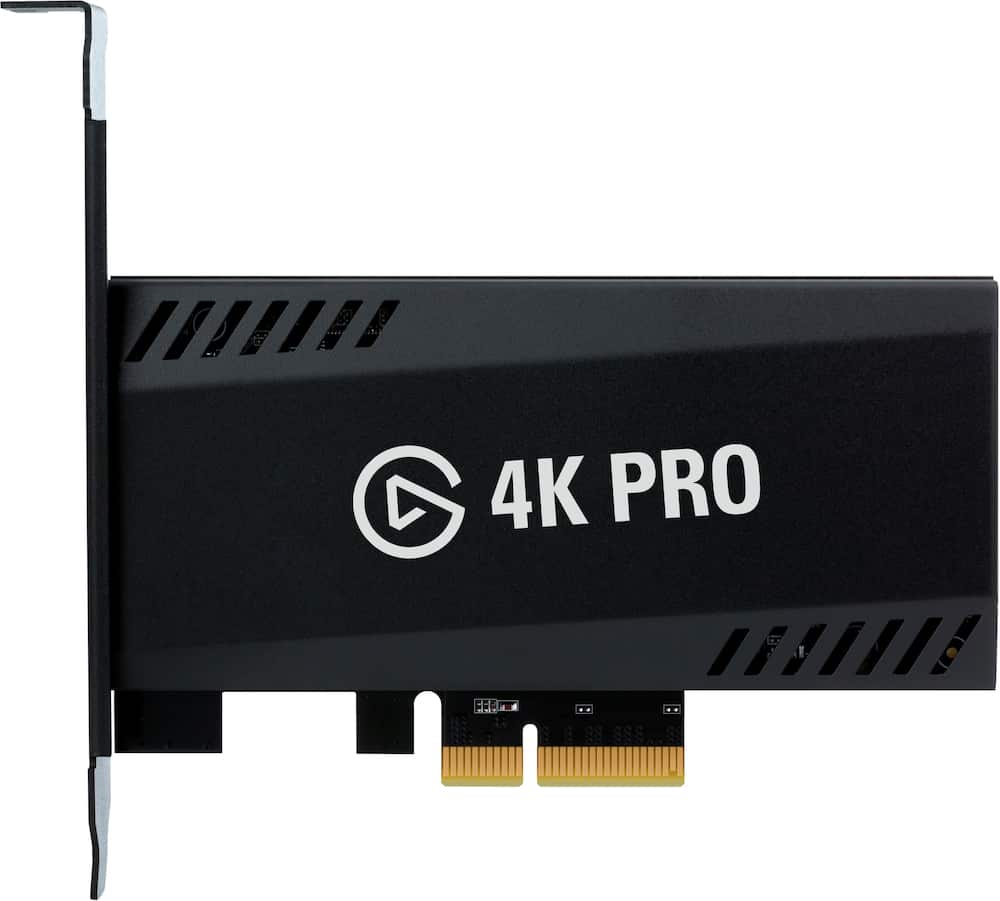 Elgato - 4K Pro – 8K60 Passthrough/4K60 Capture for PC, Nintendo Switch 2, PS5, Xbox Series X with HDMI 2.1, VRR, HDR10 - Black Original price was: $299.99.$239.99Current price is: $239.99.
Overview
- Built-in display
No extra tablets or smartphone screens required - Multipurpose
Read Twitch chat or scripts while looking at your camera. - Meet face to face
Maintain professional eye contact on Zoom or Teams calls - Drag-and-drop
Move any window or app onto Prompter’s display, just like a monitor. - Super compatible
Supports more cameras than any other, even the widest lenses. - Ultra customizable
Includes Camera Hub app to adjust text and chat appearance. - Desktop controlled
Use your PC or Mac computer — not a third-party mobile app - Easy setup
No complicated installs, just attach your camera and plug in. - Works with Stream Deck
Control with a key press, a dial turn, or a tap of your foot. - Ecosystem
It works seamlessly with the Elgato gear you love.
Compare similar
Specifications
Dimensions & weight
- Product Name
- Prompter - All-in-One Teleprompter with Built-in Screen
- Product Width
- 8.82 inches
- Product Weight
- 1.52 pounds
Features
- Brand
- Elgato
- Color
- Black
- UPC
- 840006669937
Power & warranty
- Model Number
- 10WAD9901
- Warranty - Parts
- 2 years
- Warranty - Labor
- 2 years
Warranty & protection
Included manufacturer warranty
See manufacturer documentation.
Register your product with the manufacturer within 30 days of delivery.
Warranty service
Manufacturer warranty claims are handled by the manufacturer. We are happy to help you find the right contact: (888) 419-6820.
Customer reviews
Write a reviewGreat for Filming Videos - Easy to set up and use. The built-in screen is super convenient, and it makes recording videos much easier without needing a separate device. Great quality and a really useful addition to my filming setup. Definitely recommend!
THIS THING IS AMAZING - If you're a content creator who doesn't like either a) memorizing your lines or b) reading them off of something else then this is just the ticket! I've used for several projects already and I love it. Only downside is even for a small teleprompter it is still a bit bulky if your tight on space and my particular camera creates a reflection at the bottom of the screen but its low enough I can just crop it out so overall if I had 10 stars to work with I'd give it 9
Amazing - I’m really impressed with this teleprompter. It’s easy to set up, easy to use, and makes recording videos much more comfortable. The text is clear and easy to follow while looking directly at the camera, so I don’t have to keep looking down at my notes. The build quality is also better than I expected, and everything feels solid and well made. It’s a great tool for presentations, YouTube videos, online meetings, and content creation. Overall, I’m very happy with it and would definitely recommend it.
Not a good option - Picture quality is terrible. I have good vision and can't make out what's being displayed from more than 24inches away.
Makes Presenting Feel Much More Natural - This has been a great addition to my setup. It makes it much easier to maintain eye contact during video calls and recordings, and the built-in screen is clear and easy to read. Setup was straightforward, and it works well without taking up too much space. Overall, I am very happy with it and would definitely recommend it.
Great if you have a need for it - Works amazingly. I am using it with Elgato Facecam Pro 4K 60 FPS. Really helped when streaming, meeting and when not using the camera feature i use it as a third monitor for spotify and discord. IF you need one this is a great option with alot of camera options as well.
Love this teleprompter. Should have got it sooner. - This teleprompter has been extremely helpful to me during conference calls. I can keep my notes on the screen while maintaining eye contact with the camera. I’ve used it with all kinds of cameras too from my mirrorless camera to my phone to my camera to multiple webcams. It works really well with any type of USB camera and even wirelessly with my phone. It’s a great way to look and sound professional in meetings and when making content for social media.
Great Teleprompter for Content Creators - This teleprompter is awesome. It’s easy to set up, integrates smoothly into my workflow, and works perfectly as a secondary screen for reading scripts straight to the camera. There’s a sturdy platform behind the glass to mount your camera, so you’re recorded head‑on with natural eye contact. I tested multiple cameras—my iPhone, GoPro, and even my Insta360 Link webcam—and they all worked great. The build quality feels excellent all around, and if you’re a creator or anyone who needs on‑screen guidance while speaking, this is an excellent purchase. You can also control the speed of your script by adjusting the scrolling pace, so you never have to worry about the text moving too fast or too slow. It’s very manageable and feels intuitive, even if you’re new to teleprompters.
Good unit. Easy to use works great. Easy to see.
Gamechanger for Content Creators and Streamers! - This made recording videos so much easier! Looking at people in the eye and not look like you've memorized lines saves so much time in postproduction! I wish I would have gotten one sooner. The default software works well enough for my use but it is a well designed device that is versatile that you can monitor the chat yourself and acts as a 2ndary or 3rd monitor to see how you look while you record.
Everything I needed & more - Love it’s compatibility with just about every camera, making it perfect for my webcam. Works great with my stream deck for scrolling and toggling windows. Would absolutely get another if ever needed
Awesome prompter! - Awesome prompter. Make sure to install all the software and practice before you sream!
Bad software - Let me first say the teleprompter itself is nice. What kills this is the software. Camera hub is terrible. I have a Mac and the Elgato foot pedal and when I use it, the scrolling is not smooth, it jitters and it’s an unpleasant experience. Second, I like loading my script into the software and reviewing it. You can’t access the software unless the prompter is connected. What were they thinking? I wish elgato would open this up to 3rd party software like Teleprompter for Mac and IOS which I find to be the best teleprompter software. I don’t think a company can make both great software and hardware unless you’re Apple. But, they are unique and honestly some of their own software is questionable.
4.5 stars for very good prodcut - This is actually a 4.5 star review (very good). The teleprompter works great, it's easy to ready and farily easy to use. The half-star discount is due to the fact that one must download software that is not self-explanatory, which resulted in a few hiccups on the set up stage.
Teleprompter is great but is not ready out the box - This is not a plug and play item, I had to download drivers, change computer settings, and spend time talking to customer service. It’s the same experience I have with all my Elgato products, good stuff but not ready to go right away.
Overhyped and Under-Engineered - I was genuinely excited to purchase this teleprompter setup after it came highly recommended by numerous YouTubers. I spent over $500 expecting a professional-grade solution that would enhance the quality of my video lectures. Unfortunately, what I received was a half-functional, buggy product with glaring compatibility issues on Mac—and zero accountability from the company. Mac Compatibility: Misleading and Problematic Despite being marketed as broadly compatible, the system is not fully functional with macOS. It regularly fails to initialize unless I unplug all other peripherals (including my mic), restart my machine multiple times, and pray it works. This is unacceptable for a product in this price range. Customer Support: Useless at Best Their support is a joke. No live screen-share, no real-time troubleshooting—just endless email loops repeating steps I've already completed and denying there are any bugs in their software (specifically Elgato Hub, which is a disaster on Mac). The fact that they treat serious reliability issues as “user error” shows either incompetence or willful negligence. Return Policy: A Convenient Shield Of course, all this became obvious after the return window closed. So now I’m stuck with a $500+ paperweight that undermines my workflow instead of supporting it. I expected this setup to save time and elevate production value. Instead, it’s a constant source of frustration and lost productivity.
Look like a pro at work! - This is great little prompter. The screen is a tad small but it will get you by especially if you have a multi monitor setup. I have mine just over the top of my widescreen connected to a monitor pole. Mine works fine with a basic HD logitech webcam.
Very good product - Best product, all right and work! Very happy with this product
Set Up for more professional video conferencing - Takes some setup; I personally had to troubleshoot my own setup a bit after installing everything. I use a Mac Mini M2 so I excited to give this a go to assist my business podcast. I think I can put it to good use. I put it between a set of dual monitors but settled with just above it.
Questions & answers
Ask a question
Email [email protected] or call (888) 419-6820 during business hours.
Add your review