This product is so good - Lots of coverage exactly what I needed for 3-4 gaming PCs in the house and plenty of other devices.
 20% off
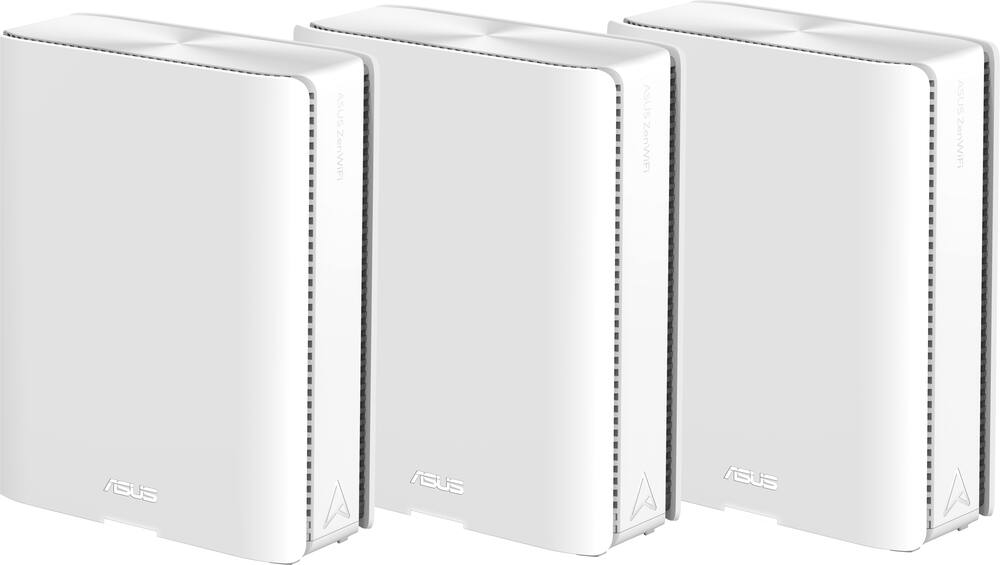
ASUS – ZenWiFi BE30000 Quad-Band Mesh Wi-Fi 7 System (3-Pack) – White
SKU: 6578392
$1,35999
Was $1,699.99 Save $340.00
Other options in this range
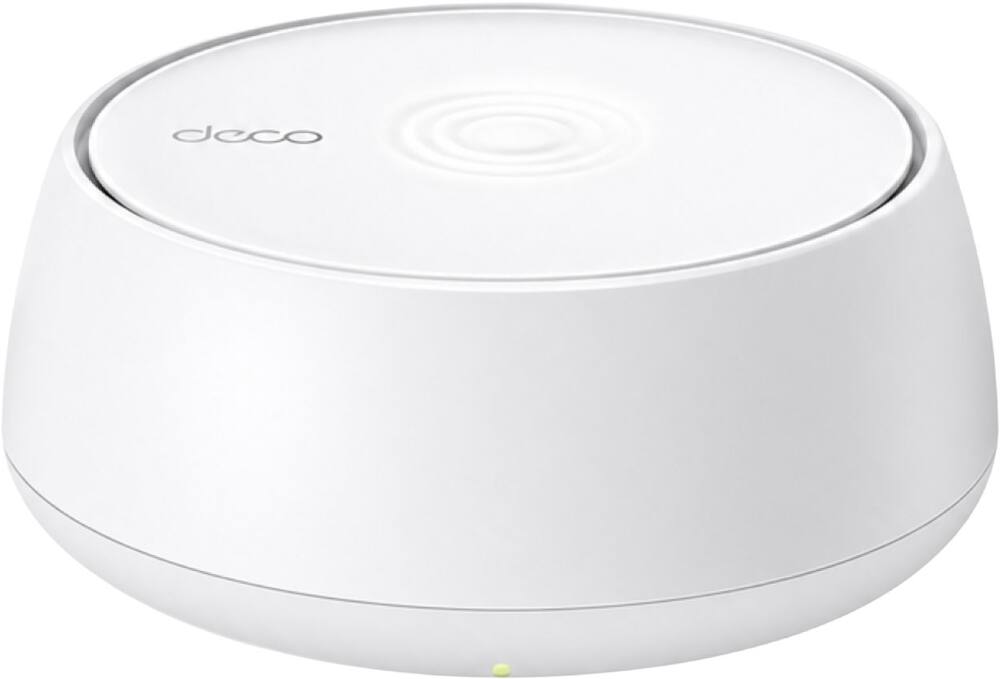 TP-Link - Deco 7 BE5000 Dual-Band Wi-Fi 7 Whole Home Mesh Router System – Deco BE5000 (1-Pack) - White Original price was: $149.99.$119.99Current price is: $119.99.
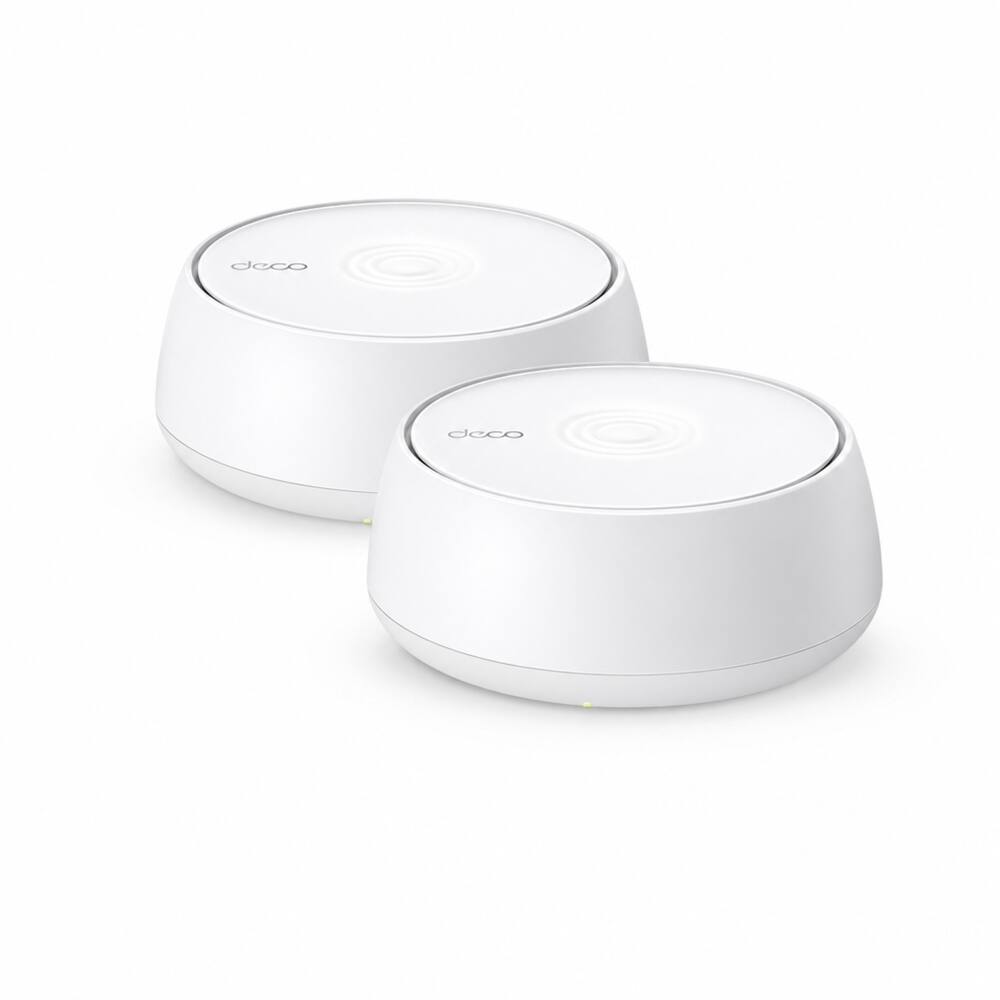 TP-Link - Deco 7 BE5000 Dual-Band Wi-Fi 7 Whole Home Mesh Router System – Deco BE5000 (2-Pack) - White Original price was: $279.99.$223.99Current price is: $223.99.
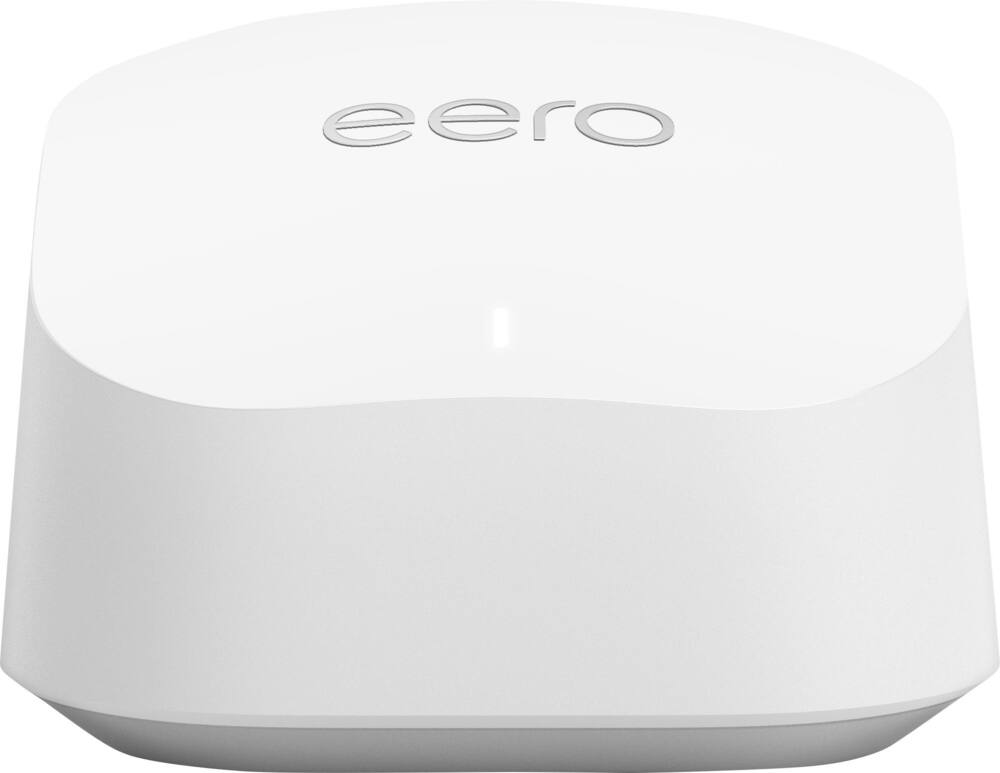 eero - 6+ Mesh Wi-Fi Router - White Original price was: $139.99.$111.99Current price is: $111.99.
Overview
- Wireless Technology
Quad-band AiMesh unlocks Wi-Fi 7 potential in all bands, plus AI-enhanced dedicated 6 GHz backhaul helps to ensure congestion-free connections. - Smart Home Master
Smart Home Master inside the ASUS router mobile app provides easy, powerful subnetwork setup and management for IoT devices, VPNs, and parental control. - Multi-link Operation (MLO)
With MLO technology, the devices can simultaneously transmit and/or receive across different bands and channels. The parallel links increase the throughput to the device, lower the latency and improve reliability. - Ethernet connectivity
Maximized wired connectivity and flexibility with dual 10G ports and three GB ports - AiMesh
Quad-band AiMesh unlocks Wi-Fi 7 potential in all bands, plus AI-enhanced dedicated 6 GHz backhaul helps to ensure congestion-free connections. - 1 USB 3.0 port
Allows you to connect a printer and enjoy 3G and 4G file sharing. - Auto detecting and auto sensing
To simplify device connectivity. - ASUS AiProtection
Utilizing the powerful network security solutions and cloud data centers from Trend Micro, it protects your smart home and all connected devices from online threats. - Parental Controls
Protect your kids online with our robust parental controls offered through a free subscription. You can effortlessly monitor your kids’ online activity and customize settings for each connected device.
Compare similar
| Feature |
VIEWING ASUS - ZenWiFi BE30000 Quad-Band Mesh Wi-Fi 7 System (3-Pack) - White
|
TP-Link - Deco 7 BE5000 Dual-Band Wi-Fi 7 Whole Home Mesh Router System – Deco BE5000 (1-Pack) - White
|
TP-Link - Deco 7 BE5000 Dual-Band Wi-Fi 7 Whole Home Mesh Router System – Deco BE5000 (2-Pack) - White
|
LOWEST PRICE IN THIS TABLE eero - 6+ Mesh Wi-Fi Router - White
|
|---|---|---|---|---|
| Price | $1,359.99 | $119.99 | $223.99 | $111.99 |
| This product | View details | View details | View details |
Specifications
Capacity & configuration
- Encryption Type
- WPA-Personal
- Firewall Type
- NAT
- Port Type(s)
- RJ-45
Dimensions & weight
- Product Name
- ZenWiFi BE30000 Quad-Band Mesh Wi-Fi 7 System (3-Pack)
- Product Height
- 8.43 inches
- Product Length
- 2.83 inches
- Product Width
- 6.86 inches
- Product Weight
- 2.96 pounds
Features
- Brand
- ASUS
- Color
- White
- Data Encryption
- Yes
- Security Features
- AiProtection Pro network security / Instant Guard
- Parental Controls
- Yes
- Quality Of Service (QoS) Traffic Prioritization
- Yes
- Band Technology
- Quad
- Ethernet Standard
- 10/100/1000/2500/10000
- Number of Antennas
- 12
- Frequency Band
- 2.4 GHz
- Wireless Networking Standard
- Wi-Fi 7
- Wireless Standard
- BE
- Input/Output Technology
- MU-MIMO (Multi-user Multiple-Input Multiple Output)
- Number of 2.4Ghz Streams
- 4
- Number of 5.0Ghz Streams
- 4
- Number of 6.0Ghz Streams
- 8
- Wi-Fi Mesh System
- Yes
- Number of Wi-Fi Satellites Included
- 3
- Number of Wi-Fi Satellites Supported
- 50
- Wired Backhaul
- Yes
- Ethernet Switch
- Yes
- ENERGY STAR Certified
- No
- App Compatible
- Yes
- App Name
- ASUS Router APP
- Beamforming
- Yes
- Integrated Modem
- No
- Wireless
- Yes
- Number Of WAN Ports
- 2
- Number Of LAN Ports
- 4
- Wired Speed
- 10000 megabits per second
- Wi-Fi Speed
- 30 gigabits per second
- Gigabit Ethernet Speed
- Yes
- Bluetooth Enabled
- No
- Works With
- Amazon Alexa
- UPC
- 197105414860
Power & warranty
- Model Number
- ZenWiFi BE30000
- Warranty - Parts
- 3 years
- Warranty - Labor
- 3 years
Warranty & protection
Included manufacturer warranty
See manufacturer documentation.
Register your product with the manufacturer within 30 days of delivery.
Warranty service
Manufacturer warranty claims are handled by the manufacturer. We are happy to help you find the right contact: (888) 419-6820.
Customer reviews
Write a reviewFast WiFi - Great mesh system. Super fast and plenty of coverage. Very stable as well.
Works as advertised - We have a 6000 sq. ft. home and have sufficient coverage with these three nodes. No speed or coverage issues. Bought on sale. Great value.
Exceptional mesh coverage - I've been using the ASUS ZenWiFi BE30000 for about two months now, and I'm genuinely impressed. The setup was painless—the app guided me through everything in minutes. What stands out most is the coverage. My 3,500 sq ft home now has strong, reliable WiFi in every corner, including areas where my old router completely failed. Streaming 4K video, gaming, and video calls work flawlessly without lag or buffering. The quad-band technology seems to make a real difference in performance. I'm consistently hitting speeds close to my ISP's promised limits, even when multiple devices are connected. The app's interface is intuitive and gives great insights into network performance. The only minor downside is the price point—it's definitely a premium investment. But if you have a large home or deal with lots of connected devices, this system delivers serious value. Highly recommended for anyone needing reliable, fast mesh coverage.
Amazingly Easy and Fast - The ASUS ZenWIFI was very easy to set up and provides amazingly fast wifi all through my house.
Excellent Coverage, Speed, and Stability - I upgraded from an Eero Pro 7 system, and in my home the ASUS ZenWiFi BE30000 has been noticeably better. Coverage is stronger, speeds are more consistent, and the connection stays stable even with many devices online at the same time. I especially appreciate the additional configuration and network-management options ASUS provides. Compared with Eero, I have much more control over the network without giving up ease of use. The three-pack also eliminated several weak-signal areas that I had before. So far, I’m very happy with the upgrade. For my setup, the ASUS ZenWiFi BE30000 delivers better coverage, more flexibility, and more consistent overall performance than the Eero Pro 7.
Awesome routers - Not sure why people are saying these are hard to set up. With the app I had them running in 10 min. All 3
Very disappointed - Where to start. Poor performance, devices loose connection, mesh units do too. 5 month old unit and the main router went down. They tell you to send it in for repair however they didn’t have parts. Try an advanced rma, no units to ship. Had to send receipts in 3 or 4 times. Asus did buy the system back however this took over a month. The ax7800 was my previous system and outperformed this one 10 fold. If you are spending this amount of money the Best Buy extended warranty is a must or be prepared for a lengthy process with these companies. I’m a long time Asus customer but this ordeal had me look and purchase elsewhere.
Worst Warranty Service Possible - I had one mesh node die and unable to power on after less than a year. They force you to mail back all 3 nodes and wait 10 days without internet to replace the one node. They will not honor the warranty. Its like getting a flat on one tire and having to return all 4 tires. These are individual nodes, any of them can be the main. There is zero reason to send them back as a group. This absolutely the worst warranty service I've ever seen.
The Best Routers - I did my research before buying and I am not disappointed. This mesh system is off the charts. Fast and reliable. The customization in settings is high end.
Really good, but had to exchange - This mesh router is absolutely amazing. The range is great, the speeds are consistent across nodes, and the customization is top-notch, with client dropping dB that I find super useful. Unfortunately, I had to knock off a star because the first one I bought had a defective node that got stuck in a bootloop. I exchanged it for the same and the new one works without issue.
Works well but not as fast as it claims - The router works well for most parts but I bought this specific unit to have the high speed WiFi. I was hoping to get 2Gbps on WiFi 7 compatible device like my iPhone 16pro but I only get about 1300-1500mbps max and that too when I am close to WiFi. Other than the top speed, the WiFi connection is stable and my device switches from one node to other seamlessly throughout my house.
Good Mesh System, not fully backwards compatible - This is a nice system if you don’t have older devices that rely on 2.4 network, the WiFi 7 was fast and easy to setup. It does have a feature that tries to make your older devices compatible but it just become too much trouble with constant dropping of devices connection . I would only recommend if you don’t have items that wouldn’t be impacted. I ended up returning mine
Disappointed - I've had this for two months now and my connections are constantly dropped. The IoT network doesn't work half the time and there is constant lag/delay for the MIMU feature.
Great when it was working.. - It’s been a little over a year since I first installed the system, and I don’t recall any difficulties during setup. The range, covering roughly 8,000 sq ft, was definitely an improvement over my previous Orbi mesh. About nine months later, one of the nodes stopped connecting wirelessly. Devices that had been connected to that node began connecting to the main router instead. Since there were no noticeable performance issues, I left the node unused. Four months later, the second node also stopped connecting wirelessly. After multiple reboots, firmware updates, and calls with Asus support, I was asked to submit the units for service. When I entered the serial number in the Asus RMA portal, I was initially told to bring the unit to Best Buy, but later found out that Best Buy cannot process warranty claims for mesh systems. I contacted Asus again, and they manually initiated the return process. After the unit had been at the RMA department for a week, I was informed that no replacement units were available and that I would receive a buyback, which could take up to 30 days. Fortunately, I still had my Orbi mesh system to fall back on, but based on this experience, I do not plan to repurchase this product.
Blazing Fast WiFi… With a Tiny Catch - -Introduction- I picked up the ZenWiFi BE30000 Wi-Fi 7 mesh (3-pack) because my old router was basically waving a white flag every time more than two devices hopped on. I’ve been using this setup for a bit now, and honestly… it feels like I upgraded from a bicycle to a sports car. But yeah, it’s not perfect—I’ll get into that. --Setup Experience-- Setting this thing up was almost suspiciously easy. I downloaded the ASUS Router app on my Android, followed the steps, and boom—done in under 10 minutes. No weird networking knowledge needed, no headaches. I was expecting at least one “why isn’t this working” moment… but nope. --Speed & Coverage-- This is where it really shines. I pay for 1 gig internet, and I’m actually seeing close to that over WiFi. That alone kinda blew my mind. Even better, the signal holds up through walls like they don’t exist. I can be in the next room, doors closed, and still pull crazy speeds. I even tested it outside—about 30+ feet from my house—and was still getting 500 Mbps or more. That’s just wild to me. My old setup would’ve tapped out halfway down the driveway. --Features & Tech Stuff (but not boring)-- This system is absolutely stacked with features. It’s one of those setups where you feel like you’re not even using half of what it can do. You’ve got: WiFi 7 support (obviously) with crazy bandwidth Quad-band setup, including a dedicated backhaul so your nodes talk to each other without slowing everything down Multi-Link Operation (MLO), which basically lets devices use multiple bands at once for better speed and stability 2.5G and 10G ports, which is awesome if you’re trying to future-proof or have fast wired devices AiProtection security built in, so you’re not totally exposed out there Easy device management, parental controls, guest networks… all that good stuff right in the app It’s the kind of system where you plug it in for WiFi, but end up geeking out over all the extras later. --Real-Life Use-- Streaming, gaming, downloading big files—everything just feels instant now. No buffering, no random slowdowns when multiple people are online. I’ve had a bunch of devices connected at once (phones, laptops, TV, smart home stuff), and it doesn’t even flinch. --The Annoying Part-- Alright, here’s the catch. Every now and then, the WiFi just… drops. Not for long—like 5 seconds—but enough to notice. And this only happens on my WiFi 7 devices (like my Galaxy S25 Ultra and iPhone 16 Pro). My older devices stay connected just fine. It’s super random too. No pattern, no way to trigger it. Just once or twice a day, boom—disconnect, reconnect, back to normal. It’s not a dealbreaker, but yeah… definitely annoying, especially if you’re in the middle of something. --Comparison Thoughts-- Compared to older mesh systems (like WiFi 6 ones I’ve used), this thing is on another level speed-wise. It actually feels like you’re getting what you pay your ISP for. That said, those older systems were sometimes a bit more “set it and forget it” stable. This one feels more cutting-edge… with a tiny bit of that early-adopter weirdness. --Final Thoughts-- Overall, I really like this system. The speed and coverage alone make it worth it for me, especially in a bigger home. It finally feels like my WiFi isn’t the bottleneck anymore. If ASUS smooths out those random dropouts (especially on WiFi 7 devices) with updates, this would be pretty much perfect. Right now, it’s almost there—but still one of the best mesh systems I’ve used.
Am Happy with it - Nice improvement over my old ROG router/extension
Overall a good product - After performing extensive research on wifi 7 mesh systems, I decided this was the best system for my needs. I experienced a few problems during the setup process, but nothing major. First, the Android app requires you to connect to your new ssid halfway through the setup process, this was not clear when I encountered the error. Once I determined the problem, everything went well for the remainder of the setup process. Second, almost everything connected automatically to the new mesh system, but a few devices did not connect. Not a significant problem, but an unexpected extra step in the setup process. In summary, would I purchase the Asus be30000 again? Yes, the wifi in my home was significantly better. Also, the web interface lets you configure almost everything, if this of interest to you.
Nice idea, poor impleentation. - I had nothing but troubles with this system. One thing I will say for it, the ping rates times were very fast, when it worked. I had to implement a nightly reboot because nodes would constantly crash. And, what's even more weird, when they would crash, my computers on the wired network couldn't find a different mesh unit to route to. In any case, the last problem I had caused me to return the unit. Essentially, once my internet provider had an outage, after that the routers stopped working altogether. In fact, I couldn't even factory reset them and rebind them to my account. It was just a low quality system. Their web interface was not easy to use either. It's nice they had one for more advanced stuff, but very difficult to interface with. I had a lot of problems with their VPN set up too.
High end/price but near endgame with 10GWAN/LAN/6G - Using them as mesh node with my Asus ROG BE98 Pro. Using them in wired 10G backhaul. Fairly reliable. I've had to restart one of them occasionally when no device would pair to it.
Questions & answers
Ask a question
Email [email protected] or call (888) 419-6820 during business hours.
Add your review