Best Hp laser printer I had - I’m using almost 8 months I print almost over 1000 pages and HP inkjet still go strong I love it
 20% off
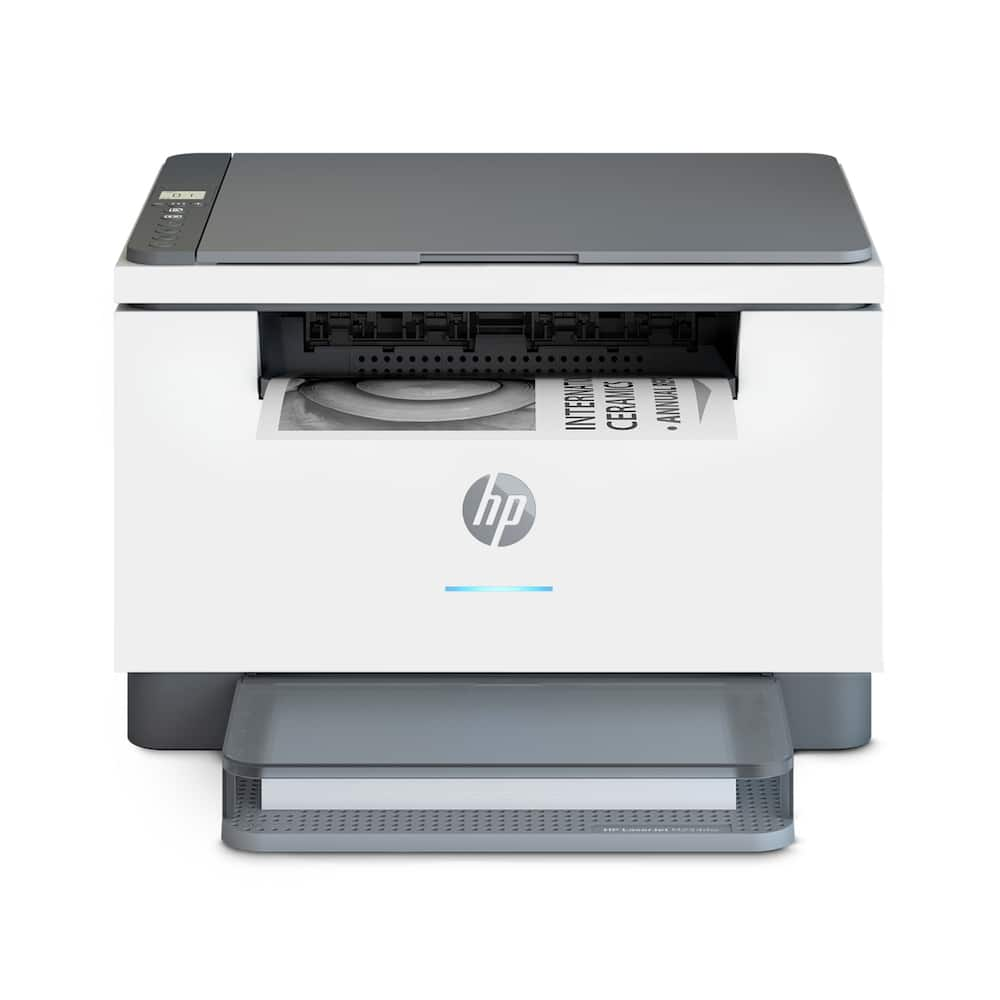
HP – LaserJet M234dw Wireless AI-Enabled Black-and-White Laser Printer – White & Slate
SKU: 6452567
$19199
Was $239.99 Save $48.00
Other options in this range
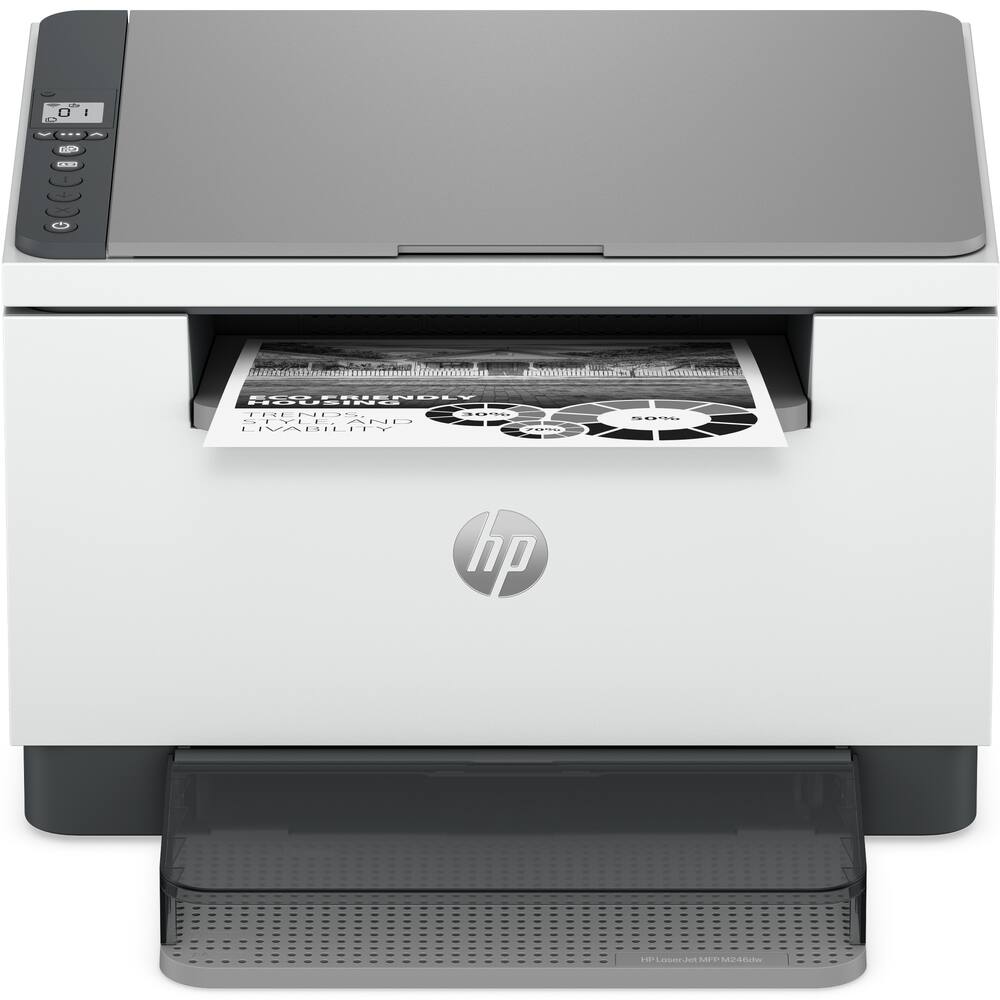 HP - LaserJet MFP M246dw Wireless Black-and-White All-in-One Laser Printer, Scanner, Copier, AI-Enabled - White Original price was: $239.99.$191.99Current price is: $191.99.
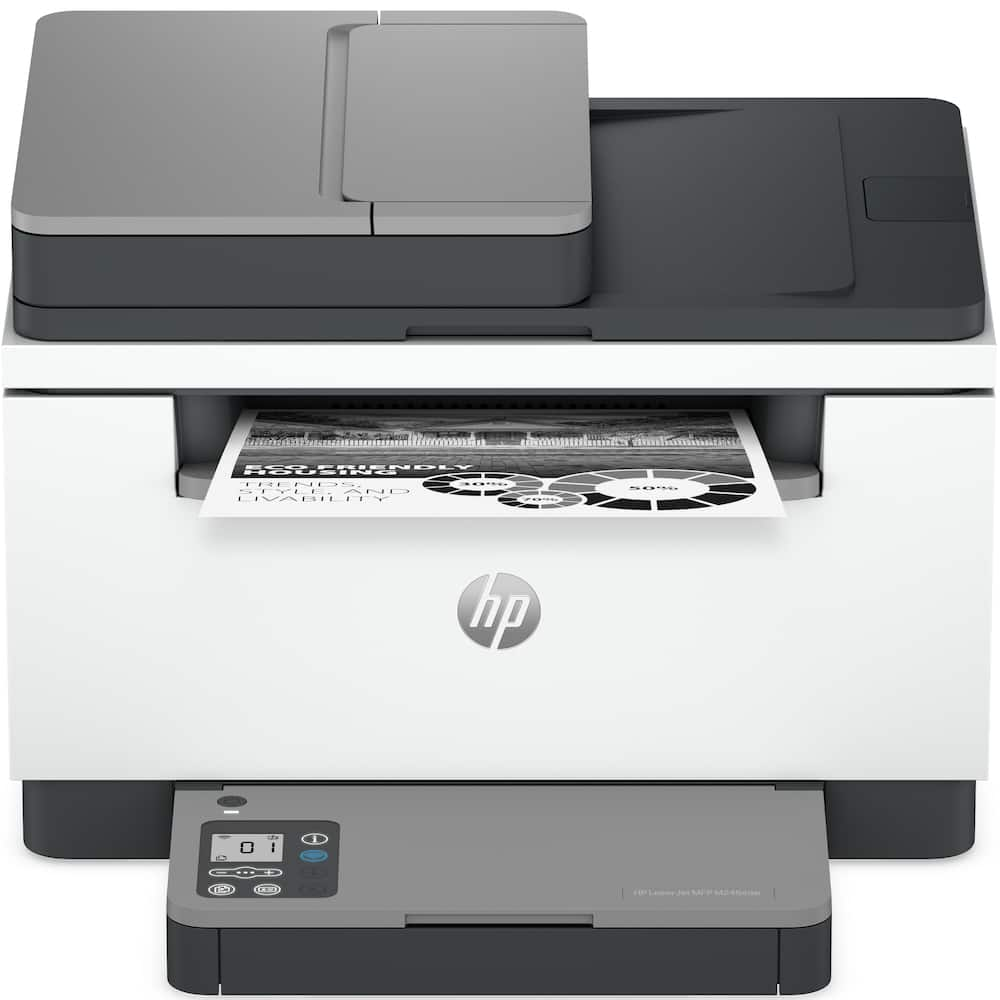 HP - LaserJet MFP M246sdw Wireless Black-and-White All-in-One Laser Printer, Scanner, Copier, AI-Enabled - White Original price was: $279.99.$223.99Current price is: $223.99.
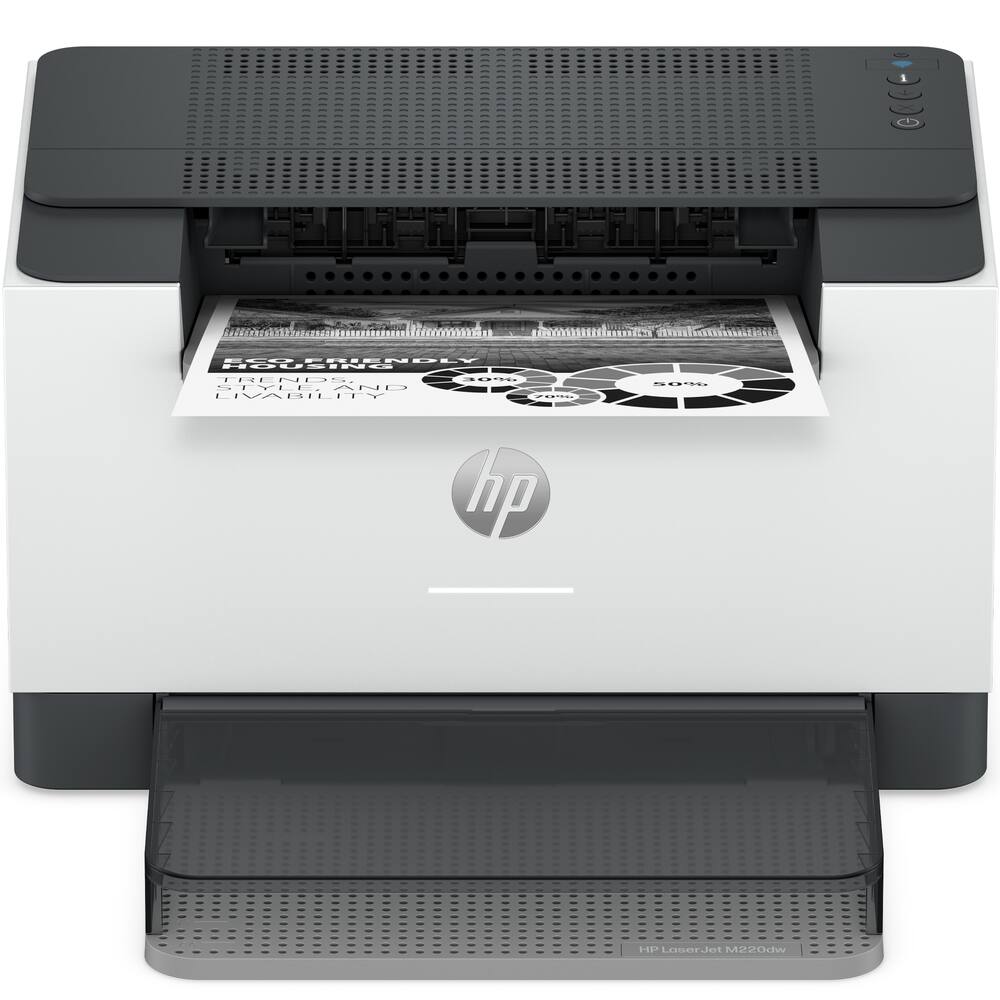 HP - LaserJet M220dw Wireless Black-and-White Compact Laser Printer, AI-Enabled - White Original price was: $199.99.$159.99Current price is: $159.99.
Overview
- Perfectly formatted prints with AI²
Print web pages and emails with precision—no wasted pages or awkward layouts; HP AI easily removes unwanted content, so your prints are just the way you want - Super compact performance for small business and home office
Print, scan and copy professional-quality documents and reports. Save paper with auto 2-sided printing, and scan or copy a range of document sizes on the flatbed scanner. Perfect for 1-5 people. - Stays connected
Dual-band Wi-Fi with self-reset automatically detects and resolves connectivity issues - Fastest two-sided printing in its class³
Up to 30 black-and-white pages per minute single-sided, up to 19 black-and-white images per minute two-sided - Strong security
Built-in security features help protect your printer from potential attacks - Easy to set up
Get started fast with easy setup that guides you, step by step. Simply download the HP app, connect to a network, and share your printer across all your devices - This printer is intended to work only with cartridges with original HP chips or circuitry and will block cartridges using non-HP chips or circuitry. Periodic firmware updates will maintain the effectiveness of these measures.
Compare similar
Specifications
Capacity & configuration
- Printer Type
- Printer
- Scanner Type
- Flatbed
- Tray Capacity
- 150
- Output Tray Capacity
- 100
Dimensions & weight
- Product Name
- LaserJet M234dw Wireless AI-Enabled Black-and-White Laser Printer
- Product Height
- 10.43 inches
- Product Width
- 14.49 inches
- Product Depth
- 17.07 inches
- Product Weight
- 16.76 pounds
- Automatic Reduction/Enlargement
- No
Features
- Brand
- HP
- Color
- White & Slate
- Networking
- Wired
- ENERGY STAR Certified
- Yes
- Automatic Document Feeder
- No
- Photo Printing
- No
- Wired Connectivity
- Ethernet
- Wireless Connectivity
- Bluetooth
- AI Document Editing Features
- Image and text optimization
- EPEAT Registered
- Yes
- EPEAT Level
- Silver
- Touch Screen
- No
- Compatible Cartridges
- HP 134
- Copier Resolution (Black)
- Up to 600 x 600
- Automatic Two-Sided Printing
- Yes
- Duplex Scan Function
- No
- Duty Cycle
- Up to 20,000
- Ink Cartridges Required
- 1 x Black
- Ink Cartridges Included
- 1 x Black
- ISO Mono Print Speed
- 30 pages per minute
- Monochromatic/Color
- Monochromatic
- Paper Feeder
- Cassette tray
- Paper Handling
- Input Capacities: Up to 150 sheets Standard; Up to 10 envelopes Auto document feeder capacity: Standard, 40 sheets Output Capacities: Up to 100 sheets Standard Duplex Options: Auto-duplex Standard paper trays: 1
- Approximate Page Yield (Black)
- 1100
- Printer Resolution (Black)
- Up to 600 x 600
- Scanner Resolution
- Up to 600 x 600
- Supported Paper Sizes
- Plain, envelopes, rough, bond, label, cardstock, postcards
- First Page Out Time
- 7 seconds
- Display Screen
- Yes
- Display Screen Size
- 1.27 inches
- UPC
- 194850664212
Power & warranty
- Model Number
- M234dw/6GW99F#BGJ
- Warranty - Parts
- 1 year limited
- Warranty - Labor
- 1 year limited
Warranty & protection
Included manufacturer warranty
See manufacturer documentation.
Register your product with the manufacturer within 30 days of delivery.
Warranty service
Manufacturer warranty claims are handled by the manufacturer. We are happy to help you find the right contact: (888) 419-6820.
Customer reviews
Write a reviewQuick, convenient, professional, and valued - When just pursuing printers while attending to another matter the staff was very helpful describing what was available and providing latest pricing on various models. I ended up purchasing a model I was unaware was available and I'm enjoying it totally.
A FAIR Review for an average BUDGET product. - A FAIR Review. Typical HP chaos trying to install wireless wifi connection from printer. Easy with wire cable to computer. All the instructions with the device and the YouTube are close but not exactly what happens. I struggled and got it to work both ways. Serious problems with this device. It does NOT auto detect paper thickness or quality. You have to manually set different paper stocks. Do not think it will print on Avery business card stock. Smears. Even trying to set extra thick this device can't handle it the way my big Canon office printer could. It is only 600 dpi printing not 1200 so photos are not excellent but rather fair to mediocre. As text it is fine. As a scanner it goes to 600 but SLOW.
3 star for instructions Download HP app Sign up Then it will be easy to print Set up instructions awful. But once set up all good
Quality Printer - So far, this unit works as advertised and reviewed by others. No complaints. Have been an HP fan and this unit did not disappoint.
Great B&W Laser Printer with all the Right Feature - We were looking to replace our 10+ years old HP B&W laser printer. It was still working, but we figured we wanted a tech upgrade. The old laser printer didn't have wifi connection, so it could only be used by 1 of the household printers. This new HP has wifi and the ability to scan/copy. We are very happy with the quality and the price was awesome. I highly recommend this printer for anyone looking for a very nice capable B&W laser printer.
Great printer - Im so glad that we bought this printer. The set-up was so simple and took only minutes. Also, the fact that it is wireless is great. My husband and i can print from any device and from any room.
Great small printer/scanner - Very nice printer and scanner that is small enough to fit on my workspace counter and do what I need it to do. Very happy!
Good for the price - Very fast and not much noisy, need from support dept. to install very basic features but functional, paper tray quite fragile. Good quality printing
highly recommend. - Compact and easy to set up. Haven’t had any issues so far.
I Love This Printer - I do love this printer. I was disappointed that i could not automatically copy multi pages verses hand copying each page.
Excellent HP printer. - Seems to be a great printer. I'm not the computer type of person but this printer was super easy to hook up to my laptop and my phone the first time and I'm able to print from each through my WiFi. HP should last a long time. Thank You.
Excellent laser printer at an affordable price! - The best ever laser printer model I have purchased from HP, Brother or Cannon!
Finally found a great printer - Purchased a month ago and is working great! No issues with connecting, printing copying scanning!
Nice printer! - Perfect home printer if you do not need color. Super easy set up, fast printing and a good price for a small laser printer. Just what I was looking for!
Best Printer Award 2024-2025 - As someone who works in IT, I absolutely despise printers as they haven't really changed or improved in ease of setup in the last 30 years. This printer was super easy to get going though, and I was even able to set it up as a network printer on my home wifi. It prints super quick, it's a real workhorse. Purchased over a year ago and still using the ink/toner that it shipped with, and my understanding is that once I replace the toner it should be good for until the day I die because they last so long. Once you go laser, you can't go back. This printer has been affordable, worked right out of the box, and has been super reliable.
Works great, fast and easy - Fast and easy setup, fast and easy printing. Technology is not my strong suit, to say the least, so I am appreciating this excellent printer.
Nice and compact. Took 5 mins to setup . - [Employee of bestbuy] works great. The scanner is plenty good quality for my need. It prints fast and the laser printer is much more affordable than inkjet refills
Great little B&W printer - Great little printer if you don't need color. Glad to give up my inkjet for this. Copies and scans as well.
Great value for home printer - Very happy about this printer because (1) good price (2) automatic double sided print (3) paper are straight after print and text are printer align with the paper.
Questions & answers
Ask a question
Email [email protected] or call (888) 419-6820 during business hours.
Add your review